
When it comes to improving gaming PC performance, the goal should be to make the most of the hardware and software you already have. To start, check what type of hardware components you have, including motherboards, processors, graphic cards and RAM. Research the compatibility of each component and determine if they are compatible with the type of PC you have. It’s also important to make sure your OS is up to date and that you have updated drivers for all of your hardware.
Another way to improve gaming performance is by using a good optimization tool. Optimization tools help you identify bottlenecks and identify where you can tweak settings to maximize performance. Many free and paid optimization tools are available online and can be a great way to get the most out of your current hardware. Additionally, adding a good cooling system to your PC can have a positive effect on gaming performance, as it will keep your PC at a comfortable temperature.
If you don’t mind spending money to upgrade, you can look into getting more RAM or even a better processor, graphic card or motherboard. Just make sure to research the compatibility before making a purchase. Also, make sure that your hardware is compatible with your OS, as hardware that is not compatible with your OS can cause gaming performance to slow down.

It’s also important to keep your computer clean and free of dust, as dust can clog up warmth pipes and decrease the flow of air within the system, resulting in higher temperatures. Poorly ventilated systems also contribute to reduced gaming performance, so cleaning the fans and heat sinks frequently with compressed air is recommended. Replacing the thermal paste on processors can also help prevent heat buildup.
It’s also important to ensure your software is optimised; this means making sure the settings in your game and graphics software suites are set to the best performance levels. You should also make sure to have the necessary updates and patches, as they can often fix performance issues.
Furthermore, altering the game graphical settings and resolution is another option; this may let you enjoy an increased gaming performance as the fewer demands on the system mean less power is needed. Lastly, using the power settings of your OS can help reduce power consumption, which can also help improve performance.
Upgrade Your Hardware
Upgrading a gaming PC’s hardware can go a long way in terms of improving gaming performance. Upgrading a processor, GPU or RAM is probably the most effective option, as this can increase a PC’s potential. However, it’s important to make sure the new hardware is compatible with the type of PC you have – for instance, if you want to upgrade the processor, make sure it is compatible with the motherboard. Additionally, verifying that the new hardware is supported by the operating system is also important.
Find and Remove Bottlenecks
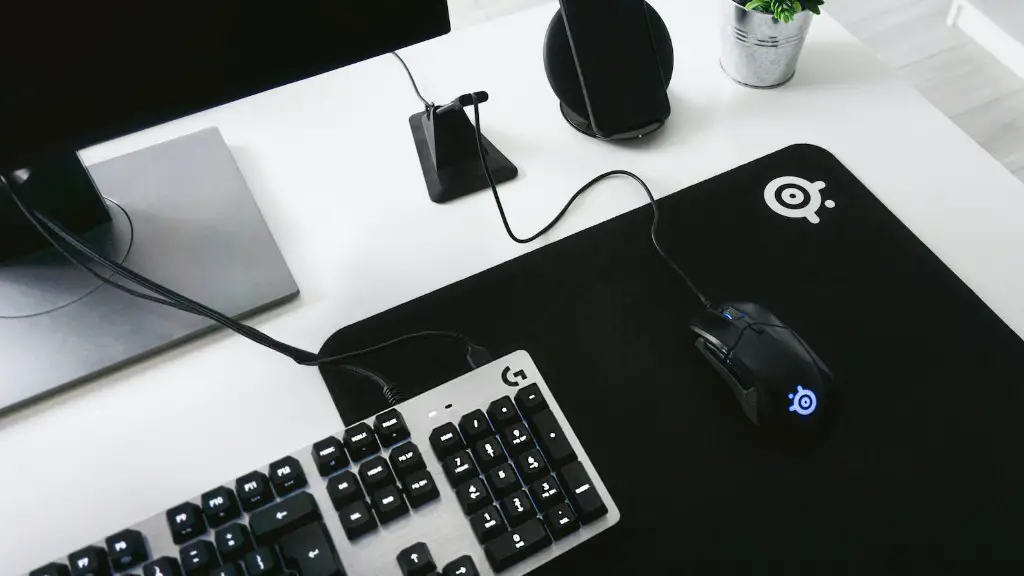
Bottlenecks can be a major issue, particularly when gaming. It occurs when a PC component can’t keep up with the others, leading to performance dips. To identify bottlenecks, use benchmarking and system diagnostic tools; these can help pinpoint the exact issue and help determine which type of upgrade would be most suitable.
Optimize Graphics Settings
When playing certain games, altering certain graphics settings can significantly improve gaming performance. Older and less demanding games can benefit from more intensive adjustments, though it’s largely dependent on the game and the specs of your computer. Tweaking anti-aliasing, texture and other settings can give you the best mix of visuals and performance.
Defragment Your Hard Drive
Periodically defragmenting your hard drive is essential for maintaining a peak performance. Defragmentation helps reorganize the sectors on your hard drive, which can improve performance exponentially. Windows has a built-in defragmenter, though third-party defragmenters offer more control over the process.
Monitor System Performance
Another way to improve gaming performance is to monitor, track and analyze the PC system’s performance while gaming. Track the CPU and GPU temperature, record GPU and CPU utilization, and identify the most intensive tasks that run during gaming. Not only can this help in understanding what affects the performance of a PC, but it also shows which tasks or processes need optimization or need to be shut down.
Reduce Overclocking
In some cases, overclocking can help improve gaming performance, though it is not always recommended. The main benefit of overclocking is that it helps the processor reach higher frequencies than its default value, though it can also lead to instability and damage hardware in the process. If you want to overclock your CPU, then you should be prepared for the potential of decreased stability.
