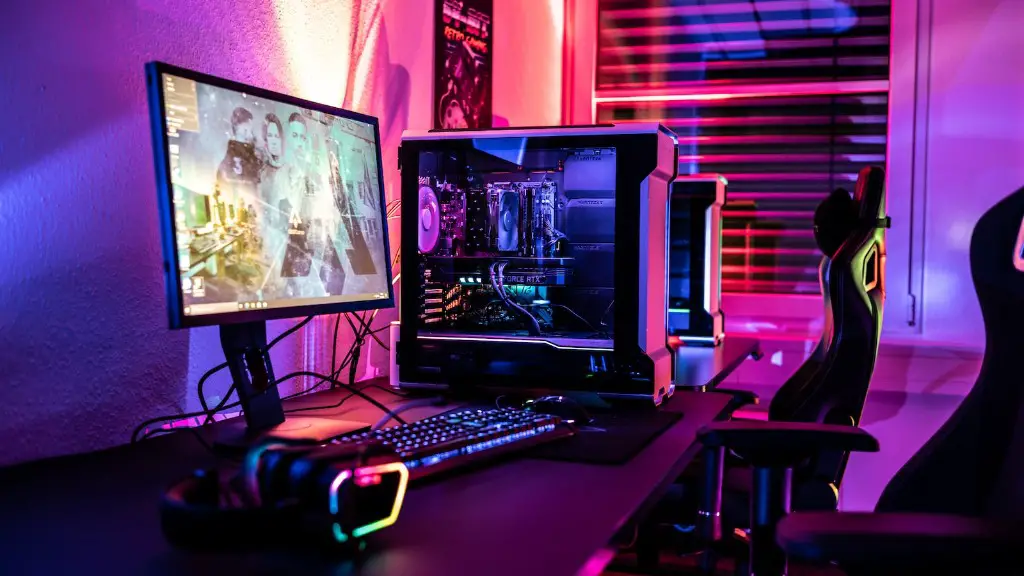
As gaming PCs become increasingly popular, more and more people are looking to build their own custom gaming setup. Whether you’re gaming on a budget or looking to build a powerful custom rig, building a gaming PC requires some special considerations. Here are some tips from an experienced gamer to help you create the best gaming PC setup possible.
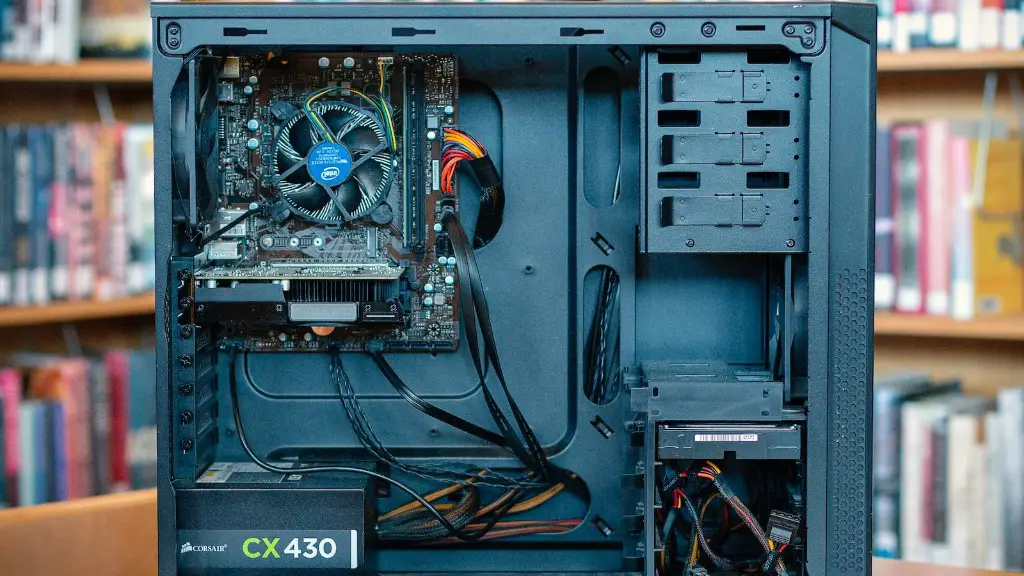
To make a gaming PC setup, you’ll need a sturdy case for your components. You can buy a pre-built case or build a custom one, depending on your budget. When selecting a case, consider the size and shape for the components you plan on using, as well as their cooling requirements. Also, be sure it has enough room for wiring and cables.
Once you have your case chosen, it’s time to pick out the components. A good CPU and GPU are essential for creating a great gaming setup. For CPU, look at processors with multiple cores and fast clock speeds. For GPU, select an upgradeable model with at least 4GB of video RAM.
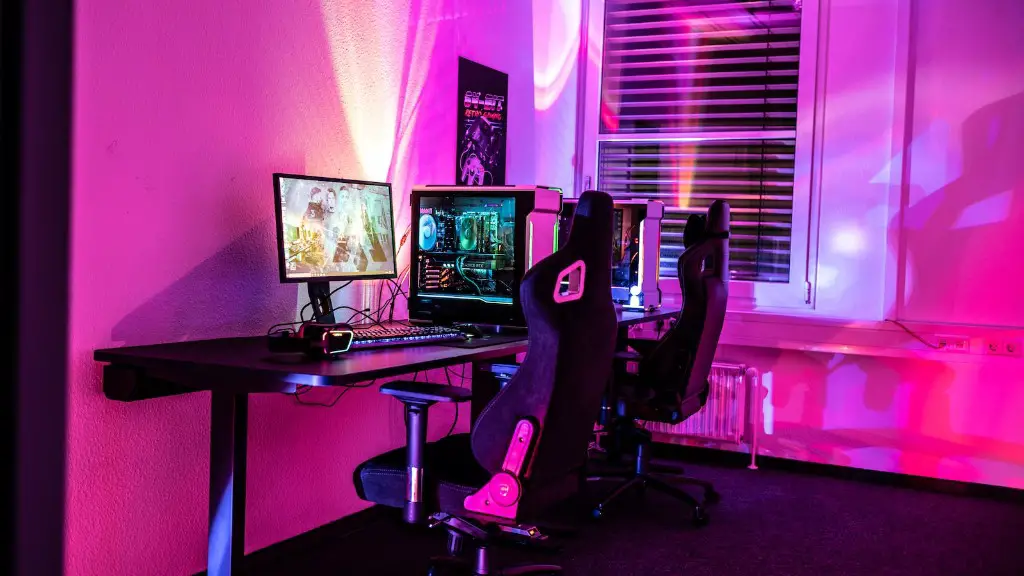
When it comes to memory, you’ll want to select a good quality RAM with 16GB or more for a great gaming setup. For storage, look at solid state drives for games and large hard drives for large data files. You’ll also need a power supply, motherboard, fans, and other components like a sound card or capture card, depending on your gaming needs.
When building your gaming PC, be sure to mount the components correctly. Also, you’ll need to plug in the necessary cables and configure the software to make sure everything is working properly. If you want to ensure maximum performance and stability, you may want to consult an IT professional to assist in the installation.
Finally, a great gaming PC setup requires good equipment. Consider getting a high-quality monitor and audio system. A good monitor should have a high refresh rate and WQHD resolution. For audio, choose a 7.1 surround sound system or a headset with great sound quality.
How To Configure Your Gaming PC
Now that you have your components assembled, it’s time to configure your gaming PC. You’ll need to install the necessary drivers and software for each component to make sure everything is working properly. Additionally, you’ll want to adjust the settings for components like your monitor and audio to get the best performance from your setup.
Once the drivers and software are installed, it’s important to set up your operating system. You can do this either by creating an OS installation disk or downloading an ISO installer from the internet. Once the install is complete, you’ll need to configure settings like your resolution and choice of power saving options.
Finally, you need to install the necessary software programs for gaming. Your PC may come pre-loaded with certain important utilities, but you may need to download and install additional software. This includes updates for your drivers, gaming applications, software patches, and more.
Once you have your software updated, it’s time to start gaming. Depending on your PC setup, you may want to stream your gaming experience or install emulators. Many emulators require special drivers to work correctly on a gaming PC, so verify you have the appropriate drivers for these games.
Finally, the last step for setting up your gaming PC is to install any mods and add-ons. Mods help to add extra content and features to games, while add-ons allow you to access extra content or gain access to online gaming networks. Before installing mods and add-ons, be sure to read the instructions thoroughly.
How To Optimize Your Gaming PC
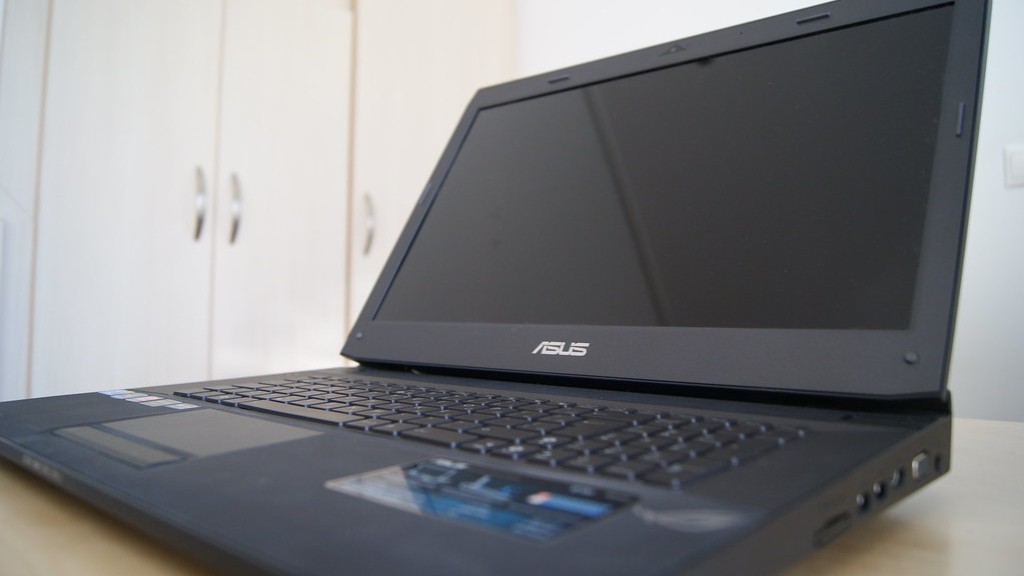
After you have your gaming PC setup, you’ll want to optimize it for the best performance. This may involve tweaking the components, settings, and software to make sure everything is running efficiently. This includes adjusting the graphics and video settings, reducing background processes, and using specialized software to help your gaming PC run faster and smoother.
If you’re all about getting the most out of your PC setup, consider overclocking your components. This involves adjusting the settings of your processor, memory, and chipsets to make them run faster than they were designed to run, boosting the performance of your gaming PC. However, be sure to research overclocking before attempting it, as it can damage your hardware if done incorrectly.
Another way to boost performance is to manage the temperature of your gaming PC. Overheating can cause damage to the components, so be sure to check temperatures and clean dust from the fans regularly. Also, you can purchase cooling pads or fans to provide extra cooling to your setup.
Finally, if you’re looking for the best performance from your gaming PC, consider updating the components. This could mean replacing an outdated CPU with a new one, upgrading to a higher quality graphics card, or adding additional storage space. Upgrading your components can be a time-consuming and expensive task, but it will help to ensure you have the best gaming experience possible.
How To Connect Your Gaming PC
Now that your PC is set up and optimized, you’ll want to ensure you are able to connect to the gaming networks and platforms. Depending on your setup, this could mean connecting to a console gaming network, like Xbox Live or PlayStation Network, or connecting to streaming services like Twitch or YouTube.
For console gaming networks, you’ll need to create a profile and link your console with the appropriate gaming account. This involves registering with the appropriate console platform and entering your credentials. Also, if you are connecting to an online gaming network, you’ll need to make sure you have an internet connection that is fast enough.
For streaming services, you’ll need to create an account with the appropriate streaming service. This usually involves registering an account with the service and linking it to payment information. Additionally, you’ll need to make sure your PC is able to stream video in the right format, so you’ll need to research the requirements for the streaming service you plan on using.
In order to connect your PC to the gaming networks, you may also need additional hardware, such as a capture card. Capture cards are used to capture and record gameplay from consoles, or stream your gaming session. Additionally, you may need additional software such as screen sharing programs or audio mixing software.
How To Maintain Your Gaming PC
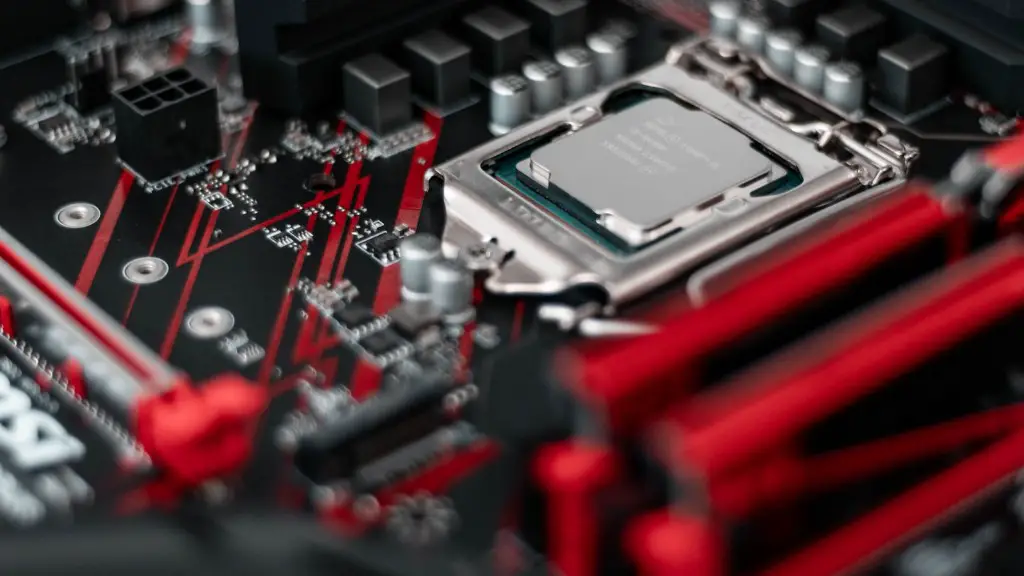
Finally, in order to maintain your gaming PC, it’s important to perform regular maintenance. This includes checking for driver updates, clearing dust from the components, and making sure all of the cables are connected properly. Additionally, you’ll want to keep an eye on the temperature of your gaming PC to make sure it is running cool.
Also, it’s important to keep your gaming PC up to date by installing the latest patches and updates. This helps to ensure that your PC is running the latest security features and making sure that any bugs are patched. Additionally, you may want to invest in antivirus software to make sure that your PC is protected from malware and other threats.
If you’re a heavy PC gamer, you may want to look into getting additional accessories to help you maintain your gaming PC. These could include extra cooling pads, external hard drives, or gaming keyboards and mice. Additionally, if you’re using a laptop for your gaming setup, you may want to get a laptop cooling fan or laptop stand to help keep your gaming laptop running cool and performing at optimum levels.
Finally, you’ll need to have the necessary tools on hand for basic maintenance. These may include dust masks, thermal paste, and screwdrivers, among other items. Having these items on hand makes it much easier to perform routine maintenance on your gaming PC when the time comes.
