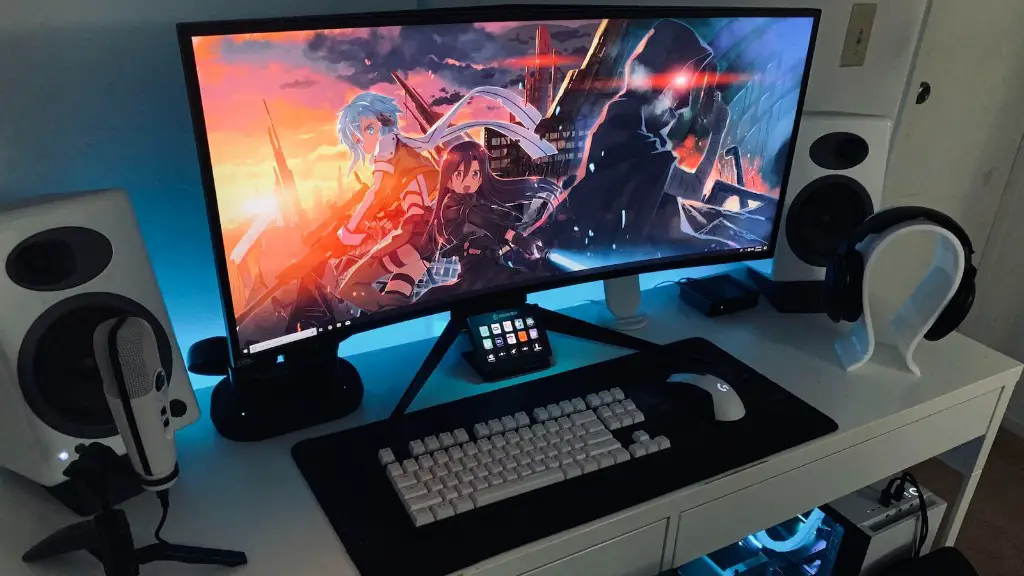
Making a gaming PC run smoothly isn’t as tough as it seems. It only requires a few simple steps that anyone can do, regardless of their technical skills. Firstly, make sure that your PC is running the latest version of the graphics driver. Graphics drivers are key to running your PC’s graphical programs, and having the latest version installed can make a huge difference in performance. Secondly, be sure to clean the dust from your CPU, Graphics card and other components, as dust tends to accumulate quickly, reducing the speed at which your PC runs. Thirdly, check your Wi-Fi signal strength – if it’s weak, it can lead to a slow PC. Additionally, close any unnecessary programs and services that may be running in the background and consuming RAM. This can improve the performance of your PC significantly. Fourthly, install a good anti-malware and anti-virus product to prevent malicious software from slowing down your computer. Additionally, run a combination of anti-malware and anti-virus scans regularly to ensure that any new malicious software threats are identified and eradicated.
Optimizing Your PC System
Updating your components regularly to their latest version is one way to make your gaming PC run smoother. This is especially true for your Graphics Driver since having the latest version installed can make a big difference in performance. Also, be sure to use a third-party software like CCleaner to remove excess files and unused programs that can also eat up RAM. Furthermore, always install a good anti-malware and anti-virus product as these help to protect your PC from malicious software that can slow it down.
Storage Optimization
Another way to make your gaming PC run smoother is to optimize your storage. You can do this by monitoring your hard drive space and freeing up space where needed. Additionally, keep your file structures organized and use compression software when necessary to reduce file size. It’s also important to defragment your hard drive periodically as this helps to improve your computer’s performance.
Regular Maintenance
Performing regular maintenance tasks on your PC can also help to keep it running smoothly. This includes cleaning the dust from the inside of your PC, as dust tends to accumulate quickly, which can make your PC slower. Additionally, be sure to check your Wi-Fi signal strength regularly and make sure that any unnecessary programs and services that may be running in the background aren’t consuming too much RAM.
Hardware Upgrades
In some cases, hardware upgrades may be necessary to make your gaming PC run smoother. Specifically, if your PC has a low amount of RAM or an outdated Graphics Card, it may be time to upgrade the hardware. This can be done relatively easily and can make a big difference in graphics and performance. You can also opt for solid state drives (SSD) that can further improve the speed of your PC.
Computer Overclocking
Overclocking your PC can also help to make your gaming PC run smoother. This is a process by which the hardware of your PC is configured to run faster than it was initially intended by the manufacturer. However, it should be done with caution as it can lead to overheating, which can damage your computer. Additionally, overclocking requires special software, making it best suited for more experienced gamers.
Conclusion
In conclusion, there are multiple ways to make your gaming PC run smoother. This includes updating the graphics driver and cleaning the dust from your PC, as well as optimizing your storage, running regular maintenance checks, upgrading hardware and overclocking the PC. All of these measures can help improve the speed and performance of your gaming PC.
