
Making sure your gaming PC looks its best isn’t just about performance, it’s also about aesthetics. A great-looking gaming PC not only helps you make a statement to your peers, but it can also be a source of personal pride for you. Fortunately, making your gaming PC look better isn’t rocket science. Even the least tech-savvy of us can make small changes to enhance the appearance of our gaming setups.
The first step to improve your gaming PC’s look is to remove any clutter that might take away from it. Remove any extra cables that could very easily be tucked away beneath your desk or behind a wall. This will help keep your setup organized and aesthetically pleasing. You can also invest in some cable management products to help you quickly and easily achieve the look you desire.
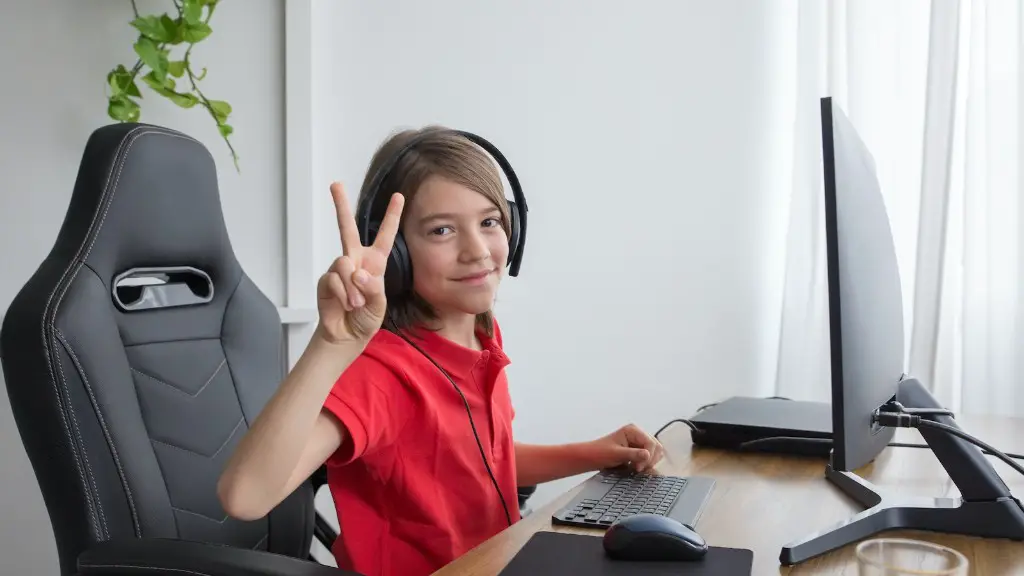
The second step is to invest in a great gaming chair. Sitting in a chair that looks and feels like it could’ve been lifted off a racetrack can make all the difference in your gaming experience. Not only does it keep you comfortable for long hours of gaming, but it can also add a unique flavor to your setup. You can shop around for chairs that fit both your budget and your gaming style.
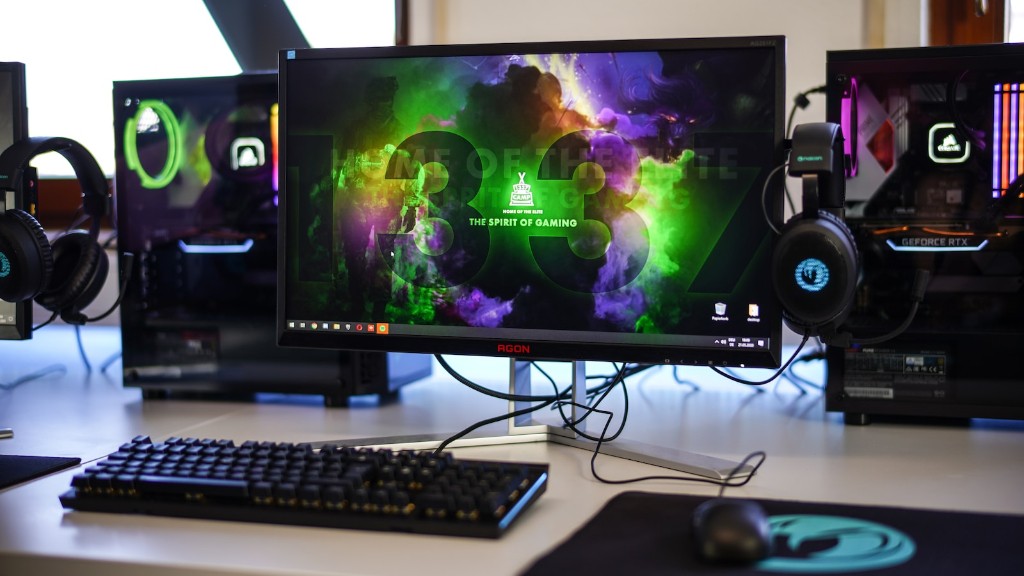
Your gaming setup’s lighting also plays a huge role in the overall look and feel of the setup. Even with an older PC, you can still inject life by investing in some RGB lights or fixtures. Not only do they light up the space, but they also come packed with a variety of hues and light effects to help create the atmosphere of your choice. Bright and colorful lights around your setup can give it a more futuristic, gaming-centric feel.
Having a tidy and organized area around your gaming setup can also help to improve its aesthetic. Keeping the area surrounding your setup clean and uncluttered can make the whole room appear brighter and bigger. Realistically speaking, the entire room need not be an immaculate gaming den, but the more organized and neat it is, the better it will look.
Finally, invest in a great desk. Your desk can set the tone for the overall look of your setup. When looking for a desk, opt for one that offers ample surface area for your monitor, keyboard and mouse. Also, you can’t go wrong with adjustable height desks, as they can be tweaked to fit exactly what you need.
Removable Components and Decals
Removable components and decals are the perfect way to add personalized touches to your gaming setup. If you’re not afraid of going the extra mile, consider investing in custom 3D printed components for your PC. Otherwise, there are many removable components that you can add to your setup, ranging from specialized GPU fans to RAM heatsinks. The latter can also help boost performance as well as aesthetics.
Alternatively, you can opt for decals and skins to liven up your setup. Custom decals and skins are easy to apply and can instantly change the look of your gaming PC. Alongside generic skins and decals, some companies offer custom-made skins that can be tailored to your own preferences.
Decorating the area around your setup is also a great way to make it look more pleasing. Invest in some quality gaming memorabilia or artworks, such as posters and figures, to fill the empty space around your desktop. This can often be the best option for gamers looking for something tasteful.
Consider adding some plants around your setup as well. Greenery can help reduce stress levels and also lend a more relaxed atmosphere to the room. If you opt for this, be sure to pick plants that don’t require too much maintenance, as it won’t do your setup any good if you’re constantly having to prune them!
Upgrades and Installations
Some basic upgrades and installations can’t be neglected when it comes to maximizing the look of your gaming setup. Investing in quality components is the easiest way to give it a more professional and polished look. If possible, consider investing in higher-end components such as GPUs, CPUs and motherboards as they usually feature more eye-catching designs.
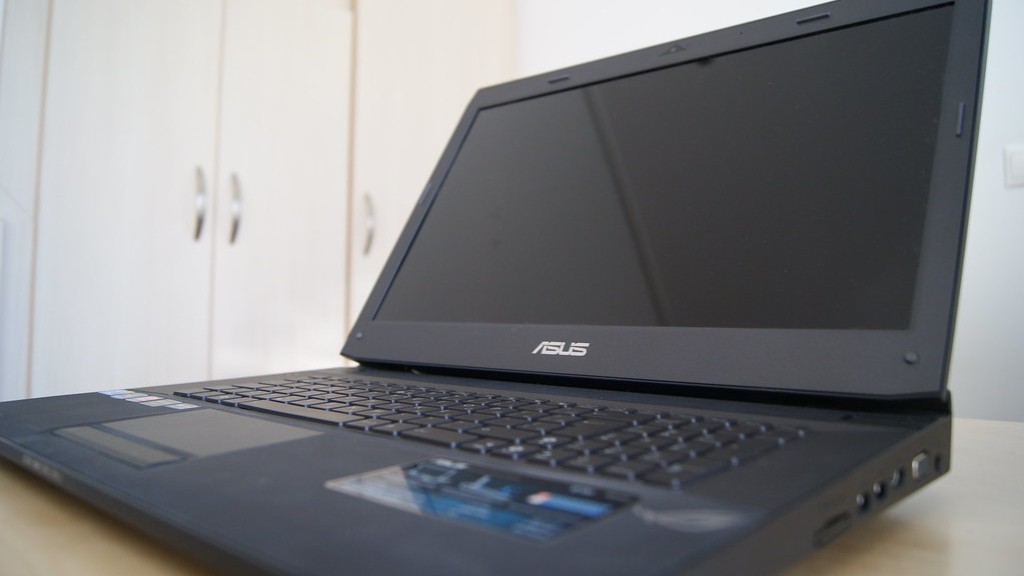
You should also consider replacing your PC’s internals with water-cooling equipment in order to reduce temperatures and optimize your PC’s performance. With some deft cable management and the utilization of properly labeled cables, you can make your gaming setup look even more polished and professional.
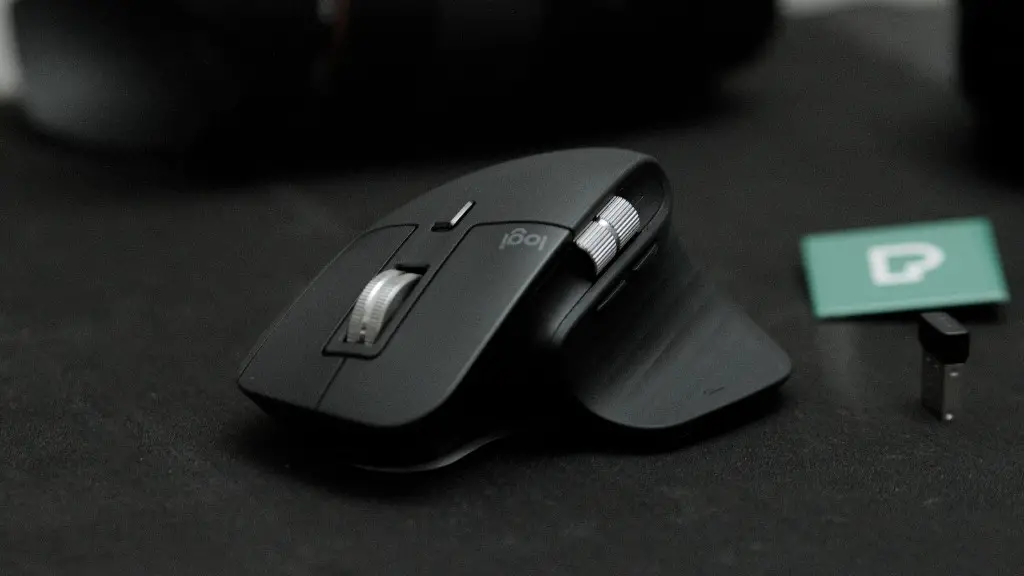
Another option is to upgrade your peripherals. Having quality peripherals, such as a gaming mouse and keyboard, adds a nice finishing touch to your setup. Not only that, but the improved comfort and accuracy can help you push the boundaries in gaming. If you have the budget to invest in more aesthetic choices, like gaming headphones and mousepads, there’s no better way to show people you care about what you’re using.
External media storage is also important. A gaming setup can often end up looking a little messy if you don’t take the time to organize your storage space. Investing in an external hard drive enclosure, for example, helps keep all your vital files and data neatly organized in one place. Additionally, these enclosures can add a unique flavor to your setup and are perfect for the modern-day gaming enthusiast.
Good Maintenance Habits
Buying good components and peripherals isn’t all that’s required to make your gaming PC look better. You must also nurture and maintain it to keep it looking its best. Cleaning your PC regularly is a must, as dust particles and dirt buildup can degrade performance and make it look dull and aged. Keep in mind, however, that you should be careful when cleaning specific components, like the graphics card and case fans, as they may be damaged by excessive cleaning.
Moreover, it’s a good idea to periodically back up your hard drive in order to protect any important data and documents that could be lost due to an unforeseen issue, such as a hard drive failure. And when it comes to software, make sure you keep all your programs and drivers up to date. Outdated software can cause performance issues and even some visual ones, like visual glitches and bad frame rates.
Finally, make sure the temperature of your gaming PC is kept at an optimal level. With components continuously pushing out all that heat, keeping them at cool temperatures is key in making sure your PC remains in good condition. There are plenty of fans and cooling solutions out there that you can take advantage of to help keep your PC cool.
Customizing Your PC
If you’re feeling adventurous, there are various ways you can customize your gaming PC to make it unique. One of the best ones is to paint the chassis in the color of your choice. If you don’t feel comfortable with that, you can also add a coat of glossy paint or a vinyl wrap to give it the desired look. Additionally, you can create your own custom desk decals or use readymade ones from some well-known brands.
Installing a windowed side panel is also a great idea, as it can give your setup an extra edge. Alternatively, you can also create your own custom window by etching it on a clear piece of acrylic coated with your favorite design. Whichever you opt for, these little additions can really personalize the look of your gaming PC.
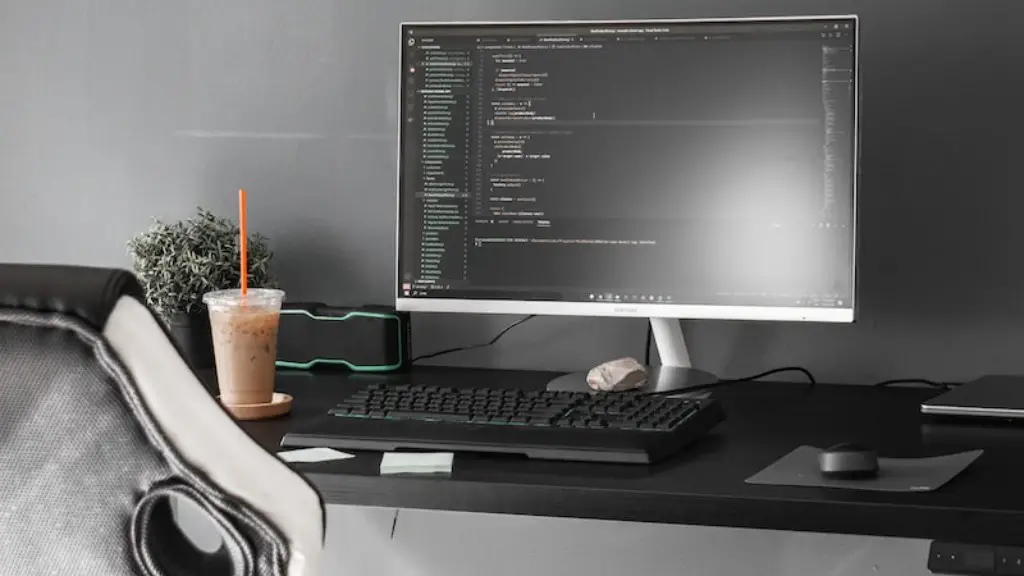
Meanwhile, an LED light strip is the best way to light up your setup. With the ability to customize the colors and effects, these strips can really change the entire feel of your gaming setup. You also have the option of installing a custom fan and case control unit to allow you more control over your setup’s temperature.
Another way to customize your gaming PC is to invest in a reflection box. These boxes come in various sizes and can be used to provide your setup with an extra bit of personality. All you need to do is place the reflection box behind your monitor or around your rig and you’ll get an amazing unique look that everybody will envy.
Final Touches and Accessories
No PC setup is complete without the right accessories. Investing in some gaming-oriented mouse mats, headsets and keyboards can show people how serious you are about gaming. Additionally, spending some money on a cutting edge monitor will also give your setup an extra edge. You can also purchase some classic gaming console replicas and controllers to complete the look.
Another great touch is to invest in some game memorabilia, such as action figures, art prints, and posters, to give your setup the spark it needs. Nothing speaks louder than having your favorite character or game showcased in your gaming space. Not only are these items aesthetically pleasing, but they’re also great for any gaming enthusiast.
Finally, consider investing in some USB-powered devices to add a bit of uniqueness to your setup. You can choose from many devices such as LED light bulbs, EVGA’s RGB-lit GPU coolers, RGB LED strips, and LED fans. These devices are designed to make your gaming experience as immersive as possible.
