Gaming monitors have become a must-have even amongst casual gamers. For that reason, optimizing their gaming monitor is becoming more important than ever. Here I will give you some tips on how to get the most out of your gaming monitor for a better gaming experience.
Firstly, adjust your gaming monitor’s contrast and brightness levels. Ensure that the brightness level is set lower than the default; usually set for overly bright environments like office spaces. This will reduce eye strain and make it easier to distinguish dark and light colors. Similarly, adjust the contrast level to differentiate between colors. This will also reduce eye strain and give better picture quality.
Secondly, select the right resolution and aspect ratio for your gaming monitor. Resolution determines the number of pixels that your monitor will be able to display. A higher resolution will provide sharper images, but can decrease your frame rate. Additionally, choose the right aspect ratio. Widescreen aspect ratios are better for gaming, as they allow you to see a wider field without having to scroll. With the right combination of resolution and aspect ratio, you can get the most out of your gaming experience.
Thirdly, make sure that the refresh rate of your gaming monitor is set to the right level. Refresh rates refer to the frequency at which the monitor updates its image; the higher the refresh rate, the smoother the graphics. Refresh rates of at least 75 Hz are recommended for gaming monitors.
Next, ensure that your gaming monitor has the best response time. Response time refers to the amount of time it takes for a pixel to go from one color to another. Lower response times reduce input lag and make gaming more responsive. A response time of 5-6 ms is ideal for gaming monitors.
Finally, you should calibrate your gaming monitor’s colors. Setting your monitor’s colors to the right levels will enable you to get better gaming performance and enjoy more vibrant colors. Some gaming monitors even have special built-in calibration programs, which can help you set the colors easily.
Choosing the Right Monitor
When it comes to optimizing your gaming monitor, choosing the right one is just as important as the settings. Investing in a good monitor will make all the difference in terms of performance, image quality, and overall gaming experience. Look for gaming monitors with 4K resolution, high refresh rates, and low response times. Larger screens may also be beneficial, as they will allow you to enjoy a wider field of view.
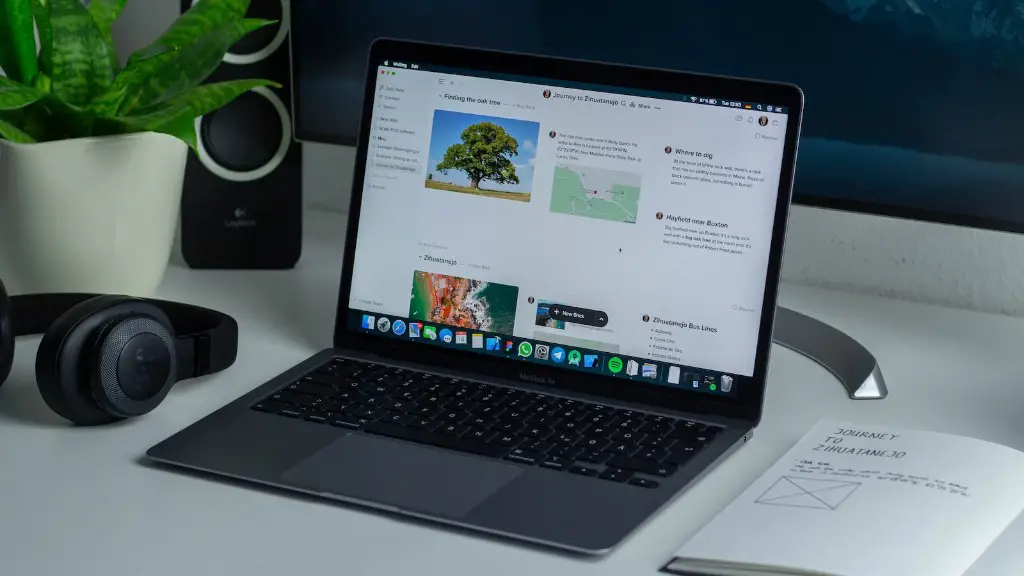
Furthermore, try to find a monitor with display and color technology that is suitable for gaming. Look for variable refresh rate technologies such as AMD FreeSync and NVIDIA G-Sync, which can greatly improve the gaming experience. Monitor technologies such as HDR and Quantum Dot can also enhance the gaming experience, by delivering more vibrant and lifelike colors.
Also, consider features such as built-in speakers, ports, and ports for headphones. Most monitors come with limited options in this regard, so you may need to invest in additional peripherals for a more immersive gaming experience.
Finally, make sure that you get a monitor that is designed for gaming. Monitors designed for gaming often have custom settings, specifically designed for gaming, as well as additional features such as low latency, which can reduce input lag. While there is no one perfect monitor for everyone, devoting a bit of research to choose the monitor that is right for you can make a huge difference in your gaming experience.
Gaming Settings
Once you have chosen the right monitor, it is time to make some adjustments to the gaming settings. This can have a major impact on your gaming experience and performance.
Firstly, make sure that you have enabled the gaming-specific features on your monitor. Many gaming monitors have features such as low latency, custom settings, and variable refresh rates. These features will enhance your gaming experience and may even improve your performance.
Secondly, try to find the right balance between image quality and frame rate. If you have a powerful graphics card, you can afford to increase the image quality. However, if performance is your priority, you can decrease the graphics settings to increase your frame rate.
Thirdly, look to reduce input lag. Input lag is the amount of time it takes for a signal from your controller to reach the game. Look for settings such as game mode which can reduce input lag. Additionally, use the right cables and connections; avoid using adapters or splitters which can increase input lag.
Fourthly, consider using CrossFireX or SLI to make use of multiple GPUs. CrossFireX or SLI is a technology which allows you to connect multiple GPUs to your system. This can greatly increase your gaming performance, by enabling your system to take advantage of the additional graphical power.
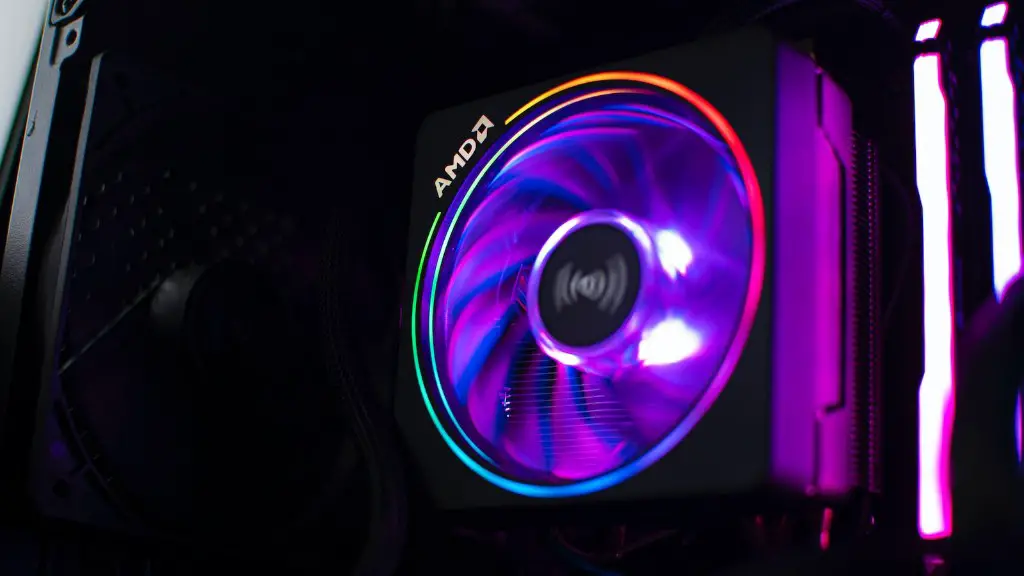
Finally, make use of game-optimization software. Software such as MSI Afterburner can allow you to control your graphics settings more accurately, as well as make use of additional features to optimize your gaming experience.
Gaming Accessories
To get the most out of your gaming monitor, you should also consider investing in some gaming accessories.
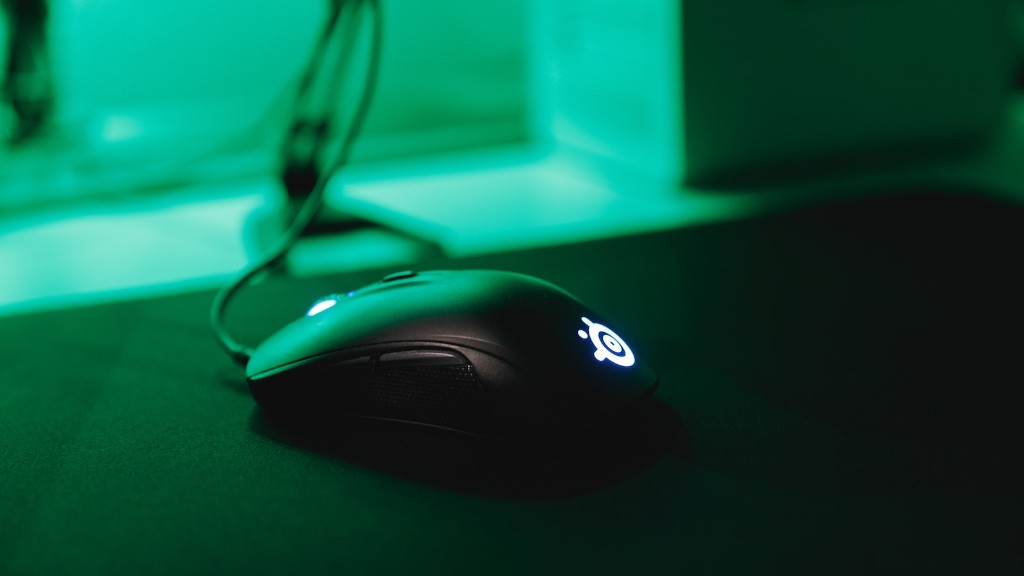
Firstly, consider investing in a gaming mouse. Gaming mice feature additional buttons, special switches, and adjustable weights which can help make gaming more precise. Additionally, a good gaming mouse will also feature adjustable liftoff distance, allowing you to customize the mouse to your own gaming style.
Next, look for a gaming keyboard. Gaming keyboards feature dedicated macro keys which can be programmed to perform complex in-game commands. Many gaming keyboards also feature backlighting, and sometimes even RGB lighting, which can give your gaming setup an immersive and visually attractive look.

Thirdly, you may want to invest in a gaming headset. Headsets such as the HyperX Cloud II allow you to communicate with other players easily and can make gaming more immersive. Furthermore, many gaming headsets feature virtual surround sound technology, which can give you an edge by allowing you to pinpoint the presence and direction of certain sound effects.
Finally, you should consider investing in a monitor stand. Monitor stands provide more stability when compared to wall mount brackets, and can also improve ergonomics. Furthermore, you can use monitor stands to raise your gaming monitor to an optimal height.
Future Integrations
Gaming monitors are constantly evolving and becoming more advanced. Newer monitors can now offer features such as USB-C charging, wireless charging, and wireless streaming. Soon, gaming monitors may even offer features such as eye-tracking and adaptive sync technology.
Additionally, gaming monitors are now incorporating deeper integration with game consoles. With gaming consoles such as the PlayStation 4 and Xbox One, you now can connect your gaming monitor directly to the console, eliminating the need for cables and ports. This can simplify the setup process and make gaming even more immersive.
Finally, more gaming monitors are featuring different kinds of mobile integrations. Some monitors are now featuring mobile phone integration, allowing you to easily connect your phone to your monitor. This can be incredibly useful, as it allows you to access and use apps and games while on the go.
In the future, gaming monitors are sure to offer even more features and integrations. With continued advancements in technology, gaming monitors will no doubt become even better, providing a more immersive and efficient gaming experience.
