Getting into competitive gaming requires setting up a gaming PC that is capable of handling the speed and graphics. However, It can be daunting to first time PC gamers, as setting up your gaming PC isn’t as easy as plug-and-play with a console. Here are the steps to set up your gaming PC:
1. Get the right components: For a gaming PC you will need the right Graphic Card, Motherboard, CPU and RAM. Make sure that your graphic card and CPU are compatible with each other. Generally, having as powerful components as you can afford is the best, but don’t forget to also consider the price.
2. Choose the powersupply: You will need to select a powersupply that meets the requirements of your components and supports the wattage of your laptop. Generally, it is better to go for a higher wattage to give your components more breathing room. Don’t forget to check if the power supply is compatible with the motherboard.
3. Assemble your components: After you have gathered all the parts you need, it’s time to assemble them. Place the CPU into the motherboard, and make sure you connect the fan as well. Next, plug the RAM into the designated slots on the motherboard and make sure they’re secured. Now it’s time to install the GPU and secure it with screws, then install the powersupply.
4. Install the operating system: When the PC is ready with all the components, you will need to install the OS. This can either be through a disk or through an ISO file, both of which require you to format the disk. Make sure to also update the system so it has the latest version of the OS installed.
5. Install gaming software and drivers: Your gaming PC is almost complete. All that’s left to do is to install the gaming software and drivers for the components. This will ensure that the components are running optimally and that the gaming software is up to date.
6. Configure the settings: Now that your software and drivers are installed, it’s time to configure your settings. This will include settings such as resolution and graphical settings, as well as any other settings that may be applicable. It’s important to make sure the settings are optimized for your system for the best performance.
7. Test it out: Finally, you’re all set. To make sure the PC is working properly, it’s important to test it out by playing some games on it. This way you can make sure that the gaming experience is up to your expectations.
Cooling
Cooling is an important part of a gaming PC as it helps keep temperatures low, ensuring optimal performance. Having a good cooling system is essential, and there are many options such as air, liquid, and hybrid coolers. Depending on the type of gaming you do, you may want to consider different cooling components, such as a dedicated GPU cooler or a case fan. Additionally, it’s important to make sure that your components are properly ventilated and that there are no obstructions to impede airflow.
Storage
The next step is to select storage solutions for your gaming PC. This can include Hard Drives, SSDs, or even a hybrid of both. You should consider the type of storage you want as well as its capacity as this will affect how much data you can store. Additionally, there are different types of storage solutions to consider, such as SSDs and HDDs that offer faster loading times, as well as NVMe drives that offer the highest levels of performance.
Cabling
When building a gaming PC, cabling is often overlooked. However, this is an essential part of the process and a careful attention should be given to how the components are cabled. This can involve connecting the PSU to the motherboard and GPU, and route the cables in a manner that reduces obstructions. Additionally, using premium cables and using zip ties to secure them can help keep the system neat, tidy, and reduce the amount of clutter.
Monitors & Other Components
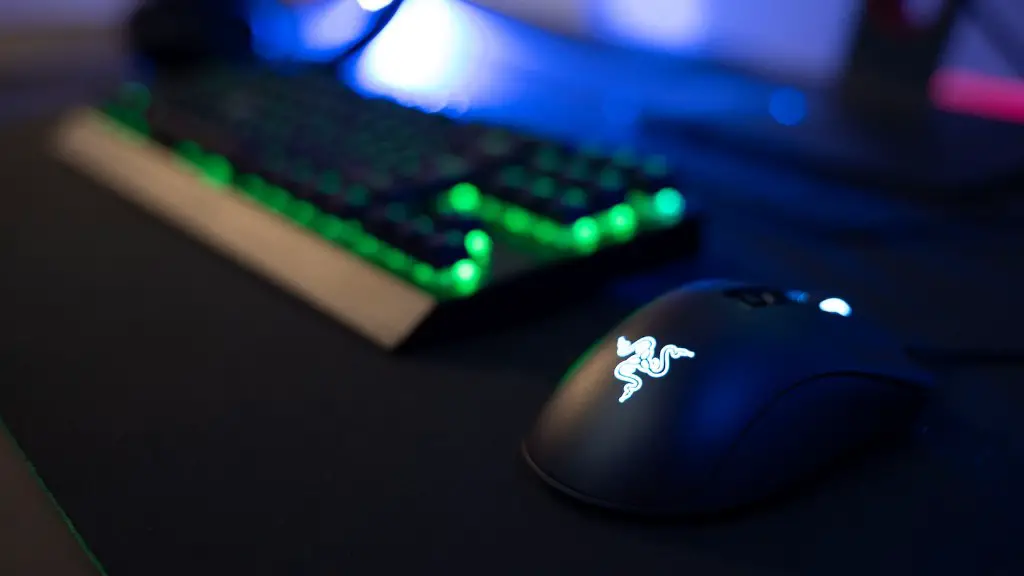
After the system is built and cabled, it’s time to consider peripheral components. This includes a gaming monitor and gaming peripherals such as a mouse, keyboard, and headset. It’s important to pick components that are compatible with each other and your PC components. Additionally, make sure to get the right monitor configuration, such as the popular Nvidia G-SYNC. This helps prevent the tearing and stuttering that can occur with gaming PCs.
Networking
The final step is to set up the networking on your gaming PC. This involves making sure that the system is connected to the internet and your local network. Additionally, it’s important to configure your network settings such as firewalls and wireless connections. You may also want to consider using a VPN to keep your data and connection secure.
