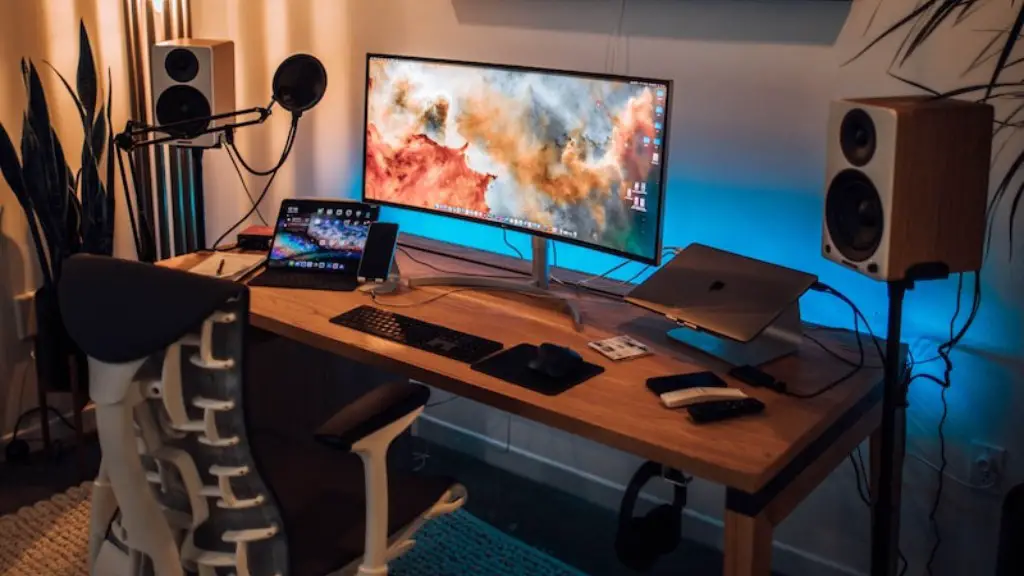
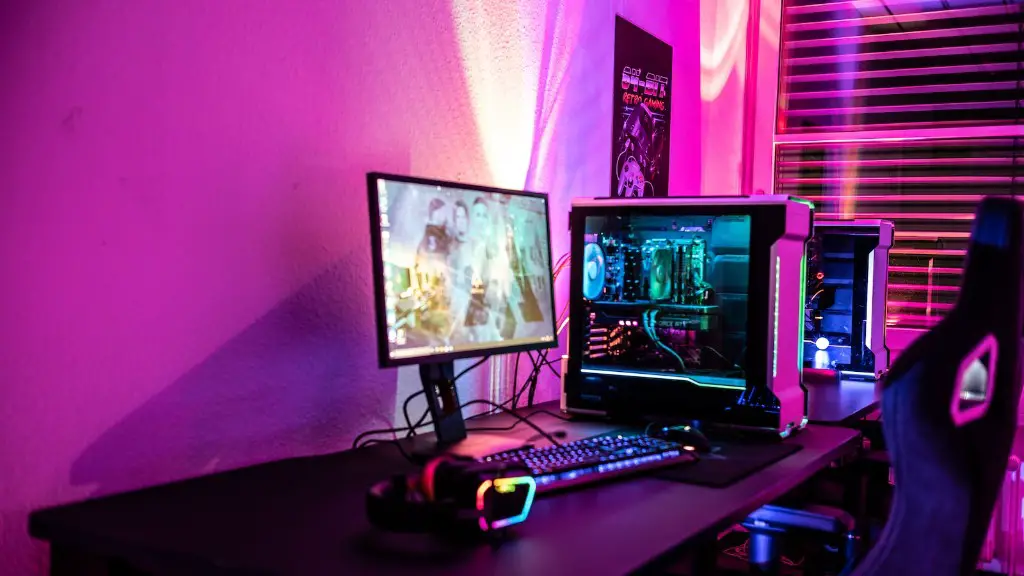
Though building a gaming PC can be a daunting task, if done correctly, it can help you in playing games without facing lags or any other performance-related problems. It is true that the hardware of your gaming PC determines its capability, but it is not the only factor involved. Software-level optimization can play a big role in enhancing the performance of your gaming PC.
Before we get into the details, you should know that there are two methods of speeding up your gaming PC: increasing the hardware performance and optimizing the software.
When it comes to optimizing the software, the first step is to make sure that you have the latest drivers installed on your system. Upgrading to the latest drivers can take you a long way in terms of performance and stability. You should also ensure that your OS is up-to-date. This means that all the updates should be installed as soon as they are available. This ensures that you are always running the latest version of your OS with all the necessary bug fixes, which can improve your gaming PC’s performance.
The second step is to disable all the unnecessary services and applications running in the background. You can easily do this using Task Manager or an application like System Explorer. You can also try to increase the performance of your PC by disabling the Core Parking feature, which saves energy by putting unused cores in a sleep state, and thus can reduce the performance of a high-end system.
The third step involves optimizing the system resources. You can do this by tweaking the performance of your GPU, overclocking the CPU, increasing the RAM and clearing out the unnecessary temp files. These are some of the methods which can help you in significantly improving the gaming performance of your system.
Finally, you should also keep an eye out for any malicious programs running on your system. Anti-virus software can help you in detecting and removing these programs. Make sure to run regular scans in order to keep your system safe and secure.
Hardware Optimization
It is important to keep the hardware of your PC in good condition in order to ensure maximum performance. Upgrading your hardware can make a huge difference in terms of performance. Upgrading your GPU and CPU can help you in significantly improving the gaming experience.
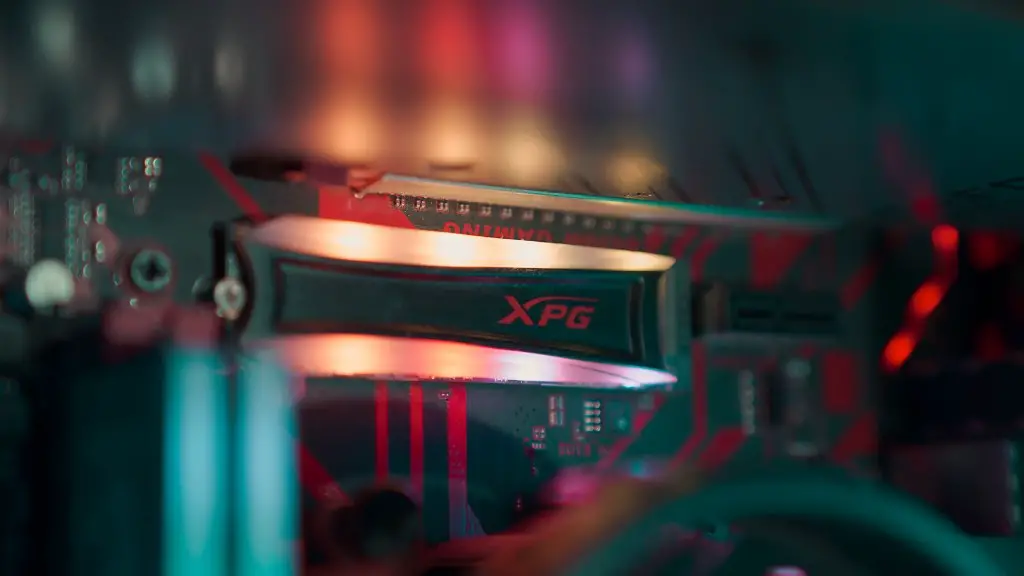
If your budget allows, you can invest in a solid-state drive for faster storage. This will make loading times much faster and ensure smoother gameplay. An SSD can also help in decreasing the booting time of your system.
If you want to further improve your system’s performance, you can try overclocking your CPU or GPU. Overclocking is a process of pushing the hardware above their recommended speeds in order to boost the performance. However, it is important to remember that overclocking can result in system instability, so only try this if you know what you are doing.
Another important aspect to consider is the storage. If you want fast storage for your games, you should opt for an SSD over a hard drive. An SSD is much faster than a hard drive, and can help in significantly reducing loading times and boosting the performance of your system.
The last step is to ensure that the heat levels are under control. Heat can have a major impact on your system’s performance, and it is important to keep it in check. You should try to get a good cooling system for your system, as this can help in keeping the temperatures at an optimal level.
Network Optimization

Your gaming experience can suffer if your internet connection is slow. Therefore, it is important to optimize your network in order to ensure smooth and lag-free gaming. The first step is to use the speed test tool to assess your internet speed. If the speed is not satisfactory, you should contact your ISP and ask for a better plan or try switching to another provider.
Apart from that, you should also make sure that your router is up-to-date. If you are using an older router, it would be worth investing in a new one as newer routers come with better support for gaming traffic. You can also try using an Ethernet connection in order to reduce the latency.
You should also consider moving your router closer to your PC in order to reduce the signal strength and ensure better speeds. If distance isn’t a problem, you can try using a signal booster in order to further increase the signal strength.
If you are playing online games, you should also make sure that you are connected to the right server. You can use a service like SpeedTest.net to check the latency of the game server and then connect to the one with the lowest latency. This will ensure that you get the best performance out of your game.
Finally, you should also try to limit the number of connections on your network. This will help in reducing the strain on the router and thus help in improving the speed.
Game Optimization
Apart from optimizing your system and network, you also need to optimize the games in order to get the best performance out of them. Every game comes with its own set of options, which you can use to adjust the graphic settings according to your PC’s capability.
For example, if the game is not performing as you’d expect, you should try reducing the value of resolution, shadows, textures and reflections. You can also try reducing the draw distance and anti-aliasing in order to improve the frame rate of the game.
If you are looking for an even better performance, you should try disabling the V-Sync, which can help in reducing the input lag. Apart from that, you should also try lowering the in-game settings like lighting and post-processing effects, which can help in significantly improving the performance of the game.
It is also important to understand that each game is different, so you should experiment with the settings until you find the right balance. For example, you may have to tweak different settings for different games in order to achieve optimal performance.
Apart from that, you should also consider enabling the game mode for your GPU. This mode forces the GPU to prioritize the game’s graphics, ensuring that the game runs smoothly without any frame drops.
System Maintenance
To conclude, it is important to ensure that your system is regularly maintained in order to keep it running in optimal condition. You should try to clean out your system from time to time, as this can help in preventing any unnecessary heating and maintain the performance of your system.
You should also make sure that your system is free from any malicious software. You should regularly run a full system scan in order to detect any malicious programs and viruses that may be present in your system.
Finally, you should also make sure that you are always running the latest version of your OS. Whenever a new update is released, you should download and install it in order to get the most out of your gaming PC.
Conclusion
Speeding up your gaming PC involves both hardware and software optimization. You should start by ensuring that all the latest drivers and OS updates are installed. You should also try to disable any unnecessary services or applications running in the background. You can try to increase the performance of your PC by tweaking the system resources and overclocking the CPU or GPU. If you want fast storage for your games, you should opt for an SSD over a hard drive. Last but not least, you should also optimize your network and games in order to get the best performance.
