Developing a gaming PC can be a detailed process that requires various components and tests to ensure that it functions correctly. To ensure optimal performance and the highest quality gaming experience, it is essential to test gaming PC performance. There are a few steps that one must take to accurately test performance and confirm that your gaming PC meets gaming standards.
Firstly, choose a reliable benchmarking program to test gaming performance. A benchmarking program allows the user to analyze the performance of the gaming PC by measuring the speed and capability of the components. Additionally, it can be used to compare performance against other systems. The program should be easy to use and provide detailed information outlining the performance of the various components.
Secondly, determine which games will enable the user to test the true capability of their gaming PC. Using popular benchmarks such as 3DMark and Catzilla can provide an accurate assessment of system performance. Be sure to choose games that accurately reflect the desired experience that the system was designed to provide.

Thirdly, evaluate the graphics card and other graphics related components. To do this, the user should use graphics related benchmarking programs such as Heaven or Valley. It is important to adjust the graphical settings during the testing process in order to maximize the performance of the hardware. If the hardware is unable to handle the graphical settings that the user desires, then it is necessary to upgrade it.
Fourthly, analyze the processor and its performance capabilities. The user should choose either 3DMark or Passmark to test the processor. This will reveal how fast the processor is and how efficiently it can multitask in gaming. The processor should be able to handle all of the graphical elements of the game without any lag or degradation in performance.
Fifthly, test any additional hardware such as storage and flash drives. These components should be tested separately to determine the performance of the hardware. Additionally, the user should test any cooling systems they may have installed. This will ensure that the system runs efficiently and does not incur any damage due to overheating.
Finally, adjust any settings such as power management and CPU clock speeds to optimize the performance of the gaming PC. This step may require some trial and error, but it can have a positive effect on the overall performance of the system. Be sure to test the settings after each adjustment to ensure that the settings are optimized for gaming.
Other aspects to consider when testing gaming pc performance
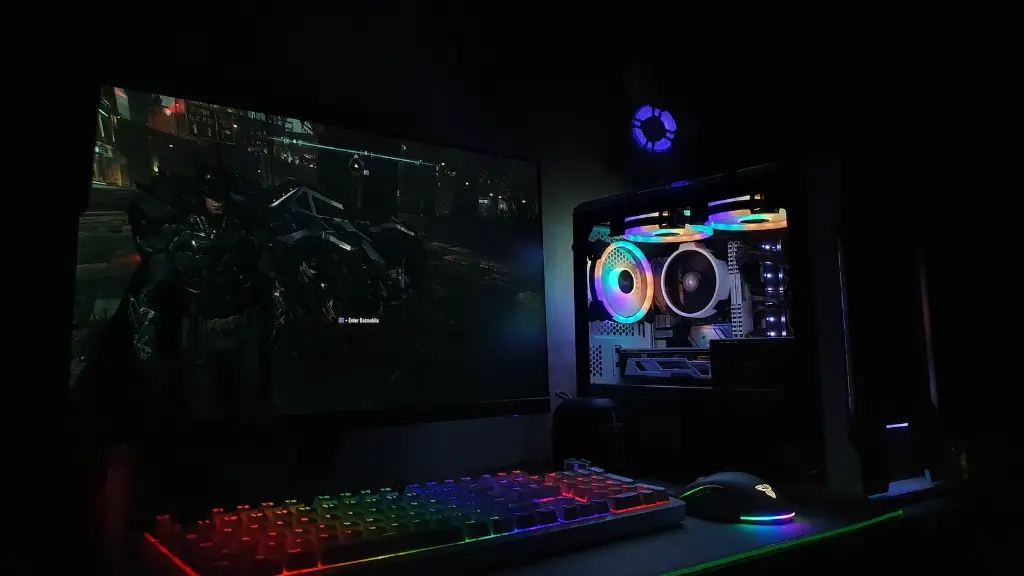
When testing gaming pc performance, it is important to keep in mind other aspects such as the sound card, drivers, and updates that can have an impact on the overall performance of the gaming PC. The sound card can have a major effect on overall performance and it is important to test the sound card’s performance with various software including audio test suites.
Additionally, making sure that the drivers are up to date is essential for optimal gaming performance. Outdated drivers can cause issues such as instability, stutter, and lag, so making sure that all drivers are updated and installed correctly can help prevent these issues. Furthermore, if any updates are available for the gaming PC components, it is important to install them. Keeping the hardware up to date will help ensure that the system is as stable and efficient as possible.
It is also important to keep in mind the OS (operating system) and its impact on the gaming experience. A gaming-optimized OS can provide better performance by allowing resources to be allocated to games more efficiently. Additionally, an optimized OS will allow games to run more smoothly and minimize any potential lag.
Finally, overclocking is another factor that one must consider when testing gaming PC performance. This can have a beneficial effect on gaming performance, however it is essential to do it in moderation. Overclocking should only be done if the user is comfortable with the procedure, as it can potentially damage the system if done incorrectly.
Hardware to test gaming pc performance

When testing gaming pc performance, it is important to make sure that all hardware components are performing to their full potential. Primarily, the graphics card and processor should be tested with benchmarking programs. Additionally, certain hardware components such as the RAM, cooling system, and sound card should be tested to ensure that they are performing as expected. Updating and optimizing the OS and drivers will also help maximize the performance of gaming systems.
Moreover, certain programs can help analyze and display the performance of gaming systems. CPU-Z is an effective program that can help track performance and analyze the CPU and RAM. Additionally, GPU-Z can be used to measure the clock speeds of the graphics card and ensure that it is running at its optimal performance. With these tools, users will be able to identify any issues with their gaming PC.
Furthermore, overclocking should be performed cautiously and effectively. If the user desires to overclock the system, they should look for guides on how to do it or reach out to an expert in the field. This step should only be taken if the user is comfortable with the procedure, as overclocking can potentially damage the system if done incorrectly.
Finally, users should consider using benchmarking software to benchmark their gaming PCs. Popular benchmarks such as 3DMark, Catzilla, and Heaven will enable the user to accurately measure the gaming performance of their system. Choosing the right benchmarking software will provide the user with detailed information outlining the performance of their gaming PC and any potential corrective measures that may need to be taken.
Software testing gaming pc performance
When testing gaming pc performance, it is important to use the right software. Popular benchmarking programs such as 3DMark, Catzilla, and Heaven will enable users to accurately measure the gaming performance of their system. Additionally, CPU-Z and GPU-Z are useful programs that can help track and analyze the performance of the CPU and RAM. Users can also use other programs such as FRAPS to measure frame rate and test the in-game graphical settings.
Moreover, testing gaming pc performance can also require BIOS tweaking if the user desires to overclock the system. When overclocking, it is important to use the right tools in order to ensure that the system remains stable. BIOS monitoring tools such as CPU-Z, MSI Afterburner, and ASUS AI Suite III are helpful in monitoring temperature and other system variables to ensure that the system remains stable during overclocking.
Furthermore, testing should not just be restricted to software. Testing gaming pc performance is also an excellent opportunity to clean the system out. Dust and heat buildup can affect performance, so it is necessary to take the time to clean the system and the components. Additionally, there may be room for improvement with the cooling system, so looking into better fans, coolers, and thermal pastes can be beneficial.
Finally, while software and hardware testing is a great way to measure gaming PC performance, it is also important to test the user experience. Keeping track of loading speeds and in-game lag can provide useful information on the overall performance of the system. Additionally, playing different types of games and tweaking the settings can help identify any potential issues with the system before investing in more gaming hardware.
Upgrading gaming pc performance
When testing gaming pc performance, the user might find that their hardware is outdated or not capable of providing the desired gaming experience. If this is the case, then certain hardware components may need to be upgraded. It is important to upgrade only the components that can provide a significant difference in performance as upgrading every single component can become costly and unnecessary.
Primarily, the graphics card should be upgraded if the user is not satisfied with its performance. Graphics cards can have a huge impact on gaming performance, so it is essential to make sure that the user has the right card for their needs. Additionally, upgrading the processor and RAM can provide improvements in performance but usually, the cost of doing so can be very high.
Moreover, it is important to check the power supply unit (PSU). If the PSU is not powerful enough, then it may be necessary to upgrade it in order to support the additional hardware. Increasing the amount of RAM can also improve system performance, but it is better to purchase RAM with bigger capacity and speed than the existing one in order to maximize the benefits.
Furthermore, upgrading the cooling system can be beneficial for gaming performance. Investing in better fans, coolers, and thermal pastes can help keep the system from overheating. Overheating can not only lead to the system becoming unstable and unresponsive, but it can also damage the components. Additionally, the user should look into any available driver updates for the graphics card in order to ensure optimal performance.
Finally, it is essential to keep an eye out for any new technology. This will help the user stay up to date with the latest hardware and software that is available. Additionally, taking a look into different custom build PC companies can provide ideas on what other users have done to upgrade their gaming PC. Researching different hardware can be beneficial in finding the ideal hardware to suit the user’s needs.
