
PC gaming has become ever more popular over the years. There are many available components and upgrades for customizing and personalizing your PC to create an ideal gaming machine. Here are the basics of how to turn your computer into a powerful gaming PC.
Firstly, you need to select the right parts. Invest in components such as a processor, graphics card, memory, power supply, and case. All of these are important for having a smooth gaming experience. Research and find the right combination of components that best fits your needs, budget, and capabilities.
Next, you’ll want to install the parts. Installation includes taking off the case and assembling the parts with screws. Break the task down into manageable pieces, laying out the parts and following the manuals to ensure everything is installed properly. Keep in mind that improper installation can cause the PC to malfunction or break altogether.
Once all the parts are in, it’s time to configure the drivers. Drivers control how PC hardware works and communicates with your operating system. If drivers are not up to date, a game may not work properly or may suffer from subpar performance. It’s important to download and install the correct drivers for each component to get the best out of your gaming experience.
Finally, you’ll want to tweak some settings and optimize your gaming PC. There are many settings you can adjust to make your gaming setup perfect. You can also explore better cooling solutions if you’re experiencing slowdown or drops in performance. This will also help to reduce noise as well as increase your gaming PC’s longevity.
Upgrading Your Gaming PC
As technology advances, the components you have in your PC will require upgrades in order to keep up with the times. This can include things such as upgrading your processor, RAM, storage, or graphics cards. Each of these upgrades can drastically improve your gaming performance and take your gaming to the next level.
In addition to upgrading parts, you should also consider investing in high quality gaming peripherals to compliment your setup. This can include headsets, keyboards, or even gaming chairs to make sure you feel comfortable and keep your attention on the game. Having the right gaming accessories can also make the overall experience much more enjoyable.
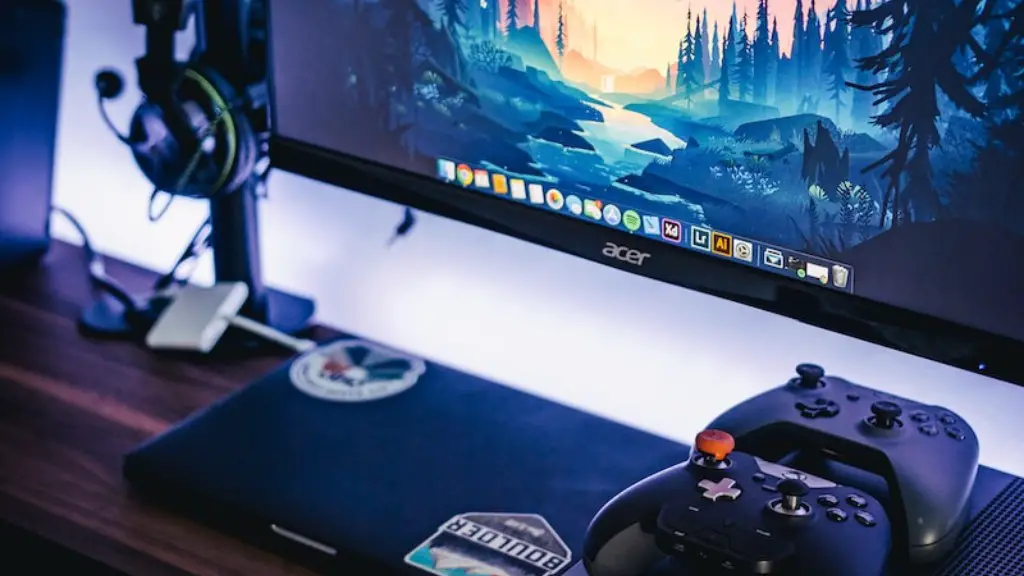
PC gaming is constantly evolving. Keeping up with the trends and staying up to date can help to further improve the immersive gaming experience. If you’re not sure what’s new or what you should get, look into reviews and comparisons from other gamers to help you make the best decisions.
Exploring Different Games
Whether you’re new to gaming or a seasoned veteran, there are many types of games out there. Exploration, strategy, adventure, sports, and more, the options and genres are endless. Exploring the various types of games can help to broaden your gaming horizons and provide unique experiences.
Nowadays, there are companies or groups hosting online events and despite online multiplayer, providing you with additional ways to connect with other gamers. These events can include things such as tournaments or even just casual or friendly matches. Participating in these events can provide additional challenges as well as an opportunity to meet new people.
You can even stream your gaming sessions, showcasing your gaming skills and experiences to the whole world. This can also help to take your gaming to the next level and provide yet another unexpected challenge.
Customizing the Look

When customizing your PC for your gaming setup, why not consider ways to make it look as appealing as possible? Superficial as it may be, having a good-looking PC is not only satisfying, but also inspiring. A perfectly customized, well-thought-out setup can be intimidating and inspiring, adding a further layer of challenge and excitement.
Investing in RGB components and peripherals can help to make the overall experience more immersive. This includes equipment as well as items such as LED strips or lighting systems that attach to the case. There are also plenty of items available to make other parts of your setup look better, such as custom cables and replacement parts.
There are also plenty of customization options for the interior parts of your gaming PC. Custom-made covers and wraps can be bought for your graphics cards and other components. This can help to make the device look and feel more personal, as well as improve the overall look of the device.
Protecting your Gaming PC
Once your gaming machine is up and running, you’ll want to ensure it’s properly protected and secure. Investing in software solutions such as antivirus and virus protection is essential for any gaming PC. This will help to prevent malware, viruses, and other security risks that can put your personal data at risk.
In addition to antivirus software, it’s also important to keep up to date with the latest security patches and drivers. This will ensure that your PC is always up to date and securely protected.
Finally, you should also consider investing in a good surge protector or uninterruptable power supplies (UPS) for your gaming machine. This will help to keep your setup safe and secure, in case of sudden power fluctuations or outages.
