When considering whether to purchase a 32-inch gaming monitor, the question of whether it’s too big will inevitably come up. It’s a tricky decision, and ultimately depends on your preferences and available space. The resolution of today’s 32-inch monitors can be quite impressive, however, some may feel the bigger size could be overwhelming. Here, we explore the pros and cons of 32-inch gaming monitors to help you make an informed purchase decision.
Advantages of 32-inch gaming monitors include greater viewing distance, more realistic visuals and a more immersive gaming experience. Being able to see further across virtual landscapes provides an advantage in certain genres such as first-person shooters and flight simulators. This larger size also offers deeper contrasts and wider viewing angles, which makes it ideal for playing with friends or for sharing a screen with a group. Furthermore, the size of the screen gives you the ability to multitask with multiple windows open at once, making it great for productivity.
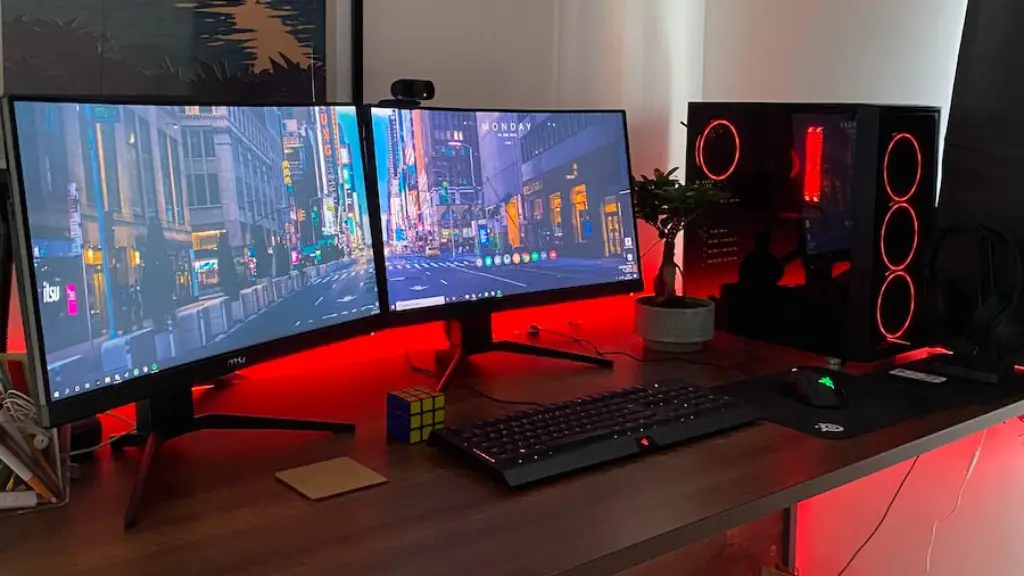
Disadvantages of 32-inch gaming monitors, however, involve practical considerations such as cost, space and technical issues. The bigger size requires more pixels for a crisp display or high frames per second (FPS). This obviously eats into your budget and could also require you to upgrade your graphics card. Additionally, you’ll need to make sure you have enough room on your desk, as 32-inch monitors are considerably larger than the standard 24-inch models. Setting the monitor up correctly can also be tricky, as getting a perfect angle can be difficult, given the size.
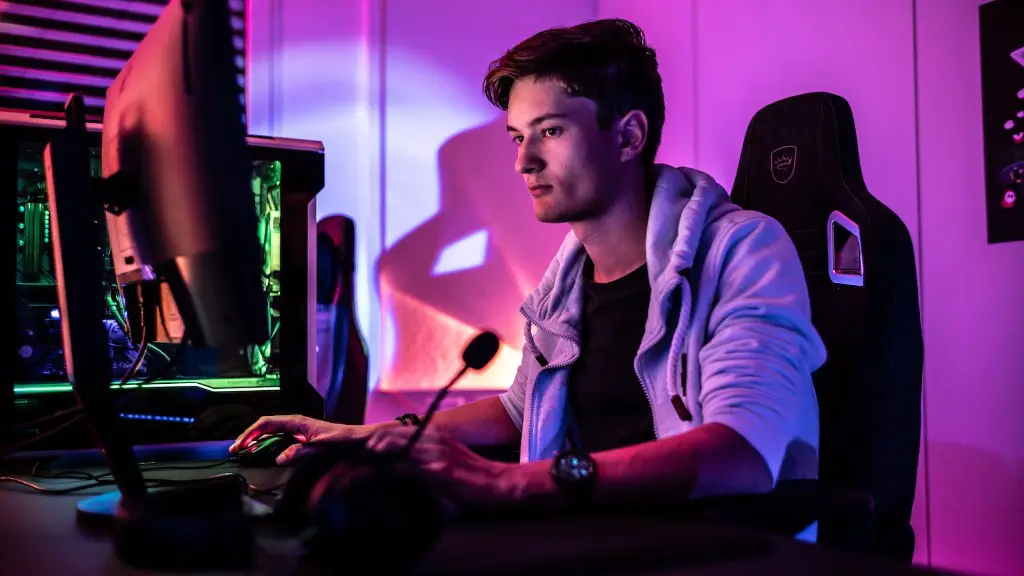
Overall, the answer to the question of “Is a 32-inch gaming monitor too big?” depends on your needs, preferences and budget. Bigger monitors can give you an edge in certain types of gaming and provide a more immersive experience. However, the bigger size does come with technical requirements and practical considerations. Ultimately, it’s up to you to decide whether the advantages outweigh the disadvantages.
Factors Web Page User Experience
If the 32-inch gaming monitor will be used primarily for web browsing, there are several factors that need to be considered when it comes to the overall user experience. Firstly, the size of the monitor can make it more difficult to navigate webpages, especially those that are not optimised for large screens. Text may be too small to read, or page elements may be too spread out, resulting in confusion or getting lost. Secondly, it could be harder to keep track of efficient window placement for multi-tasking.
It is also worth noting that videos and movies might also have a different experience on 32-inch monitors. In addition to distorted proportions, the amount of screen real estate could be too much. This could be counter-intuitive with many videos, as you may be overwhelmed by the size of the screen. Finally, reading articles and books could be uncomfortable for those who like smaller screens for the purpose of easier navigation and less scrolling.
How Do Resolution And FPS Factor In?
When it comes to 32-inch gaming monitors, resolution and frames per second (FPS) are two major factors that can make a huge difference in the overall gaming experience. The higher the resolution, the sharper the image will be. This is important for those who want to take advantage of larger gaming monitors. Similarly, higher FPS will give a smoother and more realistic gaming experience. With resolution, a 1920 x 1080 display is the minimum that should be considered.
FPS can vary depending on the settings in your games and graphics card. High quality graphics cards can usually provide higher FPS, but it can also depend on the games you are playing. Although it is important to have higher FPS, some gamers prefer to sacrifice frames for a better resolution. This is because with lower FPS, the game may look blurry or jittery.
Installation And Set Up
When setting up a 32-inch gaming monitor, some basic setup instructions should be followed in order to get the best possible performance from your display. Firstly, it is important that the monitor is placed at a suitable height to avoid strain on your neck and eyes. Depending on your desk setup, a monitor stand can be a great addition. Secondly, it is also important to align the monitor correctly so that the picture is not distorted. This can be done by adjusting the angle of the display.
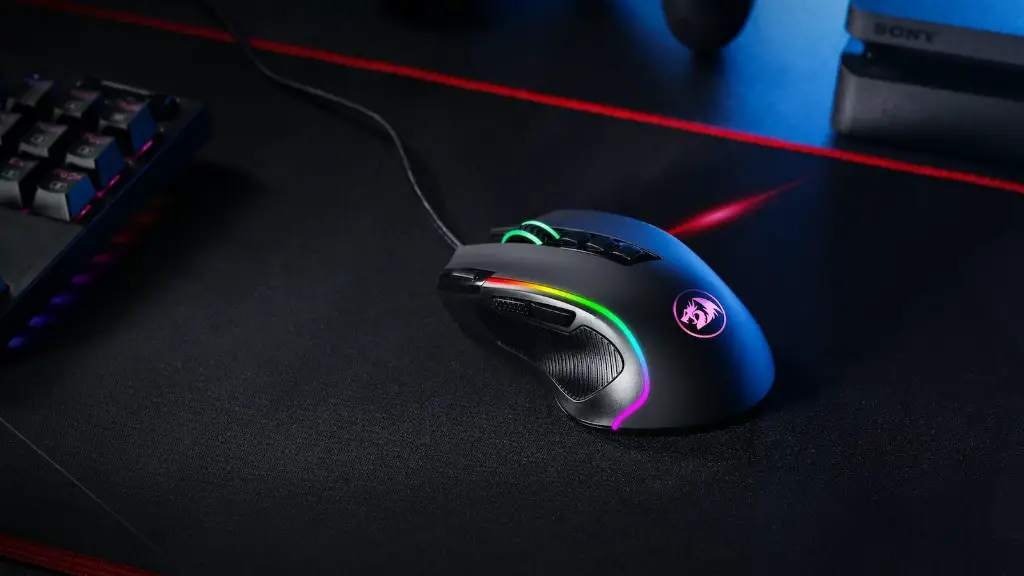
Additionally, in order to get the best gaming experience, it is worth investing in some peripherals such as a gaming headset and a mouse. This will improve your accuracy and responsiveness in games, while also providing comfort when playing. It is also important to make sure that your graphics card has the required minimum settings in order to get the maximum performance from your monitor.
Maintenance Tips
Aside from the initial setup, it is worth taking the time to do some basic maintenance of your 32-inch gaming monitor. This will help keep it in good condition for longer and optimize performance. Firstly, ensure that the screen is clear of dust and fingerprints, as these can result in screen glare. Using a microfiber cloth and cleaning solution is always the safest way to clean the display. Secondly, check the monitor’s settings periodically to make sure they are optimal. These can include brightness and contrast levels, as well as the refresh rate.
It may also be worth investing in a protective monitor cover to shield it from scratches and dust. This is especially important if you are using a monitor stand, as it can make regular cleaning more difficult. Finally, switching off and unplugging the monitor when not in use can help to avoid wear and tear, as well as helping to save energy.
What Is The Best Monitor For You?
The choice of a 32-inch gaming monitor ultimately depends on individual preferences and budget. While the bigger size does come with some advantages, it does also come with potential drawbacks that need to be taken into consideration. Factors such as cost, space and compatibility should also be taken into account when deciding whether a 32-inch monitor is the right choice for you.
When it comes to web browsing, the size of the display can lead to web page issues, making it difficult to manoeuvre. Additionally, videos and movies may not look the same as on smaller screens. When it comes to resolution and FPS, it is worth investing in a higher quality graphics card for an optimum experience. Finally, it is important to maintain your monitor by cleaning it regularly and switching it off when not in use.
When evaluating a 32-inch gaming monitor, it’s important to consider all of the factors and decide if it’s the best option for you. The advantages and disadvantages of this size will be different for each person, so make sure to weigh all the pros and cons before making a final decision.
