A gaming monitor is essentially a specialized computer monitor designed for use in video gaming. It offers higher refresh rates, better color accuracy, and lower latency than standard monitors. Many gamers prefer these monitors as they provide better visuals and make it easier to play titles with complicated environments. But what about video editing? Are gaming monitors suitable for such an activity? Let’s take a closer look.
Short answer: Yes, a gaming monitor is good for video editing. Gaming monitors have features such as low response time, high refresh rates, and vivid colors which make them ideal for professional video editing. With the right setup, you can create crisp and accurate visuals. Additionally, the low latency ensures smooth transitions between frames and the ability to quickly preview multiple cuts of your project.
But there is more to consider if you want to maximize the potential of a gaming monitor for video editing. You will need a powerful graphics card to drive the monitor. Moreover, you should also invest in good software and get yourself familiar with how to use them. The monitor is only half the equation.
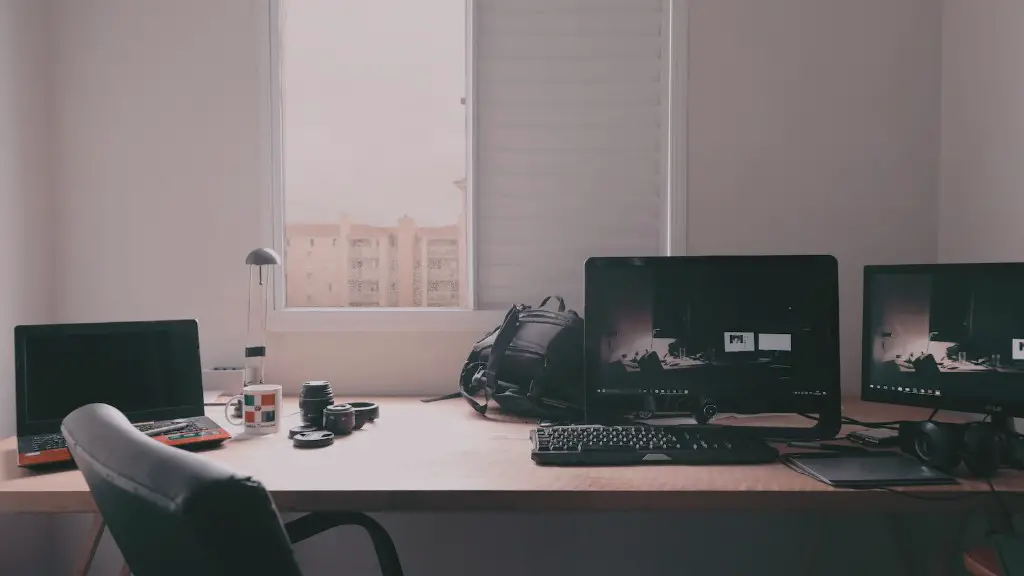
A gaming monitor for video editing can take your projects to the next level. With a combination of good hardware and software, you can create high-quality video that looks professional and can stand out in the crowd. It can also save you a lot of time because you can instantly preview multiple cuts and make adjustments as needed. The monitor also gives you the freedom to explore creative options as you have more detail and color accuracy.
In conclusion, a gaming monitor is a great choice for video editing. It provides the features and flexibility to create stunning visuals. However, you still need to consider the hardware, software, and working knowledge before you can make full use of the monitor.
Graphics Card
Graphics cards are integral components of any gaming system. Not only do they handle the processing of visuals, but they also affect the overall performance of a monitor. A powerful gaming monitor is useless if it is not paired with a decent graphics card. So make sure you purchase a separate graphics card with your gaming monitor if you want to use it for video editing.
A mid- to high-end graphics card is recommended. Depending on the type of graphics card you choose, you may experience better performance when working with 3D applications and intensive edits. It may be worth investing in a specialized graphics card if you have the budget to do so.
Apart from the hardware, though, you should also get yourself familiar with the software. The graphics card denotes the potential, but you should know how to maximize it. Learn the software and understand the shortcuts to make the most out of your setup.
Finally, try to get a monitor that is suited for both gaming and video editing. If you can afford it, opt for a 4K monitor with HDR technology to maximize the potential of your videos. You should also look for monitors which offer a variety of ports, from DisplayPort and HDMI to USB-C.
Software
Software is critical when it comes to video editing. Apart from the operating system and the various applications available, you will also need to select programs which are powerful enough to handle intensive edits and rendering. Fortunately, there are many software solutions available that are designed especially for video editing.
Adobe Premiere Pro is widely used among professional editors. It offers a wide range of features that allow users to edit and adjust their videos. It includes features such as multi camera editing, automated tools, dynamic timeline trimming, advanced colour grading, and more. It can be used with a number of formats and can be downloaded for free for a trial.
Apple Final Cut Pro is another widely used software for video editing. It is designed for Mac computers and allows users to edit and add special effects to their videos. It packs a lot of powerful tools and a user-friendly timeline which makes video editing a breeze. The interface is intuitive and it can be used to create a variety of projects.
Other software solutions include Sony Vegas Pro, DaVinci Resolve, and Pinnacle Studio. Each program has its own set of features but all of them offer powerful tools for editing videos to make them look professional.
Conclusion
In summary, a gaming monitor is a great choice for video editing. It has features that make it ideal for creating high-quality videos. However, you should also consider the hardware and software before you start. Invest in a powerful graphics card as well as software that is designed specifically for video editing. With the right setup and knowledge, you can create stunning videos with a gaming monitor.
