The question of whether a gaming monitor is good for work or not is one that’s continually asked. The short answer is yes, but there is more to think about. There is a great deal of debate when it comes to the pros and cons of gaming monitors, with many people believing they are far more suitable to gamers and not office-based environments. However, there are clear advantages of gaming monitors that make them well-suited to office work, so let's look at them in more detail.
Design and Adaptability
Modern gaming monitors have been designed with a higher than usual amount of adaptability, especially due to their multi-screen options and other features. One example is the anti-glare coating that can be found on some gaming monitors. For office-based workers, this coating can reduce any strain on the eyes that may be caused by prolonged exposure to LED and LCD screens. This may be especially helpful if the work involves a lot of data entry.
High FPS Rate
Another advantage of a gaming monitor is the higher refresh rate. This is an important feature for gamers, but for office perhaps it may not be that important. However, for anyone who does video-editing or other graphics-related work, a higher fps rate can make all the difference. The higher refresh rate also has the effect of reducing screen-tearing, often found when watching videos or scrolling through a web-page.
Low Input Lag
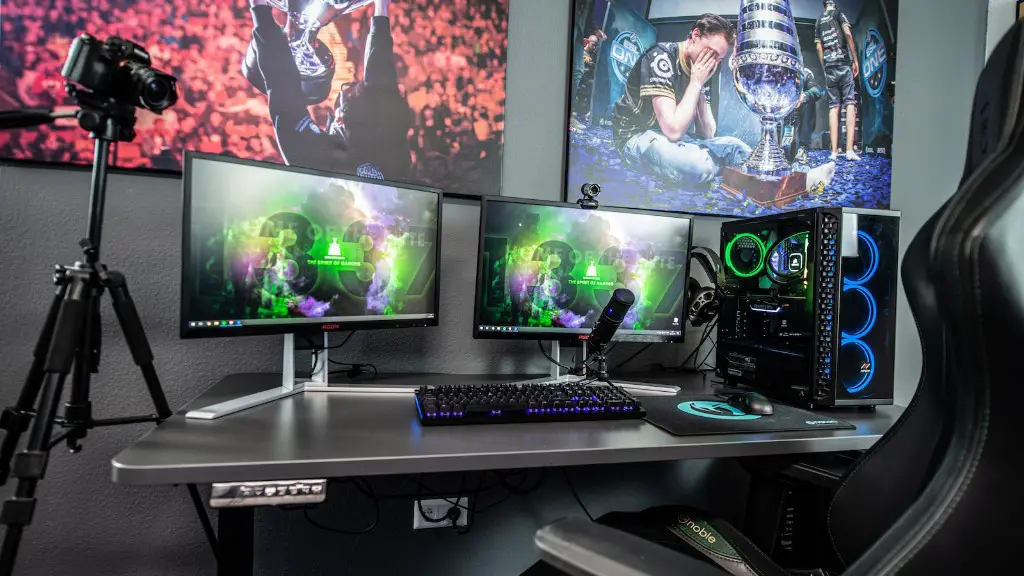
A gaming monitor will typically have a lower input lag than other monitors. This can beneficial for those who input a lot of data or find it difficult to always keep up with the cursor movements. Low input lag effectively allows the user to input data faster and with more precision.
Colour Accuracy
One of the main advantages in relation to office work, is the colour accuracy.The advanced colour accuracy of gaming monitors makes them well-suited to any task that involves colour-matching or editing. For example, if a person works in the fashion industry, then colour accuracy is of the utmost importance. Other tasks such as graphic designing and marketing can also benefit from colour accuracy.
Ergonomic Considerations
Finally, gaming monitors are often designed with ergonomic considerations in mind. They may have adjustable screen angles or built-in stands, allowing for better posture and a reduction in neck-tension that may be caused by looking at a screen for long periods of time. This is not only beneficial for office-based staff, but for gamers who may be sat for hours at a time.
Benefits Over Other Monitors
Given all of the benefits listed above, it’s clear to see why a gaming monitor could be a good choice for office work. The features such as adaptability and ergonomic design ensure they are suitable for a range of tasks. They also offer an improved visual experience that can be beneficial to any job involving the use of a computer. On the other hand, a traditional monitor may lack these features, relying more on budget than quality.
Privacy Considerations
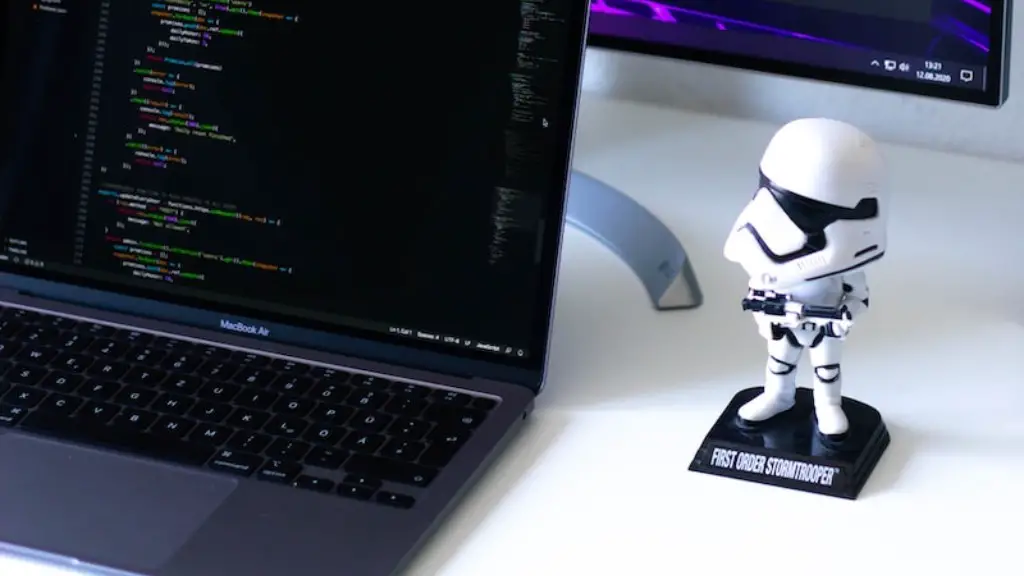
Although there are many advantages of gaming monitors for office-based work, there are also some privacy considerations. For example, some gaming monitors are fitted with webcams and microphones, which on the one hand can be useful for communication, but on the other hand, may raise privacy issues when used in certain environments. If a monitor with these features is being considered, then the user should take the time to look into the hardware and software aspects to ensure their privacy is not being infringed upon.
Overall Convenience
Lastly, gaming monitors offer an overall sense of convenience. Some are fitted with USB-ports and other connective facilities that make it easy to plug in peripherals and cables. This is a major convenience for office-based environments, eliminating the need to fumble around with tangled wires and enabling the user to focus on their work instead.
Customization Options
Gaming monitors may also provide additional customization options that other monitors do not. For instance, some monitors may offer additional customization options such as adjusting contrast and hue levels, as well as more general features such as aspect ratios and localized settings. This can be beneficial to workers who may require more flexible controls than those generally offered by other monitors.
Adaptive Brightness
As well as customisation options, gaming monitors also provide adaptive brightness. This can be handy for office-based staff who may be finding it difficult to adjust their viewing distance to the monitor. The adaptive brightness feature can help to slightly improve contrast levels making it easier to see small text in certain circumstances..
Adjustable Stand
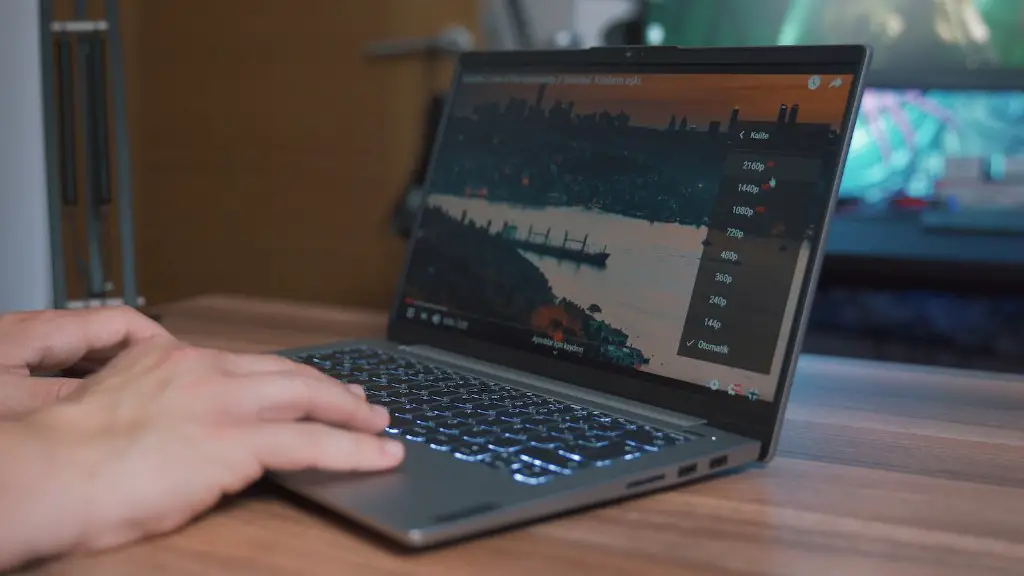
Lastly, gaming monitors may be fitted with an adjustable stand. This can be a major benefit to office staff who may require different angles for their monitor, allowing them to use the stand in multiple ways. This flexibility can prove to be a major advantage in certain office or desk setups, especially when space is limited.
