Harnessing the power of the latest processors and graphics cards to deliver a gaming experience like never before, a gaming PC is an integral part of any avid gamer’s setup. But for those unfamiliar with the technology, construction of a gaming PC can be an intimidating prospect. In this article, we’ll outline the components you’ll need to build your own gaming machine, from the processor and cooling system to the inner wiring and peripherals.
First, the Processor, or CPU; essentially the mathematical brain of your computer. This determines overall computing speed and performance, so if you want to play the latest, cutting-edge games, you should look for the highest possible clock speed. Additionally, it’s important to selected a processor with enough cores to carry out the most demanding tasks. Traditionally, Intel processors have offered more power and choice, however, AMD processors have become close competitors in recent years, offering great budget options.
Next, is the Graphics Card (GPU), essentially the visual heart of your gaming rig. This will be responsible for outputting the images on your monitor, and its power and speed will dramatically influence the quality and resolution of your gaming session. There are plenty of options to choose from, but they can range significantly in performance and price. If you have a hard budget set, then you should consider the cheapest card that adequately meets your gaming needs.

Thirdly, you’ll need a RAM, or Random Access Memory. RAM is a type of memory that the processor can access faster than other, permanent storage systems. Your computer will use RAM to temporarily store instructions for your operating system, games and applications – so the more RAM you have, the smoother your experience will be. A minimum of 8GB should be the target, but if you want to play the latest and greatest games then 16 or 32GB should be your aim.
Fourthly, Storage. This can come in the forms of both Hard Disk Drives (HDD) and Solid-State Drives (SSD). Hard drives have been traditionally the go-to when it comes to storage, being both cheaper and able to store more files – however, they are getting outpaced by SSDs in terms of raw speed. SSDs are much faster, but come with a much bigger price tag and smaller capacity per drive. As such, for gaming systems it can be a great idea to combine both, using the HDD for storing less frequented files, and the SSD for faster access of your commonly used applications.
Choosing The Right Components
The next step after selecting the components is putting these components together. This requires simple knowledge of electrical engineering like assembling the motherboard, installing the CPU and RAM, and fitting the graphics card. If you are confident in these concepts, you can assemble these components yourself – but if you’re not, you can usually find pre-built systems that come with reliable components.
You should also consider the cooling system of your PC. If your components are running too hot, they can suffer permanent damage. Unlike standard PCs, gaming requires an extra degree of power and speed, which generate more heat. If you plan on using the latest technology, invest in a good cooling system, either liquid- or air-cooled. These combine fans, radiators and piping to draw heat away from the processor, cooling it down for optimal performance.
In addition, you’ll need a PSU, or Power Supply Unit. This is responsible for supplying all the components with the power they need to operate. You should aim to get one that has as much wattage as necessary (whilst also not being overkill), and a decent efficiency rating. This is especially important for gaming as you want to ensure you don’t get a loss of power during a critical moment.
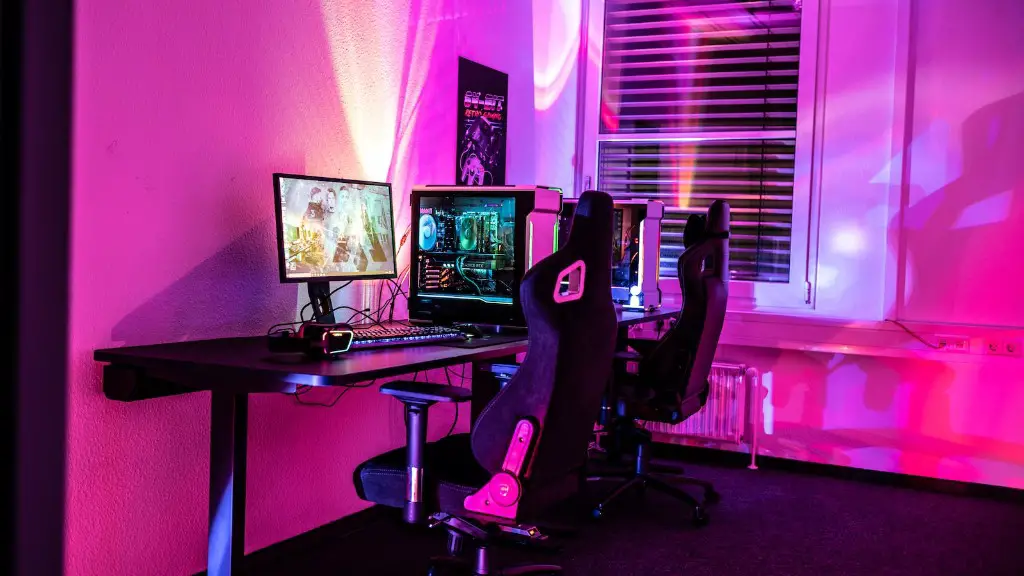
Lastly, you’ll need a case to house all of the components. Whilst this will have no direct influence on performance, it can show your personal style and express the true power of all your components. While there are plenty of pre-moulded cases out there, you can also create a custom build by including a transparent side panel and custom lighting and patterns in the internal frame.
Picking The Right Peripherals
Now that you have chosen the components and installed them into a case, it’s time to add some of the finishing touches. Firstly, you’ll need an operating system, either Windows or Mac. With these you can play the latest cutting-edge games, as well as access software such as video editors and Photoshop.
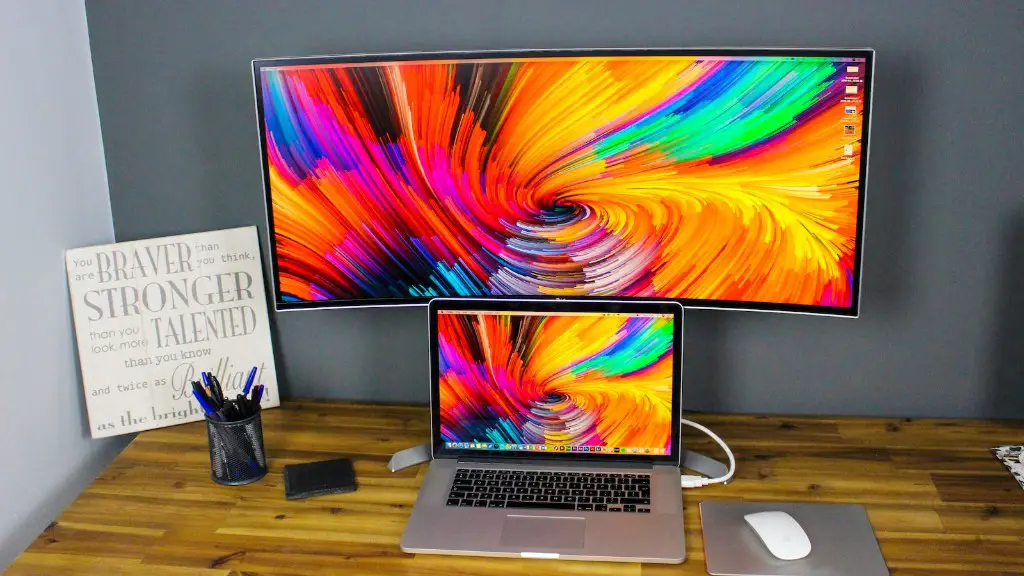
Next, you’ll need a monitor. This is important as it will determine the quality and resolution of your gaming screen. The bigger the screen and higher the resolution, the better the gaming experience. And if you’re playing competitively then some monitors come with accessories such as motion detectors, eye-trackers and refresh rate-syncing for a fraction of a second’s advantage when needed.
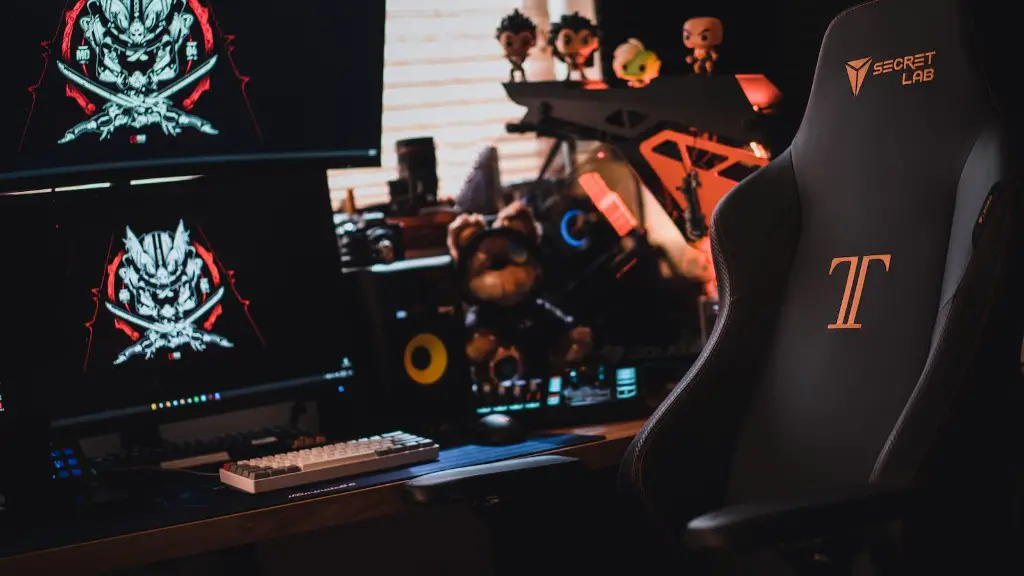
Thirdly, a mouse and keyboard. Mice are much more flexible than controllers, and are often a must for competitive gaming. Look for one that is ergonomic, and allows for custom programming of keybinds. Whilst this may sound tedious, having personalised settings and keybinds can reduce the number of inputs necessary, improving your reaction times and overall performance.
Finally, you’ll want to look for some comfort peripherals. Whilst gaming, most people spend hours sat at their PCs, so having an ergonomic chair, wrist rests and back supports will ensure you are able to stay in the game for longer. Likewise, if the noise and distraction of the PC is a problem, then noise-cancelling headsets can be a great way to increase your concentration.
The Final Steps
Now that all the components are installed, and you have the right peripherals, it’s time to power up and get gaming! The first time you switch on your PC, you’ll have to go through the set up screen. This will require you to provide details such as date of manufacture, versions, licenses and names. Make sure you constantly check the compatibility of your components with your chosen operating system.
Once you have done the setup, run a couple of benchmarking tests to ensure that all the components are running smoothly. You should also visit the official websites of the chosen components for any available updates and make sure to install them as soon as possible.
To keep up with the latest games, you’ll also need to think about learning how to overclock your components. This may be tackled with caution as it can increase your chances of errors and decreased performance, by pushing the components to its limits – however, if done correctly and with a good cooling system, it’ll give you the edge when it comes to raw power.
In addition, gaming will require more of your input than the average PC, and will require more attention to the maintenance of all components. Therefore, make sure to clean out your PC once every 6 months by either spraying compressed air to get rid of any dirt, or removing the dust from each component.
Creating An Optimal Environment
Lastly, it’s important to set up an environment that is conducive to optimal gaming. If you’re playing online games, then you’ll likely need to set up an account and make sure to keep up with the latest changes, updates and development news. If you’re more into single-player games, then try to ensure that you have an adequate environment; comfy chair, great audio, and plenty of snacks on-hand!
You should also consider setting up a hazard warning system, such as ‘alert me’ notifications on your PC or phone, in order to keep up to date with patch updates, server restarts and other notifications that may affect you. Setting up this system will help you keep track of any problems when playing and help you to stay ahead of the game.
In addition, you should install programs such as recording software like Nvidia Ansel and OBS, optimized to make use of the latest virtual reality tech. Utilizing this software will let you capture and share some of your best gaming moments, making it easier and quicker to showcase your best moves.
Finally, if you want your gaming experience to be fast, smooth and enjoyable, then you’ll need a good internet connection. To achieve this, it’s important to check the download and upload speeds your ISP (Internet Service Provider) offers. For example, if you’re playing online, a higher download speed is critical, whereas streaming requires higher upload speeds. But whatever your endeavour is, having a fast, stable connection is essential.�
