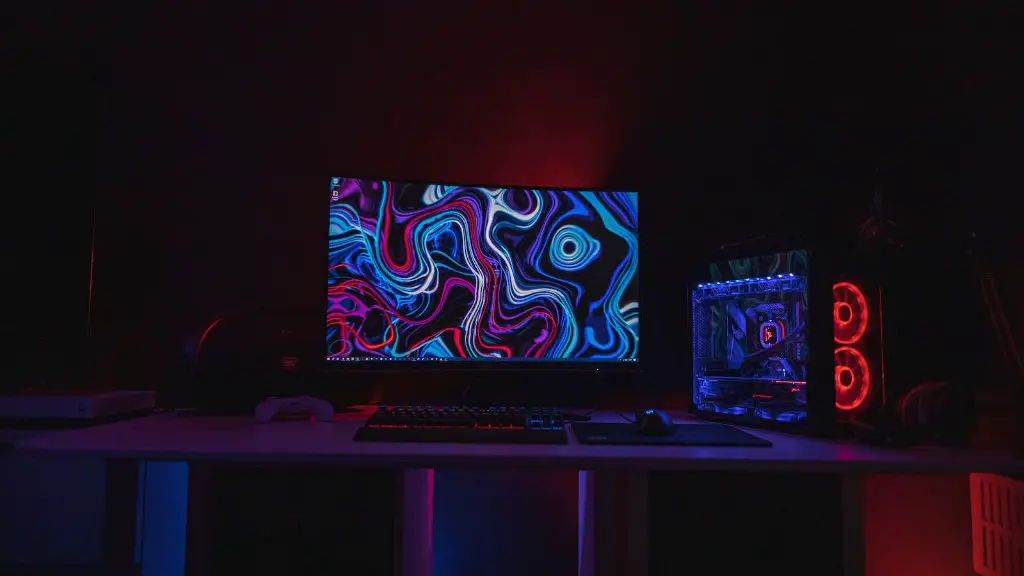
As video game technology advances, so do the specs needed to play the latest and greatest titles. Building a gaming PC is often an intimidating process that requires research, planning, and understanding of the components used. To help gamers determine what components they need, we provide an overview of the essential parts used in a gaming PC.
At its core, a gaming PC will contain the same components that make up a traditional desktop: a CPU, GPU, RAM, a motherboard, a power supply, storage, and a case. Of these basic components, the CPU, GPU, and RAM will have the biggest effect on a PC’s ability to handle the more demanding games on the market today.
A CPU, or central processing unit, is the brain of the PC and handles the most intensive calculations. High-end gaming PCs require a beefy processor, like the AMD Ryzen 3000 or Intel Core processor, to handle the GPU’s calculations. For graphics processing, the GPU, or graphics processing unit, is the primary component responsible for rendering images. Gamers should make sure to select a graphics card with enough memory (VRAM) and rendering performance to adequately render the game they want to play. Finally, RAM, or random access memory, temporarily stores information used by the processor and helps the PC process multiple tasks at once. Gamers should select 8 or 16GB of RAM if they want to run more memory-intensive titles.
Another key component to a gaming PC is the motherboard. This component connects all of the internal hardware to the CPU and ensures all the hardware can interact with one another. Figure out how much processing power you need and select a motherboard that can handle it. Generally, most mid-tier motherboards have enough SATA ports, USB ports, and expansion slots for a great gaming experience.
The power supply is one of the most important components of the gaming PC, since it supplies power to the different components. While many gamers choose to use cheap power supplies, it’s a good idea to spring for a reliable brand like Antec, Corsair, or EVGA to ensure your PC operates smoothly for years to come.
Finally, gamers shouldn’t forget about the case. The case is important for cooling the components, maintaining their longevity, and housing the hardware. There are several types of cases to choose from, such as mid-tower cases, small form factor cases, and full-tower cases. Ultimately, the choice comes down to personal preference.
Storage
Storage is one of the most important parts of a gaming PC, as it stores all the user’s files and data, including the games themselves. Gamers should select a reliable and fast drive, such as a solid-state drive (SSD), for optimal performance. An SSD helps your PC load data on-the-fly, improving gaming performance and loading times. If you’re looking for an even faster experience, you can also pair an SSD with an HDD for a storage solution.
Peripherals
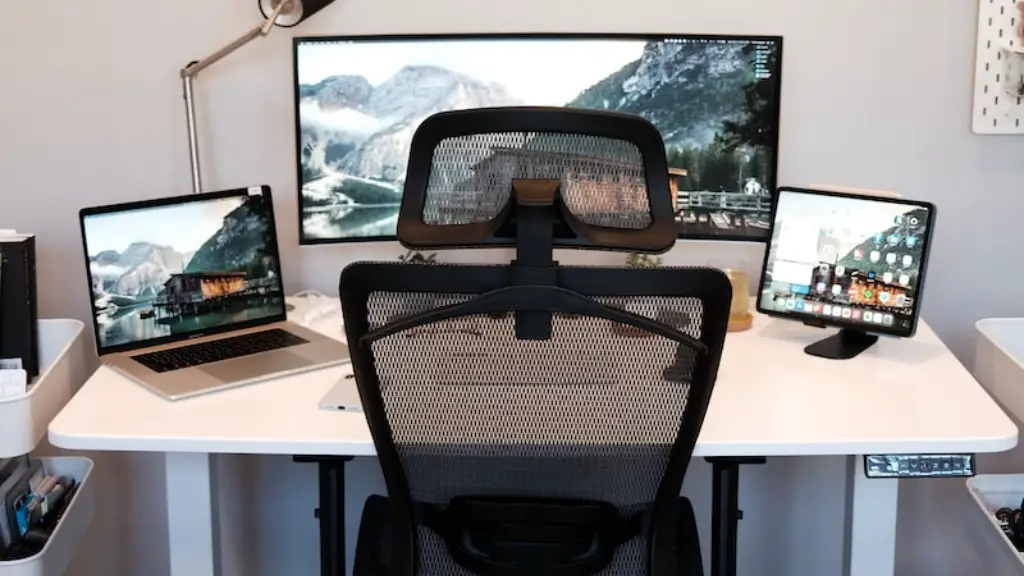
In addition to the internal components, gamers need to think about peripherals, like a monitor, mouse, and keyboard. Monitors come in all shapes and sizes, and usually the larger the display, the better the gaming experience. Couple this with a mouse and keyboard designed specifically for gaming, and you have a solid hardware package for gaming.
Cooling
Last but not least, a cooling system is essential for every decent gaming setup. The power of the components generates a considerable amount of heat, so adequate cooling is needed to ensure optimal performance. There are a variety of cooling solutions, ranging from air-cooling systems to liquid cooling units, so select whichever one fits your budget.
Networking
Finally, a gaming PC needs a reliable way to connect to the internet and other gaming systems. A reliable connection is necessary to play online multiplayer games, so make sure you select a decent router or modem. Wireless routers and modems offer easy setup and they help avoid messy wiring.
Software
On top of hardware, gamers should consider installing a few gaming-related software programs. Many of the newer games include a specific launcher, such as the Bethesda Launcher, to streamline the game installation process. Other programs, such as Geforce Experience or Windows Game Mode allow gamers to customize their gaming experience.
Maintenance
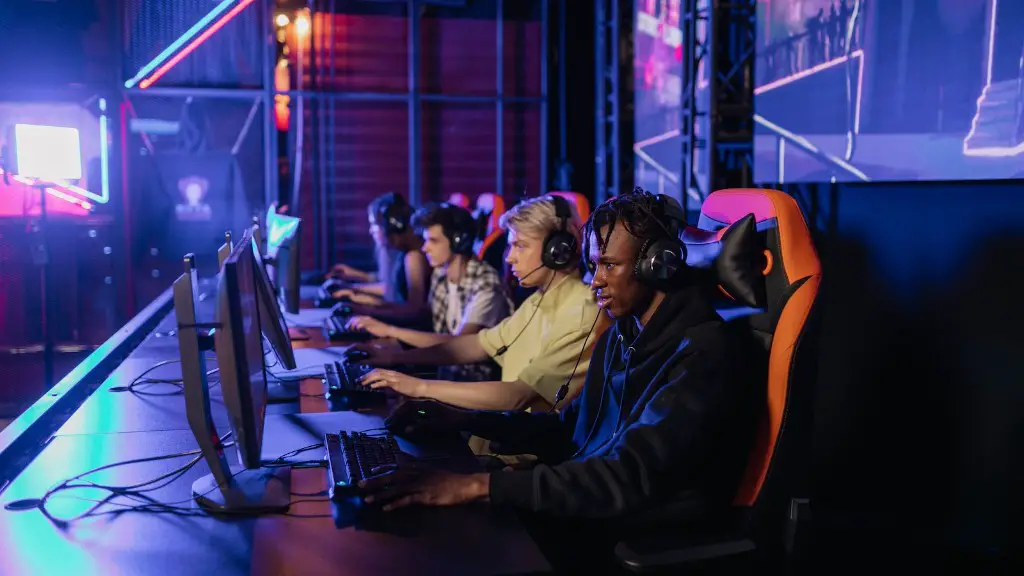
Finally, like any machine, a gaming PC requires maintenance to ensure its optimal performance. This includes regularly cleaning out dust from the case and updating the drivers for the components to make sure that the software is optimized for the hardware. It’s a good idea to have a rugged laptop-style vacuum cleaner to help with the dust removal.
