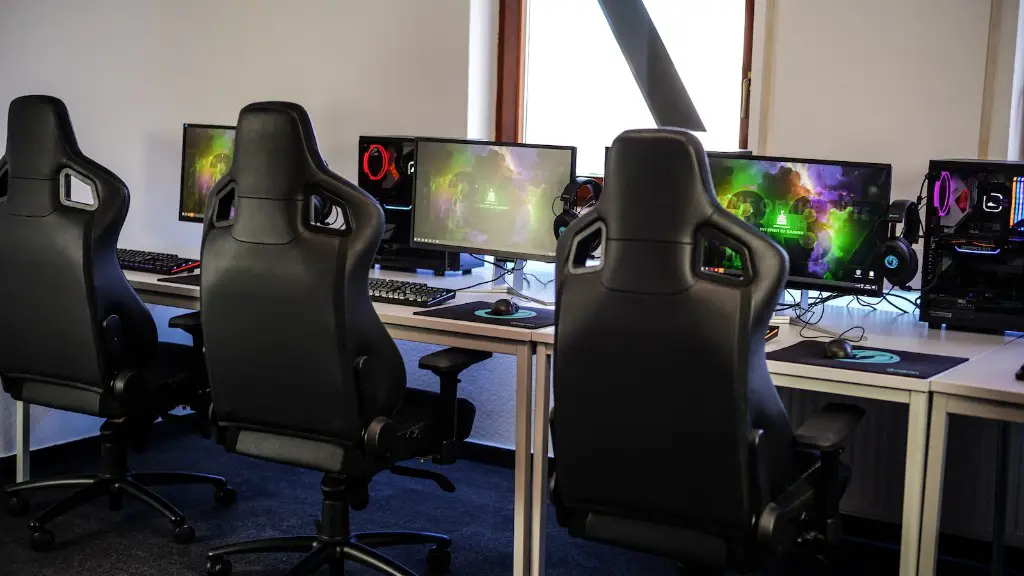
The gaming PC is an integral part of the modern gaming experience. It combines hardware components that empower gamers to play demanding titles with high frame rates and resolutions. When building a gaming PC, it is important to consider the components that make up the system. Generally, most gaming systems comprise of a processor, motherboard, graphics card, RAM, PSU, and storage.
CPUs, also known as processors, are arguably the most important component of a gaming PC since they determine the speed of the system. For gaming, an Intel or AMD processor is usually recommended. Generally, the more powerful the processor, the better the gaming performance. It’s therefore important to note the number of cores, threads, and clockspeeds of the processor when choosing one.
The motherboard is the part that allows all the components within the system to communicate with each other. It is important to select the best possible motherboard to ensure a smooth gaming experience. That’s because when running a game, it is the motherboard that acts as the bridge between the processor, graphics card, and other components.
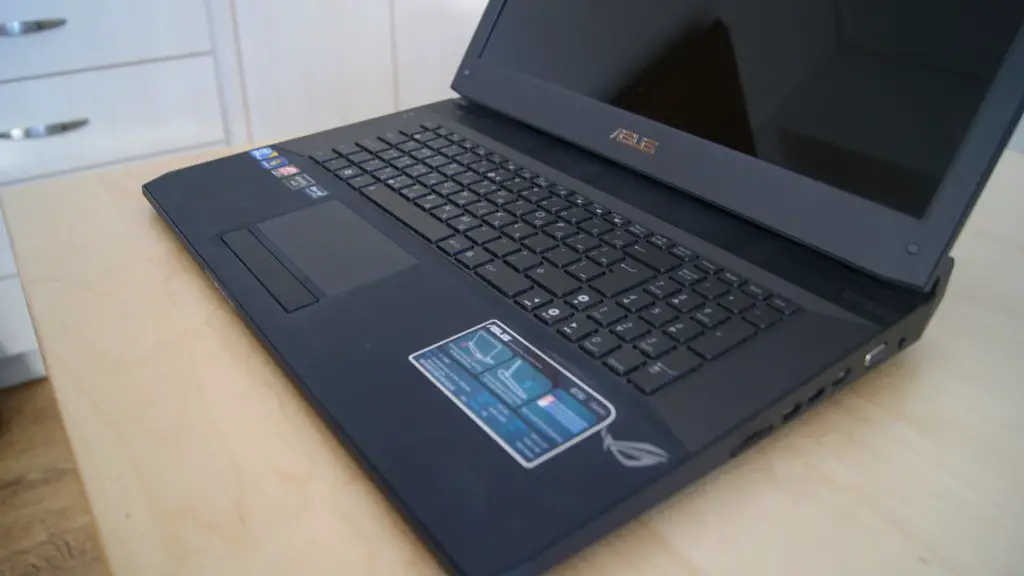
Graphics cards are the cornerstone when it comes to gaming. Without a powerful graphics card, the system will often be unable to run the latest AAA titles at higher resolutions. Typically, Nvidia and AMD graphics cards are considered the best for gaming, with their flagship RTX and Radeon products often featuring in gaming systems. Depending on the type of games you want to play and the budget you have, it’s important to select a graphics card accordingly.
System memory, also known as RAM, plays an important role in gaming. RAM enables games to run smoothly and can often mean the difference between barely running a game and getting a stable, high-framerate experience. AMD requires 16GB DDR4 RAM and Intel requires at least 8GB DDR4 RAM to get the most out of a gaming PC. It’s important to consider the type of RAM when building a gaming PC.
A power supply unit (PSU) is another essential component when it comes to gaming PCs. The PSU provides electricity to all the components within the system. It’s important to select the right PSU which offers enough wattage to power all the components. A good rule of thumb is to select a PSU with at least 750W if building a high-end gaming PC.
Storage is another key component of a gaming PC, this is where your games, applications, and data is stored. It is recommended to have an SSD (Solid State Drive) for the operating system and main software and a HDD (Hard Disk Drive) for bulk storage of files. An SSD offers faster loading times and will result in increased performance for the system.
Motherboard Considerations
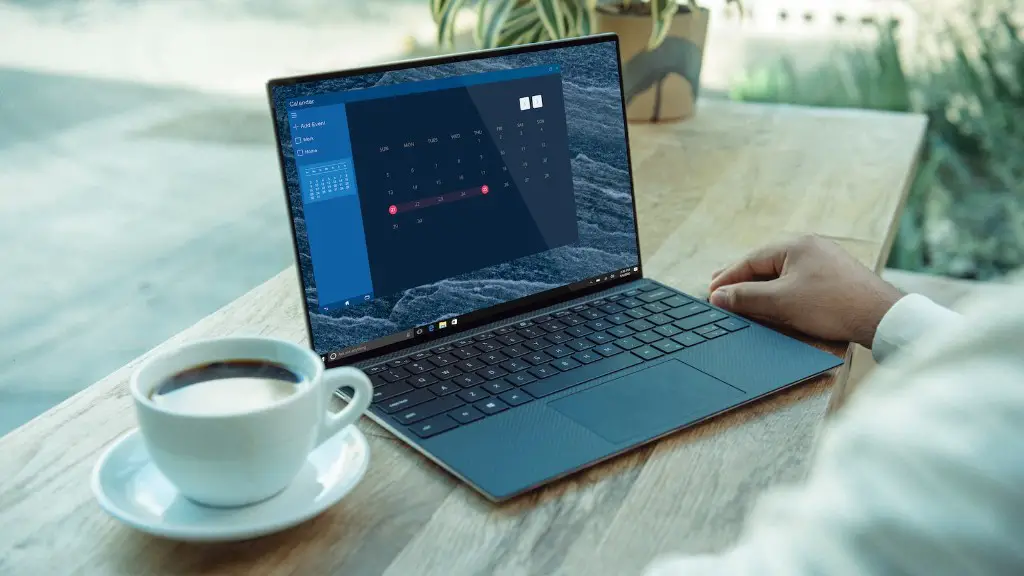
When it comes to selecting a motherboard for a gaming build, it’s important to consider a few key features. The type of processor and chipset chosen will influence which motherboard to select. Additionally, the type of RAM slots, the number of SATA ports, PCI slots and USB ports will also determine the type of motherboard chosen. The form factor of the motherboard is also important. With a mini-ITX build, a smaller motherboard is required, while with a larger mid-tower, an ATX motherboard will suffice.
Furthermore, most motherboards feature onboard audio and an integrated LAN port for internet connectivity. Heat is also an important factor to consider when selecting a motherboard. Generally, more powerful motherboards generate more heat and require improved cooling solutions.
Overclocking is another consideration when selecting a motherboard. This is the process of increasing the clock speed of the CPU and RAM to get more performance out of the system. It’s important to consider this because not all motherboards support overclocking, and some motherboards only allow very limited overclocking.
Phase power delivery is also something to consider when selecting a motherboard. Most motherboards have 4-8 power phases, with higher-end motherboards featuring more power phases to support the processor and graphics card. It’s important to ensure the motherboard has enough power phases to ensure the system runs stable under load.
Finally, a gaming motherboard needs features such as LED lighting, which provides a nice touch to any gaming chassis, along with RGB support for customizing the system. Other features such as DDR4 RAM overclocking, SLI/Crossfire support, and fan speed control are also important to consider when selecting a motherboard.
Graphics Card Considerations
Graphics cards are the most important component for gaming, and there are some important features to consider when selecting one. Firstly, the GPU (Graphics Processing Unit) and its clock speed is important, and it usually determines the performance of the graphics card. Additionally, the type and speed of the memory is also important, as higher memory bandwidth can provide significant boosts in performance.
Furthermore, the number of cores is important, as more cores enable the graphics card to process more data simultaneously. Higher memory can also be beneficial, with cards featuring 4GB and more suitable for resolution such as 4K and higher. The type of cooling used is also important, and usually comes in the form of an air cooler or a liquid solution.
The size of the graphics card is also important, as it determines the type of chassis it can be installed in. For example, if using a mini-ITX chassis, it is important to select a graphics card that fits in the chassis. Additionally, a card that features dual or triple fan designs is preferred, as this will provide improved cooling for the graphic card.
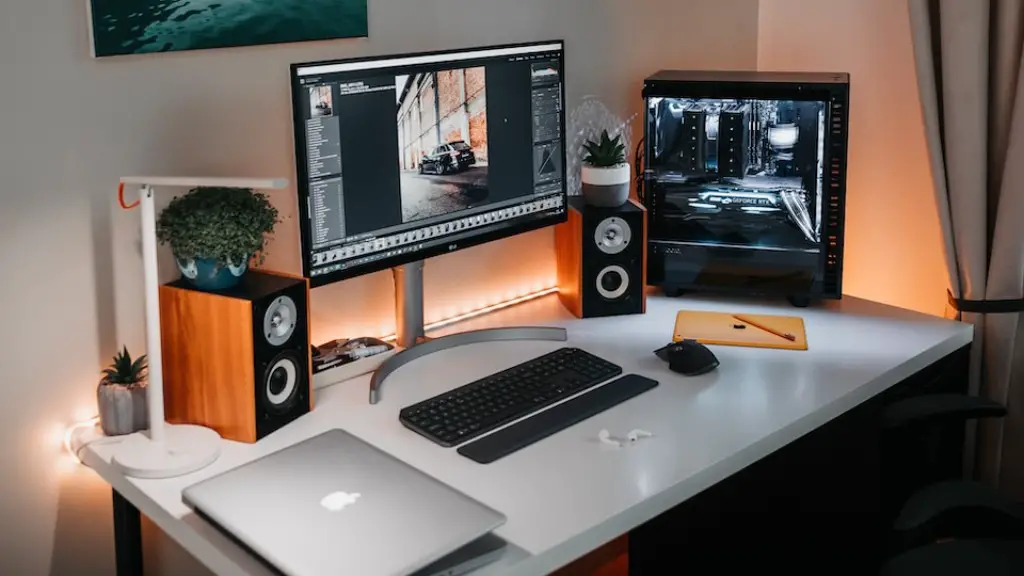
Another important feature to consider when selecting a graphics card is the power connectors. SLI (Scalable Link Interface) is an important feature for those who wan to use multiple graphics cards in a single system. Finally, graphics cards featuring DisplayPort, HDMI, and DVI outputs are also important, as they allow the user to connect multiple monitors to the graphics card.
RAM Considerations
When it comes to selecting RAM (Random Access Memory) for a gaming PC, there are several criteria to consider. Firstly, the type, frequency, and module size are important factors. DDR4 RAM is usually the preferred type, with frequency starting at 2400MHz and the capacity of each module ranging from 8GB up to 16GB.
The number of RAM slots is also important and this is determined by the motherboard. It is recommended to take note of the type and number of slots available and match it to the type and amount of RAM desired. It is also recommended to use all available slots for a system to fully utilize the memory.
Heat spreaders are also something to consider when selecting RAM. Heat spreaders offer improved cooling and can prevent the RAM from overheating when running demanding applications. Additionally, those who want to improve the aesthetics of a system may opt for RAM that includes RGB lighting or specially-designed heat spreaders.
It is also important to consider the warranty offered when selecting RAM. Some manufacturer may offer better warranties and aftermarket support than others. Additionally, some RAM may also offer higher overclockability with improved stability.
Storage Considerations
Storage is another key components when it comes to gaming, and the type of storage selected will have an impact on the performance of the system. The most common form of storage is the traditional Hard Disk Drive (HDD), which is usually the most affordable option. HDDs offer large storage capacities but are slower than other types of storage.
Solid State Drives (SSDs) are another type of storage which offer significantly higher performance. SSD speeds can get as high as 3,500 MB/s, and even faster with the latest PCIe 4.0 drives. These drives are significantly more expensive, but are better suited for running applications and games.
If you’re looking for the best of both worlds in terms of storage, some manufacturers offer Hybrid drives which feature both an SSD and HDD. The SSD is used as a cache drive to improve the loading times of applications, while the HDD offers large storage capacities. Hybrid drives are slightly more expensive than traditional HDDs, but offer higher performance.
Finally, it’s important to consider the form factor of the storage when selecting one. Most 2.5-inch drives are the most common form factor and are used in laptops and other small form factor systems. 3.5-inch drives are also available and are recommended for larger systems such as mid-tower or full tower PCs.
Power Supply Considerations
Power Supplies (PSUs) are a crucial component for any gaming system and should be selected with care. The most important feature when selecting a PSU is the wattage. It is important to select a PSU with enough wattage to power all the components within the system. For more powerful systems, a minimum of 750W is recommended.
The type of connectors is also important when selecting a PSU, as it determines which components it can power. Most modern graphics cards usually require a 8-pin or 6-pin PCI-E connector, while HDD and SSDs usually require SATA connectors. Motherboards may also require 4-pin or 8-pin connector, while some processors may require an additional 4-pin or 8-pin connector.
The form factor of the PSU is also important when selecting one. ATX PSUs are usually the most popular, as they offer sufficient power and come in different wattages. SFX PSUs are another popular choice for small form factor builds, as they are often more compact than ATX PSUs. Finally, modular PSUs offer improved cable management, but are more expensive than non-modular PSUs.
It is also important to consider the efficiency rating of the PSU. Generally, PSUs with a gold or platinum rating are advised, as they offer improved power efficiency. The fan noise is also something to consider, as modular PSUs with larger 120mm fan tend to be quieter than those with smaller, 80mm fans.
