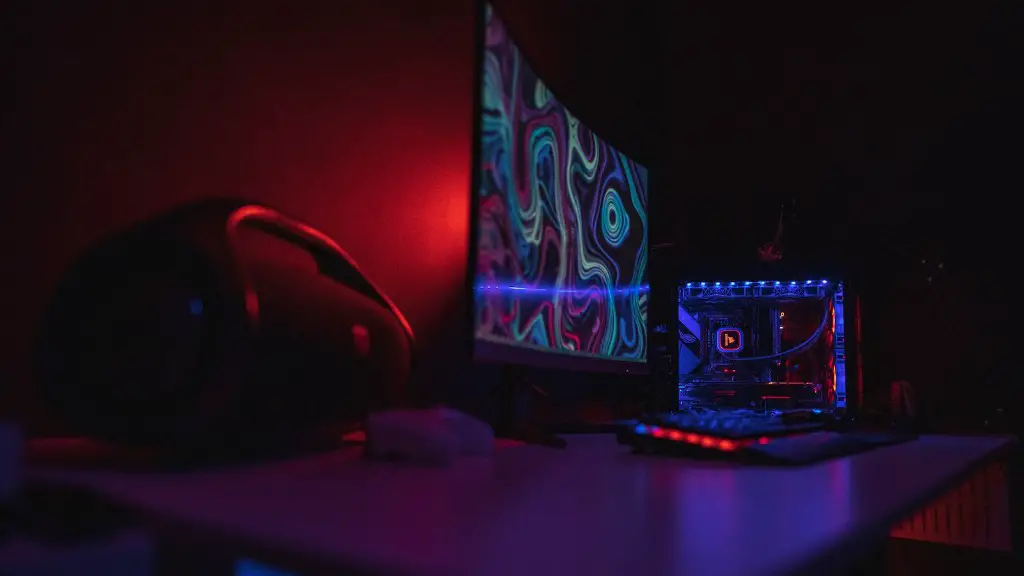
Building a gaming PC requires a lot of know-how. To get the most out of the gaming experience, it’s essential to consider the components that make up a good gaming PC. These components include the CPU, RAM, hard drive, and video graphics card. It’s also important to bear in mind the level of graphics and performance you need. Here are some key factors to bear in mind before you build your own gaming PC.
The CPU is the brain of your computer and is responsible for carrying out the data processing and calculations. When selecting the CPU for a gaming PC, it’s important to choose one that is both efficient and has a high clock frequency. This will ensure the best performance for your gaming needs. When selecting the CPU, it’s also important to consider which motherboard supports it as this will determine how powerful your PC can be.
RAM or Random Access Memory is an important component as this will affect how quickly you can access information. Many games require lots of RAM, so choosing the right size is essential. For example, if you’re looking to run a game with high-end graphics, 8 GB RAM is sufficient. However, if you want to run a more complex game, you may want to consider 16 or 32 GB RAM. Additionally, it’s important to bear in mind that some motherboards only support up to a certain limit of RAM.
A hard drive is critical for storing all your files and games. It’s important to choose a hard drive with large capacity to ensure you don’t run out of storage in the future. Generally speaking, modern games require a drive of minimum 500 GB. When selecting the hard drive, it’s also important to think about the speed and reliability. An SSD drive is usually faster but more expensive. Therefore, it’s important to weigh up your needs and requirements.
The video graphics card is the component responsible for powering the graphics of the game. It’s important to choose a card with enough power for the graphics the game requires. Make sure to look for both the graphics core, memory and memory bandwidth. Additionally, make sure to look for a card that fits into your motherboard as well as one with drivers and software compatibility.
Building a gaming PC isn’t as easy as it may seem and it isn’t something you can rush. Consider your budget and the resources you have available. Secondly, identify the components you need for the type of gaming and level of performance you want to achieve. Finally, find the best deal on these components, research the compatibility and ensure you’ve got all the right components.
Power Supply
The power supply unit is important to ensure all the components are getting the power they need. While it may not be the most complex or expensive component, it plays a valuable role in supporting the other components. When selecting a power supply, look for one that is both stable and has enough power to support the components you plan to use. Additionally, consider the energy efficiency of the unit.
Cooling
A cooling system is important to ensuring your gaming rig doesn’t overheat and can perform with peak efficiency. A cooling system is necessary for both the CPU and the graphics card. The system should be robust enough to keep your PC well ventilated so the components don’t overheat. When selecting the cooling system, make sure to consider the noise level and the size of the coolers.
Gaming Peripherals
In addition to the components, you will also need to invest in gaming peripherals such as a gaming keyboard, gaming mouse and gaming monitor. The quality of the peripherals affects the gaming experience and it’s essential to make sure they’re compatible with the components you select. Look for the right sensor resolution and response time when selecting your gaming peripherals.
Software
Software is essential for PC gaming, including your Windows operating system and a streaming software of your choice. You’ll also need an antivirus software to protect your PC. Additionally, if you plan to customize your gaming PC, an overclocking software such as Asus or MSI Afterburner is necessary to get the most out of your system.
Storage Space
When building your gaming PC, it’s important to remember to account for storage space. Most games can take up a large amount of storage space, so it’s important to factor that in when selecting the hard drive. SSDs are more expensive but also more efficient when it comes to space, so bear that in mind when selecting the hard drive.
Replacement Parts
When building a gaming PC, it’s important to take the time to think about any replacement parts you may need in the future. Look for components that can be easily replaced or serviced and choose a motherboard with a long lifespan. Additionally, you may want to consider buying a spare power supply or a cooler just in case.
