
If you are considering a new gaming PC, there are a few key items you will need to purchase. You will need a motherboard to hold your components, a CPU/GPU combination, RAM, a power supply, storage, and a case. Depending on your budget and what kind of gaming experience you are looking for, these components can be configured to your specific needs. Here’s a breakdown of what you need:
Motherboard
A motherboard is the foundation of your gaming PC. It is the hub that allows all of your other components, such as your CPU, GPU, RAM and storage, to communicate with each other. When choosing a motherboard, make sure to look at what kind of ports it has, as this will determine what kind of components you can install in it. Additionally, you’ll want to make sure it is compatible with the type of processor you want to install.
CPU/GPU Combination
The CPU and GPU are the two main components that will determine the overall performance of your gaming PC. When choosing a CPU, you should consider the number of cores, the clock speed and the number of threads. As for GPUs, you will want to consider the type, such as an AMD or NVIDIA, as well as the number of cores and the amount of video memory it has.
RAM
RAM is the memory that your PC uses when running applications. The amount of RAM you need depends on the kind of games you plan to play and the number of applications you will be running. Generally, 8GB of RAM should be more than enough for most gaming PC’s.
Power Supply
Your power supply is what provides your PC with the power it needs to run. When selecting a power supply, you will want to make sure it is rated to provide at least 500 watts of power and is compatible with your other components. Additionally, you will want to make sure it has enough connectors for all of your components.
Storage
Storage is used to store all of the data and applications for your PC. You will want to make sure the drive you select is a good mix of speed and capacity, as the slower the drive, the longer it will take for your games to load. Additionally, you will want to make sure it is compatible with your motherboard.
Case
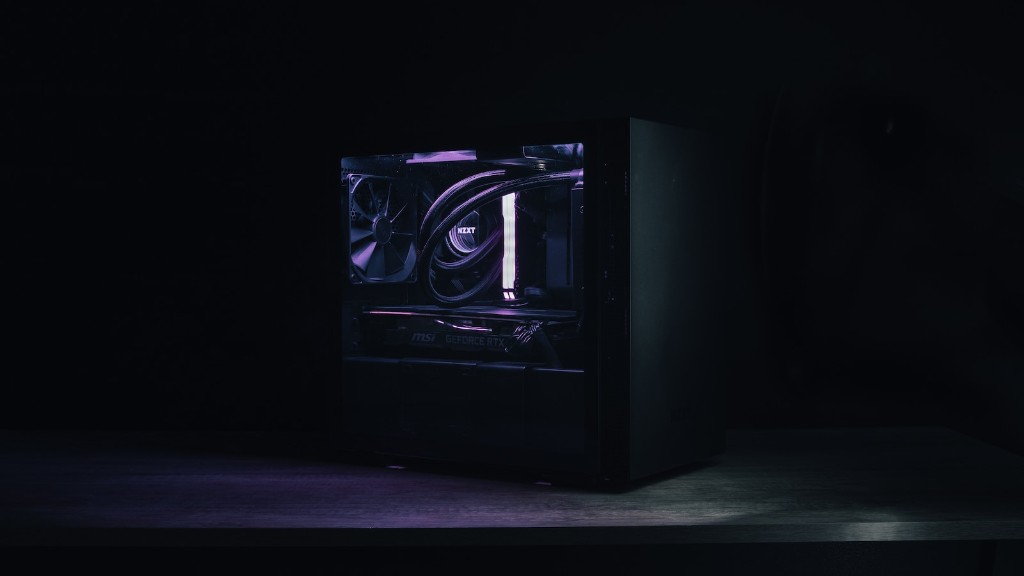
Your case is what will house all of your components. When selecting a case, you should think about the style of PC you want, as well as what kind of cooling options the case offers. Additionally, you should make sure the case has enough space for all of your components.
Accessories
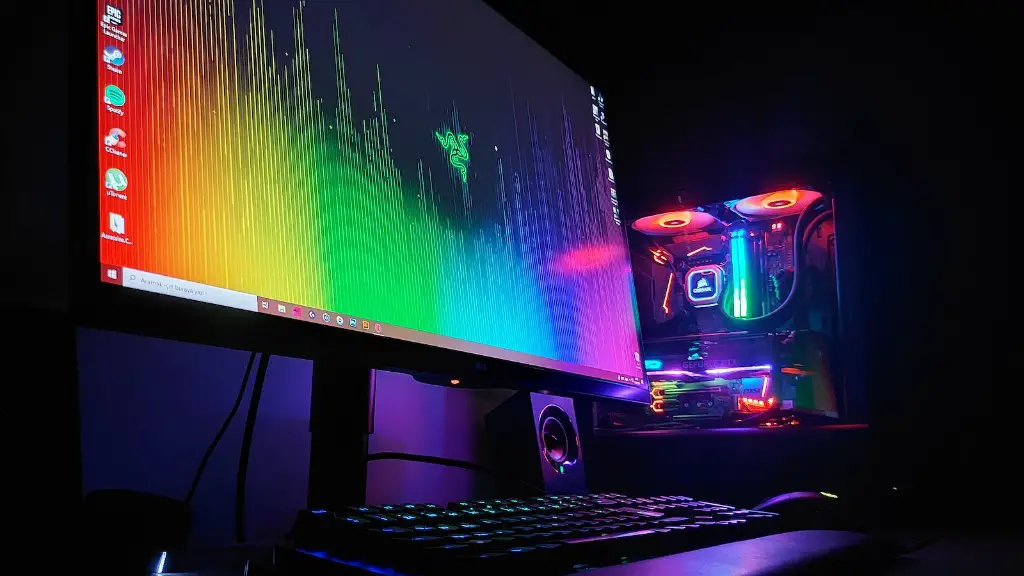
There are several accessories you will need to make sure your gaming PC is properly setup, such as a monitor, mouse and keyboard, and speakers. When choosing a monitor, make sure to look at the resolutions and refresh rate it offers. As for the mouse and keyboard, you will want to make sure they have the right feel and are compatible with your PC. And lastly, for speakers, you will want to make sure you are getting a good audio experience.
Operating System
You will also need to purchase an operating system for your gaming PC. There are several options, such as Windows 10 or Linux, but Windows 10 is the most popular choice. You can purchase an OEM version of Windows 10 that is tailored to the hardware of your PC.
Networking Equipment
If you plan to connect your gaming PC to the internet, you will need to purchase networking equipment as well. You will need either a modem and router or a modem/router combo. You will also need to get an Ethernet cable to run from the modem/router to your gaming PC.
Peripherals
There are several optional peripherals you can purchase for your gaming PC such as a gaming headset, ergonomic mouse, or gaming controller. These accessories can improve your gaming experience in different ways and are usually relatively affordable.
