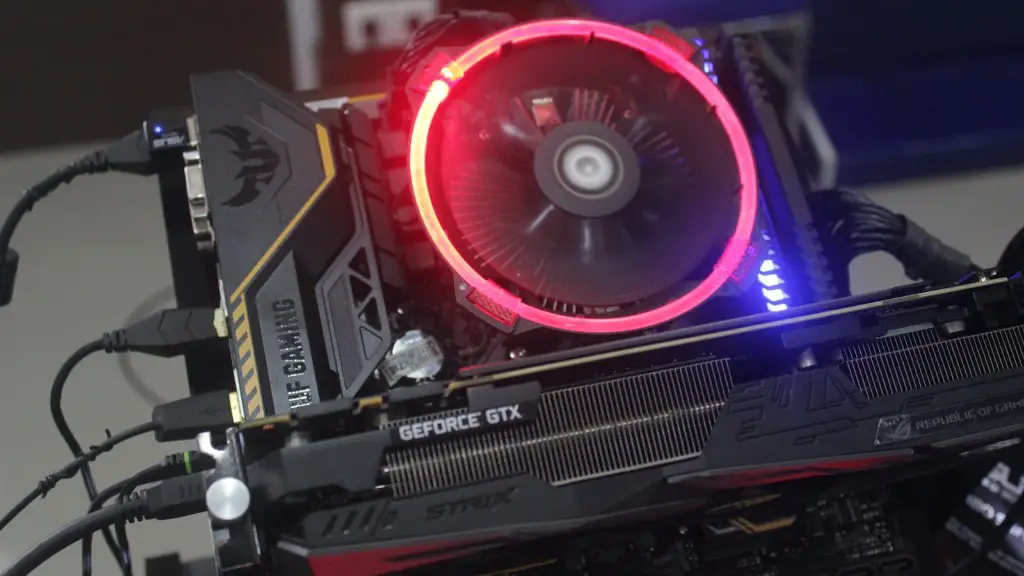
If you’re a serious gamer, you know that having the right tools and components is essential for creating a quality gaming experience. And having the best gaming PC should be your priority. But what exactly do you need for a gaming PC? Here’s a breakdown of the critical components you need for optimal performance.
First, you’ll need a good processor. You’ll want a high-end Intel Core processor, such as an 8th Gen i7 or a 9th Gen i9. These processors are capable of handling any game or application you throw at them.
Next, you’ll need the right RAM. Today’s games require a lot of RAM to run efficiently, so it’s important to get a good amount of RAM. 8-16 GB of RAM should do the trick. It’ll help your system run smoother and faster.
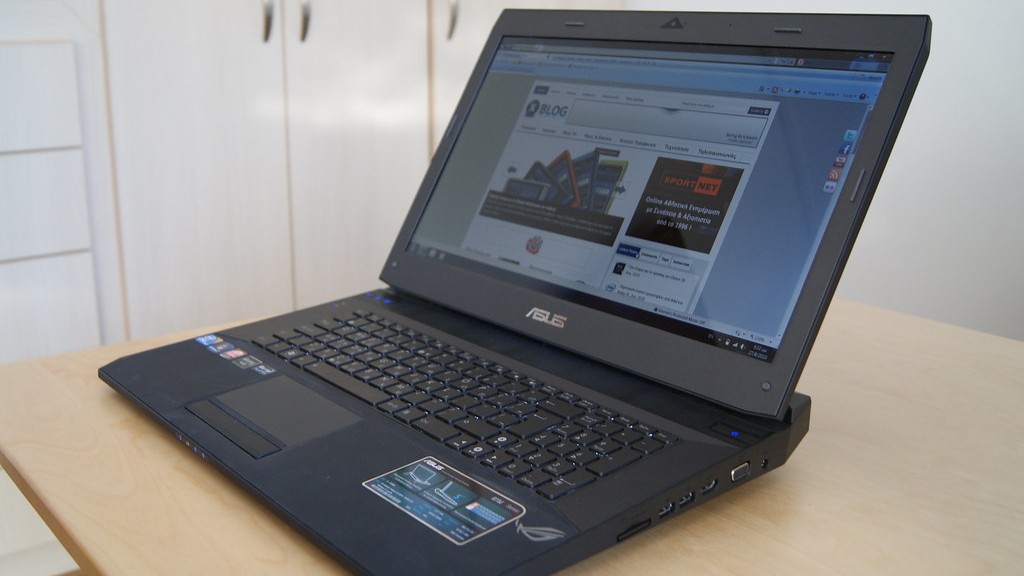
You’ll also need a graphics card. Buy a good mid-range or high-end card from Nvidia or AMD. This will ensure your games don’t lag or stutter.
Of course, don’t forget about storage. To store all your games and applications you’ll need at least 500-1000 GB of space. You may want to consider getting a solid state drive; these are much faster than traditional hard drives and will boot up your system quickly.
Finally, you need a good monitor. Buy one with a high refresh rate, such as 144 Hz or 240 Hz, for an ultra-smooth gaming experience. And get a larger one if you plan to play on higher screen resolution.
So there you have it – the essential components you need to build a good gaming PC. With these parts, you’re sure to get the best gaming experience out there.
Motherboard

The motherboard is the heart of every PC, so it’s crucial to pick the right one when you’re building a gaming PC. Look for a board with a good cooling system, ample I/O and USB ports, overclocking capabilities and good support for SLI or CrossFire. An ATX-sized board is best, since it has more features and expansion slots.
Another important consideration is the chipset. Most motherboards now use either AMD or Intel chipsets. Intel chipsets tend to perform better, but AMD chipsets offer more value for money. Ultimately, it’s up to you to decide which suits your needs.
When choosing a motherboard, make sure it fits the socket of your chosen processor. Check the manual of the board to ensure compatibility.
Finally, look for onboard features such as integrated graphics, sound and Ethernet. These features will save you money, as you won’t need to buy a dedicated graphics card, sound card or network adapter.
Case
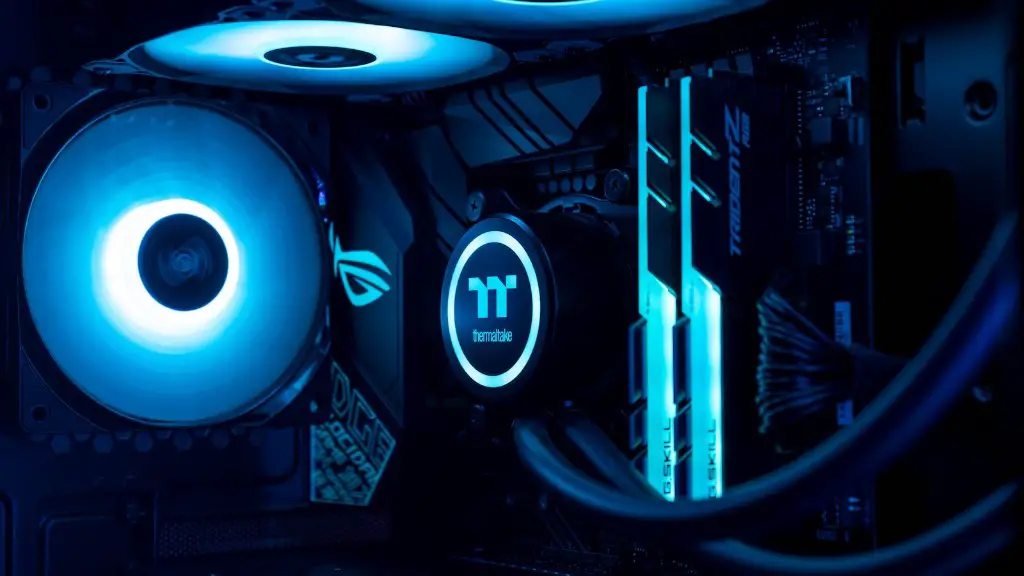
A good case is essential for keeping your gaming PC running cool. Look for a case with good airflow, since this is the key to keeping all your components cool. Bigger cases tend to have better airflow, so look for one with at least seven or eight fans. Also, make sure the case has enough room for your components, as some cases are designed for specific components.
The design of the case is also important. Some cases have sleek and modern designs, while others have a more rugged and boxy design. If you’re looking to show off your PC, then you may want to invest in a windowed case.
Finally, look for a case with anti-vibration mounting. This will reduce the noise generated by the components and ensure that the PC runs quietly.
Power Supply
A good power supply is a must for any gaming PC. The power supply needs to be able to handle the demands of all your components, so look for one with good ratings and ample wattage. For a powerful gaming PC, get at least a 600 watt PSU.
Aside from wattage, look for a power supply with bronze, silver or gold certification. This ensures that the PSU meets stringent safety and efficiency standards. Also, look for a PSU with good cable management, as this will reduce clutter in your case.
Finally, consider getting a modular power supply. A modular PSU has individual cables, so you only need to use the ones you need — this helps reduce clutter and improve airflow.
Cooling System
A good cooling system is essential for keeping your components running cool. You’ll want a CPU cooler that is capable of dissipating heat quickly, so opt for one with a large heatsink and plenty of fans. Consider getting a water-cooled system if you’re serious about overclocking.
Also, make sure you have good case fans. High-end gaming cases usually come with fans already installed. But if you’re DIY-ing your PC, you’ll need to buy your own fans. Look for fans with high static pressure and good airflow.

Finally, make sure you have good airflow in your PC. This means positioning your components in a way that enables air to flow freely. This will ensure your components run as cool as possible.
Peripherals
Your gaming PC isn’t complete without the right gaming peripherals. A quality headset is essential for immersive gaming, so opt for one with good sound quality and noise cancellation. Consider getting an adjustable one for the best comfort.
A good gaming mouse and keyboard are also essential. Look for ones with adjustable settings, as well as tactile feedback and customizable profiles. This will help you get the best gaming experience.
Finally, don’t forget about speakers. A good speaker system will allow you to really immerse yourself in your games. Look for a system with quality sound and ample bass.
