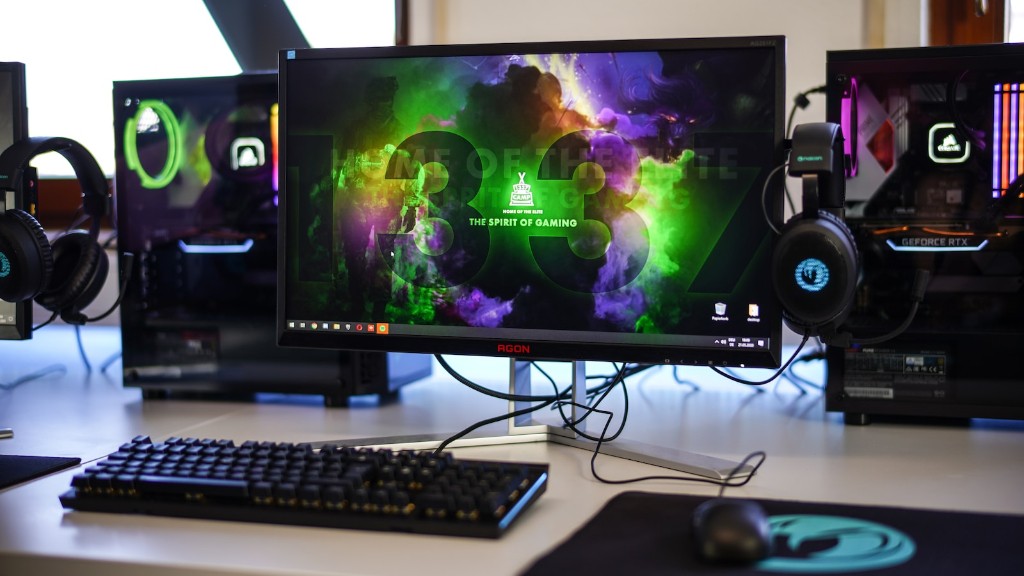
Modern gaming rely heavily on computers and the assortment of peripherals and components used by them. Understanding what each part of a gaming computer does is key in ensuring a smooth gaming experience. Let’s delve into the four main parts of a gaming computer.
Firstly, the processor. The processor is the brains of the machine, responsible for quickly executing instructions sent by the operating system and game. Processor frequency and the number of cores it has will determine the speed at which instructions are executed, thus affecting the gaming performance.
Secondly, the graphics cards. Graphics cards are responsible for rendering the game’s graphics. The faster the card, the more frames per second (fps) the user will experience. A GPU with a large video-memory will be able to draw more on-screen objects at once, thus creating a more immersive gaming experience.

Thirdly, the RAM or Random-Access Memory. RAM enable the computer to quickly access data used by the game and the operating system. The more RAM the user has, the more virtual multi-tasking can be done, thus allowing for a better gaming experience.
Lastly, the storage drive. A storage drive stores the game’s files and saves the user’s progress in the game. Hard disk drives (HDD) are denser and cheaper but are slower than solid state drives (SSD). What type of drive is used will affect the game’s loading speed, which can make or break a game.
GPUs
GPUs, or graphics processing units, are specifically designed to render graphics on a computer. They are the main determinants of the user’s gaming experience. GPUs can range from budget cards that offer basic graphics to high-end cards that offer high detail and faster frame rates. Most GPUs come with an internal cooling system, which helps prevent overheating.
The number of cores and the frequency of the GPU (measured in gigahertz) will determine how many frames per second (fps) the user will experience. High-end GPUs usually have more cores and a higher frequency, thus enabling higher framerates and better graphics.
The amount of video-ram installed on a GPU is also important. Video-ram stores scene data and textures used by the application or game. A GPU with more video-ram can draw more on-screen objects at once, thus creating a more immersive gaming experience.
The latest GPUs come with an assortment of features such as integrated raytracing capabilities, better image-quality, and support for newer memory types and technologies. GPUs are constantly evolving and improving, enabling better gaming experiences.
CPUs
CPUs, or central processing units, are the brains of the computer. They are responsible for quickly executing instructions sent by the operating system and game. Processor frequency and the number of cores it has will directly determine the speed at which instructions are executed and therefore, affects gaming performance.
Modern CPUs come with multiple cores. The more cores the CPU has, the more instructions it can execute per second, thus leading to better performance. Processor frequency, measured in gigahertz, determines how quickly instructions can be executed. A higher frequency leads to faster performance.

Most modern computers come with CPUs with multiple cores, a high frequency and other advanced features such as integrated graphics, advanced security features and virtualization capabilities. The features of the processor will have a direct impact on the gaming performance.
RAM
RAM, or random-access memory, enables the computer to quickly access data used by the game and the operating system. It is the main determinant of the user’s multi-tasking capability. The more RAM the user has, the more virtual multi-tasking can be done, thus allowing for a better gaming experience.
Most modern computers can handle up to 32GB of RAM, although 16GB of RAM should be more than enough for most gaming scenarios. It is important to note that a bigger RAM does not result in better gaming performance, as most modern games do not need more than 16GB to run.
RAM is installed directly onto the motherboard and is usually in the form of dual-in-line memory modules (DIMM) or individual RAM chips. The type of RAM used will depend on the user’s CPU and motherboard. The user must ensure that the RAM is compatible with the system beforehand.
Storage
Storage drives are used to store game files and save user progress in the game. Modern storage drives range from traditional hard disk drives (HDD) to the newer solid-state drives (SSD).
HDDs have been the go-to drives for a long time and are the cheaper alternative. They are much denser than SSDs and have larger storing capacities. On the other hand, SSDs offer higher-speed performance as they use flash-memory, thus allowing for faster booting and loading speeds.
The type of drive used will affect the speed of the game’s loading. An HDD will take longer to load the game than an SSD, thus compromising the gaming experience. As such, it is recommended that the user opts for an SSD if performance is prioritized.
Storage drives are usually installed onto the system via a data cable. Hard disks need to be plugged into the motherboard and require a separate power cable, while SSDs need only one cable to attach it to the motherboard.
Peripherals
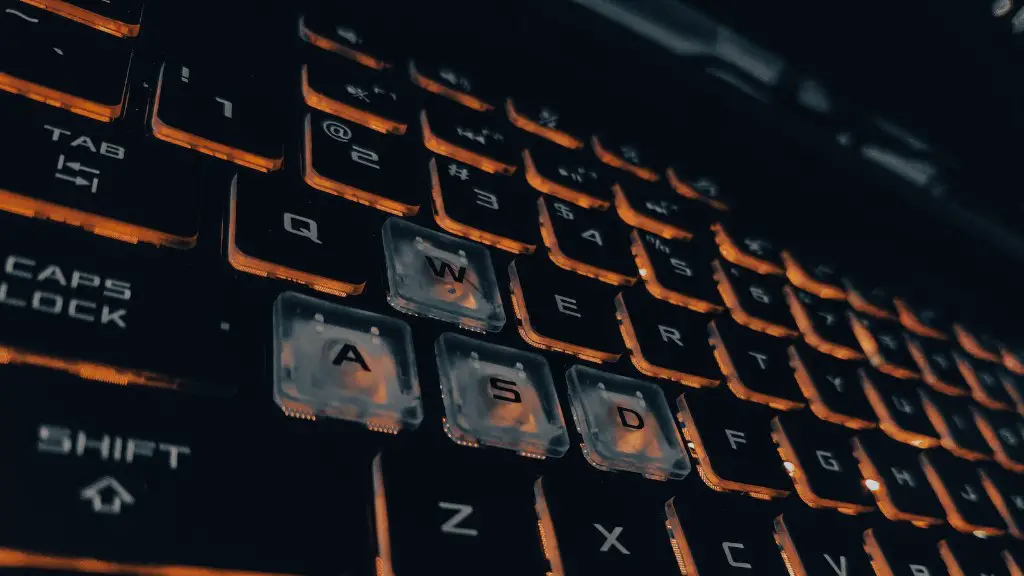
Modern gaming peripherals are what makes gaming more enjoyable. From traditional game-controllers to specialised gaming headsets, there is a wide variety of peripherals the user can choose from.
Game-controllers such as those from Sony or Microsoft offer varying levels of control depending on the user’s preference. Keyboards and mouse offer better response times and accuracy for shooters and strategy games. Headset and speakers also provide different levels of sound-immersion depending on their quality.
All of these peripherals come in a range of shapes, sizes and designs, thus allowing the user to design a completely personalised gaming setup. Other gaming peripherals include steering wheels, specialised flight sticks, and more.
It is important to note that gaming peripherals can be expensive. The user must decide which type of peripherals they wish to purchase and buy accordingly. It is recommended to research each peripheral before purchase and compare prices.
Cooling
Modern gaming PC’s generate a lot of heat during operation, as it is due to the components running at their peak. This heat must be quickly dissipated from the system, otherwise it can lead to serious performance issues and even cause permanent damage to the system.
Most modern components such as CPUs and GPUs come with built-in cooling systems. CPU coolers are usually mounted on top of the processor and are usually made from a combination of metal and plastic. GPU coolers are usually connected to the graphics card via a data-cable.
It is possible to add even more cooling to gaming PCs by adding case fans or liquid cooling systems. Case fans are installed onto the system’s case and help to quickly dissipate heat from the system. Liquid cooling systems work by using water to cool the system, which is more effective than air-cooling.
When considering cooling, the user should also think about the type of case they have and the air-flow within their setup. Good air-flow within a setup is essential to ensure components and peripherals remain cool during operation.
