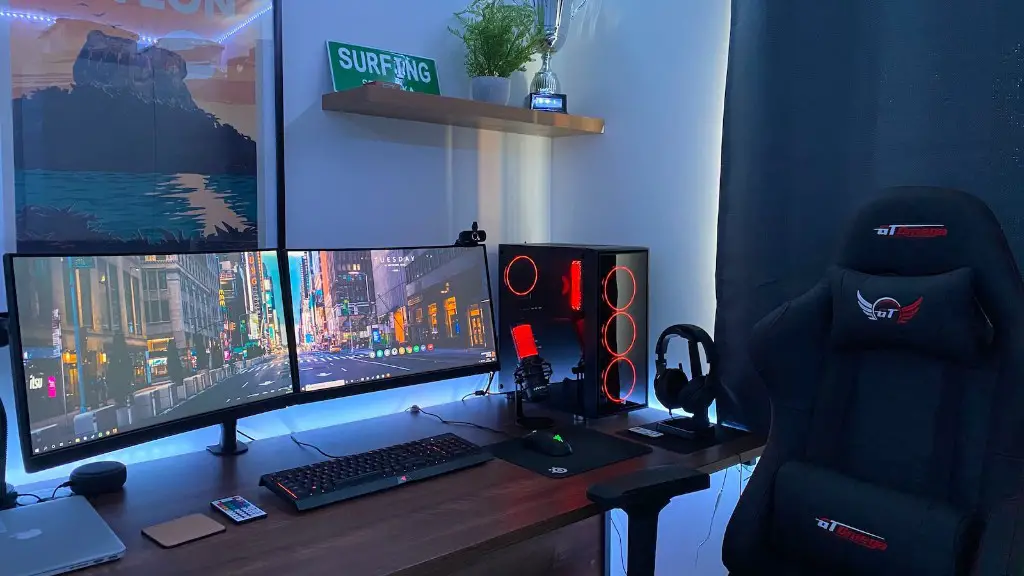
Having a gaming PC is important for the serious gamers. It is the most powerful and advanced platform for gaming – delivering the best gaming performance, greatest graphics and highest frame rates. So, what gaming PC should you choose?
When selecting a gaming PC, there are several things to consider. Firstly, you need to decide on the appropriate GPU (graphics processing unit) – it is the most important component in a gaming PC. You need to select the best one, based on your budget and the type of game you will be playing. Additionally, you need to ensure that the selected GPU is compatible with the motherboard.
The right amount of RAM (random access memory) is another factor. To ensure smooth and lag-free gaming, you will want at least 8GB of RAM. Additionally, you should check what type of RAM the motherboard supports.
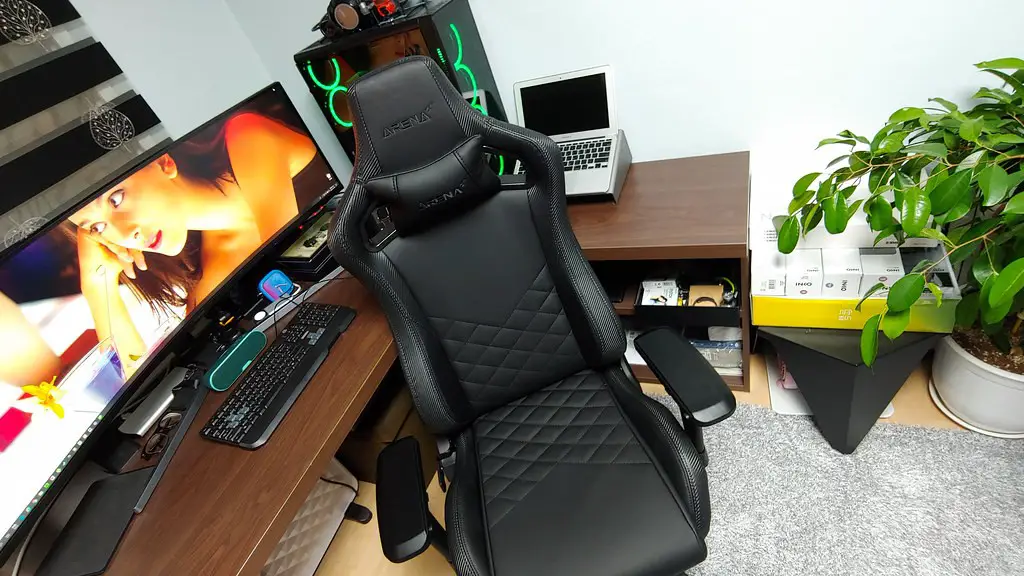
Another factor to consider is the processor. For most gamers, an Intel or AMD processor is the best option. The type of processor you choose will depend on the type of gaming you are intending to do. For example, if you are playing more graphically intensive games, you will want an Intel Core i5 or i7.
When it comes to storage, many gamers go for an SSD (solid-state drive). This type of drive provides faster loading times and is quieter than traditional hard drives. You also need to consider the storage capacity, as this will affect how much games and other software you can install.
Lastly, you need to select the right case and power supply. The case should be able to accommodate all the components you are using, including radiator sizes and fans. The power supply should be able to provide the required wattage for all components. In terms of aesthetics, you can choose a PC case based on your style.
In conclusion, when selecting a gaming PC it is important to consider the GPU, RAM, processor, storage, case and power supply.
Portability

Another important factor to consider with gaming PCs is portability. If you are a frequent gamer who travels often, having a gaming laptop might be a better option since it offers more portability than a desktop. Also, laptops tend to have less powerful specifications than desktops, but they can still provide a great gaming experience.
Modern gaming laptops are packed with powerful specifications, such as an Intel Corei CPU, fast SSD storage and high-end GPUs. The only downside is that they are usually more expensive than gaming desktops. However, the extra investment is worth it if you frequently move around with your computer.
You also need to consider cooling for a gaming laptop. If you plan to do heavy gaming, it is best to choose a laptop with proper thermals. Furthermore, such laptops tend to be quite large and heavy, so you need to make sure that the laptop is light enough for you to easily carry it around.
The key to choosing the best gaming laptop is to make sure that it has all the necessary components that you need for gaming – such as a powerful CPU, plenty of RAM and a high performance GPU. It is also important to consider the design of the laptop, as the laptop needs to be comfortable for you to use and should have good cooling.
In conclusion, gaming laptops can provide a more portability compared to desktops, but they tend to be more expensive. It is important to ensure that the laptop has all the necessary components and good thermals, as well as being comfortable to use.
Components in Detail
When it comes to selecting components for a gaming PC, there are several things to consider. Firstly, the type of CPU (central processing unit) you should choose depends on the type of games you are playing. For example, most modern games require an Intel Core i5 or i7 processor.
It is also important to consider the type of graphics card you will be using. There are several types of graphics cards – such as AMD or Nvidia – and you need to select the appropriate one for your games. Of course, the more powerful the graphics card, the better.
Furthermore, you need to select the appropriate type of RAM (random access memory). Most gaming PCs require at least 8GB of RAM to run games smoothly. Additionally, the motherboard should be able to support the type of RAM you are using.
Finally, you also need to consider the type of storage you are going to use. Many gamers go for an SSD (solid-state drive), as it offers faster loading times and is quieter than traditional hard drives. However, you need to consider the capacity of the drive, as this will affect how much games and other software you can install.
In conclusion, when it comes to selecting components for a gaming PC, you need to consider the CPU, graphics card, RAM and storage. The chosen components should be based on the type of games you are playing, as well as the budget you have available.
Budget
Your budget is a crucial factor when selecting a gaming PC. The more powerful configurations usually cost more, so finding the right balance between performance and price is important. That being said, you can still build a great gaming PC on a budget.
The majority of gaming PCs are powered by Intel or AMD processors, and you can find some great budget options. Similarly, GPUs such as the Nvidia GeForce GTX 1660 Ti are great budget options that can still deliver good performance. In terms of RAM, 8GB is the minimum amount you should consider.
You can also save money on storage, as you don’t need an SSD for gaming. If you are on a tight budget, then an HDD is perfectly fine for gaming. Additionally, you should also consider buying second-hand components or refurbished items, such as GPUs or motherboards.
Finally, you should also consider getting a pre-built gaming PC. These are generally cheaper than custom builds, and thus a great option for those looking for a cheaper gaming PC. A pre-built PC might not provide the same level of performance as a custom-built PC, but it’s still a great way to get a gaming PC on a budget.
In conclusion, it is possible to build a great gaming PC on a budget. You need to consider the CPU, graphics card, RAM and storage, and budget components can provide great performance at an affordable price.
Aesthetics
Finally, you need to consider the aesthetics of your gaming PC. There are numerous PC cases to choose from, and you should pick one based on your style and which looks the best. You can also purchase customized components, such as RGB lighting, to make your PC look even more impressive.
RGB lighting is a great way to make your gaming PC look more attractive, as it can be customized to display millions of colors. Additionally, there are also several controllers available to control the RGB lighting, allowing you to customize the lighting effects.
Custom watercooling is another great way to make your gaming PC stand out. Watercooling is a great way to keep your system cool, and it also looks great. There are several kits available, ranging from entry-level kits to more advanced ones.
In terms of design, you can also consider custom PC cases. These are designed to look more attractive than the standard cases, and they can also provide better airflow. Additionally, they can also be customized with RGB lighting, custom watercooling and other components.
In conclusion, you should consider the aesthetics of your gaming PC. RGB lighting and custom components are a great way to make your PC look more attractive, and custom PC cases can provide better airflow as well as a unique look.
