The gaming monitor is a key component for serious gamers. A gaming monitor must offer excellent response times, wide viewing angles, low input lag, resolution, colour accuracy, contrast and more. So, what makes a gaming monitor a decent one? Firstly, it must offer reasonable input lag. Input lag is the delay you experience between pushing a button on your controller and seeing that action on the screen. The lower the input lag, the smoother the gaming experience. Secondly, it must offer refresh rates and response times that can handle intense gaming. These two work hand in hand. High refresh rates make images appear smoother, while low response times reduce ghosting and blur. Thirdly, it must be able to display vibrant colours, rich contrasts and true blacks, so you can properly see details in dark scenes. It should also have wide viewing angles for a comfortable gaming experience. Fourthly, it must offer appropriate resolutions for the type of play. For casual gaming, 1080p resolution is fine, but for serious gamers, you could opt for higher resolution models like 1440p or 4K. Fifthly, high pixel density can help reduce screen tearing, so if you’re playing on a larger monitor, you may want to look into ultra-wide gaming monitors. Sixthly, the design should be ergonomic, offering flexibility in terms of positioning. Last but not least, the monitor must be affordable and last for years of gaming.
Types of Gaming Monitors
Gaming monitors come in a variety of types, including budget-friendly LCD options, VA and IPS screens, curved, ultra-wide and 4K models. Budget-friendly LCD monitors are great for casual gaming, while VA and IPS monitors offer improved image quality and a better viewing angle. Curved gaming monitors can have a more immersive experience, particularly when gaming in first-person shooter or simulation games. Ultra-wide, for those who want a truly all-encompassing gaming experience, and 4K, for gamers who want the absolute best in visual clarity. Depending on your budget and type of gaming, there’s a gaming monitor out there that will meet your needs.
Ports and Connectivity
Aside from the specs mentioned above, you should also consider the ports and connectivity your gaming monitor has. Most gaming monitors come with DisplayPort and HDMI ports, but to get the best performance, you’ll also want to look for USB ports and audio ports as well. USB ports let you easily connect gaming consoles and other devices, while audio ports will let you plug speakers or external audio sources into your monitor. If you’re looking for a gaming monitor for competitive gaming, consider a monitor with Free-Sync or G-Sync, which reduce latency and stuttering in games by syncing the monitor’s refresh rate with the GPU.
Extra Features
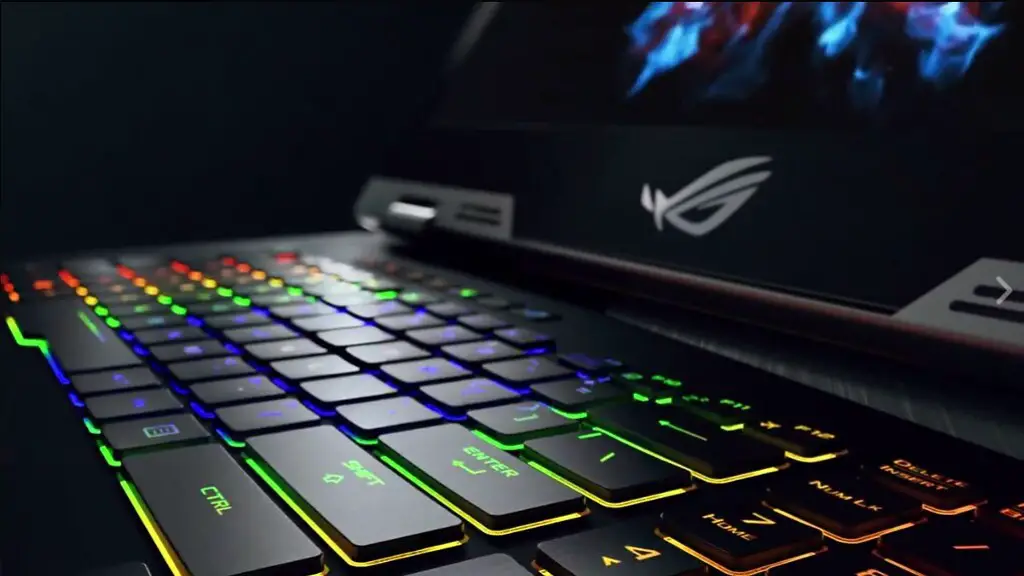
The best gaming monitors don’t just offer great specs and narrow response times, but also additional features that could enhance your gaming experience. Many gaming monitors come with special gaming modes, which tweak picture settings for games like first-person shooters or sports. Higher-end models may also offer additional features like on-screen pre-sets, brightness and colour controls, and ambient lighting, allowing gamers to customise their viewing experience.
Size
Finally, consider the size of your gaming monitor. Bigger monitors like 27-inch panels can offer an immersive experience, but if you don’t have enough desk space, you may want to look into a smaller 24-inch model. If you want an ultra-wide monitor, you may have to opt for a 32-inch or larger model, depending on your gaming setup.
Refresh Rate
Refresh rates have to do with the number of times a display refreshes its image per second. Higher refresh rates mean smoother and more realistic visuals, but the most important factor in a gaming monitor is the response time. However, for competitive gaming where a fraction of a second could mean the difference between life and death, higher refresh rates can be a deciding factor. A refresh rate of 144Hz or higher is recommended for competitive gaming, however a 120Hz refresh rate may be sufficient. Most gaming monitors have adjustable refresh rates, so owners can toggle between different rates to find the best one for their game.
Panel Technology
Gaming monitors come in various panel technologies — those being TN, VA, and IPS. TN panels usually offer the fastest response times, but possess the worst colour accuracy and viewing angles. VA panels offer better colour accuracy, while IPS panels are known as the true “all-rounder” panel technology and offer excellent colours, viewing angles and refresh rates. Depending on the type of gamer you are, TN, VA, and IPS panels are worth considering and could make a huge impact on your gaming experience.
