Serious gamers understand the importance of having the best gaming PC. As the gaming industry grows and technology advances, the quality of components need to keep up. Here, we will discuss the elements of a good gaming PC and how to select the best components for your system.
CPU, RAM and internal storage are the main components of a gaming PC. A high-end CPU like the AMD Ryzen 9 3900X or Intel Core i9-10900K will afford you ample performance for heavy-duty gaming. RAM also plays an important role in a gaming PC, with 16GB to 32GB recommended. For storage, look no further than an NVMe SSD, which offers great speeds and reliability.
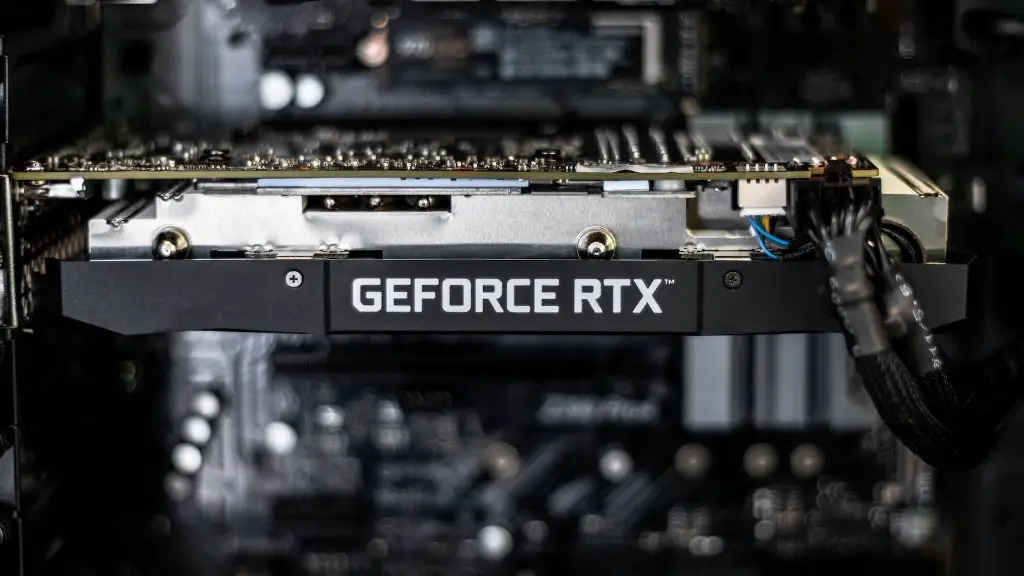
Cooling and graphics are also essential elements of a gaming PC. A well-built cooling system like liquid cooling or air cooling will keep the system running at optimum temperatures. Considering graphics, high-end GPUs like the Nvidia GeForce RTX 3090 or Radeon RX 6000 XT offer exceptional performance, delivering silky smooth frame rates in even the most demanding games.
An important part of gaming PCs is the power supply. A quality power supply will provide the PC with stable, reliable power to ensure components are running at full power. Generally, look for a PSU with at least 650 watts of power.
Having a gaming monitor is just as important as the actual PC. High refresh rate monitors reduce screen lag and ghosting, making fast-paced games easier. G-Sync and FreeSync are also important to reduce frame tearing. Look for a monitor with a maximum refresh rate of either 144Hz or 240Hz.
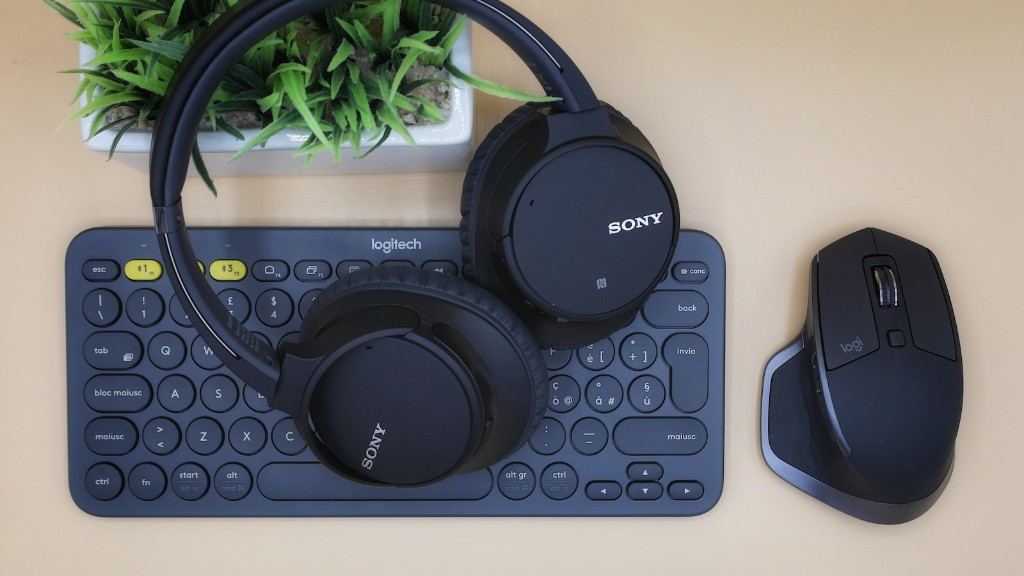
Finally, the case and peripherals are also important. Quality cases come with features like RGB lighting and fans, making a gaming PC look and feel more high-end. In terms of peripherals, a gaming mouse, keyboard and headset will make the gaming experience much more enjoyable.
CPU
When it comes to a gaming PC, the CPU (central processing unit) is the key component that determines performance. It is responsible for running the majority of processes in a computer. High-end CPUs like the AMD Ryzen 9 3900X and Intel Core i9-10900K offer superb performance for gaming, handling even the most intensive of games with ease. However, they come with a steep price tag, so make sure you factor in cost before making a purchase.
When picking out a CPU, it is important to look at its core count and base clock speed. The more cores a CPU has, the better it will be at multitasking and running heavier programs like game engines. Additionally, the higher the base clock speed, the better the performance.
It is also important to check the power draw of the CPU, as this will affect the amount of power the system will draw, along with the size of the power supply unit (PSU) required to power it. Generally, look for CPUs that draw 300-400 watts for maximum performance.
Finally, it is important to look at compatibility and socket types. Make sure that the CPU you plan on buying is compatible with the motherboard you have or plan on buying.
RAM
Another important element of a gaming PC is RAM (random access memory). RAM acts as a bridge between the CPU and other parts of the system, allowing for multitasking and fast access to data.
For gaming, 8-16GB is generally considered the minimum requirement. However, if you plan on streaming or running programs in the background while gaming, we recommend 16-32GB of RAM.
It is also important to look at the memory speed. Generally, the higher the memory speed, the better the performance, so look for RAM that offers speeds of around 3,000MHz to 3,400MHz or higher.
Finally, RAM can be bought in either one or two modules. The choice is entirely up to you, but two modules will provide enhanced performance and reliability, as the motherboard can access the data faster.
Internal Storage
For internal storage, it is highly recommended to get an NVMe (non-volatile memory express) SSD. These storage devices offer exceptional speed and reliability, allowing you to quickly boot into the operating system and load games quickly.
When selecting an SSD, it is important to consider capacity and speed. Generally, look for SSDs with 1TB or 2TB of capacity. Additionally, speeds should be at least 3000MB/s, as this will ensure faster loading and transfer times.
It is also important to consider form factor and compatibility. For maximum compatibility, look for an M.2 form factor drive, as this is the most compatible. Additionally, make sure that the SSD is compatible with the motherboard you have or plan on buying.
Cooling
Having a quality cooling system is key for a gaming PC, as it provides the necessary temperature control for stable performance. Air cooling is the most popular option and provides adequate cooling for most systems. However, if you plan on overclocking your components, liquid cooling is the best option. Additionally, make sure to have sufficient case ventilation.
When buying cooling components, look for models with large radiators and high-efficiency fans. These components provide the greatest amount of cooling, reducing temps significantly. Additionally, look for reliable brands, as the performance of the cooling system will depend on the quality of the components.
Graphics Cards

Graphics cards are the final element of a gaming PC. High-end GPUs like the Nvidia GeForce RTX 3090 and Radeon RX 6000 XT offer exceptional performance, enabling you to enjoy even the most graphically demanding games with ease. Look for cards with a minimum of 6GB of RAM, as this will make sure that you can play at maximum settings without any issue.
It is also important to look at the cooling solution. GPUs come with either reference cooling or custom models. Reference designs are cheaper and adequate for most users, but if you plan on overclocking, going for a custom model with a better cooling solution is highly recommended.
Power Supply
A power supply is an essential part of a gaming PC. It serves as an energy source to the system, making sure all components are running at full power. For maximum performance, look for a quality power supply with at least 650 watts of power. Additionally, make sure to pick a model with good efficiency ratings and an active PFC rating of at least 0.90.
Finally, it is important to make sure that the power supply is compatible with the motherboard you have or plan on buying. Generally, modern power supplies are compatible with most modern motherboards, but it is still important to check.
