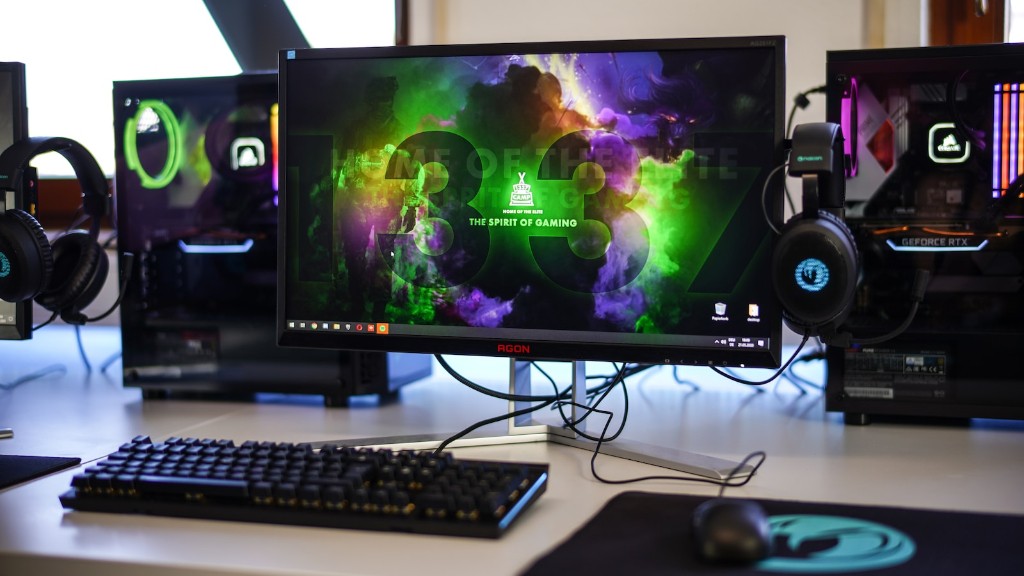
Building gaming PC’s is a challenging yet rewarding task. It requires ample knowledge of how all the parts and components work together, and how to optimize the system to get the highest performance. Generally, there are three categories of components that need to be taken into consideration when building a gaming PC: the processor, the graphics card and the memory.
Processor
The processor is the brain of the PC, and is responsible for most of the work the computer will do. A powerful processor is necessary to run demanding games and applications. When choosing a processor, it’s important to look at the processor’s cores, clock speed, and compatibility with other components. For gaming, the CPU should have at least four cores, and have the highest clock speed available for the price range. It should also be compatible with the motherboard, RAM, and any other components you have chosen.
Graphics Card
The graphics card is one of the most important components in a gaming PC, as it is responsible for generating the graphics displayed on the monitor. It is also responsible for providing a smooth and immersive gaming experience. When looking at a graphics card, it’s important to consider the memory, GPU cores, and clock speed. A powerful card with the right specs will ensure the smooth performance that gamers look for.
Memory
The memory is also a crucial component in any gaming PC. The amount of RAM you want to put in the system depends on the type of games you plan to play, and how much multitasking you plan on doing. Generally, it’s recommended to have at least 8GB of RAM, but more is always better. It’s also important to choose a compatible RAM module for the processor and motherboard.
Power Supply
The power supply is another important component, as it supplies electricity to all the parts in the system. The power supply should be chosen carefully, as it needs to be powerful enough to supply enough power to all the components in the system, but not too powerful, as this will be a waste of money. When choosing a power supply, take into consideration the wattage required for all the components and choose a power supply accordingly.
Storage
Storage is necessary for any gaming PC, as games and applications take up a lot of space. Storage can either come in the form of internal Hard Disk Drives (HDD) or Solid-State Drives (SSD). SSD’s are much faster than HDD’s, and are recommended for gaming applications. The size of the storage drive depends on the type of games and applications you plan on installing. A larger drive can store more games and applications, but it also means you need to spend more money.
Case and Cooling System
The case is important for both aesthetic purposes, as well as for cooling the components. A well-ventilated case with adequate cooling fans helps keep the components inside the case running cool and at optimal performance. Make sure the case you choose has enough space to accommodate all the components, including future upgrades if you plan on expanding your rig.
Peripherals
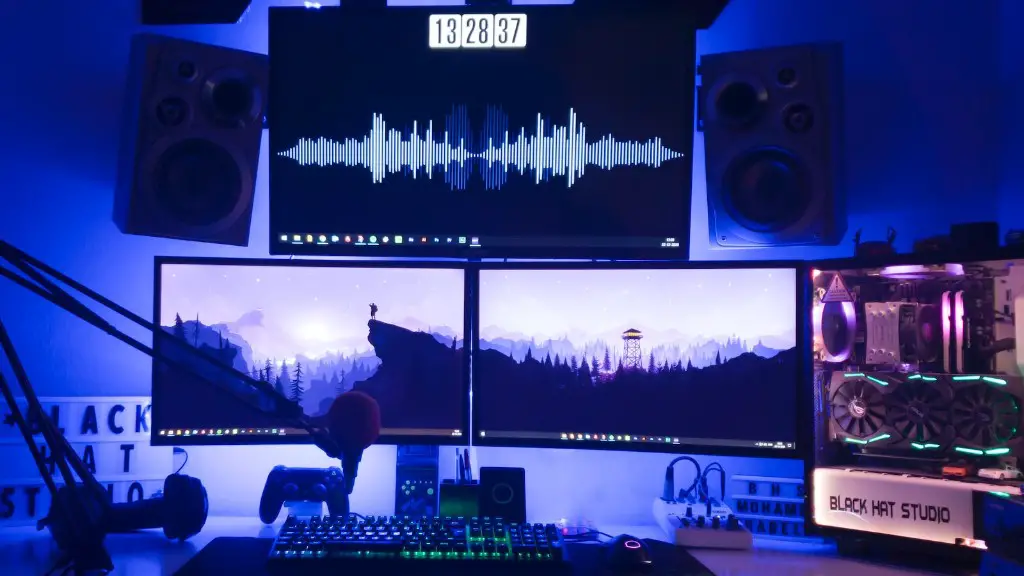
Last but not least, you’ll need peripherals such as a monitor, keyboard, mouse and headset to complete your setup. The size, resolution and refresh rate of the monitor should be chosen based on the type of games you plan to play, as well as the type of graphics card you have. The type of keyboard and mouse depend on your personal preferences, as well as budget. A good quality headset with a microphone is necessary for good in-game communication.
Operating System and Software
Once all the components have been chosen and assembled into a working system, it’s time to install the Operating System (OS) and all the necessary software. Generally, Windows 10 is the OS of choice for gaming, but other operating systems, such as Linux, can also be used. After the OS has been installed, install any necessary drivers and any other software you may need.
Troubleshooting and Testing
Finally, when all the components have been installed and the system has been assembled, it’s time to troubleshoot and test it. Make sure all parts are connected properly and that everything is functioning as it should. Troubleshoot any issues you may encounter and ensure the system is stable and running smoothly. When everything is working properly, it’s time to enjoy your custom gaming PC.
Upgrades and Maintenance
Building a gaming PC is a great accomplishment, but it’s important to remember that it won’t last forever. As with any system, it’s important to keep up with regular maintenance and upgrades. Keep an eye on new components, and upgrade as necessary. This will ensure that your gaming PC runs at peak performance for many years.
Overclocking and Optimization
Overclocking and optimizing the system can give it an extra edge in performance. Overclocking involves changing the settings of the processor and graphics card to push it beyond the manufacturer’s specifications. This should only be done if you have knowledge of how to do it properly, as it can cause serious damage to the system if done incorrectly. There are also many software applications available that can be used to optimize the system to get the best performance.
