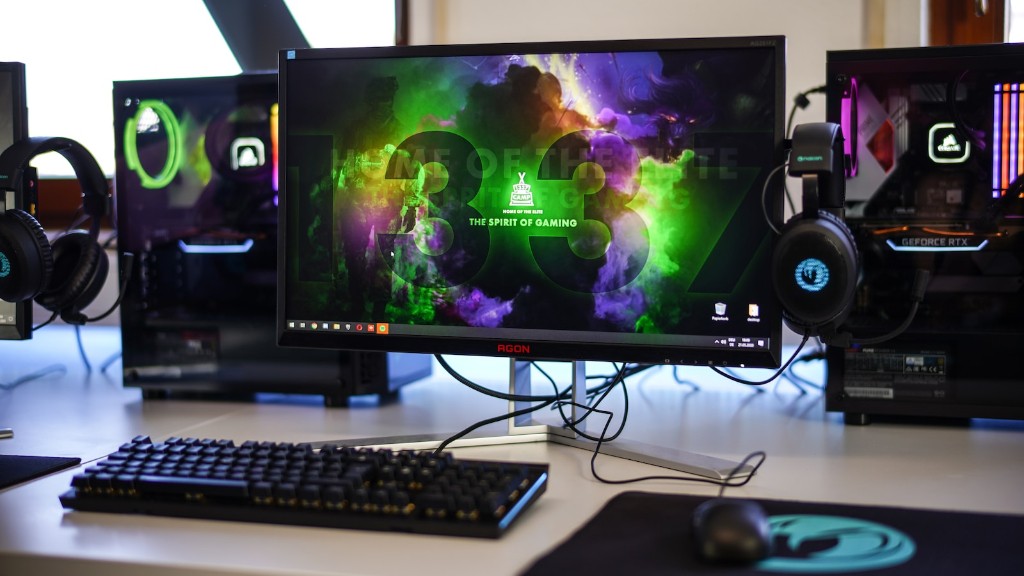
Gaming PCs have become increasingly popular in recent years, due to their ability to deliver an immersive user experience. This comes at a cost, though; they can be quite expensive. So what is the average price of a good gaming PC? The answer depends on a few factors, such as the hardware you choose, the manufacturer, and even the type of case you’re buying.
A pre-built gaming PC from a reputable manufacturer, such as Dell or HP, will generally cost between $500 and $3000. The exact price will depend on the specifications of the system you buy. A high-end gaming PC that includes a powerful CPU and GPU, plenty of RAM, and plenty of storage space will be more expensive than an entry-level gaming PC with lower specs. It’s also important to consider the cost of any additional accessories you may need, such as a gaming monitor, a gaming mouse, and a gaming keyboard.
If you’re a more budget-conscious shopper, you might want to consider building your own gaming PC. It’s much more cost-effective that buying one ready-made, and you can customize the hardware and components to get exactly the system you want. A basic gaming PC build will cost around $400 to $500. That doesn’t include the monitor, mouse, and keyboard, though, so keep that in mind. You can save some money if you shop around for deals on components, but remember that you’ll still need to buy other items.
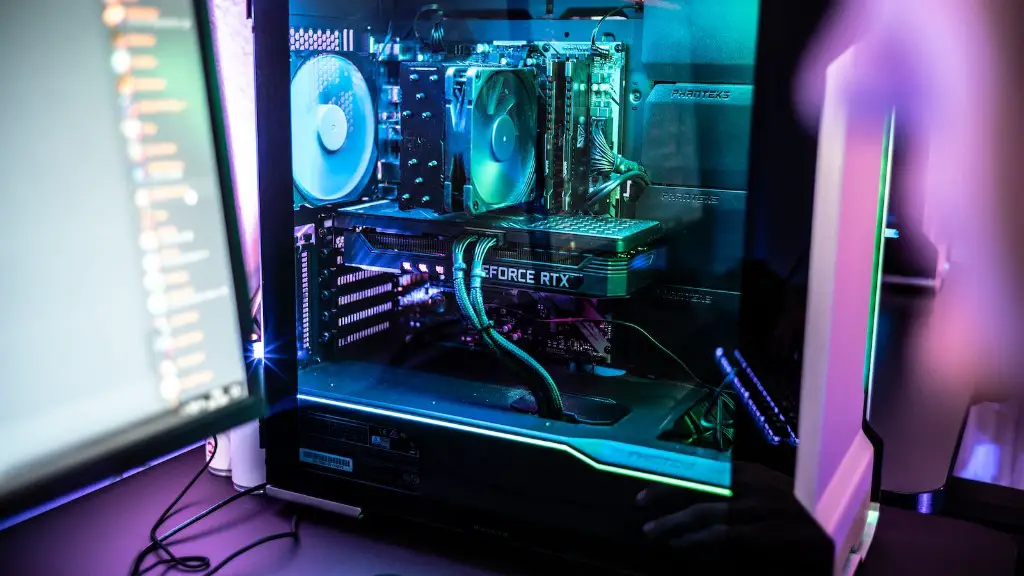
Finally, the cost of a gaming PC also depends on the case you choose. If you’re looking for a more unique and luxurious experience, you’ll need to bring in more money. A high-end gaming case can cost up to $500, and you’ll need to buy other accessories such as fans and water-cooling systems to keep your system running cool.
In conclusion, the cost of a good gaming PC varies greatly depending on the components you choose and the type of case you use. A pre-built gaming PC from a reputable manufacturer can cost anywhere between $500 and $3000. You can save money by building your own gaming PC, although that option will require additional accessories, such as a gaming monitor, mouse, and keyboard. Finally, if you’re looking for a more unique and luxurious experience, you should expect to bring in more money for the case and other components.
Factors To Consider When Buying A Gaming PC
Whether you are buying a pre-built PC or building one from scratch, there are some factors you should consider in order to ensure you get the best gaming experience. The processor, graphics card, RAM, and storage are all important aspects of a gaming PC.
The processor is the most important component in determining the overall performance of a gaming PC. It affects the speed of the computer as well as its ability to multitask. Look for a CPU with high speed and multiple cores. Intel’s Core i7 and AMD’s Ryzen 7 are two of the best processors available on the market.

The graphics card is also important. It determines the quality of the visuals and resolution. Look for one with dedicated memory, such as Nvidia’s GeForce GTX 1060 or AMD’s Radeon RX 580. The amount of RAM is also important. 8GB is minimum for most gaming PCs, but more is better for improved performance.
Storage is another key component. While traditional hard drives offer ample storage space, solid state drives (SSD) are superior in terms of performance. They are typically faster and more efficient at loading games. With an SSD, you’ll be able to experience a greater level of responsiveness and lower load times.
Finally, the case is just as important, if not more so. Look for one that has good air flow, plenty of space for more components, and the ability to handle heat. Good cases come with additional features, such as built-in RGB lighting, to give your gaming PC a more polished look.
What Features Should You Look For In A Gaming Pc
When it comes to gaming PCs, there are certain features that you should be looking for in order to get the most out of your gaming experience. First and foremost, you’ll want a fast and powerful processor. This is the main component that dictates how well your computer can handle games and other tasks. Look for a CPU with high speed, multiple cores, and a good cooling system.
The graphics card is also essential. You’ll want to look for one with a dedicated memory, such as Nvidia’s GeForce GTX 1060 or AMD’s Radeon RX 580. A good graphics card should be able to handle the latest games on the highest settings with no problem.
RAM is the third important factor to consider, as it determines how quickly your computer can run different programs. 8GB should be the minimum, but if you can afford it, more is better. Aim for 16GB or even 32GB if you plan on running several applications at once.
Storage is another key component of a gaming PC. Traditional hard drives offer plenty of storage space but are not as fast as solid-state drives (SSDs). With an SSD, your games will load faster and your computer will be more responsive.
Finally, the type of case you choose is important for aesthetic and functional reasons. Cases with plenty of air flow and features like RGB lighting are good for keeping your PC cool and looking good.
Advantages Of Building Your Own Gaming Pc
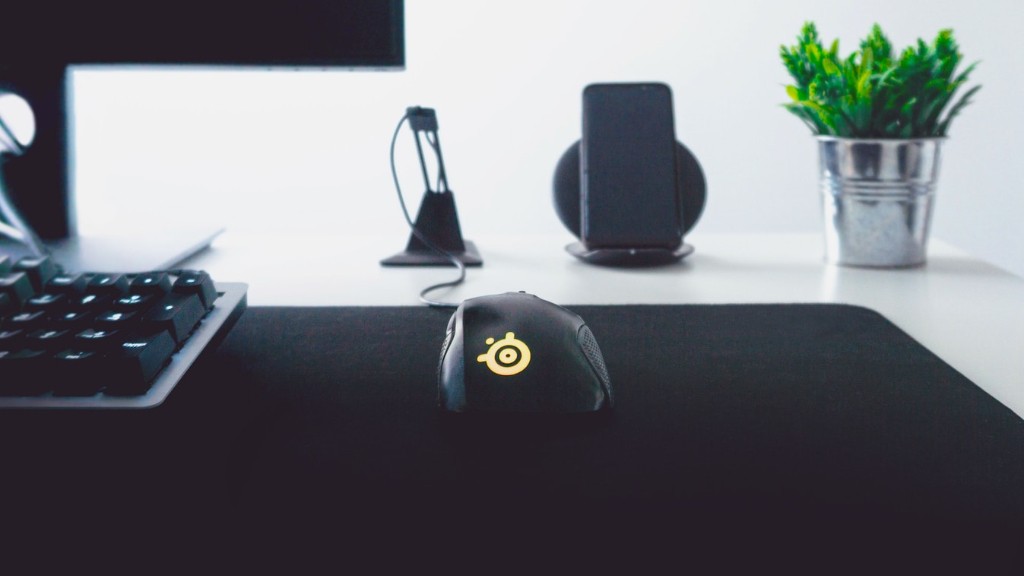
Building your own gaming PC has several advantages over buying a pre-built one. For one, you get to customize the components and hardware to your budget, meaning you can get exactly the system you want. You can also save money by shopping around for deals on components, as opposed to buying a pre-built gaming PC.
Also, building your own gaming PC gives you an opportunity to learn more about computers and hardware. You can explore different components and learn how they work together. Plus, you get the satisfaction of knowing that you created the system yourself.
Building a gaming PC also has less environmental impact than buying a pre-built one. When you build one from scratch, you don’t have to worry about discarded components from assembly lines that are not used in the finished product.
Finally, it’s easy to upgrade your gaming PC when you build it yourself. You’ll have direct access to the hardware, allowing you to easily add more RAM or upgrade the graphics card. This ability to enhance the performance of your gaming PC can give you an edge over other players.
Tips For Buying Components For Your Gaming Pc

When it comes to buying components for your gaming PC, there are a few tips you should keep in mind. First, think about what type of games you plan on playing. Different games will require different types of hardware so it’s important to choose the components that are best suited for the games you’ll be playing.
Second, keep in mind that not all components are created equal. Look for components that are high quality and compatible with your system. Compatibility is also important when installing components; make sure all the pieces fit together and work together.
Third, shop around and compare prices. Look online to see if you can find components that are discounted or cheaper. Moreover, look at stores such as Amazon or Best Buy for gift cards or coupons that can help you save money on your purchases.
Finally, make sure to read reviews and get advice from other gamers. Ask around online or on forums, and get feedback from gamers on what components they recommend. This will help you make a more informed decision and get the best components for your gaming PC.
