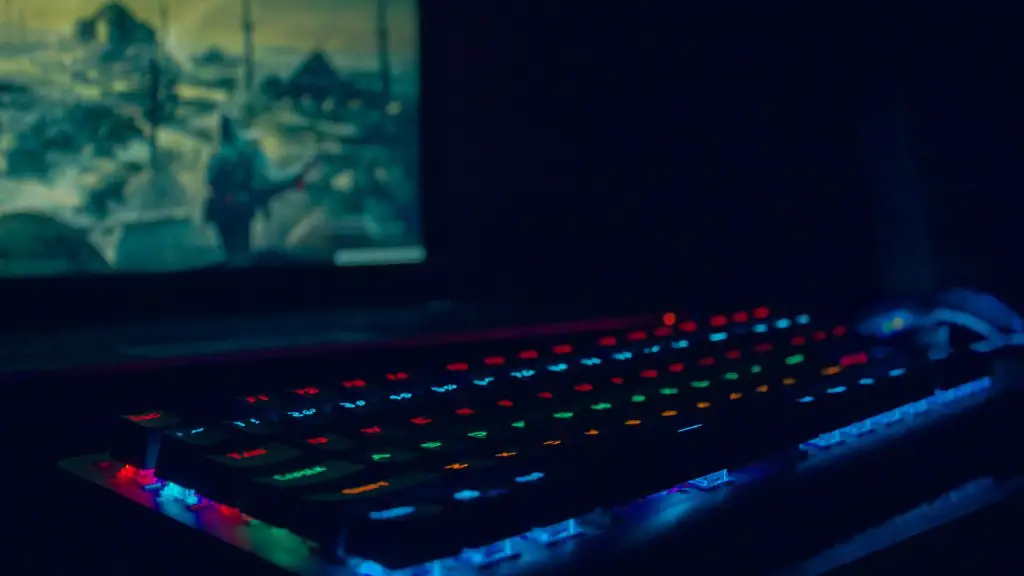
For serious gamers, the type of build for a gaming PC is essential for the best gaming experience. It’s the difference between playing a game with the right hardware and playing one with the wrong hardware. But, what is the best build for a gaming PC? It depends on a few factors, including the budget, the type of games being played, and the hardware being used. These elements can all make a difference in the type of build that’s right for any particular PC gamer.
The type of PC game a gamer plays will often dictate what type of gaming PC they’ll need. If a player prefers classic games that don’t require a lot of hardware power, then they won’t need as much processing power or graphics capabilities as someone who plays MMOs or modern RPGs. Players who prefer modern games that require intense graphics and detail will need a computer that is more powerful so the games won’t suffer from choppy performance or graphics lag.
The budget that the player has at their disposal also impacts the type of build for a gaming PC. If the player has a limited budget then they won’t be able to max out every component. It’s important to get the best balance between the components to ensure that the games will run smoothly despite the cost. Generally, more expensive builds will have more dedicated hardware that’s required to play certain types of games.
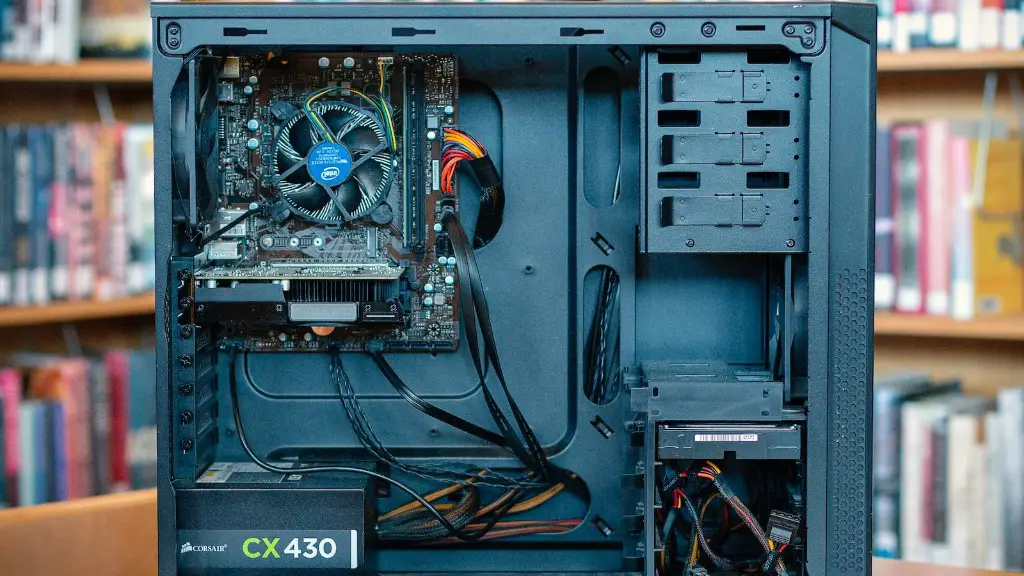
The components of the build should be carefully selected according to the budget and type of games being played. CPU power and the amount of RAM are especially important when building a gaming PC. A CPU with at least 4 cores should be considered if the goal is to build a gaming PC, and the amount of RAM should be at least 8GB for most gaming. Storage is also an important factor, and an SSD is excellent for gaming due to its speed.
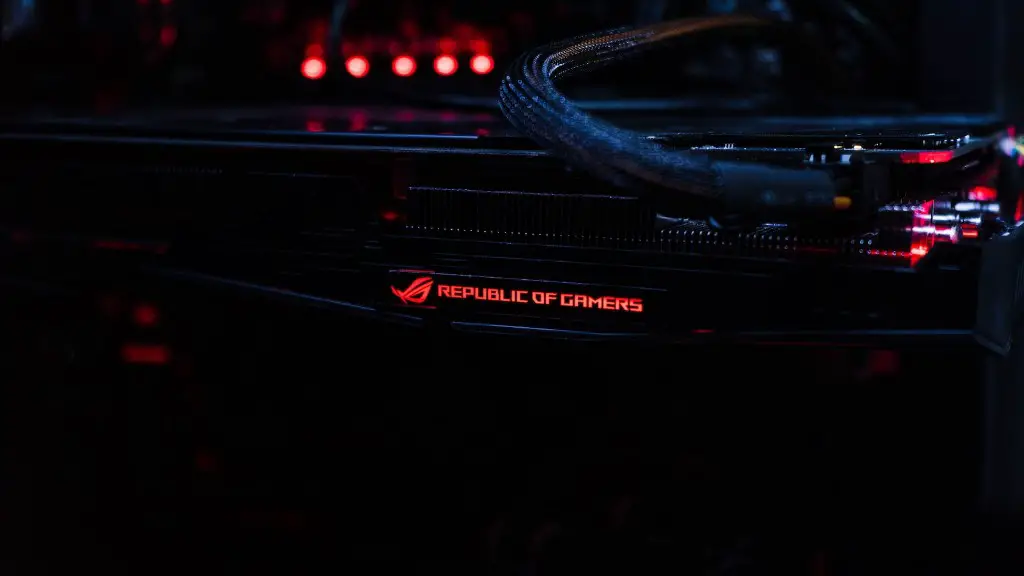
A powerful graphics card is the most important piece of hardware in any gaming PC build. It’s responsible for the on-screen visuals. This is why it’s important to find one that’s well-suited to your budget, gaming preferences, and games. A powerful graphics card will ensure that the games look their best and run nice and smoothly.
Finally, a good power supply is essential for a gaming PC. It’s important to get a model that is large enough to power all of the components, but not so large that it wastes power. Too much power could damage certain components, while too little power could lead to data corruption, crashes, or even system shutdown. The ideal power supply should have at least a 500-watt capacity.
Cooling Systems for High Performance
The type of cooling system used is important for any gaming PC build. Without the right cooling system, the components can become overheated and performance will suffer. Coolers are the most common type of cooling system, and they come in various shapes and sizes. A good cooler will keep the CPU and graphics card cool and extend their life. Water coolers are also a popular choice for gaming PCs as they provide a more efficient and quieter cooling system, though they come at a higher cost.
The type of case used can also make a difference. Larger cases allow for more space, better airflow, and better cooling. This should be taken into consideration when building a gaming PC, particularly if the goal is to build one with components that are high-end and run intensive games. Cases with more fans can also help circulate the air more efficiently and reduce overall temperatures.
PC builders should also pay attention to the airflow within their gaming PC. The best airflow can be achieved by locating the power supply at the bottom of the case and the graphics card at the top, which will allow for cooler air to be drawn in from the bottom. Cable management should also be taken care of, as having all the cables in a neat and tidy bundle creates less resistance and helps increase the overall airflow throughout the computer.
Finally, the type of monitor used can also make an impact on the gaming experience. Many gamers opt for a curved monitor to help immerse them in the games, while others may prefer a more standard option. It’s important to select a monitor that has the right resolution, size, and refresh rate model to suit the games being played. Some types of games require a higher resolution and/or a higher refresh rate than others.
Getting the Most Out of Your PC
Once all of the components of a gaming PC have been selected and assembled, gamers can fine-tune their system to ensure they get the most out of their gaming PC. PC optimization software can help with this process by cleaning the system, optimizing processes and services, and testing hardware components to ensure they are within the optimal range. This type of software can also detect any potential problems that may be present and help with preventing system instability.
In addition, gaming PCs require that the operating system and drivers for the components are up-to-date. This is essential for the smooth and stable performance of the computer. Thus, it’s important to keep the drivers and the OS up-to-date to ensure the system is running as well as it can. This should be done regularly to ensure performance doesn’t suffer over time.
When gaming, it’s also important to think about the type of headset that is used. Headsets come in various varieties, from basic ones to high-end ones that are tailored for specific types of games. The right headset will provide immersion and a sense of realism to the gaming experience. It’s also important to consider whether wireless or wired headphones are the best option.
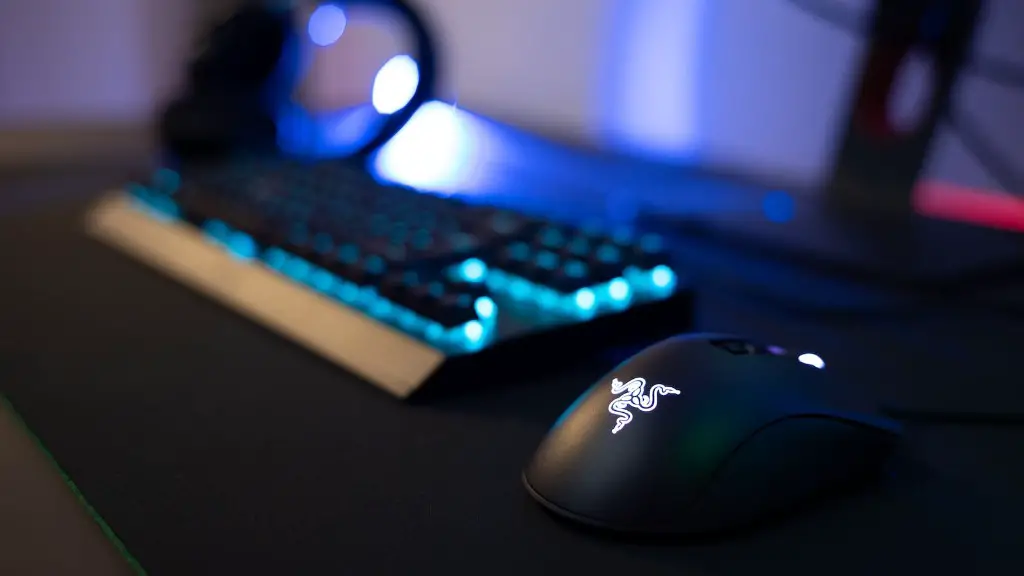
A good gaming mouse is another important piece of hardware. The mouse should be comfortable to use and have a quick response time. It should also feature adjustable settings so that it can be customized to the player’s preferences. This is especially important for games that require precision and accuracy. If a gaming keyboard is also being used, then it should have adjustable settings and be comfortable for long gaming sessions.
Conclusion
It’s not just the components themselves that are important when building a gaming PC though, as the user should also think about the overall setup of their system. For example, how they configure their monitors, how they route their cables, and how they position their components are all factors that should be taken into consideration. As such, users can optimize their gaming experience by ensuring their system is well-set up and that all the components are tuned and running at their best.
