Gaming PCs come in a wide variety of shapes, sizes and capabilities. The best gaming PC to start with depends on a person’s budget, gaming preferences and what they need from a PC. It is important to look at the type of processor (CPU), the amount of RAM, the kind of graphics card, and what type of storage the PC offers.
A processor (CPU) is the main component that determines the power of a gaming PC. An Intel Core i3-10100 is a good choice for a gamer just starting out, as it offers good performance for the price. For more experienced gamers, an Intel Core i5-10400 or higher is recommended. A higher-end i7 processor could be considered for gamers who need more performance.
The amount of RAM is also important for a gaming PC. 8GB RAM is the typical starting point for most gaming PCs, and is more than enough to handle most modern games. For serious entertainment, look for 16GB or more. With higher RAM, gamers will have more memory to work with and can run more complex games and software.
The graphics card (GPU) is the component that will determine the quality of the visuals in games. Entry-level GPUs are adequate for casual gaming, but more serious gamers should look into mid-range cards. Higher-end cards are needed for 4K gaming and VR, but those types of setups are usually found in more expensive PCs.
Storage is needed for games, media and other software. A 256GB SSD is usually adequate for most gamers starting out, but if possible, look for larger varieties. A 1TB hard drive can store more games, but an SSD is still recommended as they are faster and more reliable.
Those are the main components to consider when looking for a gaming PC. With these components, gamers can get the performance they need without having to spend too much money. However, there are also some additional features to look for to get the best value for money.
These features should also be taken into consideration. A good gaming PC should come with plenty of USB ports, a reliable power supply, a good cooling system, a fast network connection, and of course, a good monitor. With these features and specs taken into account, gamers should be able to find the best gaming PC to start with.
CPU Option for Casual Gamers and Fans
Intel Core i3-10100 is the ideal choice for casual gamers who are just starting out. This processor offers good performance without breaking the bank. With 8GB RAM, an entry-level graphics card and 256GB SSD, this processor is capable of running most modern games. It also allows gamers to upgrade their PC as they gain experience and become more serious with their gaming.
For more serious gamers, however, Intel Core i5-10400 or higher can be used. Not only is this processor more powerful than the i3, it is also more suitable for streaming and other applications that require more processing power. With 16GB RAM and higher end graphics cards, this processor is more than enough for gamers who want to take their gaming to the next level.
Advanced graphics for 4K and VR Gaming
For gamers seeking the best gaming experience, 4K and VR gaming are some of the most immersive experiences available. However, this type of gaming requires a more powerful graphics card. Nvidia RTX 2080 Super or higher is recommended for gamers who want to take advantage of today’s next-generation games. With the RTX GPUs, gamers can get smooth 4K gaming and immersive VR experiences.
Other graphics cards such as the AMD Radeon RX 5700XT, Nvidia Geforce GTX 1660Ti and other mid-range GPUs are also suitable for most gaming needs. Gamers who are just starting out can get good performance without having to spend too much money on a higher-end card.
Key Features to Look for in a Gaming PC
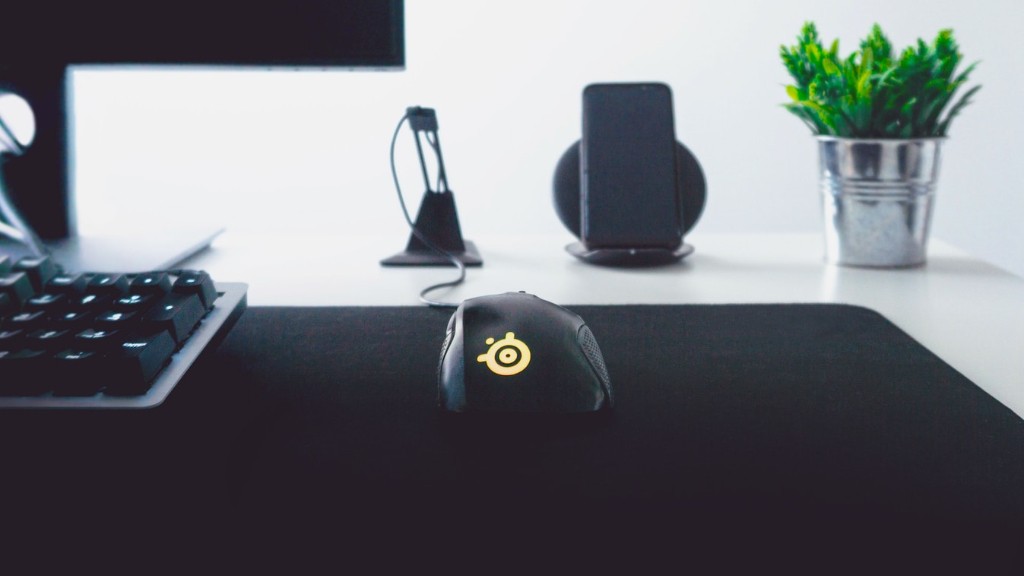
Aside from the components, there are also some other key features to look for in a gaming PC. Look for a gaming PC with USB ports, a reliable power supply, a good cooling system, a fast network connection, and of course, a good monitor. Look for a PC that offer enough connectivity for peripherals such as keyboards, mice and headsets, as well as enough ports for external storage and other devices.
A good cooling system is also essential for gaming PCs as it prevents the system from overheating. Look for a PC that has plenty of fan headers or one that comes with liquid cooling. Also look for a gaming PC with plenty of ventilation to keep the system cool during long gaming sessions.
Finally, a good network connection is essential for gaming. Look for a gaming PC that has 802.11ac Wi-Fi or higher, as this will ensure smooth online gaming. For even better performance, look for a gaming PC that has support for Ethernet.
Finding the Best Gaming Limited Budget
Finding the best gaming PC to start with can be tricky, especially on a limited budget. Fortunately, there are some entry-level gaming PCs that are available at reasonable prices. Look for gaming PCs that offer good performance without breaking the bank, such as AMD Ryzen 5 processors, 8GB RAM, entry-level graphics cards, and 1TB storage.
Of course, for more performance, a higher end processor and graphics card should be considered. Look for PCs with an Intel Core i7 processor, 16GB RAM, and an Nvidia GTX 1660 Ti graphics card or higher. With these components, gamers can get smooth performance and excellent visuals in modern games.
It’s also important to consider additional features such as the number of USB ports and the type of storage. Look for PCs with plenty of USB ports for connecting peripherals and other devices, as well as an SSD for fast boot times and storage speeds. With these components and features taken into account, gamers should be able to find the best gaming PC.
Connectivity and Networking
For online gaming, a good network connection is essential. Look for a gaming PC that has 802.11ac Wi-Fi or higher, as this will ensure smooth online gaming. For even better performance, look for a gaming PC that has support for wired connections. Ethernet is generally considered the best for gaming and offers the lowest latency. As an alternative, Powerline adapters are also a good option for gamers who want a reliable, low-latency connection.
In addition, gamers should also look for a gaming PC that has the right ports for connecting their peripherals. Look for gaming PCs with plenty of USB ports, as well as connections for headsets, mice and other devices. With the right ports and connectivity, gamers can have the best gaming experience possible.
Monitor and Peripherals
Although a good gaming PC is important, the monitor and peripherals are also essential. A good monitor will allow gamers to get the most out of their gaming PC. Look for monitors with high refresh rates and low response times for the best performance. Also look for monitors that support the latest resolution and color standards, such as 4K and HDR.
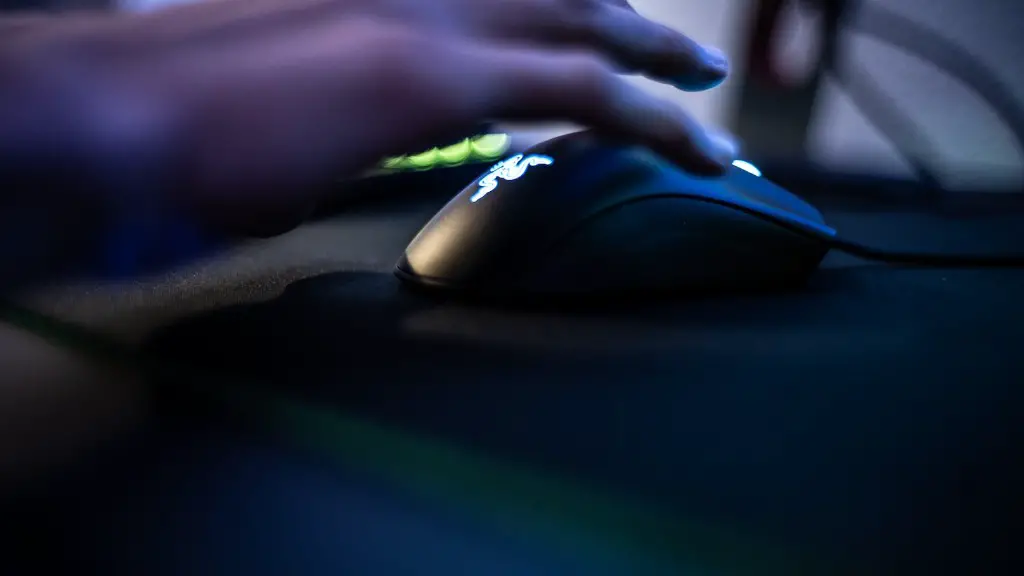
In addition, a good gaming PC should also come with a good keyboard and mouse. Look for mechanical keyboards for better responsiveness and gaming-oriented mice for increased accuracy and precision. Other peripherals such as gaming headsets are also important for gamers who want to make the most of their gaming experience.
The Best PC for Your Needs
The best gaming PC is the one that meets your needs. Consider your budget, gaming preferences, and what type of performance you need. Make sure to take into account the processor, RAM, graphics card, and storage. Also consider the additional features such as the number of USB ports, the type of cooling system, and the network connection. Finally, look for a good monitor and peripherals to complete the setup.
With so many components and features to consider, it can be difficult to find the best gaming PC. Fortunately, there are plenty of beefy and affordable gaming PCs available. With the right components and features taken into account, gamers should be able to find the best PC for their needs.
