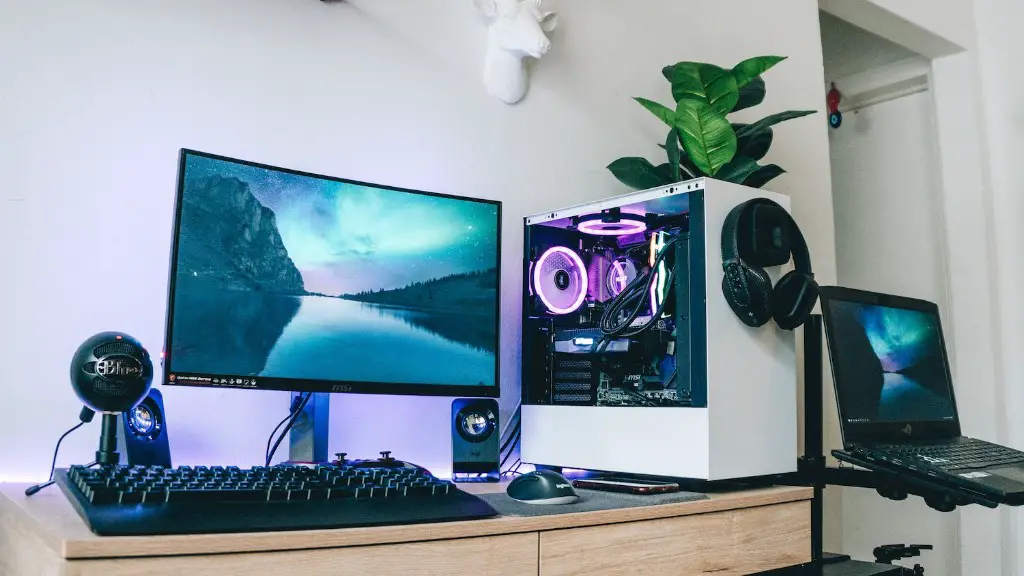
When it comes to best graphics cards for gaming PCs, the range of choices can be overwhelming. You need to make sure you pick the right card for your needs, as it will greatly affect the quality of your gaming experience. Fortunately, it is not too difficult to find the best graphics card for gaming PCs, as there are several models available with distinctive features. To help you out, here are some tips for picking the best graphics card for your gaming PC.
One of the first things to consider when choosing a graphics card for gaming PCs is its graphics processing unit (GPU). A good GPU will be able to handle more advanced graphics and higher resolutions, as well as sophisticated shading effects. For example, an Nvidia GeForce RTX 3080 can handle both 4K and 8K resolutions while also providing real-time ray tracing and AI elements.
Next, you should consider the amount of VRAM (Video RAM) the card has. This is important as it determines the amount of data that can be stored and processed at the same time. It also affects the quality of 3D rendering in games, as well as the overall performance of the card. For most gaming requirements, 8GB of VRAM is recommended.
Another important factor you should take into account is the GDDR6 memory type. GDDR6 memory type is the fastest memory type available and is used in the best graphics cards for gaming PCs; however, it can be expensive. You should also look for other features such as clock speed, PCI Express Compatibility, and maximum resolution.
Finally, take into account features such as DirectX support, which is essential for playing newer games. Also, think about whether you need a card with multiple connections, such as HDMI and DisplayPort. And lastly, know your budget and pick the most efficient card that fits within it.
The Best Models on the Market
When it comes to the best graphics cards for gaming PCs, there are several models to choose from. The Nvidia GeForce RTX 3090 is widely considered to be the best card for gaming PCs as it offers robust performance and strongly supports 4K/8K gaming. It also has real-time ray tracing, AI elements, and comes with 24GB of GDDR6X VRAM.
The Nvidia GeForce RTX 3080 is another great choice, as it comes with 10GB of GDDR6X VRAM and the same ray tracing and AI elements. It is a bit more affordable than the RTX 3090, but still provides excellent performance. The AMD Radeon RX 5700 XT is also a great figure on the market and features 8GB of GDDR6 VRAM and is considered a great mid-range card.
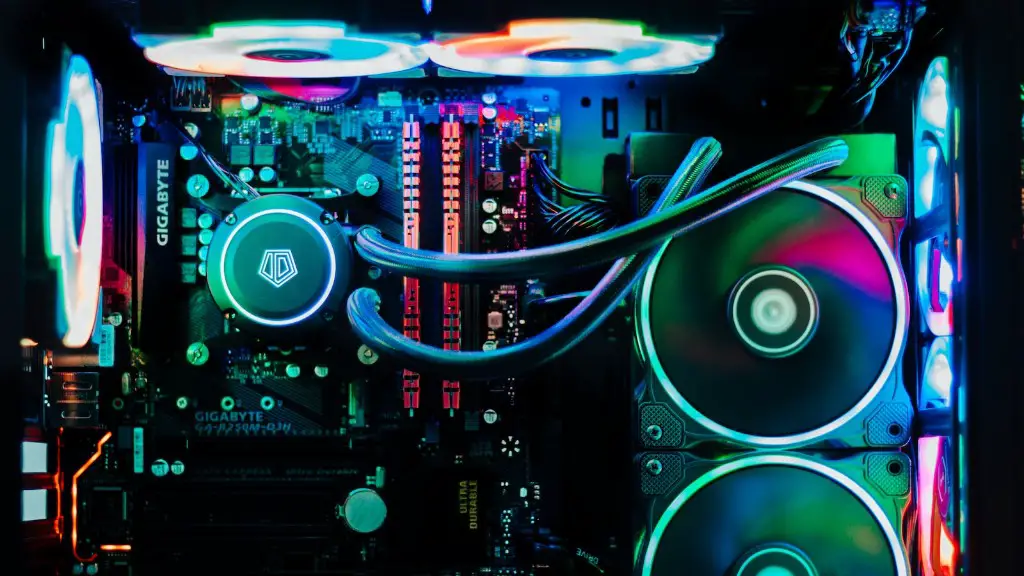
Finally, the Asus ROG Strix RTX 2080 Ti is also a popular choice, as it comes with 11GB of GDDR6 VRAM, an impressive 1845 MHz clock speed, and features real-time ray tracing.
Things to Consider Before Buying a Graphics Card
Before making your purchase, there are a few things you should consider. First and foremost, make sure the card you select is compatible with your gaming PC. This means that the card you select should fit with your peripherals, such as motherboards and power supplies. Additionally, ensure that the card is compatible with your display or monitor, as incompatible resolutions can lead to excessive input lag. To check if a graphic card is compatible with your hardware, use a hardware compatibility tool.
It is also important to remember that the more powerful your graphics card is, the more stress it puts on your PC’s power supply. Thus, make sure the graphic card you choose doesn’t exceed the maximum power rating, as it’s a sign that the power supply will be unable to support the card and you would need to upgrade the PSU accordingly.
Once you have double-checked your PC’s compatibility, decide what your budget for the card should be. Make sure to consider the latest PC gaming trends and look for a card that is strong enough to handle it. Generally speaking, gaming cards are more expensive than non-gaming cards, and you may need to spend lots of money to get one with the latest features. However, a mid-range card can still provide an excellent gaming experience and be cheaper too.
Graphics Card Maintenance
Using a graphics card is not only about buying the right one. In order to maximize its performance, you need to pay close attention to the card’s maintenance. The more the card and its system are free of dust, the better the performance in terms of temperature. This is achieved with regular cleaning using compressed air to dislodge dust build-up. Additionally, expert users should definitely look to overclock the card, as it can lead to improved performance.
It is also important to watch the temperatures carefully when gaming and ensure you don’t exceed the recommended ones. Some cards come with their own fan control software, which will help you monitor the temperatures and customize the fan speeds to ensure that the card does not get too hot.
Moreover, most graphics cards require additional power from the PSU, avoiding a power supply that is not powerful enough for the card can result in unwanted performance drops and potentially cause irreparable damage. If you have a powerful card, make sure it is connected to a powerful enough power supply.
Upgrading vs Buying a New Card
If you’re looking to upgrade your graphics card, consider what you’re replacing your current card with. In most cases, it is usually the case that buying a new card is the best option, as the performance improvements outweigh the costs of purchasing and installing a new one. However, if you just want to make small improvements, then you could look into upgrading your card. You can upgrade most parts of the graphics cards such as memory, power connectors and cooling Fans.
Make sure you research what components would best fit your PC, as you don’t want to end up with incompatible upgrades. Research compatibility and the exact PC configuration to ensure that the components you buy will fit correctly.
It’s also important to consider if your current PC will be powerful enough to utilize the new card. In some situations, you may require a new motherboard or other components in order to ensure compatibility.
Conclusion
In conclusion, it is possible to find the best graphics card for gaming PCs, according to your needs. Consider its GPU, VRAM, GDDR6 memory, features, and budget to find the right card. Popular models on the market include the Nvidia GeForce RTX 3090, Nvidia GeForce RTX 3080, AMD Radeon RX 5700 XT, and the Asus ROG Strix RTX 2080 Ti. Before making your purchase, consider the compatibility with your gaming PC, the temperature, and the power supply. Lastly, when it comes to upgrading or buying a new card, make sure you are getting a powerful enough card that your PC can handle and that the parts you get are compatible.
