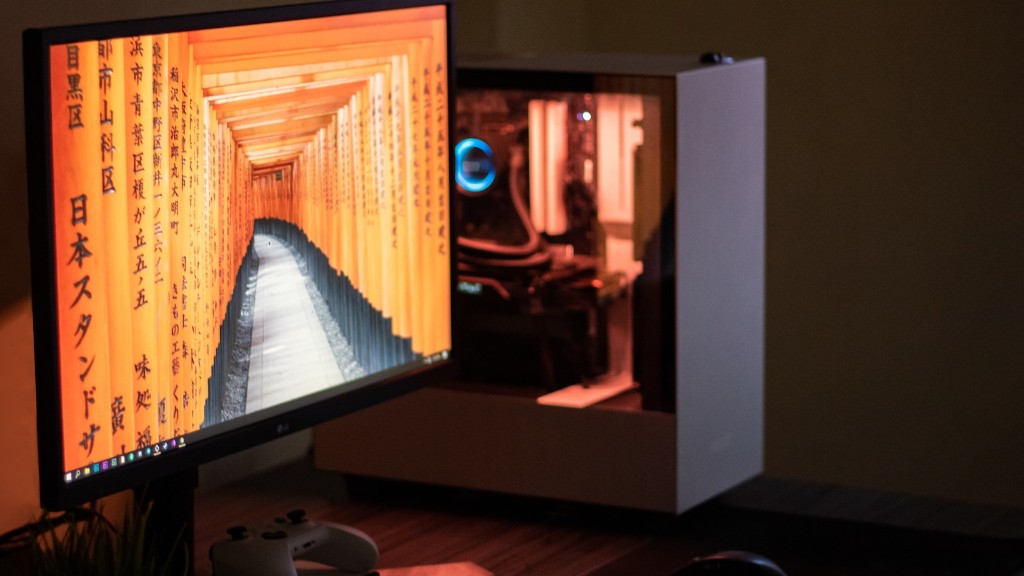
Building a gaming PC on a budget is becoming increasingly common. The range of affordable but powerful components available is broadening all the time, making it possible to create a gaming desktop that’s perfectly suited to you without breaking the bank. To help guide the budget conscious shopper on the path to their ideal gaming rig, here’s a rundown on the basics of constructing a low-cost gaming PC.
The most affordable way to build a gaming PC is to start by sourcing pre-used parts. This means searching out motherboards, graphics cards, memory, and other components that have been pre-owned and selecting the best for your gaming needs. Buying second-hand components can secure you a substantial discount from the original retail price, but you should manually check their condition and compare with their original specifications. This is to ensure that you’re getting specifications that are up to scratch and won’t impact your gaming experience.
Another cost-cutting option is to source parts from clearance sales. Major vendors often have economical special offers for certain items, like bulk discounts for CPU and storage components, or even promotional products that are heavily discounted. Be mindful that the product packaging may not be in pristine condition and may be low on the manufacturer’s warranty, but that s how these components become much more budget friendly.

Selecting less powerful components is also an option when budget is a major constraint compared to performance. Instead of going all-out on the most powerful CPUs and graphics cards available, go for components with specs that are well within budget but are still good enough to get the job done. This is especially useful if you’re getting a pre-built gaming desktop as they are likely to have a wide selection of components.
Alternatively, you can get more out of ‘budget’ components by optimizing your PC’s configuration. Tweaking specific settings can improve the performance of your rig and make the most out of the hardware setup you have. Whether it’s setting the OS for maximum performance or optimizing the graphics card for certain games, it can definitely extend the usefulness of a budget gaming PC.
AMD Processors for Budget Systems
Among current processors, the AMD Ryzen is a viable option for budget gaming setups. It offers various versions, with distinct levels of performance that are still significantly less expensive compared to the high-end Intel options. With its increased core counts and higher clock speeds, AMD offers good performance on a budget, allowing users to save money and make compromises in other gaming components instead.
Some budget gaming PCs are even built using last-generation CPUs. They can still handle most modern gaming titles as long as they are primarily single-thread games, and buyers can score significant discounts on these pre-owned components. As with any pre-owned item, you should compare the listing specifications to a similar model’s original configuration, to ensure it will perform to your expectations.
Apart from CPUs, there are other AMD components for budget PCs, such as its Radeon RX series graphics cards. These GPU units offer great performance levels at a much more reasonable price point than the Nvidia lineup, and work great for gaming on a budget. They are especially useful for higher resolution gaming, like 4K gaming, which can be more taxing on your PC’s hardware.
Budget-Friendly Graphics Cards
As both AMD and Nvidia have entry-level products for budget-conscious shoppers, it can be hard to choose the right one for your hardware setup. Generally, the lower-end budget graphics cards are only suitable for lower resolution gaming, like 1080p, whereas AMD’s Radeon RX graphics cards are capable of 4K gaming. However, their higher-end models can become costly, so be mindful of your desired performance demands.
NVIDIA’s GTX series is also a great choice for PC gamers on a budget. It contains some of the company’s newest line of gaming-oriented cards, boasting high performance levels and low prices. Similarly, the GTX line works great with today’s most demanding games, providing a worry-free experience when running at Full HD or 1440P resolutions or lower. These budget-friendly graphics cards also offer a great performance value for VR gaming, and purchases within this range are likely to yield a strong gaming experience.
On the other hand, the GTX 16-series and RTX 20-series are both good choices if you want the best gaming performance without compromising too much on budget. These premium lines use the latest in graphics technology, and offer great performance levels, not just for gaming but also for other tasks, like graphic design and video editing. As such, they are a great choice for a gaming PC that you also want to use for other tasks.
Power Supplies for Budget PCs
For lower-spec machines, the power supply unit (PSU) is a major factor in the gaming performance of the PC. Moreover, cost-cutting by opting for a PSU with insufficient wattage or specs can cause major computer errors. Therefore, make sure to select a PSU that meets the demands of your gaming rig. Furthermore, it pays to look for a PSU with certifications from major industry organizations, like the 80 Plus certification from Ecos Consulting, as they signify that the product is reliable.
The wattage of the PSU should match the wattage of the rest of your gaming components. You can usually find this information on the manufacturer’s website, and make sure to use a replacement PSU calculator or power supply calculator to determine the right amperage and wattage. Furthermore, when buying a pre-owned or refurbished PSU, check to see if it has the original power cable and the correct number of power connectors to match the components you wish to plug in.
Motherboards and Other Components
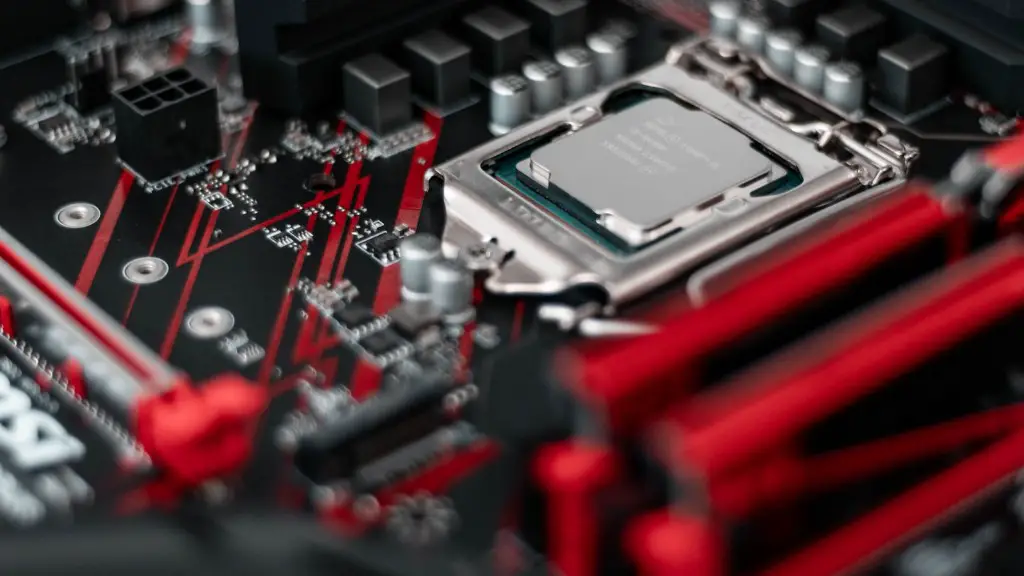
When building on a budget, the most important considerations should be size, feature set and price. Generally, larger LGA motherboards cost more than their mATX counterparts and have more features, so if you’re planning to use an integrated GPU, you could save some by going for the smaller form factor. Also, the price range for motherboards can vary significantly, so it pays to compare different models for what you require.
Storage is also an important factor when building a gaming PC on a budget. Solid-state drives (SSDs) are great but they can be expensive, so opting for cheaper HDDs (hard disk drives) could be a smarter move. HDDs are less expensive than SSDs, and usually have much larger capacities as well. Furthermore, a popular current trend is using an HDD as the main drive, then adding an SSD as a secondary or even third option, which allows for larger storage capacity without adding too much to the cost.
Finally, you should also consider the RAM capacity. 8GB DDR4 RAM sticks are the safe bet, but you should also make sure to get the correct type of RAM depending on what your motherboard is compatible with. RAM is also available in multiple speeds, which affects the gaming performance of the system, so make sure to compare the various options before you buy.
