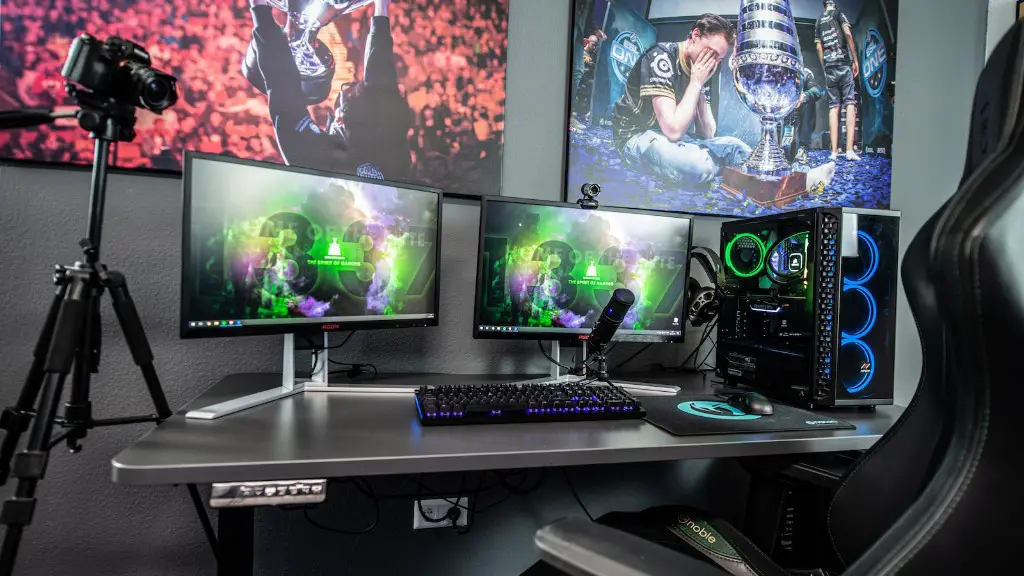
The cost of a gaming PC varies considerably based on a variety of factors. It’s not just the components that determine the cost, but also the complexity and overall spec of the system. Many gamers turn to buying an off-the-shelf system, but a custom-made gaming PC can offer more power and flexibility for a higher price. In this article, we’ll explore the various costs associated with both off-the-shelf and custom gaming PC builds, so you can make the best buying decision for your budget.
The main elements to consider when assessing the cost of a gaming PC are the processor, graphics card, RAM, motherboard, and storage components. The processor is one of the most expensive pieces of hardware, especially if you’re looking for more performance. Although mid-range processors have decent gaming performance, going for a high-end processor such as an Intel i9 or AMD Ryzen 9 will cost more. Graphics cards also range in price greatly, depending on your budget and the type of games you plan to play. High-end graphics cards such as an NVIDIA RTX 3090 will provide the best gaming experience but can be fairly expensive.
Along with the main components, there are other costs to consider, such as the case, cooler and other accessories. The cost of a case can vary depending on the size, features, and design. Although more expensive cases tend to be of a higher quality and have more features, you don’t necessarily need to splash out to get a great-looking case. Depending on the type of games you play, your PC may require more cooling than the stock cooler provides. Water cooling solutions are often preferred by gamers and these range in cost depending on the type, size, and complexity of the setup.
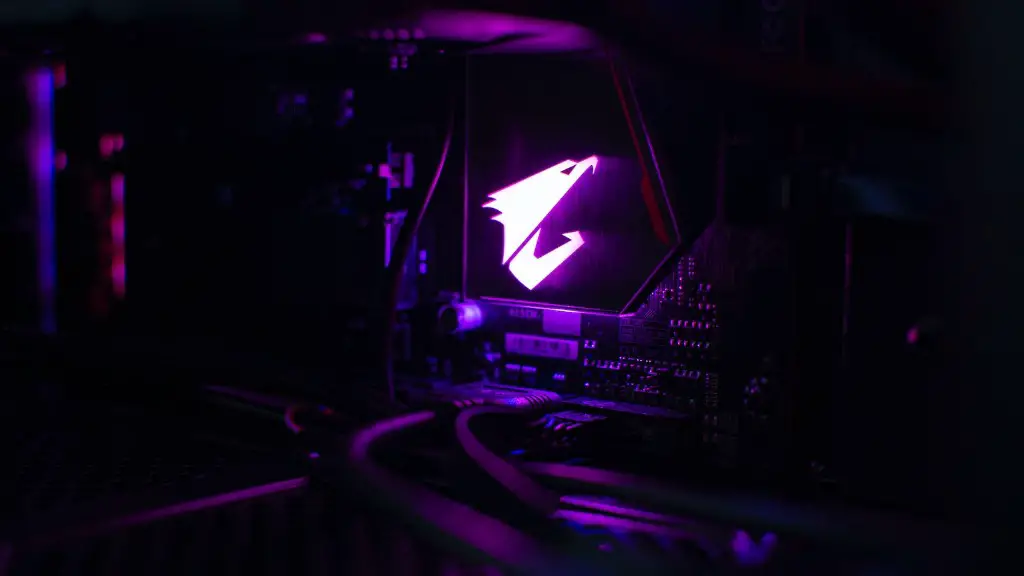
Although an off-the-shelf gaming PC can offer decent performance out of the box and can save you time in the long run, a custom-built system can be more powerful if done right. Building a gaming PC from scratch requires some basic knowledge and experience, but with the right parts you can build a beast of a machine. As all the components are separate, you can choose exactly what you want and upgrade or replace components as needed. This level of customisation is usually not offered with off-the-shelf systems and can also mean saving money in the long run.
But with all the components to consider, where do you start? The best way to find out the cost of a gaming PC is to start with a list of components and then research each one individually. After you’ve created a list of all the parts you need for your build, do some research and make sure the components are compatible and will fit in your budget. Prices can vary greatly depending on the retailer, so it’s important to shop around to get the best prices. There’s no ‘one size fits all’ answer to the cost of a gaming PC, but with a little research and planning you can find a system that suits your needs without breaking the bank.
GPU and Motherboard Costs
When shopping for a gaming PC, the cost of the GPU and the motherboard are two of the most crucial components to consider. GPUs come in a range of prices, depending on the type of games you’ll be playing. For those wanting to achieve the highest frame rates on modern games, the cost of the GPU can quickly spiral. High-end GPUs such as NVIDIA’s RTX 3090 can fetch astronomical prices, but there are also more affordable solutions from both NVIDIA and AMD.
As well as the GPU, the motherboard can also drains a lot of your budget. This is because motherboards come in a range of sizes and form factors, and some of the best ones come with plenty of features. High-end motherboards can cost hundreds of dollars, but there are also plenty of mid-range options which offer good value for money. It’s important when shopping for a motherboard to consider the form factor, chipset, RAM slots, and expansion ports for future upgrades.
The main factor to consider when it comes to the cost of a gaming PC is the type of games you plan to play. Demanding games such as AAA titles require a lot more power than older games, and as such require higher-end components. That being said, many older games such as MOBAs and strategy games can run on lower-end hardware quite effectively. If budget is your main limiting factor, then you should focus on getting the best specs for your money and look for older titles or free-to-play games.
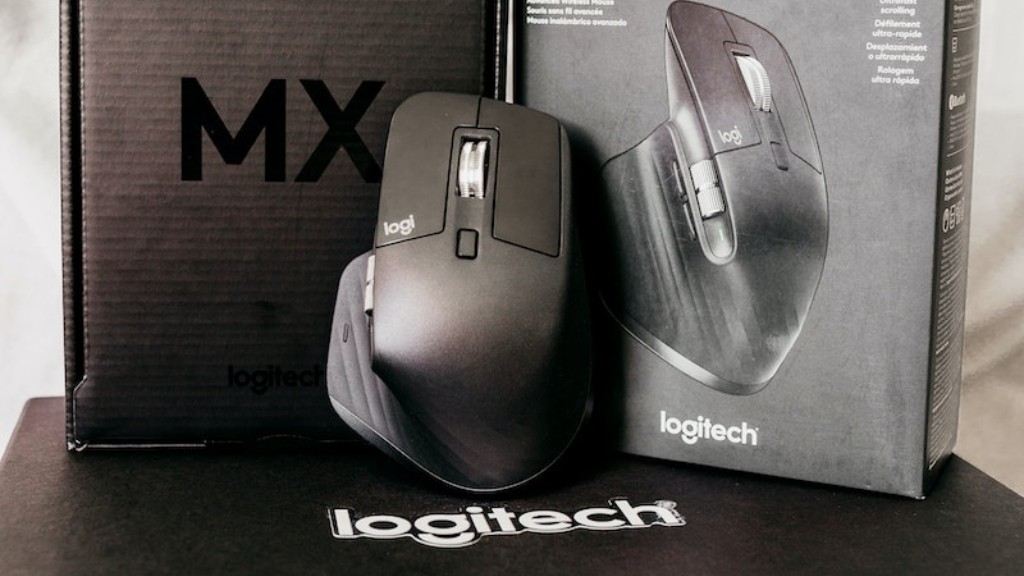
If you want the best gaming experience, then you should allocate more of your budget to the CPU, GPU, RAM and motherboard. These are the main components that will determine the performance of your system, so investing in higher-end components will be worth it in the long run. With that in mind, you should also consider the cost of accessories such as additional cooler, case and peripherals. With a little research and some planning, you can build a great gaming PC that fits your budget and delivers the performance you need.
Maintenance Costs
Another cost to consider when looking at gaming PCs is the maintenance costs. Although most components are robust and should last for at least a few years, installing new games and software can put strain on your system and require extra care.
Once your system is up and running, it’s important to keep an eye on the temperature of your components, especially the CPU and GPU. Keeping the system cool is crucial for stable performance and should be monitored regularly. If your system is running hot, you may need to purchase additional fans or even a water-cooling system. High temperatures can reduce the lifespan of your components, so investing in a good cooling system can save you money in the long run.
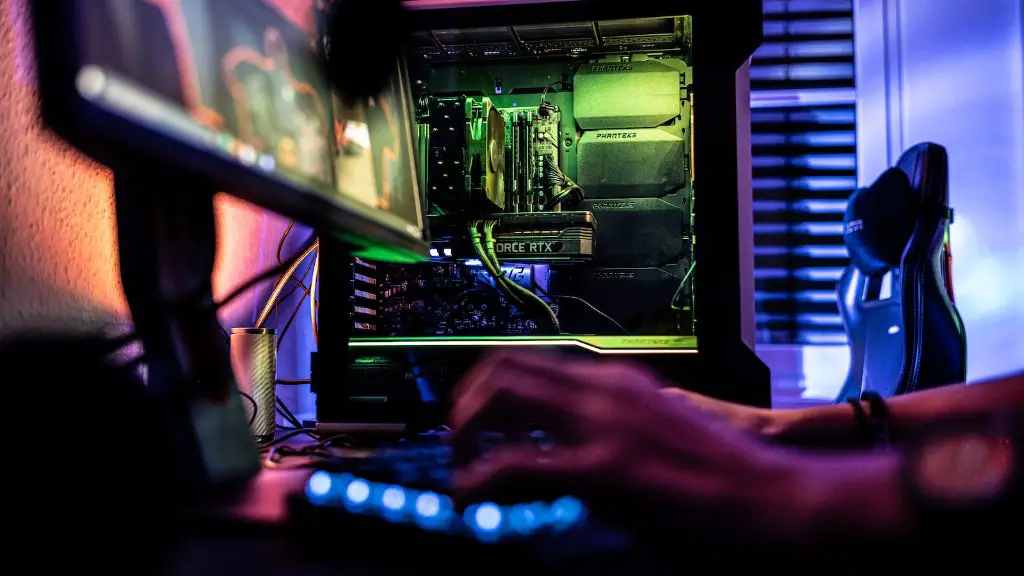
On top of temperature, you should also keep an eye on the system’s power consumption. GPUs and monitors can use a lot of power and running multiple screens or overclocking can increase the power draw. Check your power supply unit for the wattage it can provide and make sure it can handle the extra load. If you’re uncertain, it’s best to consult an electrical professional before investing.
It’s also important to remember that hardware and software are also vulnerable to viruses, malware and cyber-attacks. Keeping antivirus software, a strong firewall and frequent system updates can help protect your system. Investing in a backup device can also help save your data in the event of a disaster.
Upgrade Costs
Most people will want to upgrade or replace their gaming PC components at some point down the line. Upgrading a gaming PC can give it a new lease of life, allowing you to play the latest games at the highest possible settings. The cost of upgrades can vary greatly, depending on the component you choose.
Upgrading the graphics card is perhaps the most popular upgrade for gamers. This is because GPUs are expensive and can offer a huge performance boost for relatively little money. A mid-range graphics card such as the NVIDIA RTX 2060 can offer good gaming performance, but if you’re looking for more power then a high-end GPU such as the GTX 1080 or RTX 3090 should suffice. Although these cards can be expensive, it’s worth remembering that prices can vary greatly depending on the retailer.
Another popular upgrade is the RAM. As games get bigger and better, they often require more RAM to run effectively. 16GB of RAM should be more than enough for most gamers, but 32GB offers even more performance. Adding more RAM can also reduce load times, as well as increase the stability and longevity of your system.
The cost of a gaming PC can be difficult to estimate due to the large variety of components and the range of prices they fetch. It’s important to consider the components carefully and research their prices to get the best value for money. Off-the-shelf systems are cheaper and offer decent performance, but for those wanting customisation and more power, a custom-built system is the way to go. The main cost to consider is the hardware, but remember to factor in the cost of accessories, maintenance, and upgrades to your budget.
