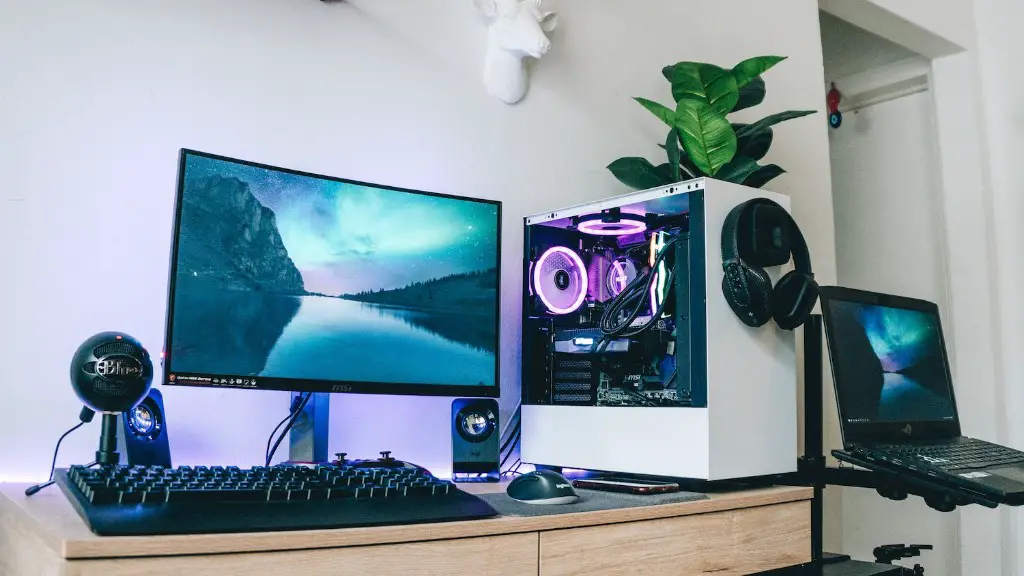
Building a gaming PC requires meticulous attention to detail and knowledge about the various computer components. It’s essential to understand what components you’ll need, and how they interact with each other. To help you get started, here are the essential parts you’ll need to build your own gaming-tuned machine.
To start, you’ll need a reliable processor or CPU which is responsible for carrying out instructions from the computer user. Generally, an Intel Core i5 or an AMD Ryzen 5 processor should provide enough power for most gaming setups. It’s best to opt for the most modern generation as newer tech can provide an edge in gaming.
Next, you’ll need a reliable cooling system to keep the gaming PC running optimally. A more advanced cooling system will help the system work faster and avoid overheating major components such as the processor and graphics card. This can be achieved with a CPU fan and an aftermarket cooling system.
You’ll also need someway to store all your game data. This is done with a storage drive, usually a traditional hard drive or a solid-state drive. A hard drive is more affordable, but also slower, while a solid-state drive is faster but more expensive. It’s a trade-off depending on how much storage versus speed you want.
Finally, you’ll need a reliable graphics card. This component is responsible for generating the visuals for your games, so make sure you get a powerful one that’s up-to-date with the latest graphics capabilities. A graphics card from Nvidia or AMD is generally recommended for gaming configurations.
Supporting Components
It’s not enough to just get the basics; you’ll also need a selection of components to complete your gaming PC. These include items like the power supply, RAM and optical drive.
The power supply (often referred to as the PSU) is a component that supplies power to the gaming PC. Your graphics card and processor need an adequate flow of electricity, so make sure to get one with an appropriate power rating. Solid units like ones from Corsair and EVGA are recommended.

RAM (random access memory) is crucial if you want to run multiple applications in the background while playing games. Ideally it should be at least 8GB, although 16GB+ is recommended for gaming.
Finally, an optical drive helps you to access your physical media such as DVD and Blu-Ray discs. Many PC games and console games come with physical discs, so it’s worth getting an optical drive for your gaming setup.
Monitor and Peripherals
Besides the physical components, you’ll also need a display device for your gaming visuals. It’s best to choose an HD monitor with a resolution of 1080p or 1440p, and a refresh rate of at least 60Hz (120Hz if you plan on playing in VR).
Plus, don’t forget the gaming peripherals. We’re talking keyboards, mice and headphones to make your gaming experience more immersive and enjoyable. Try out different gaming-grade accessories to find the perfect fit for your setup.
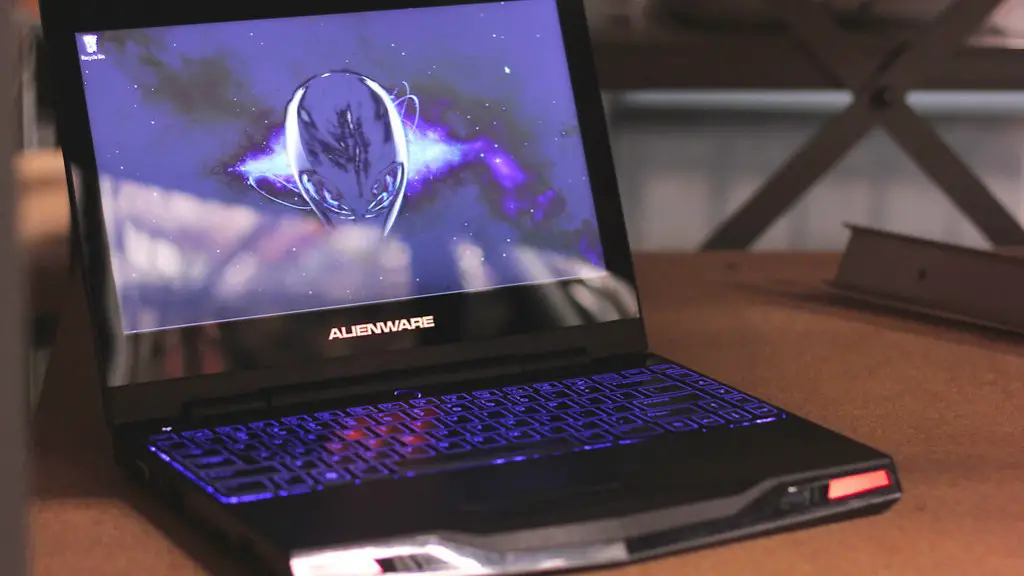
The type of keyboard you should get depends on the type of game you plan to play. A mechanical keyboard may be best for first-person shooters while a membrane keyboard may be more suitable for role-playing games. Similarly, the type of mouse you should aim for depends on the type of games you’re into. Gaming mice generally come with additional features and a higher sensitivity.
Finally, audio completes any immersive gaming setup. A pair of good headphones can make a huge difference to your gaming experience, giving you better sound positioning for your games. To get the best gaming audio, look for headphones that come with virtual surround sound features.
Case and Cables
Once you’ve established the core components and peripherals for your gaming PC build, you’ll need a housing for your machine. Computer cases come in all shapes and sizes, with different design elements to choose from.
It’s important to get a case that’s the right size and shape to house your components. If you plan on getting an oversized graphics card, you’ll need a case that’s tall enough. Additionally, some cases come with pre-installed fans or lighting to help you get the perfect gaming aesthetic.
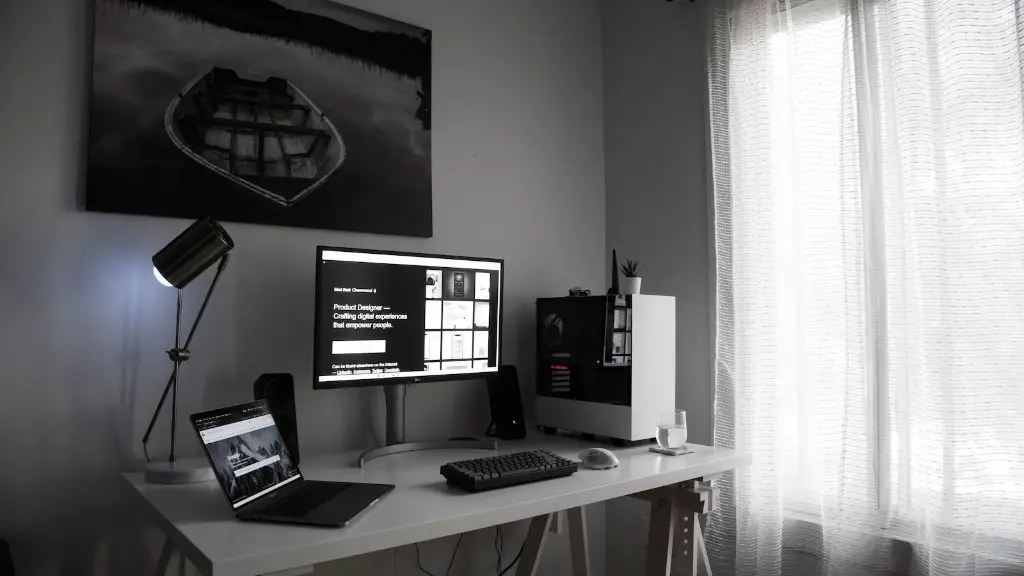
Plus, you’ll need cables to connect the power supply to the other components. Cables can be a pain to manage, so try and get the ones with the least clutter. Removable sleeves on power cables help keep things neat by enabling you to tuck cables away when not in use.
Operating System & Software
Once the hardware components are all in place, you’ll need an operating system and software to make your gaming PC work. Windows is generally the go-to choice, with recent versions like Windows 10 offering excellent performance and gaming capabilities.
Then, consider adding other software to enhance gaming performance. Often, the latest graphics drivers can help you optimize the performance of your PC, especially if you’re running older games. This can help with bugs and other technical issues.
Some games also come with their own software solutions or patches which can help improve the performance or add supplemental features. If you’re using a gaming service like Steam or GOG, there may be additional features such as a cloud save. Of course, you’ll also need anti-virus and other secure solutions to keep your PC running smoothly.
Building the PC
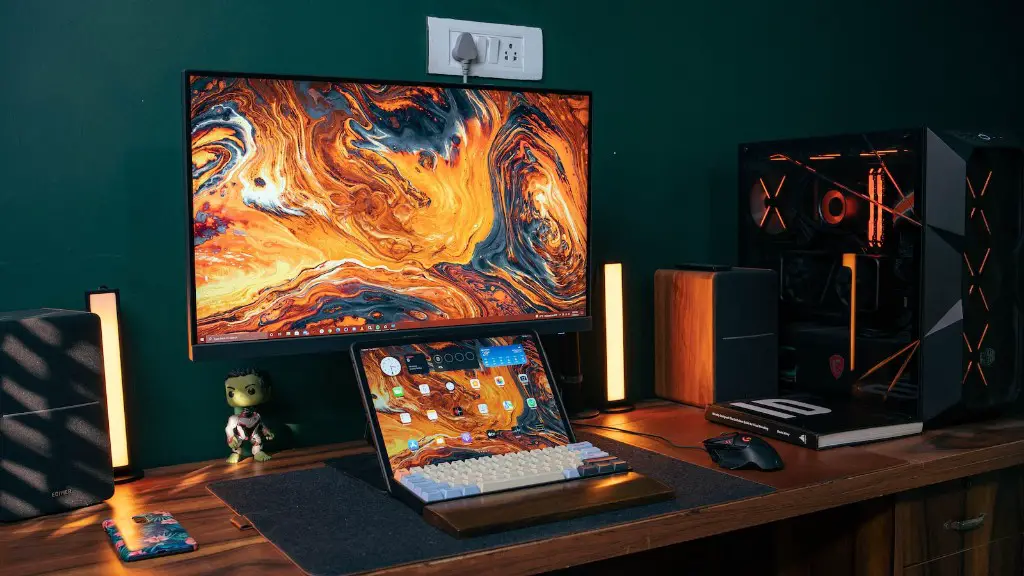
Now for the fun part – physically building your gaming PC. Begin by installing the core components, starting with your processor and cooling system. This is followed by connecting the RAM and storage drive, while ensuring the components are properly seated. Finally, you can add the graphics card and peripheral devices.
A clean workspace is essential when putting together the gaming PC. It helps to have a proper set of tools such as a Phillips screwdriver, tweezers and anti-static gloves. Be mindful of the power supply when connecting all the components, as the last thing you want to do is fry your new machine!
After all the components are in place, it’s time to connect all the cables. This includes connecting the monitor, keyboard and mouse, as well as the power cables. Keep the cables in an organized manner, and use cable management solutions to keep everything neat. Once all the parts are plugged in, the PC is eligible for power.
Boot & Test the PC
Once the PC is powered on, it’s time to boot it from a CD or a USB drive. You can then install the operating system, followed by the relevant drivers and software. After this step, the PC should be successfully running, and ready for gaming.
It’s important to test the components correctly though. To do this, you can start by testing the RAM with a program like memtest86, after installing the operating system. You can then move on to testing individual components such as the display or the mouse, or a specific game or 3D benchmarking application.
While it’s not necessary, you can also fine-tune the PC for gaming. This can include overclocking the processor, adjusting the graphics settings and enabling high performance mode. These steps help squeeze even more performance out of your machine, allowing you to get the most out of your gaming setup.
