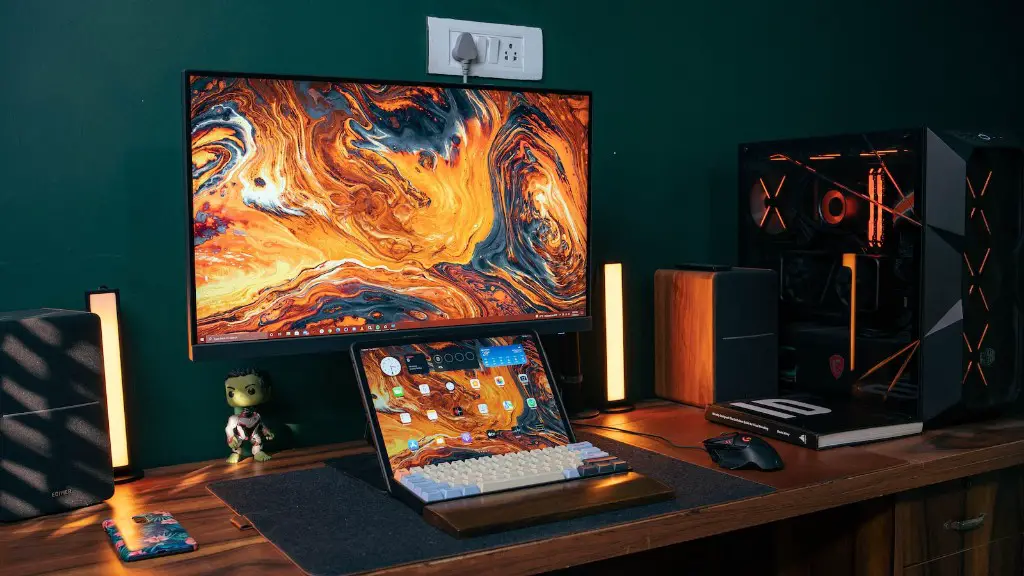
Introduction: Building a gaming PC is a great way to get the most out of your gaming experiences. There are many components which an individual will need in order to create a powerful gaming PC. The most important parts of a gaming PC include the case, motherboard, processor, graphics card, RAM, and storage. Each of these components has its own set of requirements and should be chosen carefully for a successful build.
Parts Of A Gaming PC:
Case: The case of your gaming PC should allow for proper air flow and should provide enough space to house all of your components. It should also have good features such as cable management, tool-free design, and dust filtering.
Motherboard: The motherboard is the central component of the gaming PC and is responsible for connecting the other components together. It is important to choose a motherboard that will be able to support all of the components that you intend to install.
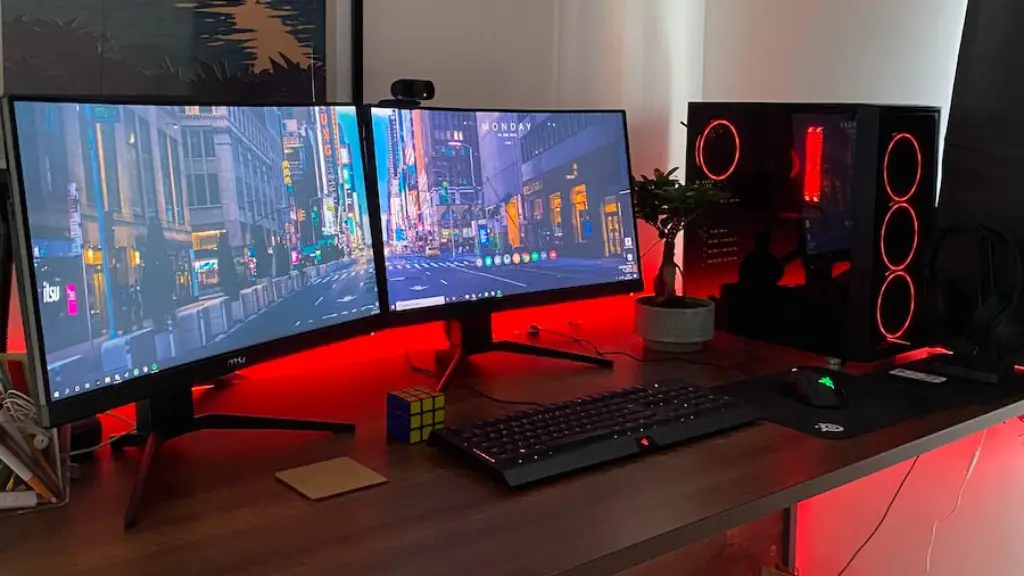
Processor: The processor plays an important part in determining the overall performance of the gaming PC. The current generation of Intel and AMD processors provide excellent performance while consuming relatively less power.
Graphics Card: The graphics card is responsible for rendering the visuals of the games and helps provide the required performance. It is important to choose a graphics card that is powerful enough to run the games at your desired settings.
RAM: RAM helps your PC to run smoothly and allows for quick loading and processing of instructions. It is important to choose a sufficient amount and type of RAM for your gaming PC.
Storage: Storage is essential for storing all of your game files and for booting the operating system. SSDs are recommended for faster loading and booting times, whereas HDDs are used for bulk storage of games.
Benefits Of Building Your Own Gaming PC:
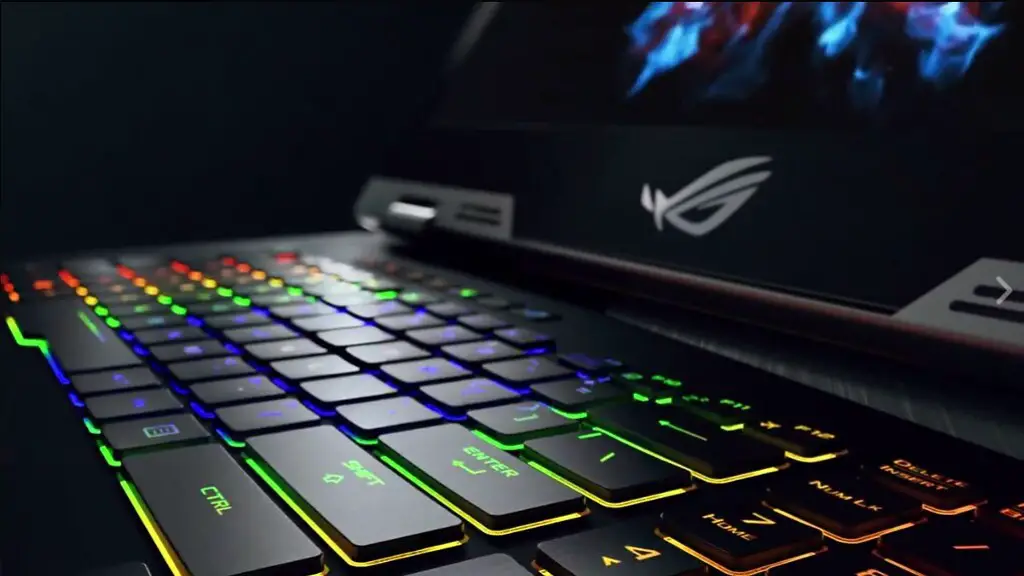
Building your own gaming PC has numerous advantages, such as creating a custom tailored system that meets your exact needs. You are able to choose the parts that best fit your budget, allowing you to get the performance that is right for you without breaking the bank. Additionally, due to the modular nature of the components, these parts can be upgraded and replaced to keep up with the latest technology without having to replace the whole system.
Another major benefit of building a gaming PC is the ability to have full control over the system. This consists of being able to optimize the performance of the system and tweak the settings for each game. This can be done with the help of software, such as the Windows Task Manager and various third-party applications. In addition, you can customize the aesthetics of the PC to your own taste.
Creating a gaming PC also offers a level of investment. While the cost of buying a ready-made gaming PC may be lower, it tends to lose its value over time. On the other hand, the components of a custom built PC can be reused and upgraded, which helps keep its value even after years of use.
Overall, building a gaming PC can result in significant savings and provides more control over the performance and features of the system. It can also be a great hobby for those interested in learning about computers and for those who like to tinker with their gaming hardware.
Choosing The Right Parts:

Before heading to the store, it is important to figure out what kind of parts you will need for your gaming PC. This can be done by researching the games that you want to play and what kind of performance you expect from your system. Once you have determined the necessary specs, you can start looking at the different parts.
You should also make sure to match the different components in terms of compatibility. For example, if you are using an Intel processor, you should also look for an Intel-compatible motherboard. The same goes for the other components such as RAM, storage, and graphics cards.
Another important step is to determine the price range that you are comfortable with. This will allow you to scan through the different components available and choose the parts that meet your needs without breaking the bank. Additionally, you should also look at reviews of different components to help you make an informed decision and check for any possible issues.
Finally, you should consider which peripherals you will need for an optimal gaming experience. This includes monitors, gaming keyboard and mouse, headset, and gaming controller. It is recommended to get good quality peripherals that are compatible with your gaming PC.
Importance Of Proper Installation:
Once you have acquired all of the necessary parts, the next step is to properly assemble and install them. This, however, isn’t as easy as it may seem and should only be done if you have sufficient knowledge and experience. While it is possible to build a gaming PC without much technical expertise, it is highly recommended to seek professional help if you are unsure of the installation process.
Improper installation can cause gaming issues and can even damage the components. To avoid this, it is important to read the instruction manuals and to follow the guidelines provided by the manufacturer. Additionally, make sure to assemble the parts in a well-lit, dust-free area, to avoid any possible complications.
The installation process should be completed carefully and with patience. This involves connecting all of the components correctly and ensuring that power cables are plugged in correctly. Furthermore, you should also test the system for correct operation before heading into games.
Finally, after the installation is complete, it is important to apply proper maintenance. This involves keeping the internal components of the system clean and dusted and ensuring that all of the connections are working properly. It is also recommended to use a cooling solution such as liquid-cooling to ensure that the components don’t get too hot.
Software Considerations:
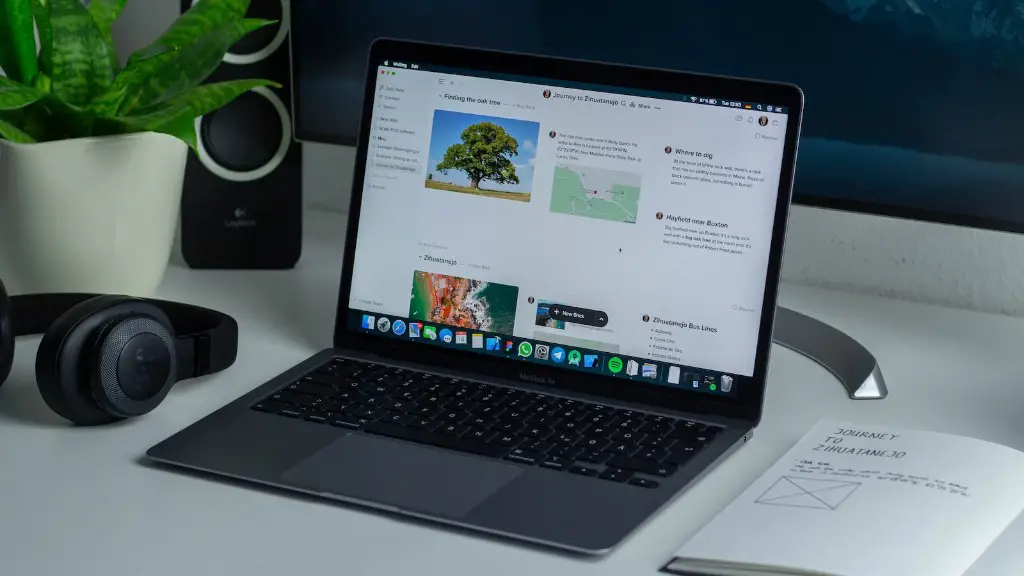
When building a gaming PC, it is important to choose the software that goes with it. Depending on the games that you want to play, you can select an operating system such as Windows, MacOS, or Linux.
Another important decision is whether to go with a dedicated gaming platform such as Steam or GOG Galaxy. These platforms have their own library of games and can be used to purchase, download, and update games. Additionally, they offer useful features such as cloud saves and achievements.
If you are looking for performance-enhancing software, there are various programs that can help to improve overall performance. This includes overclocking utilities and gaming profiles, as well as features such as memory and thermal monitoring.
Finally, game streaming services such as Google Stadia, Nvidia GeForce Now, and Microsoft Xcloud allow you to stream games from the cloud with minimal hardware requirements. This gives you access to an impressive library of games without needing a powerful gaming PC.
