
Building your own gaming PC can be an intimidating task, especially for those who don’t consider themselves tech savvy. It requires a variety of parts and components, and can require considerable additional research. An important part of assembling a gaming PC is deciding what parts should be purchased first. To make the process simpler, we’ll break down the main components of a gaming PC, and which should be prioritized for purchase.
The most important part of any build is the processor, since all the other components are dependent on it. Look for CPUs featuring a minimum of four cores, and make sure the motherboard has a compatible socket. A capable graphics card is equally important, as it’s what creates the visuals on the display. You should buy one that is optimized for the games you intend to play.
Memory is also essential, as it dictates how easily tasks can be done. Get a minimum of 8-16GB RAM, central to providing smooth performance. Having a solid-state drive is recommended, as it’ll be much faster and more efficient than a traditional disk drive. An adequate power supply is also required, as it is responsible for delivering the power the computer needs. Finally, don’t forget the cooling system, which is essential to keep the temperature low and keep the system running efficiently.
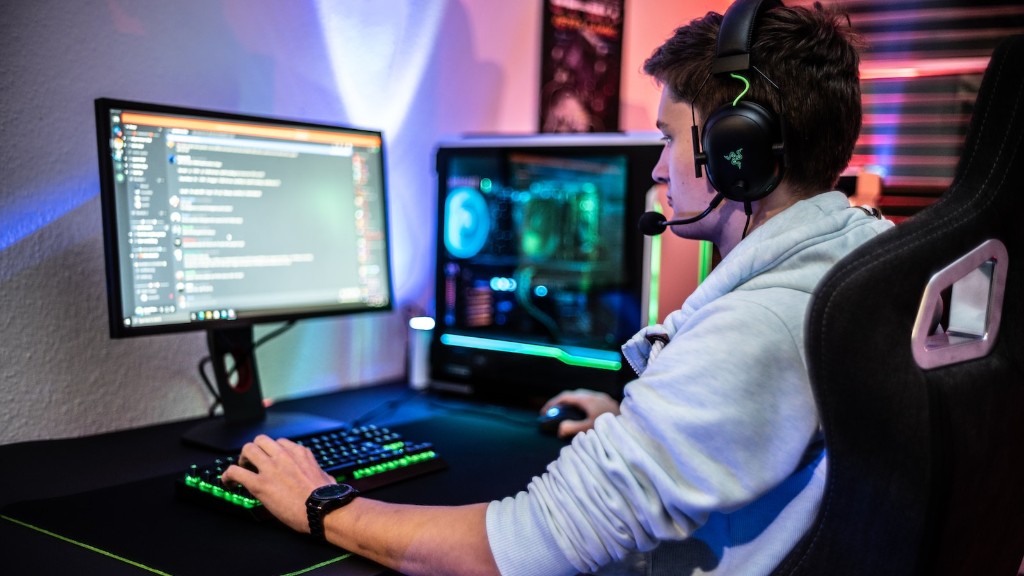
Now that you have the basic components you can upgrade further parts as desired. Extra storage will give you more space for games, software and data. Expansion cards enable more ports on the system, as well as faster network connectivity. Lighting is a matter of personal preference, and many hardware and software options exist to customize your gaming experience. You may also want to consider getting a sound card, as the stock one provided with your motherboard may not provide the sound quality experienced gamers prefer.
Processor
When deciding what to purchase, the processor should be at the top of your list. An Intel i7 processor is a good starting point, with higher-end models offering additional cores, higher clock speeds and better performance. CPUs are readily available, so no matter your budget, you should be able to find one that fits. Make sure to check the motherboard’s compatibility and the system requirements for your games too, to ensure smooth performance.
The Intel Core i5 processor is a great option for gamers who don’t want to spend too much. It comes with 4 cores to handle multitasking and other tasks. It is also compatible with most motherboards, so it can easily be used in a gaming-focused build. In terms of budget, it is still fairly affordable, but it boasts impressive features, making it a great choice.
If you have a bigger budget, Intel’s Core i9 series is a great choice. It has the latest technological innovations, including up to 8 cores and higher clock speeds, which can result in a smoother gaming experience. It may also be a good option for streamers, as the performance is capable of handling multiple tasks.

AMD processors are also available, and can be great for gaming. The Ryzen 5 and 7 are good for gaming, with the Ryzen 9 being a top-tier processor for pros and enthusiasts. They also offer great value for money, as they usually offer more performance compared to Intel processors.
Overall, the processor is important for any gaming build. It’s a good idea to make sure it has the necessary compatibility with your motherboard and other components, to ensure a smooth gaming experience.
Graphics Card
The graphics card is a crucial component for any gaming PC. It’s responsible for producing the visuals that you see on the display. There are a variety of options available, ranging from entry-level to high-end. Consider your budget, as well as the games that you intend to play, to decide which card you should get.
A good entry-level card is Nvidia’s GeForce GTX 1060. At a price of around $200 to $350, it can provide good performance for most games at 1080p resolution. It also has a good deal of memory, so you can turn up the graphics settings for smoother performance. If you want to go for a higher-end card, AMD’s Radeon RX 580 is one of the best options.
If you can afford to spend more, the Nvidia GeForce RTX 2080 is an excellent choice. It has the performance to play games at higher resolutions and it is VR-ready. The RTX 2060 or 2070 are also good cards, they offer decent performance but at a lower price range. You can also get a multi-GPU setup with two or more cards for improved performance.
AMD’s Radeon RX Vega series is an interesting choice as well. The Radeon RX Vega 56 and 64 offer good performance, and are more power efficient than their Nvidia counterparts. They are also better suited for cryptocurrency mining, so you may want to consider them if that is your goal.
Finally, it is important to consider how much memory the graphics card has. It is usually recommended to get one with at least 4GB of memory, as most modern games require at least 3GB for smooth performance. Make sure to check graphics card benchmarks and also the requirements for the games you plan on playing, to ensure you make the best choice.
Storage
For storage, a solid-state drive is a much faster and more dependable choice over a traditional hard drive. SSDs are much faster and more reliable, so they definitely come in handy if you need fast loading times. However, they are more expensive, so if you are on a tight budget, you may want to opt for a hard drive, which offers more storage for less money.
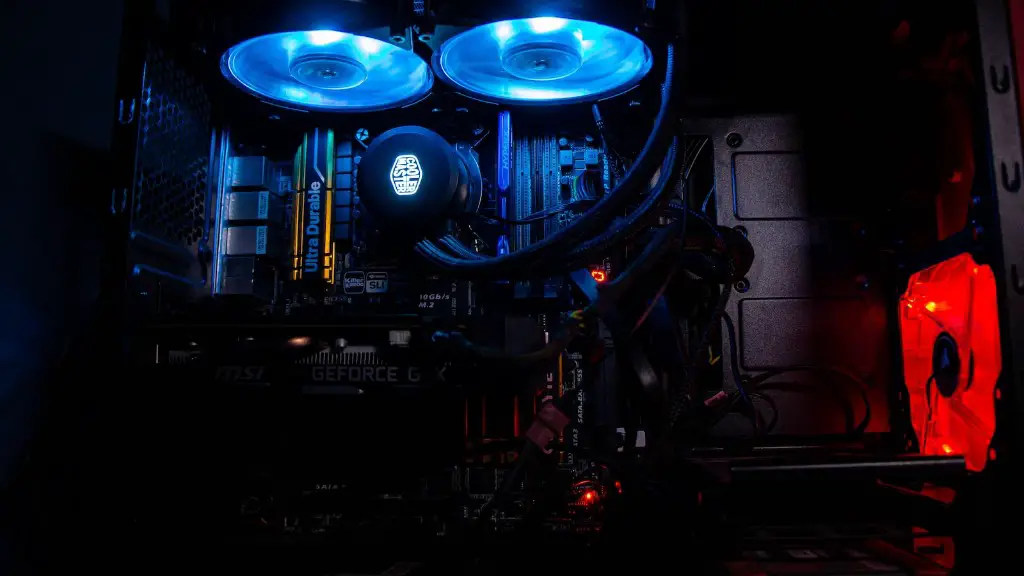
For most gamers, a 2TB hard drive will provide plenty of room for all the games, software and data they need. You can also purchase an external drive if you need extra storage, or if you want to keep it separate from the internal hard drive. SSDs are available in larger capacities, up to 8TB, if you need maximum storage.
If you are planning on playing with virtual reality, it is recommended to get a more powerful storage solution, such as an NVMe m.2 SSD. These solid-state drives are blazingly fast and can offer faster loading times for your games. They are more expensive than regular SATA-based SSDs, so you need to carefully consider which type to get.
Finally, if you are going for a dual storage setup, it is recommended to get a larger capacity SSD as your primary drive, and then a secondary hard drive for extra storage. This way, the most intensive games and software will be stored on the faster drive, while the other files can be stored on the hard drive. This can improve loading times, as well as providing an economical solution.
Cooling System
A cooling system is essential when building a gaming PC. It helps keep the components within the desired temperature range, preventing possible damage due to overheating. There are several types of cooling solutions, including air coolers and liquid cooling systems.
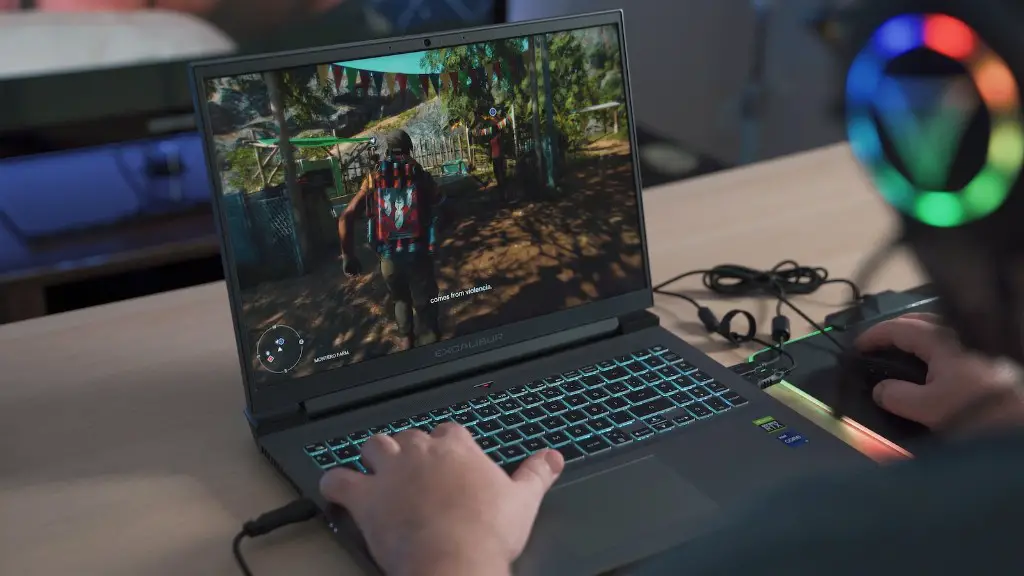
Air coolers are the most common and cost-effective cooling solution. They are relatively easy to install and maintain. Air-cooled systems consist of fans and heat sinks, which spread the heat around and keep your components cool. They are usually more than enough for most users, but if you plan to heavily overclock, a liquid cooling system may be a better choice.
Liquid cooling systems are more complex and expensive than air coolers, but they offer better cooling performance. They consist of a large radiator, a pump, tubing and water blocks attached to the components. This setup transports the heat away from the components, dissipating it in the radiator. Liquid cooling systems are generally louder than air coolers, but they are better at keeping temperatures low, especially during heavy overclocking.
Whether you go for an air cooler or a liquid cooling system, make sure to choose one that offers enough cooling capacity for your system. It’s a good idea to look at cooling capacities, noise levels and other features that can help you make a better choice.
Other Components
Other than the main components we discussed, there are additional parts you may want to consider for your gaming PC. Expansion cards give you additional ports for greater versatility. Network cards provide faster download and upload speeds, as well as improved stability. Sound cards can offer better audio compared to onboard sound solutions. Lastly, lighting can be used to create unique setups and add a stylistic flair.
When deciding which additional parts you should buy, consider your budget, as well as your needs. Think about what features you’d like to have, and if they are worth the additional cost. If you are on a tight budget, skip the extras and focus on getting the basics. Once you have your PC assembled, you can then add additional parts as needed.
Overall, assembling your own gaming PC can be an intimidating task, but it’s possible to build a great system without breaking the bank. Start by deciding what parts should be purchased first. Make sure to buy a processor, graphics card, memory, storage and a cooling system. Once you have the basics taken care of, you can think about getting additional parts like expansion cards, sound cards and lighting.
