If you’re a gamer, you know that having the right monitor to play on can make or break your gaming experience. That’s why it’s important to pick the best monitor for your gaming needs. Here’s what to consider when choosing a gaming monitor.
The first thing you should think about is the size and resolution of the gaming monitor. Larger screens are generally better for gaming since they can provide more immersive experiences. Generally speaking, gaming monitors should have resolutions of 1920×1080 (1080p) or greater, with 2560×1440 (1440p) and 4K resolutions being the best ones available.
Next, you’ll want to pick the panel type and refresh rate of your gaming monitor. TN panels are the most affordable but offer the least vibrant and accurate colors, while IPS and VA panels offer better image quality. As far as refresh rate, generally speaking you’ll want to opt for a gaming monitor that has a refresh rate of at least 144Hz – the higher the better, though it will also depend on your budget.

Another important spec to consider is the response time. This is the time it takes for a pixel to change from one color to another, and lower response times are generally better for gaming. A response time of 5ms or lower is ideal for gaming.
Finally, you’ll want to consider the adaptive sync technology that your gaming monitor offers. G-Sync and FreeSync are the two main types, and they help reduce screen tearing and stuttering when playing games. If your graphics card supports one of these technologies, it’s strongly recommended that you go with a gaming monitor that offers it.
Display Features
Aside from the technical specs, you’ll also want to consider the display features of a gaming monitor. This includes features such as HDR, Adaptive Sync, and Local Dimming. HDR (High Dynamic Range) can help enhance the image in games and bring out more colors and details, while Adaptive Sync and Local Dimming can help reduce screen tearing and stuttering, making the gaming experience smoother.
Another important feature to look out for is the viewing angle. This indicates how ‘widescreen’ a monitor is, with larger viewing angles being better for gaming. It’s recommended that you opt for a gaming monitor that has a viewing angle of 178° or more.
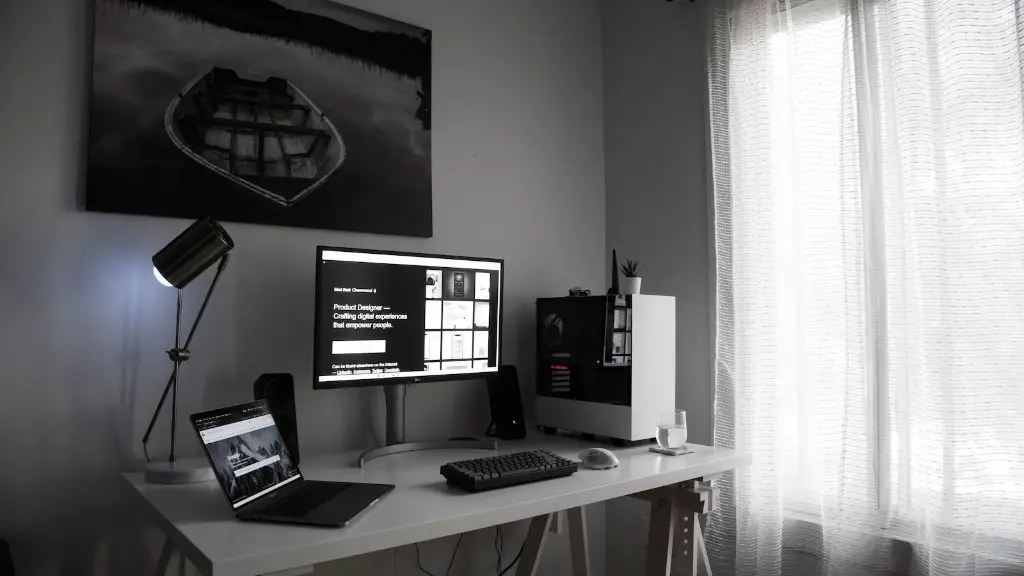
Finally, look for a gaming monitor that can support multiple inputs, such as HDMI, DisplayPort, and USB-C. This will allow you to connect to a variety of devices and get the most out of your monitor.
Ergonomics
In addition to the display features, you also want to consider the ergonomics of the monitor. This includes features such as height and tilt adjustability, which will allow you to set the monitor up the way you want it. This will let you customize the gaming experience to your exact preferences.
You also want to consider the built-in speakers of the monitor. Many gaming monitors have built-in speakers that you can use for gaming if you don’t have a headset or speakers. Not all speakers are created equal, however, so it’s a good idea to look for a gaming monitor that has good sound quality.
It’s also important to make sure the connectivity ports are easy to access. For increased flexibility, you’ll want to look for a gaming monitor that has ports that are easily accessible on the side or back.
Cost

Finally, you’ll want to consider the cost of the gaming monitor. Cost will usually be determined by the size and features, so it’s important to make sure that you find the best gaming monitor for your budget. Generally speaking, it’s best to opt for a monitor that has the features you need, rather than the most expensive one.
It’s also worth taking the time to research the different brands and find one that you can trust. Look for customer reviews and see what people are saying about each monitor before making a decision.
Conclusion
When it comes to buying a gaming monitor, there are a number of things to consider. It’s important to think about the size and resolution, panel type, refresh rate, response time, and adaptive sync technology. Additionally, you’ll want to consider the display features, ergonomics, and cost. With the right gaming monitor, you’ll be able to enjoy a better gaming experience.
