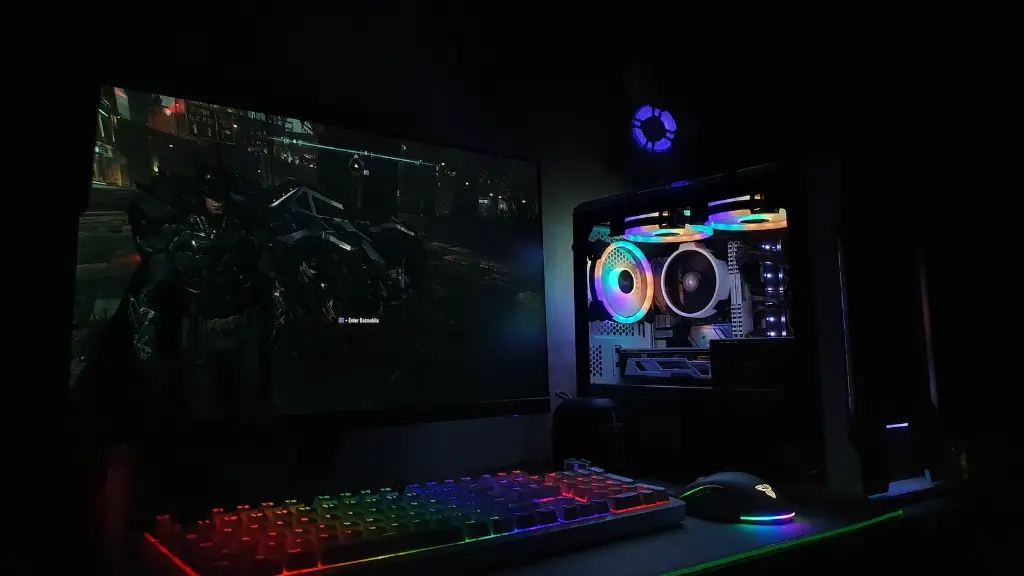
Once you have completed the process of building your gaming PC, there are a few tasks you need to take care of to ensure you are ready for gaming. Firstly, it is important to check that all the components of the PC are connected properly and that the cables are routed correctly. If there is any doubt as to the wiring, it is best to double-check with a friend or online service to make sure everything is in order.
Secondly, you need to install the necessary software in order to start your computer. This include drivers, operating system and the essential utility softwares. It is important to use genuine drivers as they can guarantee the best performance of the components. Without these, the gaming experience will not be as good.
Thirdly, you need to configure the system settings in order to get the optimal performance out of the computer. This includes setting the cooling fans speed, enabling virtual technology, overclocking and enabling system tweaks. Doing this correctly ensures that you get the full potential out of the system.
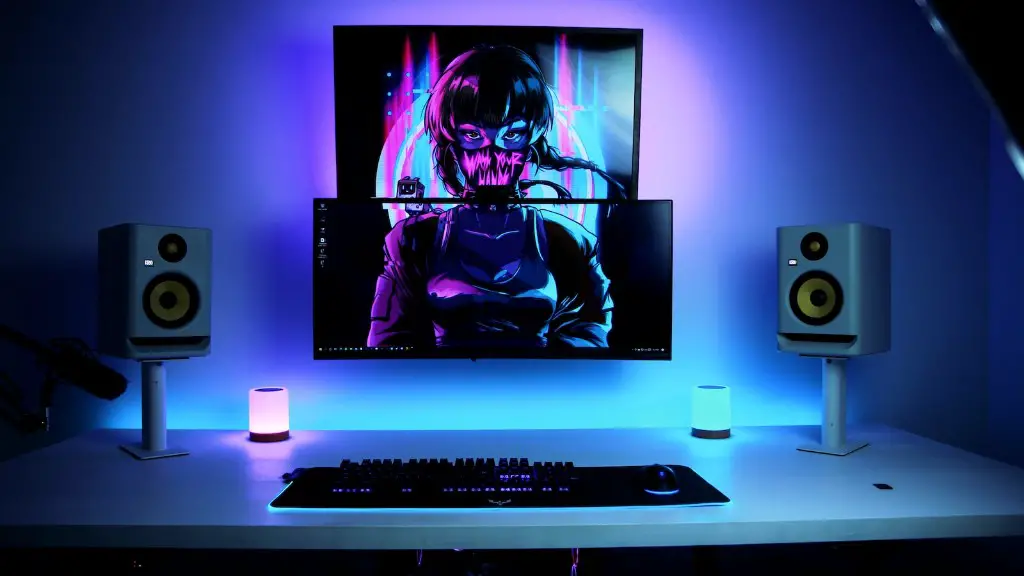
Next, you must install the games you want to play. After purchasing the necessary games, it is important to install them correctly and test them to ensure their performance. This will save you from disappointment when you start playing.
The fifth step is to configure the game settings and controls. This includes setting the graphics, adjusting the sound and binding the keys. It is crucial to set these up properly as it makes the gaming experience more enjoyable.
Finally, it is essential to execute maintenance routines like defragging and disk clean up. This will improve the performance of the computer and make it last longer. It is also important to keep the operating system up to date by installing the latest updates and patches.
Optimizing Your Gaming PC
After you have built your gaming PC and gone through the steps mentioned above, it is important to take the extra steps to optimize the performance of your system. This includes overclocking the components and tuning the system to get the best possible performance out of the computer. This must be done carefully as the components can be damaged if done incorrectly.
Overclocking involves increasing the frequency of the processor, memory and graphics cards to get extra performance out of them. This process must be done carefully and with caution to ensure that the components are not damaged in the process. It is recommended to do this in small increments and keep an eye on the temperatures of the components to ensure that they do not get too hot.
Tuning the system includes setting up the cooling fan speed, adding more memory and hard drives and other tweaks to squeeze out higher performance. This requires technical knowledge and will improve the gaming experience significantly. It is also recommended to use a utility software to monitor the performance of the system.
PC Gaming Accessories
After building your gaming PC, you should also consider buying gaming accessories such as gaming mice and keyboards. The right gaming mouse and keyboard combos can make a huge difference in your gaming experience. This is especially true if you are playing competitive games as they give you an edge over your opponents.
It is important to buy a gaming mouse and keyboard combo that are suited to your specific needs. If you are a casual gamer, then a basic mouse and keyboard will work fine. However, if you are a competitive gamer, then you should invest in a gaming mouse and keyboard with features such as adjustable DPI, multiple macro buttons, adjustable keys and so on.
In addition to gaming mice and keyboards, you should also consider buying gaming headphones and speakers. The right gaming headset can make a huge difference in your gaming experience. The right gaming speaker setup can provide you with an immersive experience. It is important to shop around and research the best options available to you.
Optimizing Your Peripherals
Once you have purchased the necessary gaming accessories, it is important to configure them properly in order to get the best performance out of them. This includes setting up the mouse and keyboard, calibrating the speakers, and ensuring the headphones are set up correctly. It is also important to test the peripherals to make sure they are functioning correctly.
It is also important to keep your peripherals up to date by installing the latest drivers and firmware updates. This will ensure that you get the best performance out of your gaming peripherals. It is also important to keep the gaming accessories clean and free of dust as this can affect their performance.
In addition to setting up and configuring your peripherals, it is also important to customize them to optimize your personal gaming experience. This includes mapping out the commands of the mouse and keyboard, setting up macros and custom keys, setting up mouse and keyboard profiles, calibrating the audio output, and setting up the speaker levels.
Customizing Your System
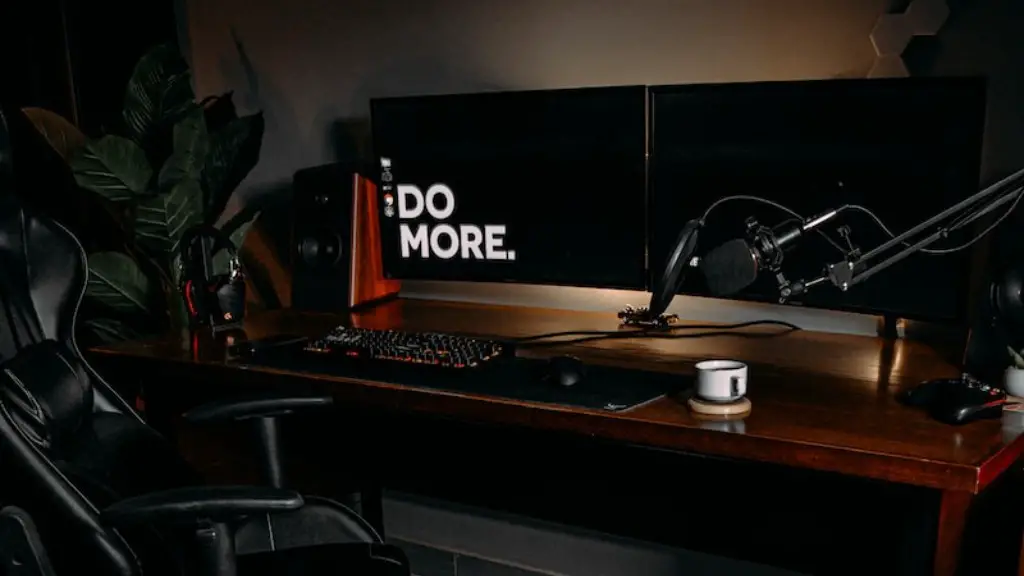
Once you have gone through the steps above and you are happy with the performance of your gaming setup, it is time to customize the system to make it look good. This includes choosing a fancy RGB lighting setup, adding more RGB fans, and purchasing custom cable extensions. It is important to take your time and find the perfect setup for you.
In addition to RGB lighting, there are other ways to customize your gaming setup. This includes modding your PC case, customizing the themes of your operating system and installing third-party visual styles. It is important to take your time and find the perfect combination for you.
Finally, you can also customize the performance of your gaming setup. This includes overclocking the components to squeeze out extra performance, disabling unnecessary services, and using third-party tools to optimize the system. It is important to be careful when doing this and make sure to only modify things you are comfortable with.
Protection and Back-Ups
Although you have gone through all the steps and optimized your gaming setup, it is important to take the extra steps to protect your system. This includes installing anti-virus and anti-malware software, setting up firewalls and encryption, and updating the system on a regular basis.

It is also important to back up your data. This includes making a full system backup, as well as backing up important files and documents. This step is crucial in case something goes wrong with the system and you need to restore it to a previous state.
Finally, it is important to keep your gaming peripherals in good condition. This includes cleaning them regularly, replacing the keys and other components if necessary, and updating their drivers and firmware regularly.
