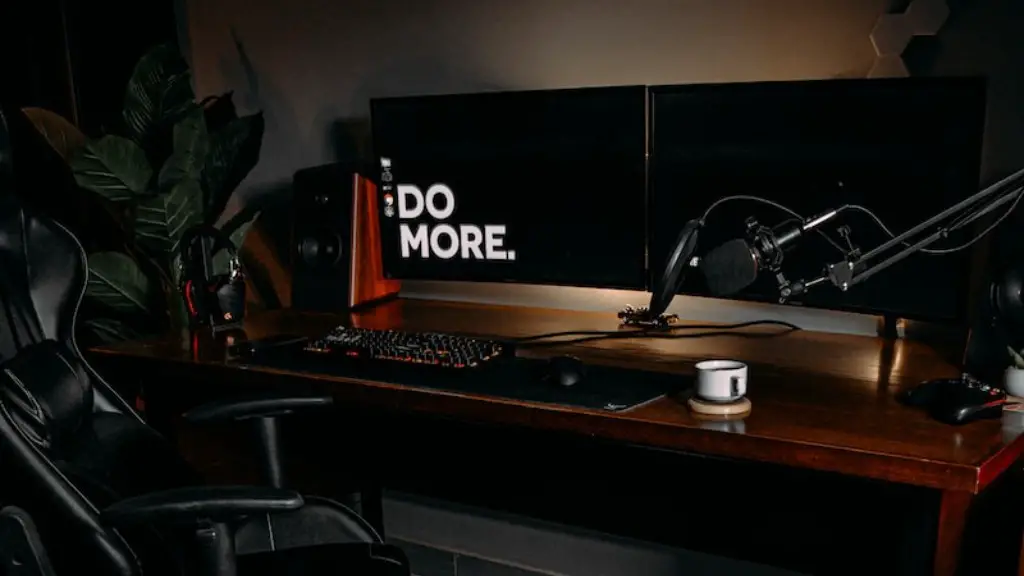
Assembling a gaming PC in 2020 is easier than ever. But there are still essential components to be aware of that you’ll need if you want to create the ultimate gaming experience.
First off, you’ll need a CPU or Central Processing Unit. This is the brains of your computer and is responsible for the majority of computing processes. Make sure that the processor you choose is powerful enough and up-to-date for the most current games.
Next, you’ll need RAM or Random Access Memory. This component allows your PC to multitask more easily and run more programs at once. The amount of RAM you choose will determine how smoothly your gaming experience is.
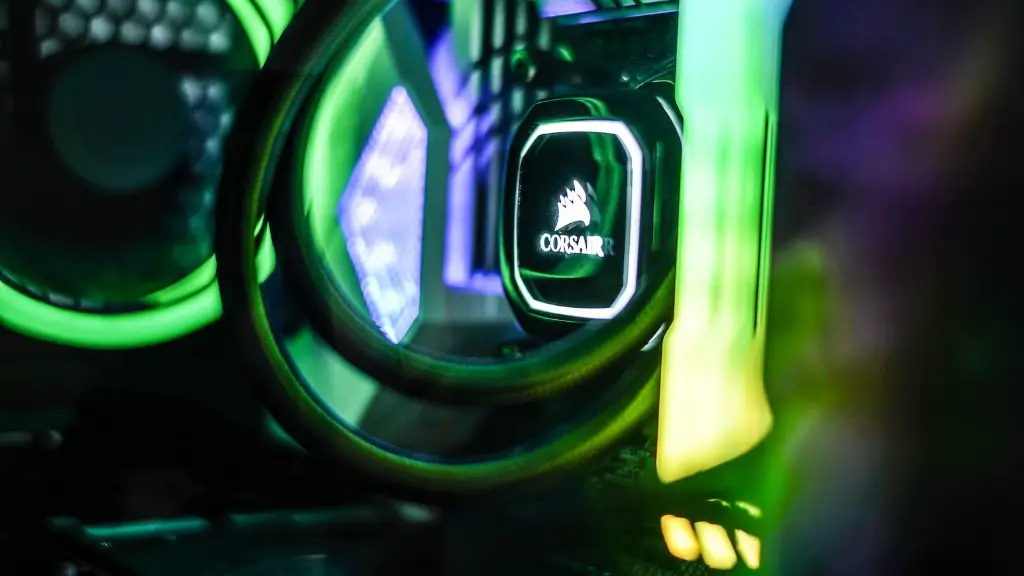
A Graphics Processing Unit or GPU is also necessary for a gaming computer. GPUs are responsible for producing the images and graphics that appear on your monitor. A good GPU is also crucial for playing games at high resolution and with high frame rates.
A quality power supply is also necessary for a gaming PC. This component provides the necessary power to the rest of the components in your computer. The power supply must be rated to adequately handle the components installed in the PC and must be compatible with the other components.
One of the most important components of a gaming PC is the motherboard. The motherboard supports the CPU, RAM, and other components. It also provides all the necessary hook-ups and expansion slots to connect all the components in your system.
Finally, you’ll need a hard drive or solid-state drive. This component stores all your gaming data and allows the computer to access it quickly. The more storage space you have, the more games you can play at once.
Cooling System
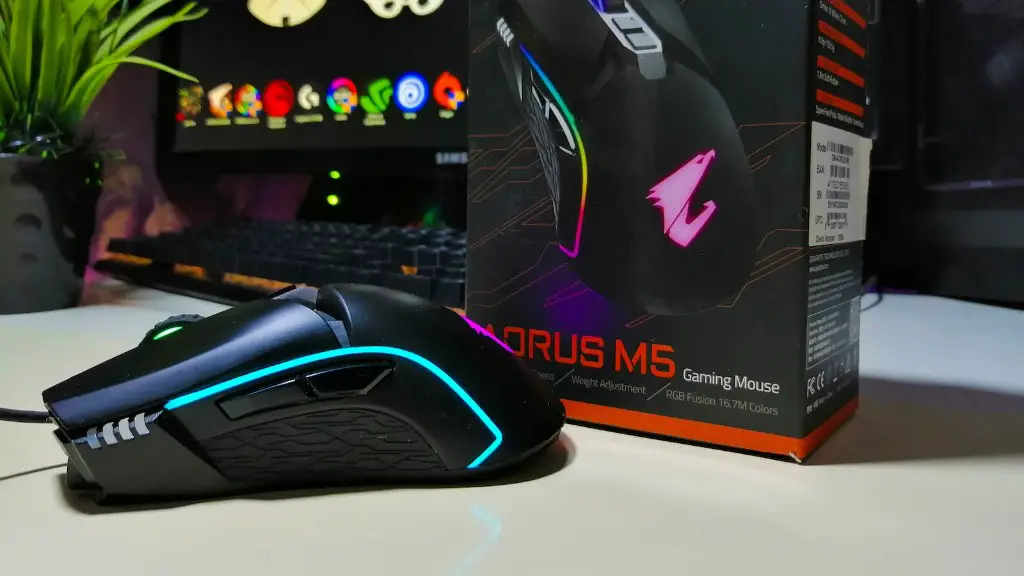
An efficient cooling system is vital for any gaming PC. The cooling system transports heat away from the components to prevent them from overheating and degrading in performance. Depending on the components you choose, you might need to invest in aftermarket cooling solutions.
Higher-end components such as CPUs and GPUs generate more heat and therefore require a more efficient cooling solution. Fans, heatsinks, radiators, and liquid cooling solutions are the most common cooling solutions used in gaming PCs.
Fans are most commonly used for cooling computer components. They come in a variety of sizes and shapes and can be used to cool CPU, GPUs, and other components. Heat sinks are also used to absorb and dissipate heat away from components. They are usually larger than fans and attach directly to components.
Radiators are also used to cool components. They are composed of several fin-like surfaces which dissipate heat away from components. Some radiators are equipped with fans to help with their cooling efficiency. Liquid cooling solutions are also used to cool components. They involve liquid coolants such as water that circulate around components to remove heat.
If you are looking to build the ultimate gaming PC, investing in an efficient cooling system is highly recommended. This will help maintain the performance of your components and ensure your gaming experience is as smooth as possible.
Storage Capacity
Having enough storage capacity is also important for gaming PCs. Generally speaking, the more storage space you have, the more games you can play at any given time. Hard drives or solid-state drives are the most common type of storage for gaming PCs. HDD (Hard Disk Drives) are traditional spinning mechanical drives and tend to offer larger storage capacities at lower prices. SSD (Solid State Drives) on the other hand, offer faster speeds and improved reliability, but at a higher cost per Gigabyte.
If you are looking for more storage capacity, you may also want to consider investing in external storage solutions such as USB flash drives, external hard drives, or NAS (network-attached storage) devices. These solutions can provide you with more storage capacity and allow you to expand your gaming library.
Regardless of which type of storage you decide to go with, it’s important to make sure your storage is capable of handling the data load of the games you want to play. This includes making sure the connection interface is compatible with your motherboard, as well as having enough RAM and processing power to support your gaming experience.
Additional storage solutions such as cloud storage can also be useful for backup purposes. Backing up your data is important to avoid losing any valuable information. It is also essential in the event of a hardware failure to help prevent data loss.
Having adequate storage is important for any gaming PC. Make sure you select the appropriate storage option based on your specific needs, budget, and gaming preferences.
Monitor
Having a monitor that can handle your gaming needs is also important. The right monitor can enhance your gaming experience by providing you with sharp, smooth visuals. When selecting a monitor, you’ll need to consider refresh rate, resolution, size, and panel type.
Refresh rate is important for gaming as it determines how often a monitor can refresh the image on screen. Higher refresh rates means smoother images and better responsiveness. For gaming, a refresh rate of at least 120Hz is recommended. You also need to consider the resolution of your monitor. Higher resolutions mean better image quality, but also potentially slower performance. Choose a resolution that is optimal for your game’s frame rate.
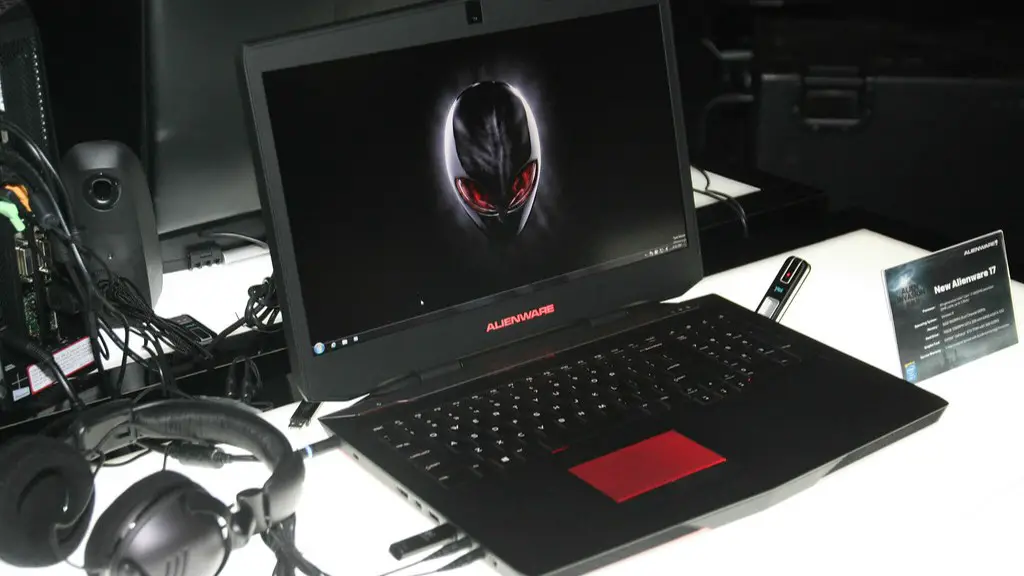
The size of the monitor is an important consideration, as well. Many gamers prefer larger monitors that can provide a more immersive gaming experience. However, this also limits your options in terms of resolution and refresh rate. Panels can also impact your gaming experience. TN (Twisted Nematic) panels are the most popular panel type for gaming, as they offer the best response times and image quality.
Investing in a quality monitor is essential to take your gaming experience to the next level. Make sure you select a monitor that can handle your gaming needs and provides the best image quality possible.
Peripherals
In addition to the core components of a gaming PC, you’ll also need a few peripherals to complete your setup. This includes a keyboard, mouse, headset, and, if you plan on streaming or recording, a webcam and microphone, as well.
Keyboards are an essential component for any gaming setup. A good gaming keyboard should provide you with customizable, programmable keys and have enough macro keys for a variety of tasks. Mechanical keyboards are typically the best option when it comes to gaming, due to their complexity and tactile feel.
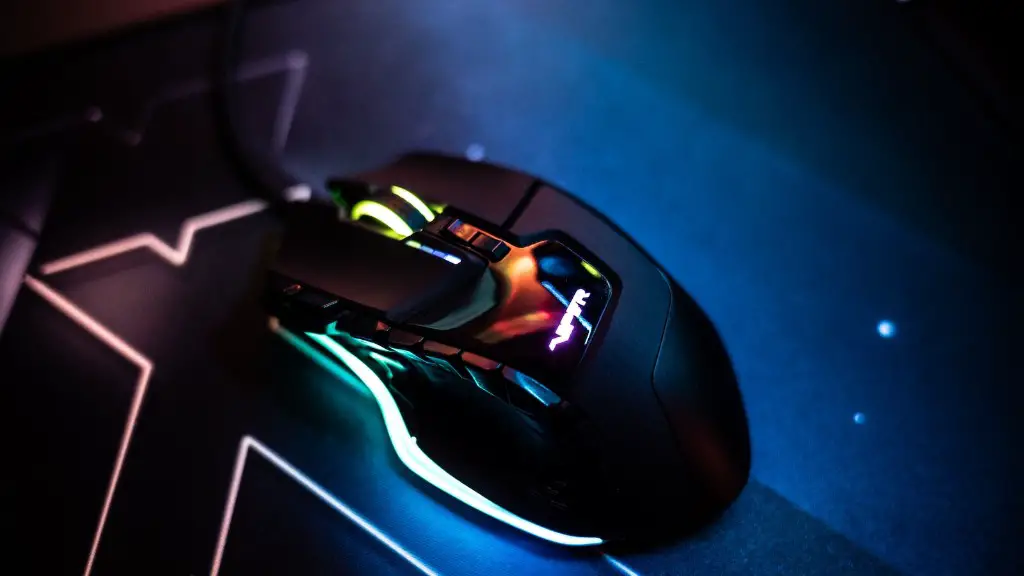
Mice are also important for gaming, as they provide precise control and accurate tracking. A good gaming mouse will come with programmable buttons, adjustable sensitivity, and an ergonomic design. A good headset is also necessary. Quality headsets offer good sound quality and are comfortable to wear.
Finally, if you plan on streaming or recording your gaming sessions, you will need a good webcam and microphone. Webcams are available in a variety of resolutions and frame rates, so be sure to select one that is suitable for your needs. Additionally, make sure the microphone you choose is of good quality and will provide clear audio for your streams and recordings.
Make sure you invest in a few quality peripherals to complete your gaming setup. This will ensure a cohesive and immersive gaming experience.
Game Performance
The performance of your gaming PC is ultimately determined by the components you have chosen. If your components are not up-to-date, you might experience poor performance, slow loading times, or even frequent crashes. Ensure all components are compatible with each other and make sure they can handle the latest games.
Overclocking is also an option to consider if you are looking to improve game performance. This is done by manually increasing the speeds of certain components to boost performance. However, this should only be done by experienced users. Overclocking can potentially damage certain components, which can be expensive to repair or replace.
Finally, make sure your gaming PC is equipped with the latest software updates. These updates often provide optimizations and bug fixes that can vastly improve game performance. Additionally, make sure you keep your anti-virus software package up-to-date.
To maximize game performance, make sure all your components are up-to-date and that your system is equipped with the latest software and anti-virus updates.
