When it comes to getting the most value from a gaming PC, nothing beats a budget gaming PC. But what is the best budget gaming PC? It all depends on your individual needs and preferences, but there are a few key things to consider before making a purchase. In this article, we’ll outline what you need to know to make the best decision when looking for a budget gaming PC.
When shopping for a budget gaming PC, your first priority should be to determine how much you’re looking to spend. This will help narrow down your options and help you avoid overspending. Generally, if you’re able to spend anywhere between $500 to $800, you should have enough to build or purchase a quality computer that can handle most gaming needs.
You’ll also need to consider the type of processor you want to get. A good quality processor like an Intel or AMD processor will be able to run most games smoothly. Higher end processors can handle more intense gaming, but these are typically more expensive and may not be necessary for less demanding games.
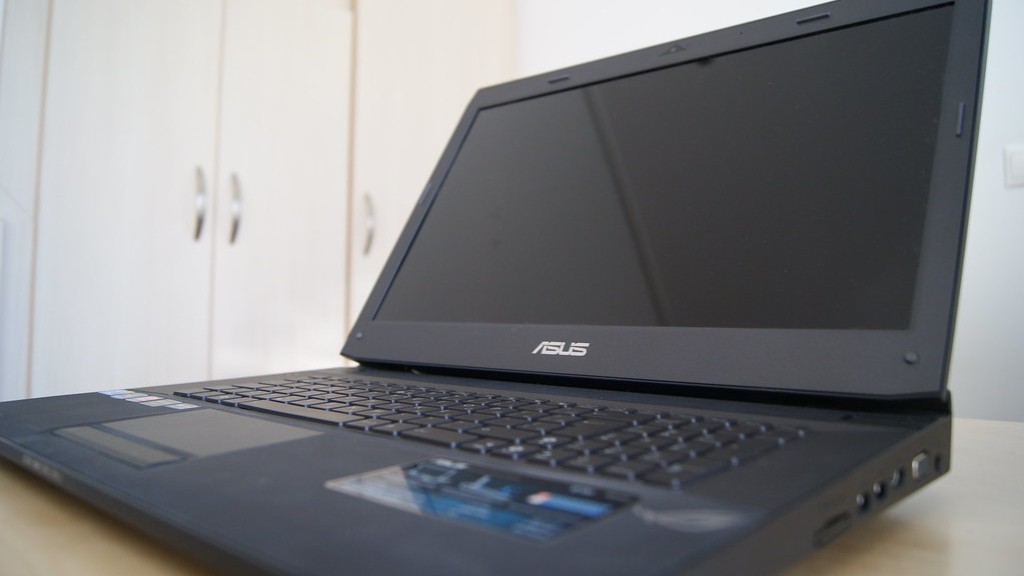
Next, you’ll need to decide how much RAM (Random Access Memory) you want. RAM allows your computer to process data quickly and efficiently, so more RAM means faster performance. Look for a minimum of 8 GB of RAM for a good gaming performance.
Finally, you’ll need to decide how much storage space you’ll need. A standard hard drive capacity of 1TB is usually enough for most gamers. However, if you plan to store a lot of data or multiple games, you may want to opt for a higher capacity drive.
Graphics Cards
A budget gaming PC should also include a dedicated graphics card. A good graphics card can help you get the most out of your gaming experience. Look for at least a mid-range graphics card, such as an AMD or Nvidia card, that offers high frame rates and good graphics quality.
Another important thing to consider when buying a budget gaming PC is the type of cooling system. An air cooling system is usually the most affordable, but liquid cooling systems often provide better performance. If you’re looking to squeeze out more performance, then you may want to invest in a liquid cooling system.
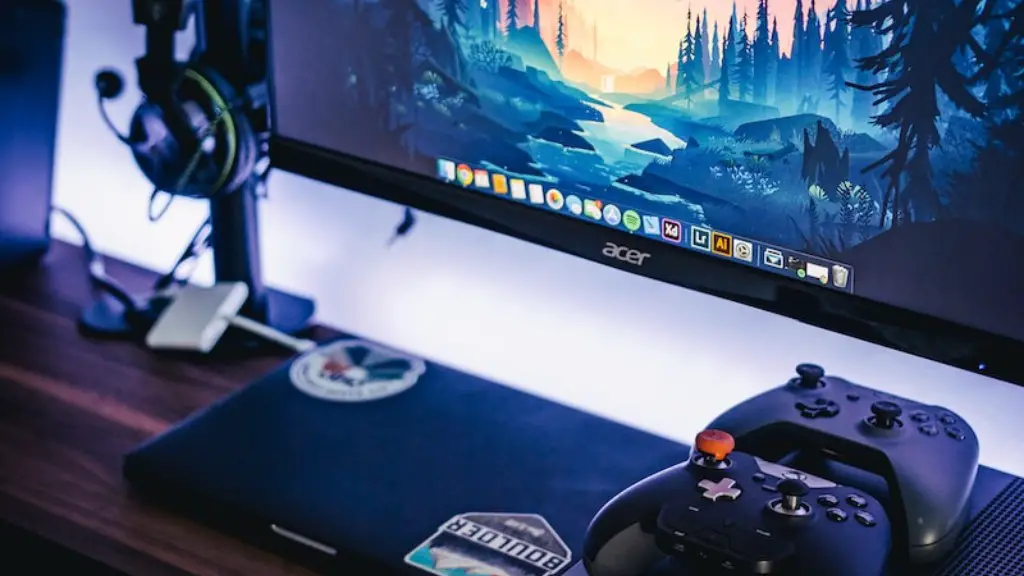
Finally, you should make sure your budget gaming PC has enough ports and connections to meet your needs. Look for at least three USB ports and an HDMI port. Depending on your needs, you may also want to look for an Ethernet port and a built-in WiFi adapter.
Pre-Built Budget PCs
If you don’t want to build your own budget gaming PC, you could opt for a pre-built model. Pre-built computers often come with all the necessary hardware and they’re usually relatively easy to set up. While they may not offer the same customization options as a custom built PC, pre-built computers are a great way to get started with gaming.
Another benefit of pre-built gaming PCs is that they often come with warranties. Warranties can help protect your investment in the event of any hardware or software issues. Be sure to read the warranty carefully and make sure you understand what’s covered before you make a purchase.
Finally, a pre-built gaming PC may include some upgrades or extras. These extras may include accessories like a gaming mouse or a higher quality monitor that can improve your gaming experience.
Choosing The Right Components
You can get the most out of your budget gaming PC by choosing the right components. Investing in a good quality graphics card, processor, and RAM will help ensure your gaming experience is as smooth as possible. You should also consider investing in a higher capacity storage drive, as this can help provide more space for storing games and other data.
When shopping for components, it’s important to compare prices and read reviews. This will help you decide which components are right for you and your budget.It’s also a good idea to ask for advice from experienced gamers on the best components for a budget gaming PC.
Don’t forget there are some less expensive alternatives to components as well. For example, you can use an older model of graphics card or processor and still get good performance. Be sure to research the performance of each option so you know exactly what to expect.
Tools Needed For Building a PC
If you decide to build your own budget gaming PC, there are several tools you’ll need in order to ensure successful installation. These include a screwdriver, a Phillips head screwdriver, a pair of pliers, an anti-static wrist strap (to prevent static electricity from damaging components), and a power supply tester. You may also need to purchase thermal paste and liquid cooling fluid (if you’re using a liquid cooling system).
You’ll also need to make sure you have access to the necessary components. Some components are available in pre-built kits, while others may need to be purchased separately. You’ll also need access to an internet connection in order to download any necessary software or drivers.
Finally, building a budget gaming PC requires patience and concentration. Be sure to take your time and read through instructions carefully before attempting any installations. Don’t be afraid to ask for help if needed; experienced builders can often provide valuable advice and expertise.
Buying vs Building
When considering a budget gaming PC, it’s important to ask yourself whether it’s better to buy or to build. Building your own PC requires more time and effort, but it also usually provides greater customization and potentially more value. Pre-built gaming PCs are simpler and often more affordable, but they don’t offer as much customization.
It’s also important to think about your own skills and experience. If you’re comfortable building a computer, then it can be a fantastic way to get the best value. However, if you are unsure of your abilities, then it’s probably best to opt for a pre-built gaming PC.

Finally, consider your budget. Your budget will play a significant role in deciding which option is best for you. Pre-built gaming PCs can usually be found within most budgets, while custom builds often require a larger upfront cost. Be sure to research your options before making a final decision.
