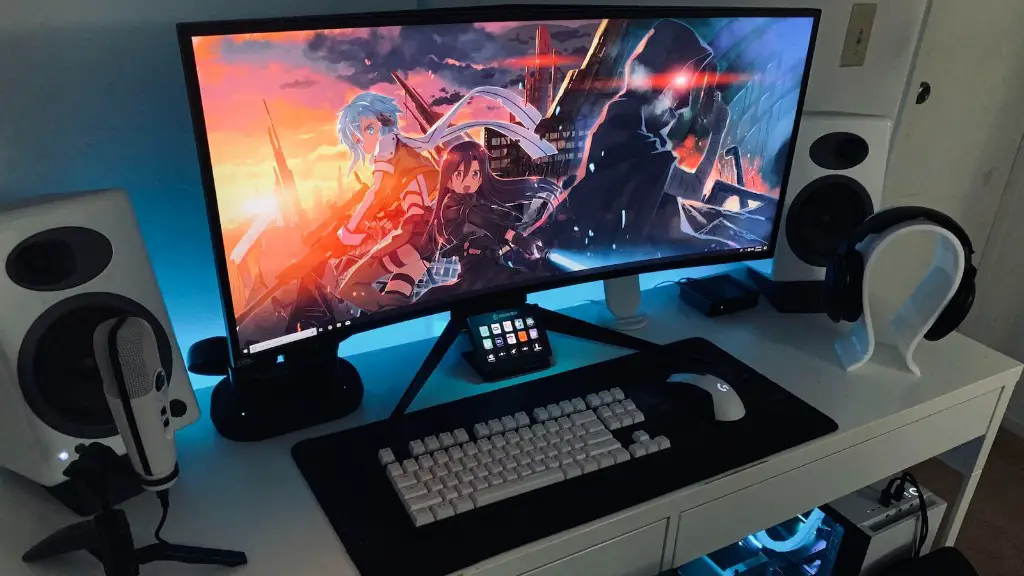
If you’re in the market for a gaming PC, you’ve got a lot of options to choose from. From laptops to desktop computers, gaming PCs come in all shapes and sizes, and at varying price points. One of the best ways to get a great gaming PC is to buy one in store. But what are your options and where can you find them? In this article, we’ll cover everything you need to know about buying a gaming PC in store.
Where to Look for a Gaming PC
Your best bet is to head to your nearest big box retailer. Best Buy and Microsoft Stores are both great places to look for gaming PCs, as they typically have models from all kinds of manufacturers. Another great option is your local electronics store, as many of them will have a selection of gaming PCs. Another great option is to look at the stores of the major gaming PC manufacturers, like Alienware, HP, and Lenovo.
What to Look For
When it comes to looking for a gaming PC, you want to look for one that has the right specs for your particular needs. First and foremost, you want to look at the processor, as this is the primary determinant of how powerful your PC will be. Look for a processor that’s fast and has multiple cores, such as an Intel Core i7 or an AMD Ryzen 7. You also want to look at the graphics card, which will determine how well your games look. Look for a card from one of the major graphics card manufacturers like NVIDIA or AMD.
Next, you want to look at the memory, which will affect how many games and apps you can run at once. If you’re a serious gamer, you’ll want a PC with at least 8GB of RAM, but for more intensive games you’ll want more like 16GB or 32GB. Finally, you’ll want to examine the hard drive, which affects the amount of stuff you can store on your computer. Look for a PC with an SSD drive for the best performance.
What to Ask the Store
Before you buy a gaming PC, you want to make sure you ask the right questions. What kind of parts and components does the PC have? Is it pre-assembled or will you have to do it yourself? Is there a warranty on the PC or certain components? Are there any other services that the store can provide, such as memory upgrades or parts replacement? Asking these questions can help you make sure you get the best gaming PC for your money.
Things to Consider
When you’re shopping for a gaming PC in store, there are a few things you need to keep in mind. First, you need to decide how much you’re willing to spend. You don’t want to overstretch your budget and you don’t want to get a PC that’s too underpowered. Second, you want to make sure the store has the parts and components you need. Third, you want to make sure you can get the support you need after you’ve bought the PC. Finally, you want to make sure the store has a good return policy, in case you’re unhappy with the PC after you’ve bought it.
Things To Look Out For
When you’re buying a gaming PC in store, there are a few gotchas to watch out for. First, you want to make sure you’re getting what you’re paying for. Some stores will advertise a gaming PC on their website, but when you get to the store, the specs are different. Second, you want to make sure the store isn’t overcharging you for the components and parts. Third, you want to make sure you’re getting the PC with the latest components and parts that are supported by the manufacturer.
Finding Deals and Discounts
When it comes to buying a gaming PC, timing is everything. Many retailers will run discounts on gaming PCs and components, especially around major gaming holidays like Black Friday and Cyber Monday. They might also have deals or discounts based on the time of year or certain events. It pays to keep an eye on the specials, as you could get a great deal on a powerful gaming PC.
Planning for the Future
When you’re buying a gaming PC, it’s important to think of the future. If you’re planning on getting the latest and greatest games, then you’ll need to future-proof your gaming PC. Make sure the processor is fast enough, the graphics card will handle the game’s visuals, and the memory and storage are up to the task. This will ensure that your gaming PC will still be viable for years to come.
Buying the Right Accessories
When you’re buying a gaming PC in store, don’t forget the accessories. You’ll need a monitor to display the games, a keyboard and mouse to control the games, and a set of quality speakers and headphones. Many retailers will offer packages with all the accessories you need, so it pays to shop around and find the right bundle for your needs.
Upgrading and Repairing
Finally, you want to make sure you can upgrade and repair your gaming PC if you need to. Make sure the store offers support and services in case you need to upgrade the RAM or memory, or repair any damaged components. Also, consider a warranty for your PC, as this will protect you if anything goes wrong.
