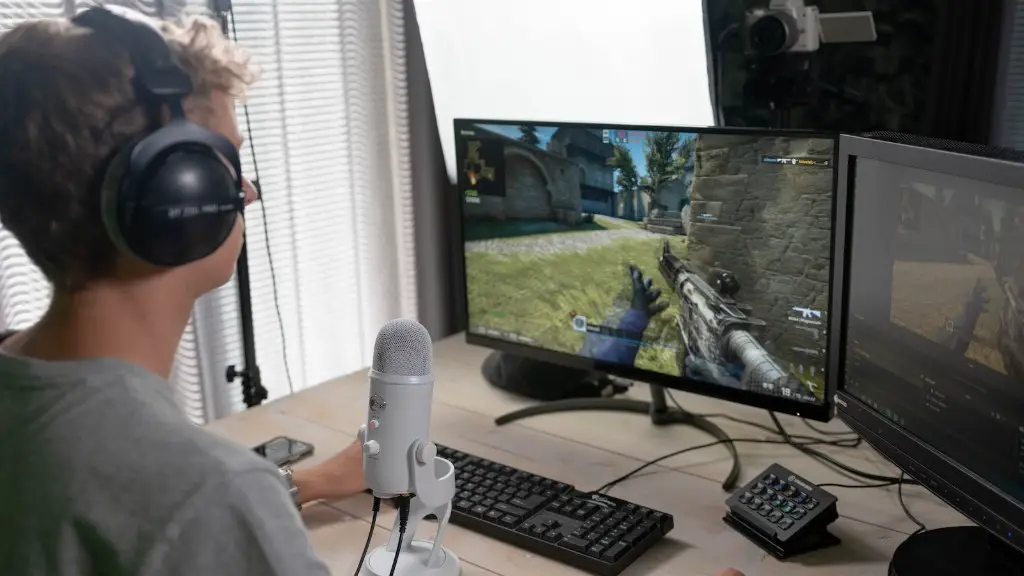
A gaming PC is a must-have for gamers of all levels. But when you have your own, where do you put it? Whether you’re a total beginner, someone who just got a new rig, or an experienced gamer, there are a few key considerations when it comes to where you should set up your gaming PC. Here are the top tips on where to put your gaming PC.
1. Location: Depending on the size of your setup and the space you have available, decide where the best spot is in your home for your gaming PC. It should be in a place where you’re comfortable in, with enough space for all the pieces, such as the PC, monitor, and keyboard. Plus, position it in a location that won’t annoy anyone else in the house.
2. Room Temperature: It’s important to keep your gaming PC in an area that’s well ventilated and cool. Make sure to position it away from direct sunlight and anything that emits heat such as a radiator, heating vent, or oven. Also, adjust the room temperature accordingly and that setting won’t effect your PC performance.
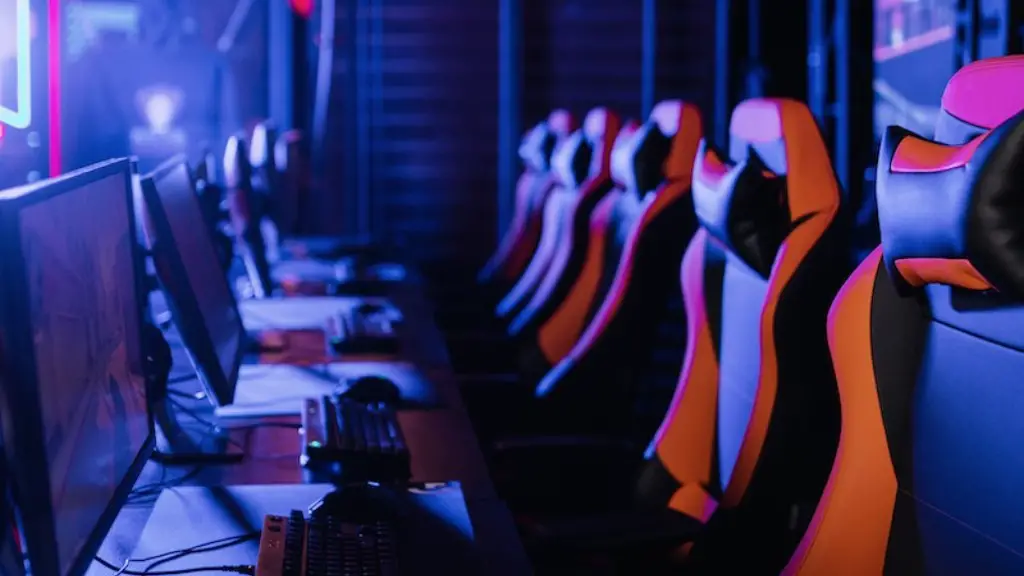
3. Desk Height: You want to ensure your gaming PC is at the right angle and height for comfort and performace. The desk where you choose to place your gaming PC should be at a level where you can work without any strain on your neck or back. Consider investing in a height-adjustable desk, which can make a huge difference.
4. Cable Management: Avoid having a tangled mess of cables around your gaming PC. Make sure you invest in the right cables and zip ties or Velcro straps to keep them tidy and away from the fans of your PC. This will help maintain your PC’s airflow and reduce any risk of overheating.
5. Dust Prevention: The best place to put a gaming PC is clean and dust-free environment. Clean and dust off your machine regularly – every weekend should do. It will not only help keep your gaming PC running smoothly, but also maintain its aesthetics.
Gaming Room
When deciding on where to put your gaming PC, consider setting up a dedicated gaming room. This can be fun and can help you stay focused and motivated while playing. It will also help keep the noise and light to the dedicated area, away from other living areas. You can level up this setup with comfortable furniture, gaming chairs, and setup a PC and console for maximum gaming fun.
External Storage Devices

External storage devices like hard drives offer great options for gamers to store their entire gaming library. You can easily keep them at your desk or on a shelf under or behind your PC, provided the PC and drive are connected to the same network. This will give you the convenience of accessing your gaming library from any device, with no need to move your gaming PC from here to there.
Cloud Storage
Cloud storage is a great way to store, protect, and access all your gaming data and files, without the need of a physical storage device. If you have a good internet connection and an external hard drive of your own, you can store your gaming data and files in the cloud and access them anytime, anywhere. It’s a great time and space saver, if you need all your gaming data and files to be available when you’re on the go.
Overclocking
Overclocking your gaming PC can give you a nice performance boost. But it’s important to ensure that before you do it, the controlled environment you choose to do it in is free from dust, has sufficient cooling, and is at the right temperature to prevent overheating. Put your gaming PC in a sound-proof box, away from direct sunlight and other sources of heat, and this will help you achieve the most stable overclock possible.
Portability
If you plan to use your gaming PC at LAN parties or other events outside of your home, consider getting a gaming laptop or portable PC. This way you won’t need to struggle with the hassle of setting up your gaming PC every single time you want to play, and you’ll have a mobile option for gaming that won’t take up too much space.
Upgrading Your PC
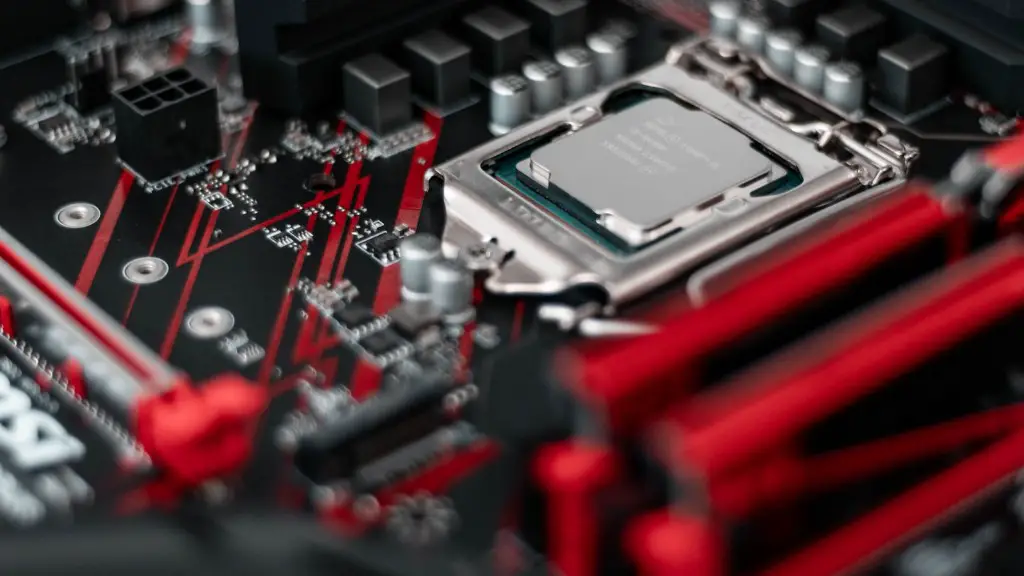
Having the latest gaming hardware is essential for everything from virtual reality gaming to next-generation games. You may also want to consider upgrading your PC from time to time to keep up with the latest technology. When you’re ready to upgrade your gaming PC, make sure to put it on a sturdy flat surface and check if the installed components are compatible and will work properly. Keep your gaming PC dust-free and well-ventilated, and make sure you disconnect all the cables before upgrading.
