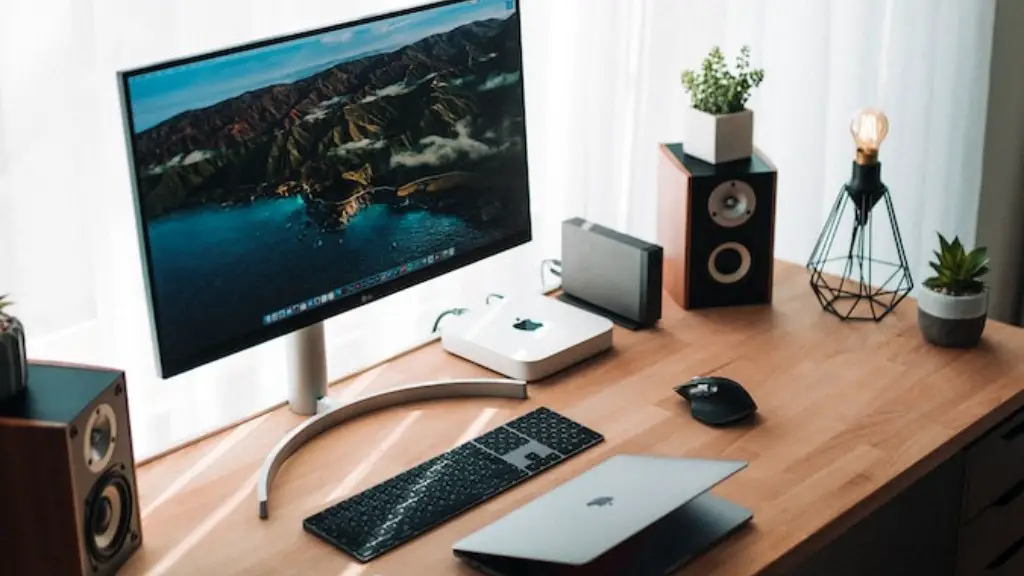
When it comes to where to put your gaming PC, there are several factors to consider. Firstly, the space available, the temperature of the room, the number of peripherals, power supplies and cables, the type of games and the gaming use. All these factors will impact how your gaming PC will work and thus where you should strategically place it. The ideal place to start is by looking at the space available and determine how much of it is dedicated to gaming PCs.
Size is an important factor when it comes to where you should place your gaming PC as you don’t want to cram it into a corner that is too tight. Ideally, you should have at least 2 or 3 feet of clearance between your PC and any walls or furniture. The height of the desk or table should also be taken into consideration. It is best to have it set at a comfortable height that allows you to sit without any strain.
Temperature is the next factor to consider when deciding where to place your gaming PC. Many gaming PCs are temperature-sensitive and can easily overheat if placed in a warm room. Be sure to locate your gaming PC in an area that stays cool, such as a basement or a well-ventilated space. If possible, set it up in an air-conditioned room to help keep it from overheating.
Another important thing to consider when placing your gaming PC is the number of peripheral devices and cables it needs. Make sure to have enough room for all the components as well as for power cords and other cables to easily link up. If your gaming PC has multiple video cards, then you should also be mindful of the additional heat output and make sure to have additional cooling equipment on hand.
In addition to the physical setup of your gaming PC, you should also consider the type of games you will be playing and the systems they require. For instance, if you are playing action-packed adventure games, then a powerful gaming PC with lots of RAM and a strong graphics card will be essential. On the other hand, if you are playing casual arcade games, then a less powerful PC with integrated graphics may be suitable.
Size Matter When Selecting a Gaming PC
Careful consideration should be taken when selecting the size of the gaming PC. If the PC is too large, it will take up more space than necessary and can become a nuisance and even an obstacle within the environment. Conversely, if the gaming PC is too small, it could be limited in performance as most gaming PCs need to be able to fit large video cards or other components. The ideal size for a gaming PC is anywhere from 10 to 15 inches in length and 8 to 12 inches in width, with a mid-sized gaming PC the best choice.
When searching for the best gaming PC setup, it is important to factor in the amount of room you have and the temperature of the space. Once you have determined the amount of space available, then you can start to plan for the size and other components, such as the type of games and gaming use. With a properly planned setup, you will enjoy optimal gaming performance as well as convenience.
Provide Adequate Cooling Solutions To A Gaming PC

It is essential to ensure your gaming PC is adequately cooled in order to prevent overheating, especially when playing games that utilize high-end components that generate a lot of heat. The most common method of keeping a gaming PC cooled is using a fan, with larger fans providing more powerful cooling capabilities. Fans can help to regulate the temperature but you should also consider installing additional cooling hardware such as liquid cooling solutions or specialized heat sinks. These hardware solutions are more effective at cooling your gaming PC, but they can be costly.
It is also important to ensure airflow around and within the gaming PC. This can be done by leaving a few inches of clearance around the casing as well as keeping the computer and its components clean of dust particles and other debris. This will greatly reduce the chances of an overheating issue as the components can be cooled more efficiently.
Finally, when looking to keep your gaming PC cool, you should also consider the power supply. A good quality power supply will help to keep the components running at optimal temperatures and should be rated for significantly more power than what your gaming PC will actually be using. Additionally, if you are looking for the ultimate in cooling solutions, you can look into a custom liquid-cooled build, however this will significantly add to the cost of the system.
Choose Components Suited To Your Gaming Usage
While it is important to have a gaming PC that is powerful enough to run the latest games and have enough memory to store numerous titles, you should also consider the type of gaming you will be doing. If you are exclusively a casual gamer, then you may be able to get away with a cheaper gaming PC that has integrated graphics and a limited amount of RAM. On the other hand, if you are playing more intense, graphically demanding games, then you will need to invest in a higher-end gaming PC that can support the hardware needs of such games.
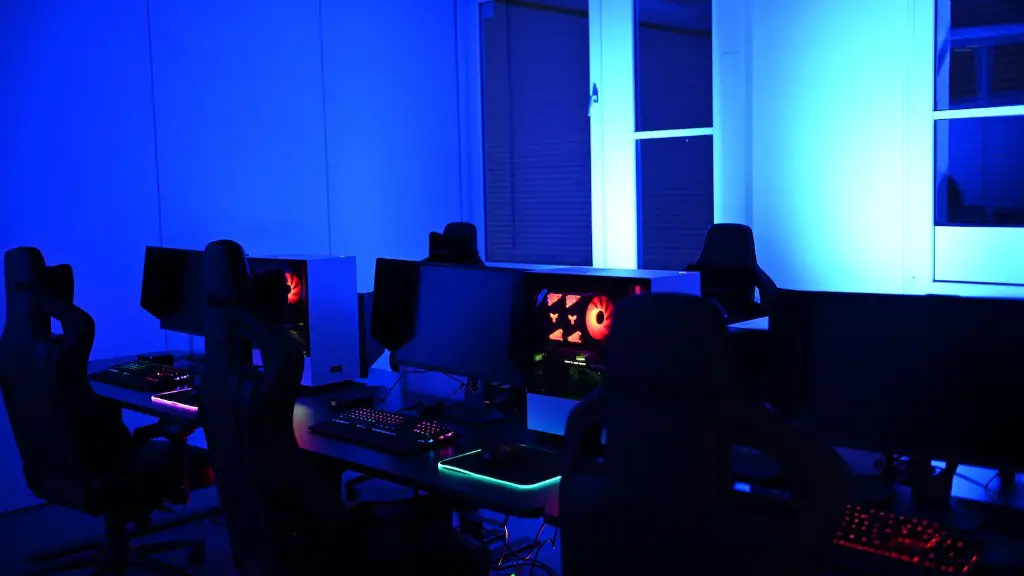
When it comes to the games you wish to play, you should ensure that the gaming PC has all the necessary components to support it. Popular genres such as first-person shooters, strategy games and massively multiplayer online games require powerful CPUs and video cards to handle the workload. Additionally, you should also make sure that the operating system of the gaming PC is up-to-date in order to make sure the games run without any issues.
In addition, you should also take into consideration the amount of memory your gaming PC has. The amount of RAM needed for playing modern video games depends on the complexity of the game, but 8 or 16 GB is recommended for most. Furthermore, if you are looking to stream or record gameplay footage, then you will need to have additional memory to handle such tasks.
Finally, it is also important to consider the type of peripherals you will be using in gaming and how compatible they are with your gaming PC. Many gaming peripherals are designed for specific operating systems or game titles. This means that you should check the compatibility of the peripherals with your gaming PC to ensure they run properly.
Network Connectivity For Optimal Gaming
When gaming, having a stable and fast connection is essential. This is why it is important to ensure your gaming PC is equipped with a proper networking device. Both Ethernet and Wi-Fi networks are available, although Ethernet is the preferred option as it provides a faster and more reliable connection. Ethernet connections also reduce lag and have less packet loss than Wireless connections.
When using Ethernet, it is important to make sure your gaming PC is connected to the correct port. The process for connecting a gaming PC to the internet is usually simple and involves connecting a LAN cable from the router to the Ethernet port on the gaming PC. Once the cable is connected and the driver is installed, the gaming PC should be able to connect to the network with an internet speed that is suitable for gaming.
For those that opt to use Wi-Fi, you should make sure the router is placed in a central location and away from any obstructions. Furthermore, if possible, use more than one access point to ensure the connection is strong and reliable. Lastly, be sure to disable guest networks or other open networks as they can slow down your connection.
Reduce any Potential For Latency and Packet Loss
Latency and packet loss are two of the most common issues that can affect gaming performance. Latency is the amount of time it takes for data to be sent from the gaming PC to the server, while packet loss occurs when some of the data sent does not reach its destination. When playing online, it is important to reduce the amount of latency and packet loss in order to have the most enjoyable gaming experience.
The most common cause of latency is a physical limitation in the connection setup, such as a slow connection speed, a weak signal or an outdated router. To reduce latency, try to increase the speed of the connection or use a wired connection instead. Additionally, updating your router to a more recent model can also help to reduce latency and packet loss. If all these efforts fail, then using a gaming VPN can be an effective way to reduce latency and packet loss due to its ability to route data through alternative paths.

It is also important to consider the gaming server your gaming PC is connecting to. Servers located in other countries or continents can add to the latency, especially if paired with an already slow connection. If possible, try to have your gaming PC connect to a server that is closer in proximity to reduce latency and increase input speeds.
Finally, for those who are using Wi-Fi, it is important to reduce the number of devices that are connected to your network as they can affect the performance of your gaming PC. Additionally, keep Wi-Fi devices such as phones and tablets away from the proximity of the gaming PC while gaming as they can create interference that can negatively affect performance.
