
Buying a budget gaming PC can be intimidating, especially if you’re new to PC gaming. To make things easy, let’s consider the most important factors to consider when selecting a budget gaming PC. The processor is the brain of the computer and is responsible for telling all the parts of the computer how to handle tasks.
A budget gaming PC should be equipped with a mid-range to high-end processor, such as an Intel Core i5 or better. The processor will determine how well the PC can handle tasks, and if the processor is too weak then the PC won’t be able to handle more intensive games.
The graphics card is the most important component of a budget gaming PC. The graphics card determines how nicely the games look, as well as how well they run. A low-end graphics card will struggle to run even older games, and a mid-range or high-end card is necessary to run modern games.
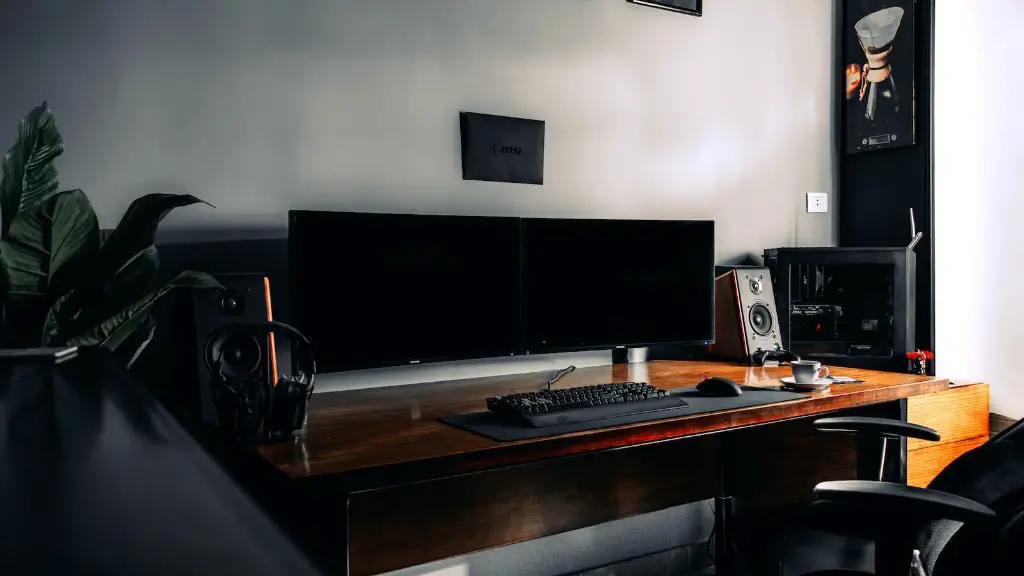
The amount of RAM (Random Access Memory) the PC has is also important. The games need to store data in memory, and the more RAM there is, the faster the games will run. A budget gaming PC should have at least 8GB of RAM, and 16GB is even better.
The storage drive is another key component of any budget gaming PC. Games require plenty of storage space, so a budget gaming PC should have at least a 1TB hard drive. For those who want to store even more games, a solid-state drive is a good option for faster loading times.
A budget gaming PC should also have a reliable power supply. A low-end power supply won’t be able to provide enough juice for a powerful PC, so a mid-range or higher-end power supply is a must for any budget gaming PC.
Finally, cooling is an important component of any gaming PC, and it’s even more important on a budget gaming PC. Poor cooling can lead to hardware damage, so make sure to get a case with good airflow or buy an aftermarket cooling solution.
Online Stores to Buy a Budget Gaming PC

When it comes to buying a budget gaming PC, online stores are a great option. They offer a wide selection of components to choose from at competitive prices, making it easy to find the right combination for your budget. Popular online stores that offer budget gaming PCs include Amazon, Newegg, and Best Buy.
Amazon tends to have the best prices for budget gaming PCs, although their selection is more limited than some other stores. Newegg, on the other hand, has a large selection of pre-built systems and components, as well as a wide range of prices. Best Buy also offers pre-built systems, although they tend to be more expensive than the other stores.
Another great option for buying a budget gaming PC is building one yourself. While this requires a bit of research, it’s much more affordable than buying a pre-built system and allows you to customize the PC to suit your needs. Popular online stores for components include PCPartPicker and ShopBLT.
PCPartPicker is excellent for comparing components, as it allows users to find the best configuration for their budget. ShopBLT is another great option, as it offers both components and pre-built systems at competitive prices.
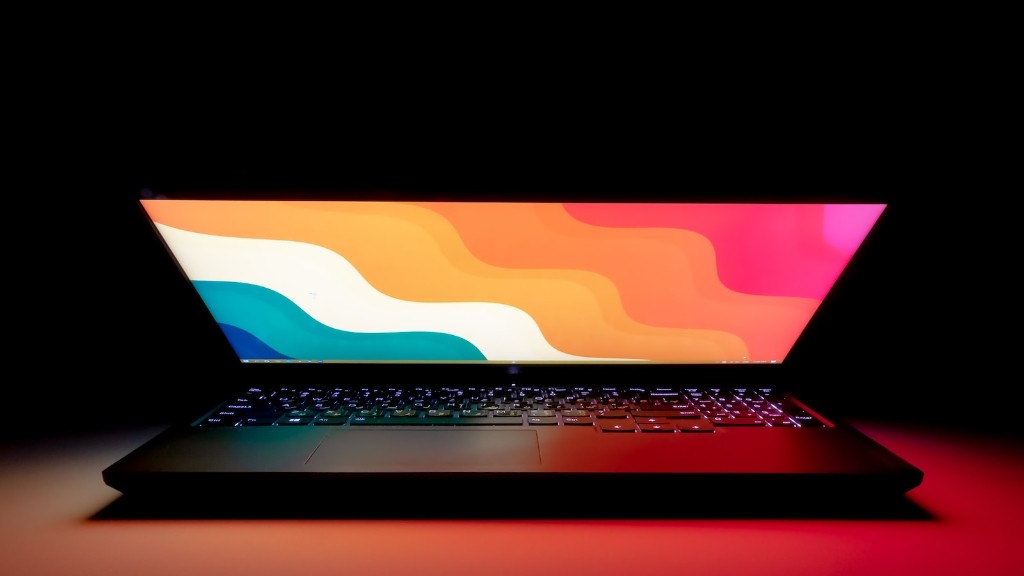
Finally, it’s always a good idea to shop around for the best deal. Don’t simply settle for the first PC you find; compare prices and features at different stores to find the PC that fits your budget and needs.
Gaming PC Components to Look For
When selecting components for a budget gaming PC, there are a few key components to consider. Ideally, the PC should have at least 8GB of RAM and a mid-to-high-end processor such as an Intel Core i5 or better. A powerful graphics card such as a Nvidia GTX 1060 or better is also important for playing modern games. Additionally, the PC should have at least a 1TB hard drive, although a solid-state drive is preferable for faster loading times.
It’s also important to select a reliable power supply and a good cooling system. The power supply should be at least 500W to provide enough juice for the system, and the case should have good airflow or an aftermarket cooling solution should be used. These components might not seem important, but they can have a drastic impact on the performance and stability of the budget gaming PC.
Finally, it’s important to consider the form factor of the system. Many budget gaming PCs come in a mid-tower form factor, although some offer a smaller form factor such as a mini-ITX case. Mini-ITX is great for those who want a smaller, more portable gaming PC without sacrificing performance.
Getting the Most Out of Your Budget Gaming PC
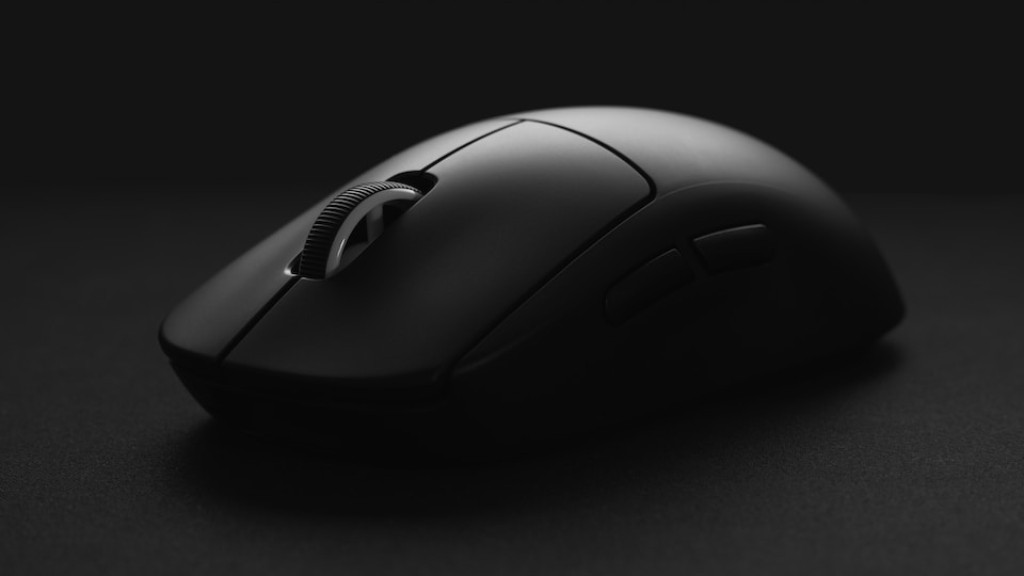
Once you’ve selected and assembled your budget gaming PC, there are a few things you can do to get the most out of it. One of the most important things is to update all the drivers and software to ensure that the PC is up to date and running as smoothly as possible.
It’s also important to configure all the settings in the games you play. Many games, especially those released in the last 10 years, offer a wide range of settings that can affect the performance. Configuring the settings to optimize the performance will yield the best results.
Finally, it’s important to monitor the temperatures of the components in the PC. This can be done using the included software or third-party software such as HWMonitor or SpeedFan. Keeping an eye on temperatures will help to ensure that the hardware is running at its peak performance.
Types of Budget Gaming PCs
Budget gaming PCs come in a variety of form factors, from large mid-tower cases to small mini-ITX cases. Mid-tower cases offer the most flexibility, as they can accommodate a wide range of components to suit any budget. Mini-ITX cases are a great option for those who want a more compact form factor, although they have less expansion options.
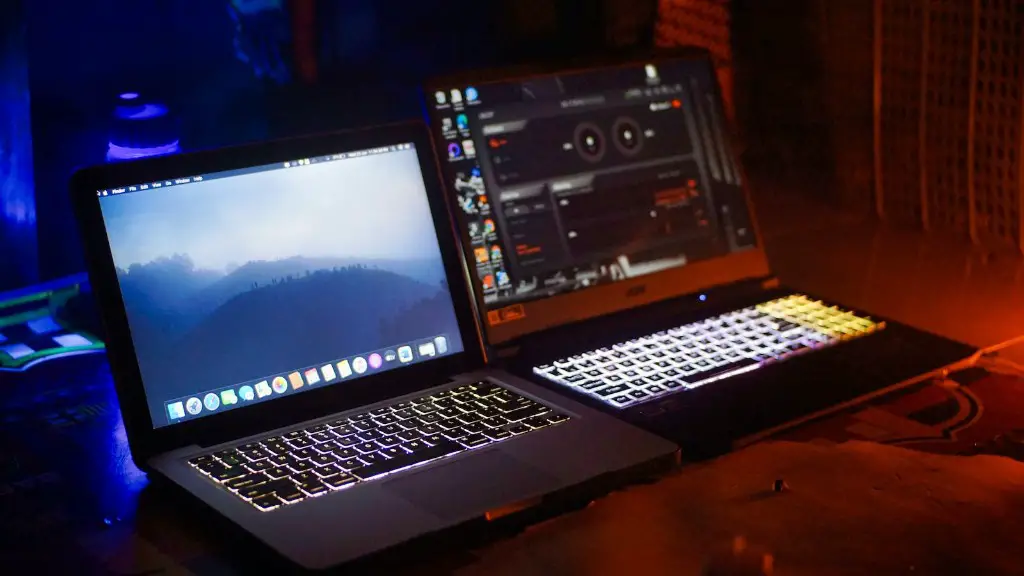
Budget gaming PCs also come in a variety of configurations to suit any need. Entry-level budget gaming PCs are best for those who don’t need the absolute best performance, but still want to be able to play modern games. Mid-range budget gaming PCs offer a balance of performance and value, while high-end budget gaming PCs are the best option for those who want the best performance without breaking the bank.
It’s also important to consider the operating system when selecting a budget gaming PC. Windows is the most popular and widely compatible operating system, although Linux is also becoming increasingly popular in the gaming community. Both operating systems offer plenty of options for customization and they both run on budget gaming PCs.
Buying Used Components
Another option for getting a bargain is to buy used components. Used components are often sold at steep discounts, making them appealing for those on a budget. It’s important to exercise caution when purchasing used components, however, as there is always a risk that the component might malfunction or be incompatible with the rest of the system.
It’s always a good idea to research the components thoroughly and buy from reputable sellers. Many online stores, such as Newegg, offer used components that come with a warranty, which can offer piece of mind for those who are purchasing used components.
Finally, it’s important to be aware of used components that have been overclocked. Overclocked components offer improved performance, but they also have a higher risk of malfunction. If you do end up with an overclocked component, make sure to lower the clockspeed to reduce the risk of hardware damage.
