
The gaming PC industry is booming as it picks up more and more attention from regular users, enthusiast gamers, and professionals. Knowing where to start when it comes to assembling a gaming PC can be a rite of passage for many PC gamers. Thankfully, it’s not as hard as it may seem, and there are many resources to draw from. It’s important to assess your needs, understand the components, and figure out the most cost-effective way to put your gaming PC together. Here are some tips to get you started.
When it comes to selecting the best parts for your gaming PC, it’s important to consider what type of performance you’re after. Factors such as budget, graphics requirements, and preferred CPU performance should be taken into consideration. For instance, if you need top-tier performance and want to play games on the highest settings, then investing in the most powerful graphics card and processor you can afford will be worth the money. On the other hand, if you just want to be able to play indie games on medium settings, then you might be able to get away with a mid-range processor and graphics card. Assessing your needs can help you decide what type of parts to invest in.
Another important factor to consider is the overall cost of the system. Shopping around and comparing prices can help you find the best deals on components. Moreover, it’s important to not just focus on the price of individual components, but also the price of the entire system. You may be able to save a lot of money by purchasing components from different retailers or in bundles.
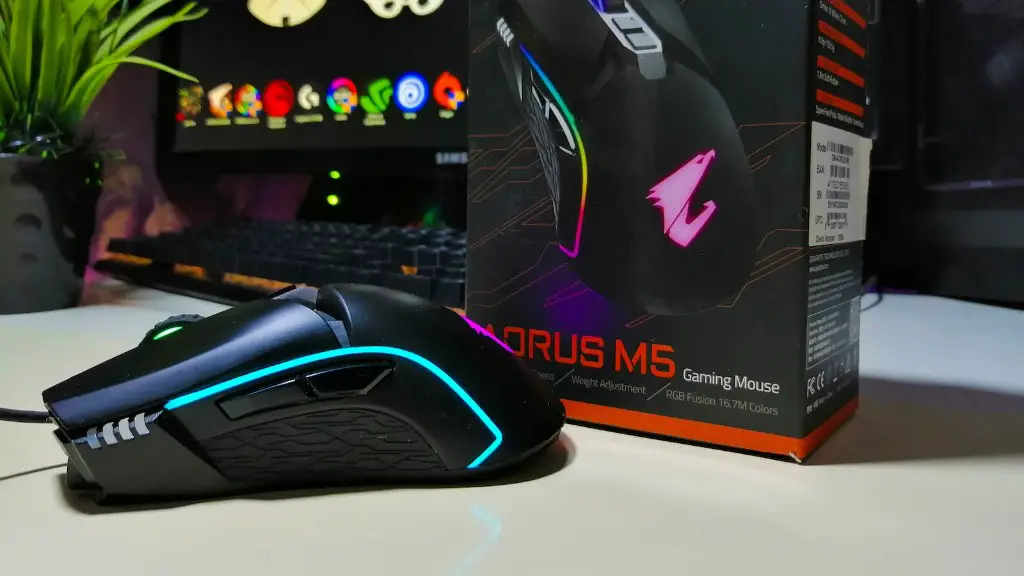
Finally, it’s important to familiarize yourself with all the components that make up a gaming PC. Keep in mind that the motherboard, graphics card, RAM, processor, and power supply are the basic components you will need for any PC build. From there, you can add on components such as a sound card, hard drive, case fans, and CPU cooler. Understanding the components and their purposes is key to selecting the right parts for your build.
Selecting the CPU
Selecting a processor for your gaming PC can be daunting, as there are many different options to choose from. The best advice is to check which types of processors are compatible with your motherboard and then select a processor based on the type of games you’ll be playing. Generally, the higher the clock speed in MHz, the better the performance. However, this is not always the case, and you should look into the specific type of processor and its performance to be sure you’re selecting the right one.
Intel Core i-series processors provide good performance for gaming and are consistently considered to be among the best for gaming PCs. Intel Core i-series processors come in a number of different configurations, from the entry-level Intel Core i3 to the high-end Intel Core i9 processors. These processors are also compatible with most motherboards, making them an ideal option for gaming PCs.
In addition to Intel Core i-series processors, there are also AMD Ryzen processors which offer good performance for gaming. AMD Ryzen processors come in multi-core configurations that provide good performance for gaming and are compatible with most motherboards. They are also relatively affordable, making them a great choice for budget gaming PCs.

Ultimately, selecting the right CPU is a matter of looking at what type of games you play and the expectations you have for performance. If you are playing on a budget and don’t need the best performance, then a mid-range processor is probably the best option. On the other hand, if you need top-of-the-line performance, then an Intel Core i9 processor will be the best choice.
Selecting the Graphics Card
The graphics card is one of the most important components of any gaming PC and it is crucial to select the right graphics card for your needs. There are two main types of graphics cards: dedicated graphics cards and integrated graphics processor units. Dedicated graphics cards are designed solely for graphics processing, while integrated GPU’s are designed to be integrated with your processor and handle both graphics and processing tasks.
Dedicated graphics cards are the best option for gaming PCs as they provide the best performance. They come in a variety of configurations and prices, ranging from mid-range budget cards to powerful top-tier cards. If you want to get the most out of your PC for gaming, then investing in a dedicated graphics card is a must.
Integrated graphics processor units are generally less expensive than dedicated graphics cards, making them a good option for budget gaming PCs. However, they can’t handle the same levels of performance as dedicated cards, and are generally best for casual gaming and less intensive tasks.
When selecting a graphics card, it’s important to consider the type of games you will be playing and the performance you need. If you don’t need the best performance, then a mid-range card is probably your best bet. On the other hand, if you want to experience the most realistic graphics and immersive gaming experience, then you should invest in a powerful dedicated graphics card.
Selecting the Motherboard
The motherboard is one of the most important components of any gaming PC and selecting the right motherboard is key to building a great gaming PC. Motherboards come in a variety of different sizes, from smaller mini-ITX motherboards to large ATX motherboards. The size and type of motherboard you need will depend on the processor, graphics card, and RAM you select.
Motherboards also come in different price ranges, from budget budget motherboards to high-end boards. It’s important to select the right motherboard for your needs so that all the components are compatible and you can get the most out of your gaming PC. For example, if you select an Intel Core i9 processor and a high-end dedicated graphics card, then you’ll need to invest in a high-end motherboard to ensure proper performance.
When selecting a motherboard, you should also consider factors such as the number of memory slots, expansion slots, and USB ports. The amount of RAM and storage you will need also depends on the type of games you will be playing. For instance, if you are playing graphically intensive games, then you’ll need more RAM and storage than if you are playing more casual games. So it pays to carefully assess your needs when selecting a motherboard and make sure you get the right one for your gaming PC.
Selecting the Storage
One of the key components of any gaming PC is storage and selecting the right type of storage can make a big difference in your gaming experience. There are two main types of storage: mechanical hard drives and solid state drives. Mechanical hard drives have been around for a long time and are still a good option for budget gaming PCs.
Mechanical hard drives are relatively affordable and can provide ample storage for a wide variety of games. However, they are slower than solid state drives and don’t provide the same levels of performance. So, if you want the best performance and don’t mind spending a bit more money, then investing in a solid state drive is a good choice.
Solid state drives are much faster than mechanical hard drives and provide better performance for gaming. They are also more expensive, but if you want the best performance then they are worth the extra cost. Additionally, they are much smaller than mechanical hard drives, making them a great choice for smaller form-factor PCs.
Selecting the RAM
RAM is another important component of any gaming PC and selecting the right RAM can make a big difference in your gaming experience. The amount of RAM you will need depends on the type of games you want to play and the graphics settings you will be using. Generally, the more RAM you have the better, as it allows for better multitasking and smoother performance for graphics intensive games.
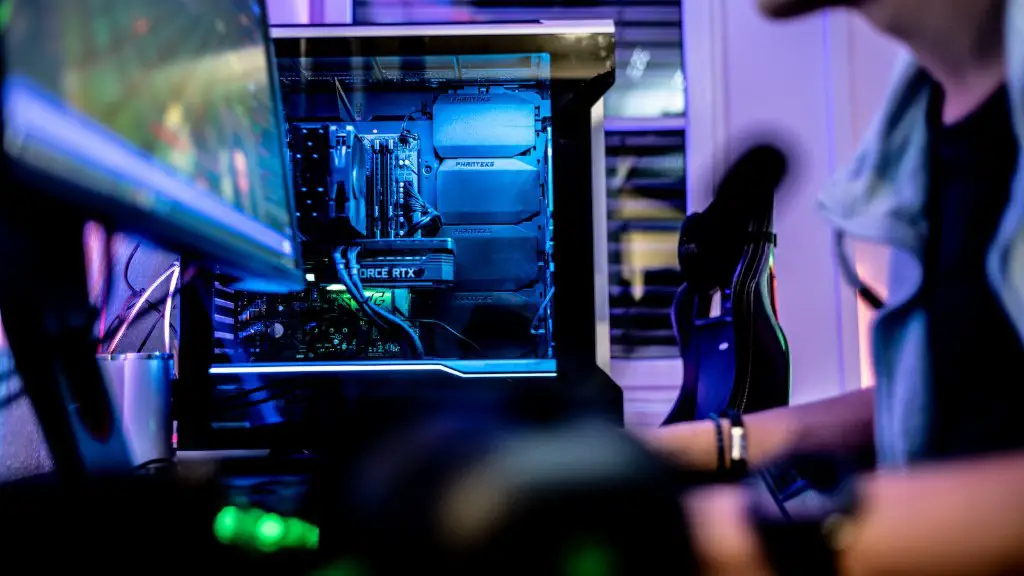
RAM comes in a variety of different configurations and speeds, from budget RAM to high-end RAM. Generally speaking, the faster the RAM, the better the performance. But it’s important to select the right size and speed of RAM for your needs. Again, it’s important to assess your gaming needs and select the right RAM for your build.
The main types of RAM that are currently available are DDR3, DDR4, and DDR5. DDR3 is the oldest type and is still found in most budget PCs, but if you are looking for the best performance then DDR4 and DDR5 RAM is the best choice. DDR4 and DDR5 RAM provide better performance than DDR3 and come in a variety of speeds and sizes. So, it pays to do a bit of research and select the right RAM for your needs.
