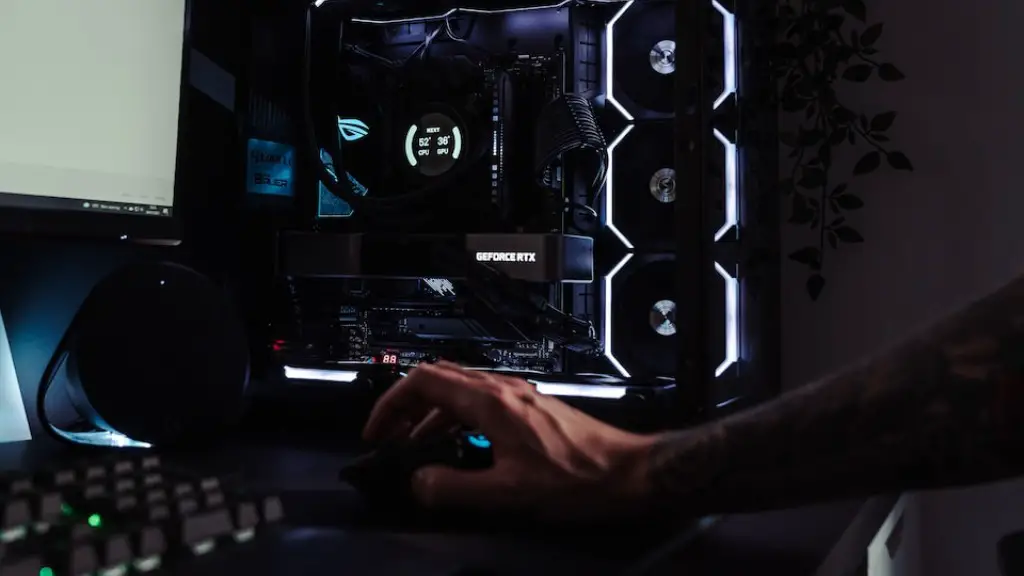
Gaming PCs are sophisticated pieces of hardware and software, and they need to be constantly kept up to date if they are to give optimal performance. Unfortunately, game PCs can sometimes malfunction and keep restarting, and this can be extremely disruptive and annoying. In this article, we will look at the various causes behind game PCs restarting and how these can be addressed in order to ensure that your game PC runs as smoothly as possible.
Software Problems
Software issues are the most common reason behind your game PC restarting. This could be due to software conflicts, or it could be due to a virus or malware infection. It could also be due to a corrupted or outdated driver, or it could be due to a faulty or incompatible program. In order to address software problems, you should first try removing or uninstalling any programs that you think might be causing the problem. If the problem persists, you should then run a comprehensive antivirus and antimalware scan to check for any infections or malicious programs. You should also make sure that you have the latest drivers and software updates installed for your game PC.
Hardware Issues
Hardware issues can also be responsible for your game PC randomly restarting. Problems such as faulty memory sticks, overheating components and faulty power supplies can all be to blame. In order to address these issues, you should first test each of the components individually. For example, if you suspect a faulty memory stick, try running it on another PC to confirm that it’s the cause of the problem. If the problem is confirmed, you should then replace the faulty component. You should also ensure that all of the components are securely connected, and that there is adequate airflow to prevent components from overheating.
System Settings

In some cases, the problem could also be due to incorrect system settings or a misconfigured BIOS. If this is the case, you should try restoring the BIOS settings to their default values and then check if the problem is still occurring. If the problem persists, you should then check for any updates for your BIOS, and install them if necessary. In some cases, you may need to reset your game PC to factory settings in order to reset your system settings. You should also make sure that the correct power management settings are enabled.
Game Issues
Another possible cause behind random restarts is a game-specific issue. It could be due to a bug in the game, or it could be due to incompatibilities between the game and your game PC. In order to address these problems, you should first try lowering the graphics settings in the game and then check if the problem is still occurring. You should also make sure that you are running the latest version of the game and that all of your game files are up to date.
System Troubleshooting
If none of the above fixes have worked, then it’s likely that the problem is due to a hardware or software fault that is not easy to diagnose. In this case, you should try using a system troubleshooting tool in order to identify the cause of the problem. This may require you to reinstall your operating system, or run a comprehensive system scan in order to identify any problems. If you are unable to identify the cause of the problem yourself, then it’s best to contact a qualified technician in order to get the problem fixed.
Power Supply
In some cases, the cause behind your game PC restarting could be due to an issue with the power supply. This could be due to a faulty power supply, or it could be due to incorrect voltages being supplied to the components. In order to address this issue, you should first check the power supply to ensure that it’s delivering the correct voltages to the components. You should also make sure that the power supply is compatible with the components of your game PC, and is of sufficient power to supply the system’s needs. If the issue persists, then you may need to consider replacing the power supply.
Overheating
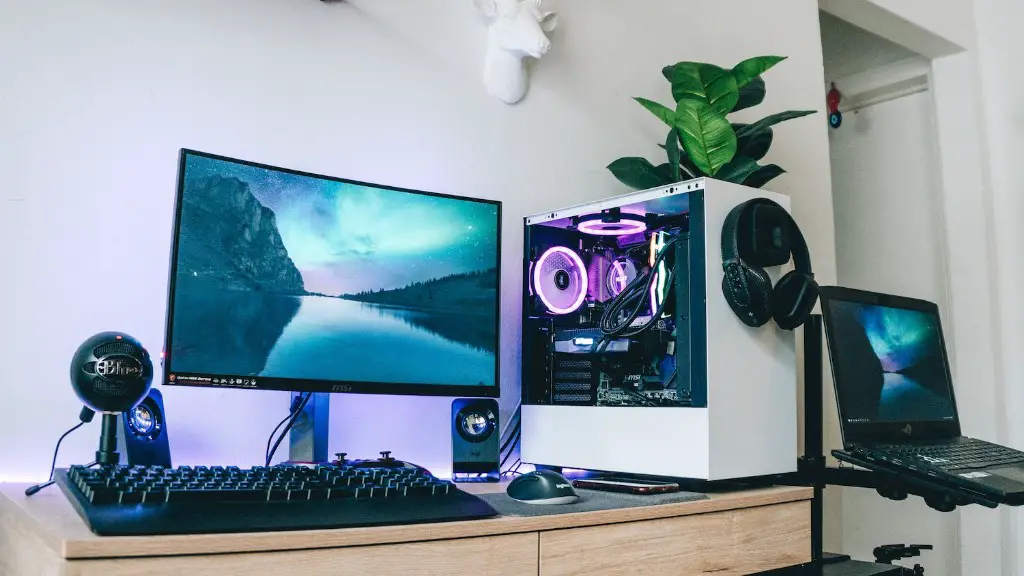
Overheating is another common cause of game PCs randomly restarting. This can be due to a lack of airflow inside the system, or it can be due to heat generated by the components being unable to dissipate. In order to address this issue, you should first ensure that the system is receiving adequate airflow by cleaning the vents and making sure that the case has not become clogged with dust. You should also check the system temperature and ensure that it is not higher than normal. If the issue persists, then you may need to consider replacing the cooling system or adding additional fans to the system.
Faulty Components
Faulty components can also be responsible for your game PC randomly restarting. This could be due to a malfunctioning RAM stick, or it could be due to a faulty processor or graphics card. In order to diagnose this issue, you should first try running a diagnostic test on each of the components. If any of the components fail the test, then you should replace them with a working one. You should also make sure that you have the latest drivers and software updates installed for your game PC in order to ensure optimal performance.
