
Gaming PCs are notorious for being expensive. But why is that? There are a number of reasons why a gaming PC may cost more than a regular desktop or laptop. In this article, we’ll explore these reasons and offer suggestions on how to save on a gaming PC purchase.
One reason gaming PCs are more expensive than regular desktops is that they require higher performance hardware like faster processors and GPUs for games to run smoothly. The latest hardware is also increasingly expensive, so a gaming PC that contains the latest and greatest hardware components can cost a lot. Additionally, some manufacturers will add large costs for customizing gaming PCs, such as RGB lighting, large fans, and other features, which can contribute to the high cost of gaming PCs.
Another factor is that gamers are willing to pay more for their gaming PCs in order to get the best performance. Gamers want their PCs to run the latest and greatest games without issue, so they will often be willing to spend more on high-end components. Additionally, gaming PCs tend to need much more power and cooling than regular PCs, so users often have to purchase large power supplies and high-end coolers to keep their PCs running smoothly.
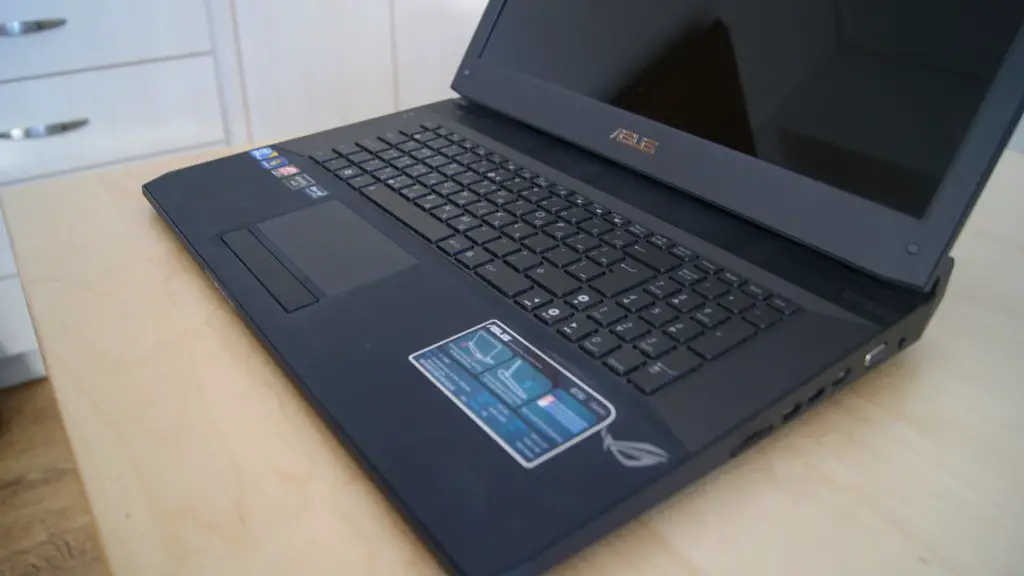
Lastly, gaming PCs are typically much bigger than their non-gaming counterparts, which can drive up the cost of the build. Gaming PCs usually require larger cases with more internal components, as well as cooling fans and other features, which all contribute to the high price.
Saving on a Gaming PC
Although gaming PCs can be expensive, there are ways to save money on your gaming PC build. For starters, you can find deals online, such as sales and discounts on components and systems, which can drastically reduce the cost of your gaming PC. Additionally, many retailers and manufacturers offer payment plans, which can let you spread out the cost of your gaming PC over a period of time.
It’s also important to research components and shop around for the best deals. Many websites offer detailed reviews of the latest hardware and systematic comparisons so you can make an informed decision regarding which components and systems are best for you. You should also try to shop on sites like Amazon, which often has great deals on components and systems, as well as free two-day shipping on eligible items.
Finally, it’s important to consider mixing and matching components when building your PC. You may need to invest in some high-end components to get the best performance, but you can save money by using budget components in other areas. Don’t be afraid to shop around and compare components to get the best deal possible.
Choosing Components Wisely
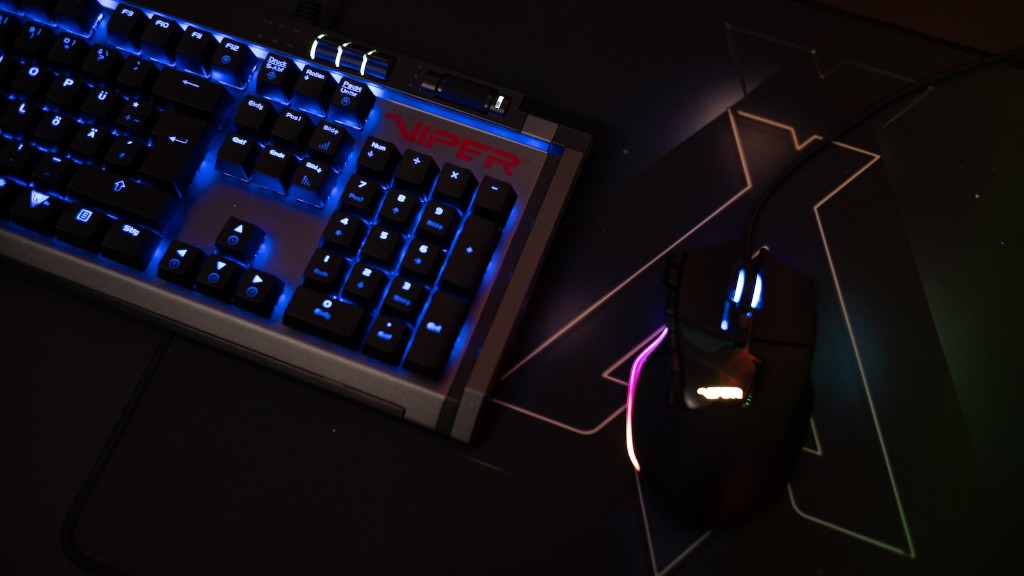
When building a gaming PC it is important to choose the right components. Do not simply buy the most expensive components as they are not always necessary. Instead, take your time to read up on reviews and benchmarks of the different components. Look at each component and make sure it fits your budget and provides the necessary performance requirements.
Also, consider going with either an Intel or an AMD processor. Both are great options but you should research which one is best for your particular gaming needs. Also, make sure to buy a good quality GPU, as this will determine how well your games run. Additionally, make sure to purchase a good quality power supply, as this will ensure your system runs reliably.
Finally, look for deals and discounts on components. Many times a component may be discounted but still offer enough performance for your needs. You should also try to shop around for component bundles as these may offer great savings. Additionally, try to shop when there are sales, such as on Black Friday or Cyber Monday, as these can often offer amazing discounts on components.
Conclusion
Building a good gaming PC isn’t cheap, but there are ways to save money on your build. Doing some research and shopping around for deals is essential. It’s also important to think about which components you need and make sure they fit your budget. Additionally, look for discounts and bundles when shopping. With a little time and effort, you can build an amazing gaming PC without breaking the bank.
Price to Performance
When considering a gaming PC build, price to performance is an important factor to consider. You want to make sure that you are getting the best performance for the price. It’s a good idea to research different components and compare their performance relative to the cost. This way, you can make sure that you are getting the best performance for the money you are spending.
For example, consider a CPU and a GPU that are both in your budget. Look at the reviews and reviews to see how they perform in relation to each other. You want to make sure that you are selecting components that will give you the best performance while also fitting your budget. Additionally, you should consider things like cooling and power consumption, as these will have an impact on the performance and cost of the build.
Lastly, consider components that offer good value. Oftentimes, you can find components on sale that offer better performance than more expensive components. For example, consider a budget 1080p monitor with a 144Hz refresh rate. This will offer much better performance than a more expensive 1440p monitor, at a fraction of the cost.
Choosing Parts Carefully
When building a gaming PC, it’s important to choose the right parts for your build. This can be a daunting task, as there are so many parts to consider. It’s helpful to create a list of parts you need and then do some research on each individual part.
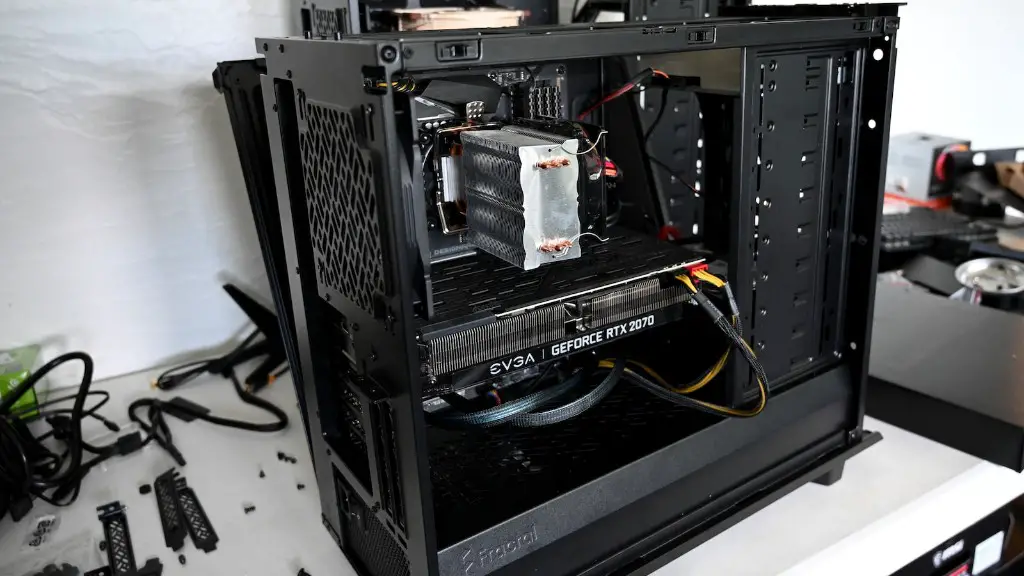
Consider factors like performance and price, but also consider how each part works together. For example, you want to make sure your components are compatible and that you have the right cables and power supply for them. Additionally, you want to make sure that your components can fit into your case and are the right size for it.
It’s also important to make sure that your components will work with your operating system. Some components, like GPUs and motherboards, may require specific drivers to work correctly. Therefore, it’s important to check the compatibility of your components before making a purchase.
Finally, consider buying certified refurbished or open box components. These components have often been tested and can be a great way to save money. However, make sure to check the reviews of each component to make sure it is a good product.
Upgrading Your System
Upgrading your gaming PC is a great way to keep it up-to-date and running better than ever. Upgrading your components can help you improve performance and give your system a longer life. Additionally, it can save you money in the long run by not having to purchase a whole new system.
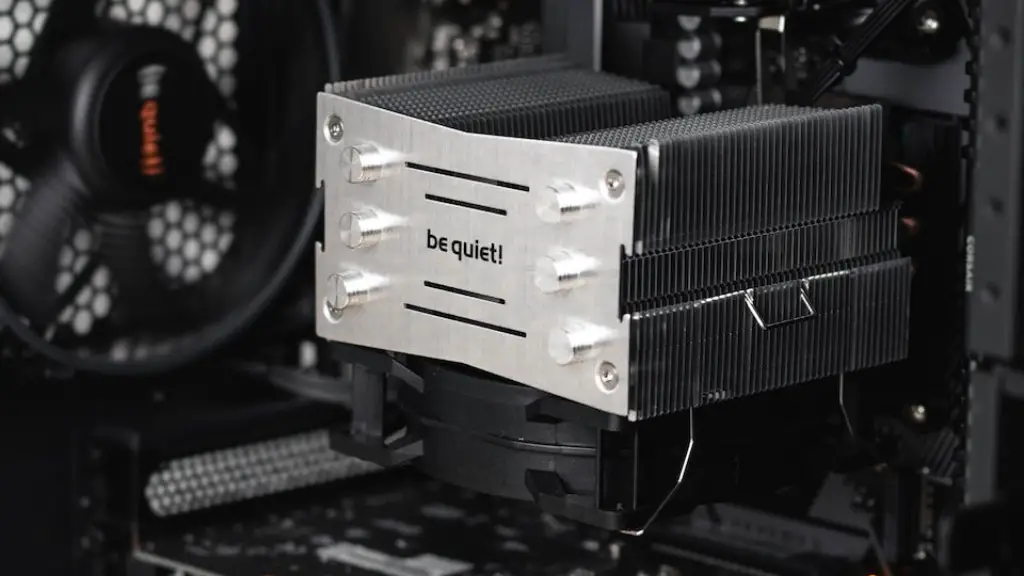
When upgrading your gaming PC, consider what parts are most important and prioritize them. For example, if you want to improve performance, look at upgrading your GPU or CPU. If you want to upgrade your storage, consider an SSD or adding more RAM. Additionally, look for discounts and deals on parts when shopping for components for your upgrade.
Finally, if you’re not comfortable with computer hardware, consider purchasing an upgrade kit. These kits often come with the necessary components and instructions to help you upgrade your system. However, make sure to do some research to make sure the upgrade kit is compatible with your system.
