
Part 1 – Why is my Gaming Laptop So Hot?
Many gamers have experienced their gaming laptops getting very hot during gaming sessions. This is often caused by the increased processing power required for playing modern games on a laptop. A gaming laptop will have a powerful processor, large RAMs and high performance graphic cards that all generate heat. This can not only make the laptop hot to the touch, but can also cause performance issues and even damage your hardware if it gets too hot. So it is important to understand why your gaming laptop might be so hot and what you can do to help cool it down.
It is important to understand that the design of a gaming laptop is different from a regular laptop. Most gaming laptops are larger, thicker and have more powerful components than a standard laptop. This means more heat can be produced and it is more difficult for that heat to dissipate. To keep the internal components of the laptop running at a reasonable temperature, the heat needs to be diverted away from the components and out of the laptop. Most gaming laptops have integrated fans and vents which do this, but it may not always be enough.
The key factor to consider when trying to understand why your gaming laptop might be getting so hot is that the laptop is likely working hard. Modern games require a lot of processing power, and this power generates heat. This is why gaming laptops tend to have powerful CPUs, large RAMs and high-performance graphics cards. These components use up a lot of power and generate a lot of heat. If the laptop is continuously running games at maximum settings, it will be generating more heat than it can easily dissipate, leading to your laptop overheating.
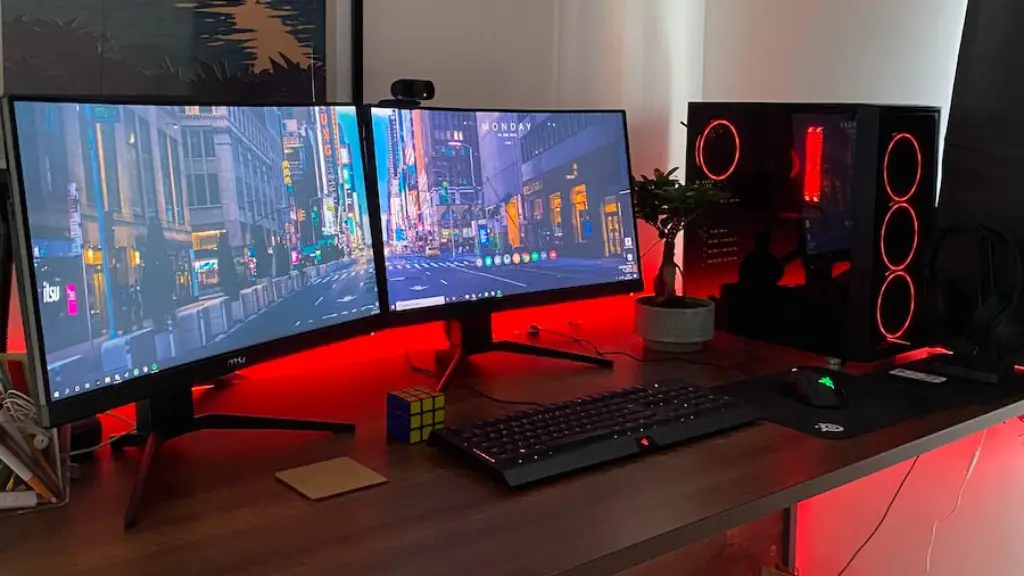
Another factor to consider is the size of the laptop. Although most gaming laptops are thicker than standard laptops, they still need to be kept relatively small in order to be portable. This means the ventilation in the laptop may not be particularly effective, and the heat generated by the components may not be able to be efficiently dissipated. Additionally, gaming laptops often have multiple screens, LED lighting and other hardware that increase their power draw, producing more heat.
Finally, one of the main causes of a laptop getting too hot is inadequate airflow. If the laptop is not adequately ventilated, the heat generated by the laptop may not be able to escape and be dissipated. This can lead to increased temperatures, performance issues and can even damage your hardware if it gets too hot.
Part 2 – Ways to Help Cool Down Your Gaming Laptop
Fortunately, there are a few simple things you can do to try and help cool down your gaming laptop. First, if you are using your laptop on a desk, make sure that it has plenty of ventilation. Ensure that the laptop isn’t sitting in direct sunlight or in an enclosed space, as this will trap the heat and stop it from dissipating. Additionally, make sure that the laptop isn’t covered by a blanket or other material, as this can stop the fans from functioning properly.
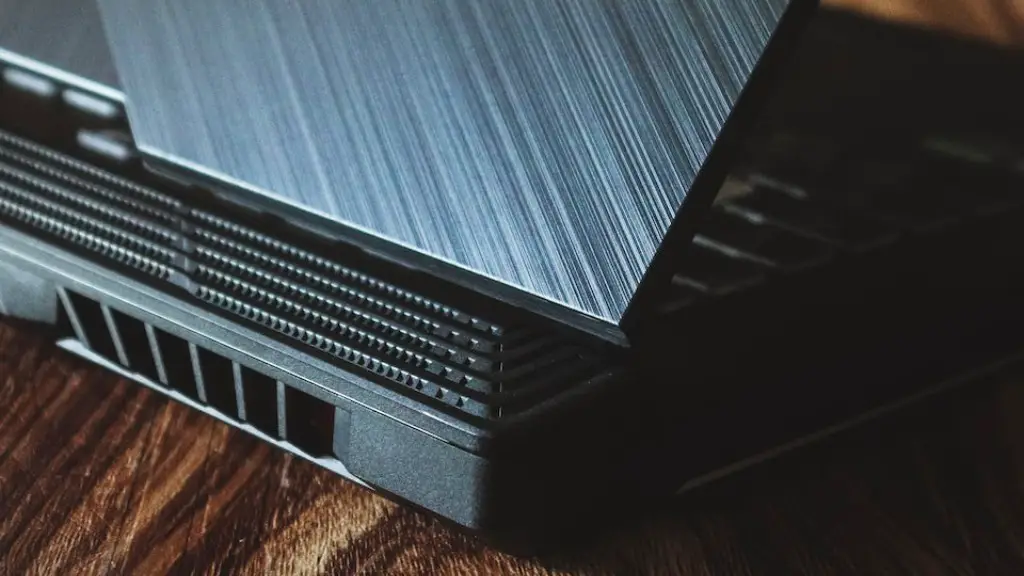
You should also make sure that your laptop is clean and dust free. Dust can act like an insulation, trapping the heat inside the laptop, resulting in it running hotter. Using compressed air is an effective way to clean out your laptop and remove any dust buildup.
Finally, adding an additional cooling pad can help to dissipate the heat away from the laptop. Most gaming laptops come with integrated cooling fans but these may not be powerful enough to keep the laptop cool. An extra cooling pad might be enough to help reduce the temperature of the laptop by a few degrees.
Part 3 – Should You Be Worried About Your Gaming Laptop Getting Too Hot?
When it comes to your gaming laptop getting hot, there are a few things you should consider. Firstly, running modern games can push the temperature of your laptop to the higher end of its temperature range. This is normal and should not cause any major issues. However, if your laptop starts to get too hot, you should take steps to help cool it down.
The main reason to be concerned about a gaming laptop getting too hot is the potential damage it can cause. If the laptop gets too hot, the internal components can start to malfunction, resulting in decreased performance and can even cause permanent damage. Additionally, some laptops may have temperature protection settings that will shut down the laptop if the temperature gets too high.
Part 4 – Diagnosing a Potential Problem
If you are worried that your gaming laptop is running hotter than normal, there are a few steps you can take to diagnose the problem. Firstly, you should check the temperature of the laptop. Most laptops will have an integrated temperature monitor that will display the temperature of the internal components. If the temperature is getting close to the maximum safe range then it might be a sign of a potential issue.
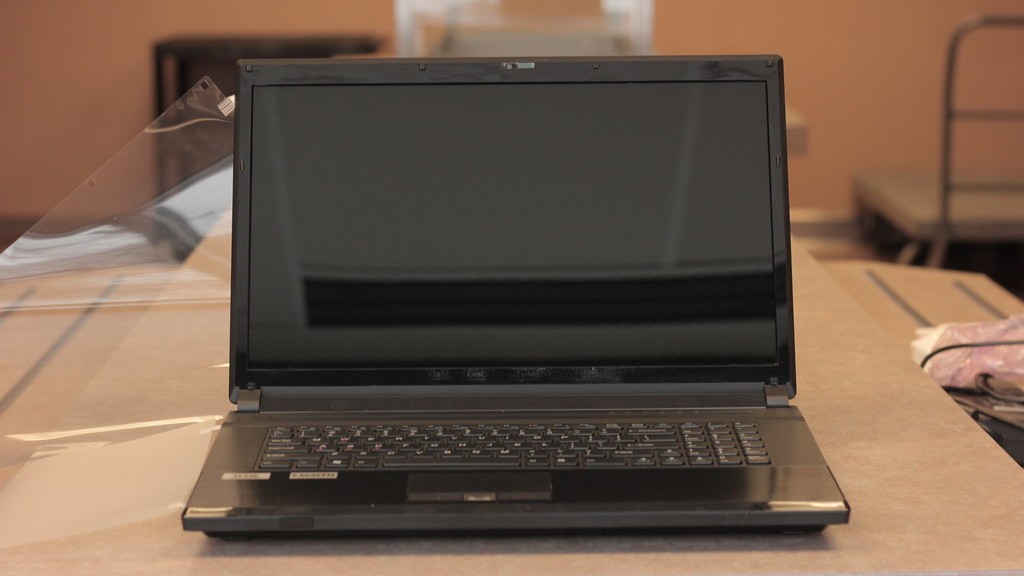
It is also a good idea to check the fans of the laptop. The fans are responsible for dissipating the heat away from the laptop so if they are not functioning properly, it may be a sign that the laptop is running too hot. Additionally, check the vents on the laptop to ensure that there is no dust build up which can restrict airflow.
Part 5 – Solutions for Keeping Your Gaming Laptop Cool
The best way to prevent your laptop from running too hot is to ensure that it is adequately cooled. This means making sure that the laptop is not covered or placed in an enclosed space. Additionally, ensure that the laptop is clean and dust free to ensure that the fans are able to function efficiently. Finally, if the laptop is still running too hot, you can invest in an additional cooling pad.
If your laptop is still getting too hot, you should seek expert advice, as this could be a sign of a more serious issue with the laptop, such as a faulty fan or a problem with the motherboard. Additionally, it is a good idea to keep an eye on the temperature of the laptop to ensure that it doesn’t exceed its safe range.
Part 6 – Playing Games at Lower Settings
One way to help prevent your laptop from running too hot is to play games at lower settings. Games can be very demanding on the hardware in a gaming laptop, so if you lower the detail and resolution of the game, it can reduce the amount of processing power required and help keep the laptop running cooler.
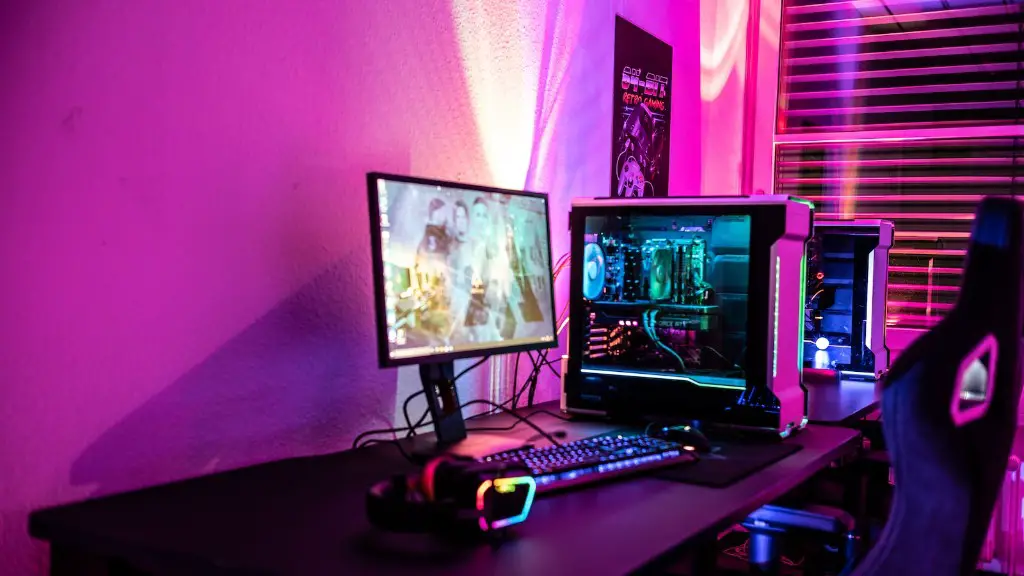
It is also important to ensure that you don’t leave games running for extended periods of time. This can put a lot of strain on the components and can lead to the laptop overheating. Instead, take frequent breaks and make sure the laptop has ample time to cool down between gaming sessions.
Part 7 – Upgrade Your Gaming Laptop
Another option that you may want to consider is upgrading your laptop to a newer model. New gaming laptops are often more powerful, but typically also more efficient, meaning they can run games at higher settings while still staying cool. Additionally, they often come with more efficient cooling systems that can help to dissipate heat more effectively.
Finally, upgrading your laptop can also help to extend its lifespan. The internal components of the laptop are more likely to last longer if they are not exposed to high temperatures on a regular basis. Keeping your laptop cool should help to ensure that it runs efficiently for longer.
