One of the most common issues that gamers face when playing video games is flickering displays. Flickering screens are not only annoying to look at, but can also be a symptom of an underlying problem. This article will look at the possible causes of why your gaming monitor may be flickering and how to resolve the issue.
A flickering display can be caused when there is a loose connection between the video signal cable and the monitor. This can cause the display to flicker intermittently or be completely unstable. To check for a loose connection, unplug the video signal cable from the back of the monitor and plug it back in firmly. If this does not resolve the issue, you may need to check the video signal cable itself for any damage.
Another possible cause of the flickering is an old or faulty video card drivers. This can lead the monitor to produce an erratic signal and cause the display to flicker. To check whether this is the case, update your video drivers by downloading the latest version from the manufacturer’s website.
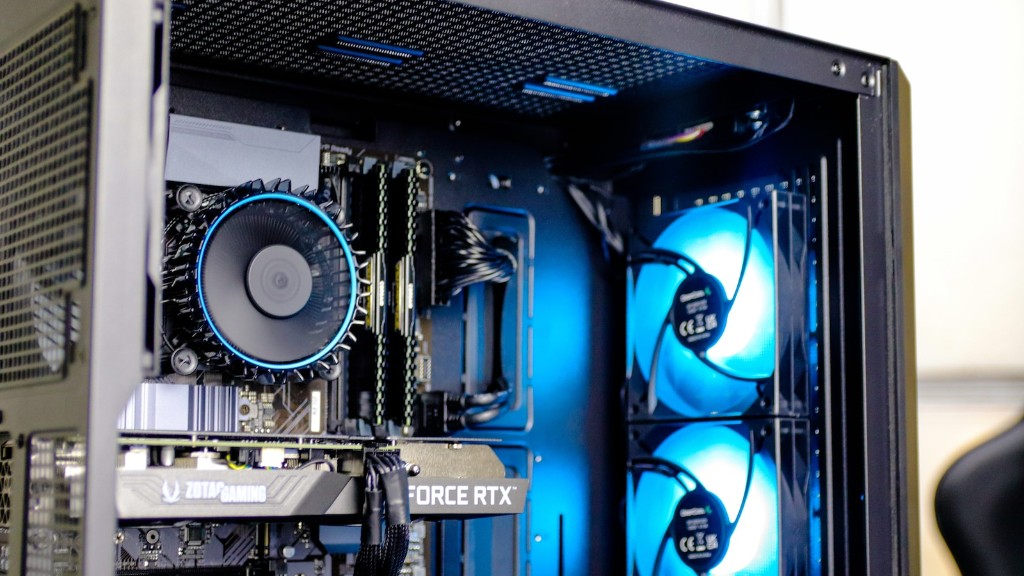
Your gaming monitor may also be flickering due to a compatibility issue between your monitor and the graphics card. Ensure that the refresh rate of your monitor matches the output of your graphics card, and also ensure that your graphics card is supported by your monitor. If your monitor is compatible, you may have to manually switch the display port to suit your monitor.
Finally, the issue may be caused by a problem with the monitor itself. If all of the above steps have failed and the problem persists, you may need to replace the monitor or seek professional help to resolve the issue.
Dust and Dirt
Dust and dirt can be a major issue when it comes to causing monitor flicker. Dust particles can accumulate around the connectors of the monitor and graphics card, which can cause the display to flicker inconsistently. Make sure to keep your workspace clean by wiping down your monitor and using compressed air to remove dust and dirt from the connectors.
Resolution Settings
Another possible cause of the monitor flickering might be due to an incorrect resolution or refresh rate setting. Make sure that your resolution settings match the native resolution of your monitor and the refresh rate is set to the maximum that your monitor supports. This can often help to resolve the issue of the monitor flickering.
Power Source
The power source of your monitor may be causing the flickering. Make sure that your power source is sufficient to run all your components, particularly your graphics card. If the power source is inadequate, this can lead to the flickering, so it’s important to ensure that all the components are correctly powered.
External Equipment
Finally, external equipment can be a major factor in causing a monitor to flicker. This includes equipment such as speakers, headphones, and gaming consoles. Ensure that any equipment that is connected to your monitor is using the correct connection and is not causing any disruption to the signal.
