Creating a gaming PC can be a daunting task, even for tech-savvy folks. With an endless number of peripherals, tools, and components, it’s easy to feel overwhelmed. However, there are a few key items you need to get started in the world of gaming PCs. In this article, we’ll cover what you need to set up a gaming PC.
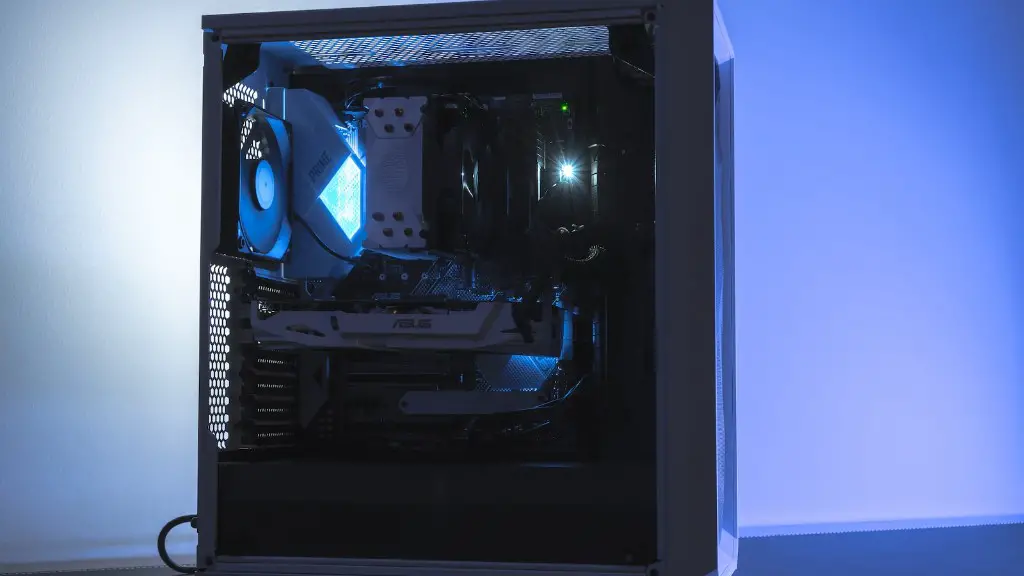
First and foremost, you’ll need a reliable gaming PC. There’s a wide range of PCs designed specifically for gaming, ranging from pre-built desktops to custom-built laptops. If you’re tech-savvy, you may opt to build your own PC. You’ll need to purchase a bevy of components, such as a CPU, graphics card, RAM, and storage. You may also need to purchase a cooling system, additional ports, and a power supply.
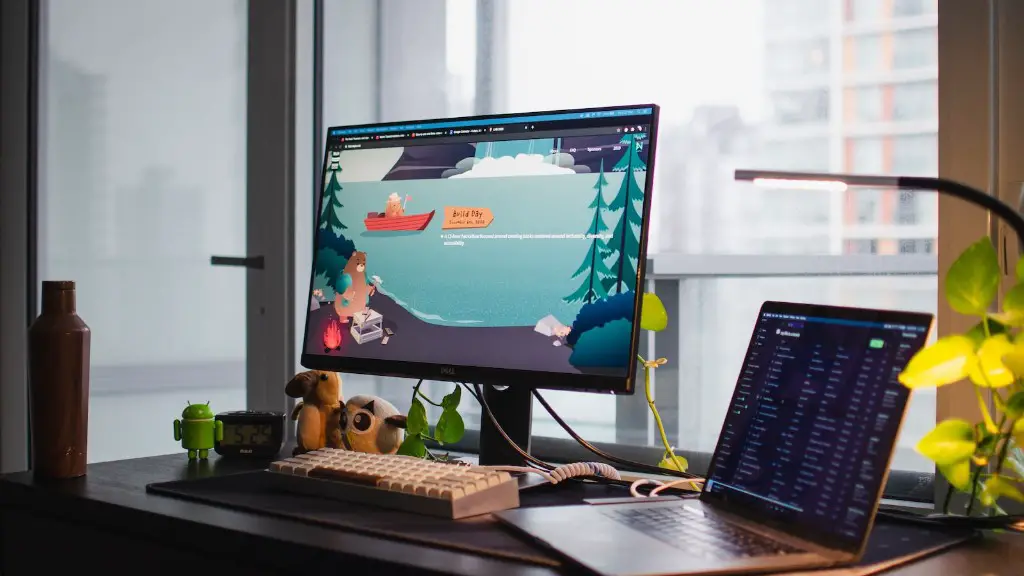
You should also look into purchasing a gaming monitor. Monitors designed specifically for gaming typically feature a higher refresh rate. This allows for better response time and smoother graphics. Make sure the monitor is the right size and resolution for the type of games you are playing.
You’ll also need a high-quality gaming headset. This should have good audio clarity, comfort, and durability. It’s important to ensure that the headset has multiple connection types, such as USB or 3.5mm jack. This is especially important if you want to use the headset for multiple devices.
Don’t forget about controllers. Many PC gamers prefer to use controllers, as they can give you an edge in certain games. It’s important to find a controller compatible with your PC. Some of the more popular consoles also have universal USB controllers available.
Finally, you’ll need a good internet connection. A fast connection is essential for playing intensive games online. Make sure you have the bandwidth necessary to handle whatever games you are playing.You should also consider investing in an Ethernet adapter if your router is far away.
Customizing a Gaming Pc
Customizing a gaming PC is an important part of getting the most out of your gaming experience. This can include upgrading components, adding custom lighting and fan controls, and installing custom water cooling. If you’re tech-savvy, you may want to undertake this project yourself. However, if you’re not comfortable tinkering with your PC, you can always hire a professional.
If you’re looking to upgrade components, you’ll want to consider a few key factors. First, consider the PC’s power requirements and make sure the components you buy can handle it. Next, choose components based on your budget and performance needs. Finally, factor in any cosmetic or aesthetic improvements you may want to make.
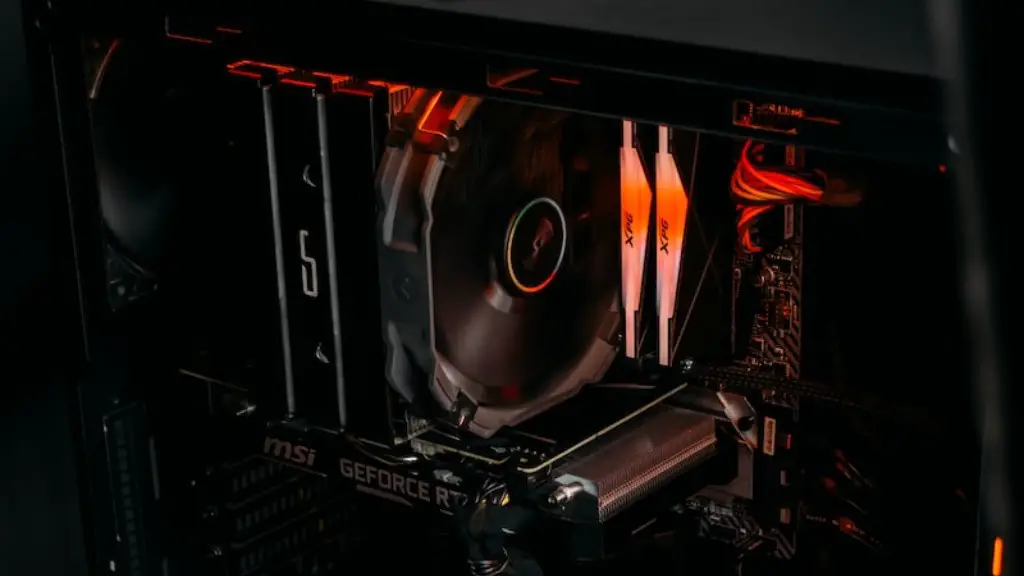
You may also want to consider installing custom lighting and fan controllers. This will help keep temperatures down, extend the lifespan of your components, and add a unique look to your setup. Make sure your setup has good airflow and a reliable cooling system.
Finally, some gamers opt to install custom water cooling for even better temperatures. This involves connecting a cooling system to the CPU, GPU, and other components. This will help keep heat levels under control and improve the overall performance of the PC.
Software Necessary
In addition to hardware, there are a few essential pieces of software needed to power your gaming rig. The first and most important is an operating system. The most popular choices are Windows and Linux, although Mac OS is another viable option. Choose the OS that best suits your specific needs.
You should also install one or more gaming launchers. These programs serve as a library for all your games, making them easier to manage. Steam and Epic Game Store are the two most popular launchers, with Uplay and Origin quickly gaining traction.
You should also invest in a good antivirus program. This will help protect your system from malicious software and cyber attacks. Make sure to pick an antivirus that is compatible with your operating system.
Finally, you should consider any additional software you may need. This could include streaming software, voice chat programs, and overclocking tools. Make sure to properly research each piece of software to ensure it fits your needs.
Peripherals
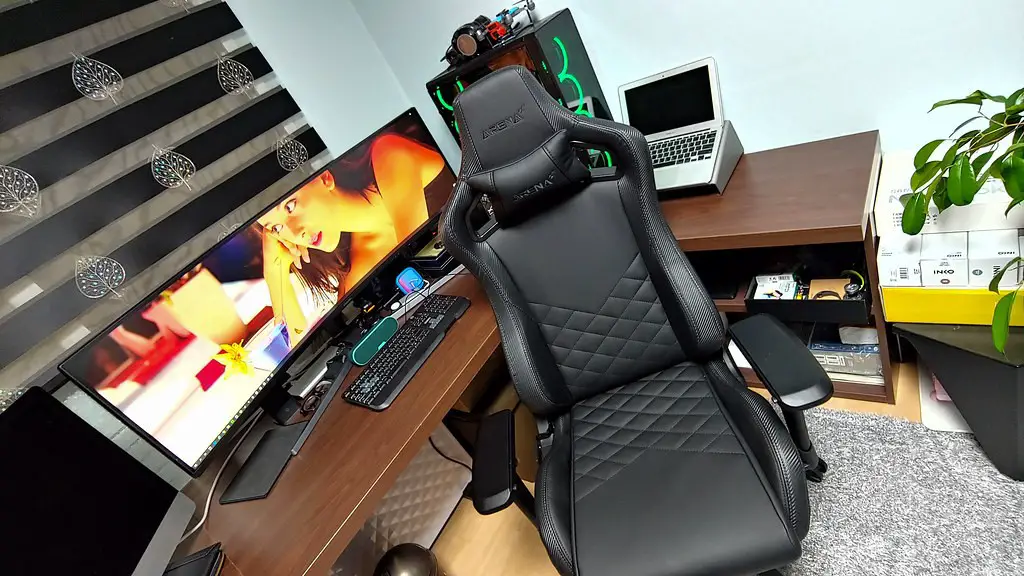
A good gaming PC is nothing without peripherals. This includes the mouse, keyboard, and gaming chair. Start by researching ergonomic mice and keyboards that can help reduce fatigue over long gaming sessions. You should also consider investing in a comfortable gaming chair, as this will help keep you comfortable during long gaming sessions.
You should also look into purchasing a controller or joystick, depending on the type of games you play. This will give you more control over your gaming and is essential for playing simulations. Make sure the controller is compatible with your PC before buying.
Finally, you may want to consider purchasing an additional monitor or two. Dual or triple-monitor setups can improve your gaming performance and give you extra immersion. Make sure your PC supports the resolution of the monitors.
Basic Tools Kit
Finally, you should invest in a basic tools kit. This will include items like a screwdriver set, wire cutters, needle-nose pliers, and tweezers. You may also want to consider investing in an anti-static mat and wrist strap. These items will help keep your PC free of static damage.
You may also want to consider purchasing some thermal paste. This will help keep your CPU and other components cool by better facilitating heat transfer. Make sure to get an appropriate amount for the number of components you have.
You’ll also want to ensure you have a reliable source of power. You’ll need a surge protector and surge bar, as they will help protect your gaming gear from power surges. If you’re playing on the road, you may want to consider investing in a laptop battery.
Conclusion
Setting up a gaming PC doesn’t have to be difficult. All you need is a reliable gaming PC, the right peripherals and accessories, and a few essential tools. Once you have all the components and software you need, you can begin customizing your gaming experience.
