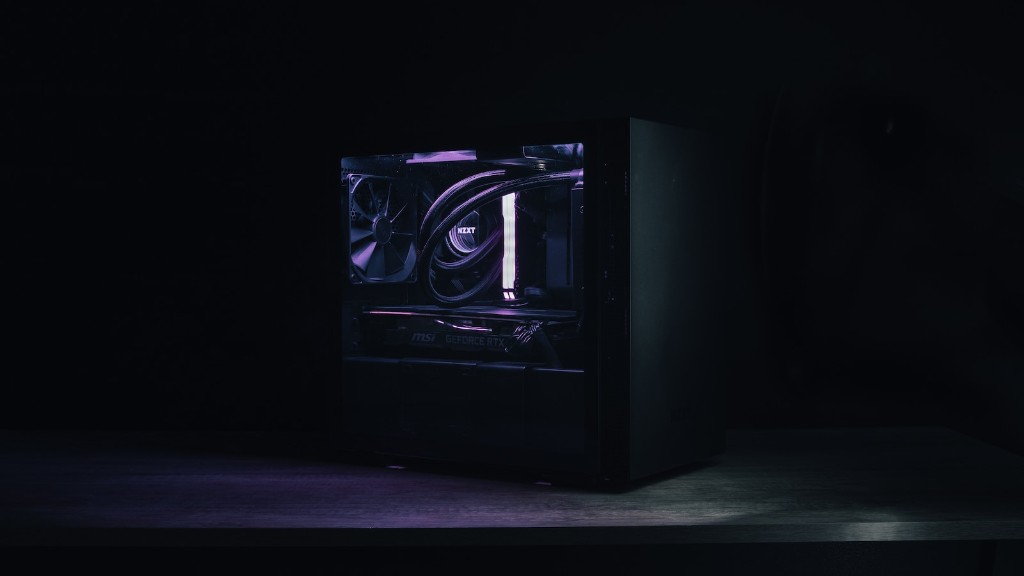
As an experienced gamer and tech enthusiast, I understand the importance of having a gaming PC. A gaming PC must fulfill certain criteria in order to be able to run today’s newest games. First and foremost are its CPU and GPU, as these are responsible for the speed and resolution of games. Next, the PC should have enough RAM to store game files and prevent game lag. The hard drive is also important, as it will hold the games and other large files, such as patches and updates. Finally, there should be a good PSU to ensure the components are properly powered.
One thing that is often overlooked when building a gaming PC is cooling. To prevent components from overheating and to reduce noise, it is essential to have adequate cooling. This could be done with custom cooling solutions, such as liquid cooling or air cooling, or with off-the-shelf fans and heatsinks. Additionally, a quality monitor is needed to get the best out of the gaming experience.
Proper input devices are essential for a good gaming experience. A gaming mouse, keyboard and headset are the bare minimum requirements for any gamer. Having a great mouse and keyboard makes a significant difference in precision and accuracy. A good headset will also ensure that sound effects and dialogue can be enjoyed more completely.
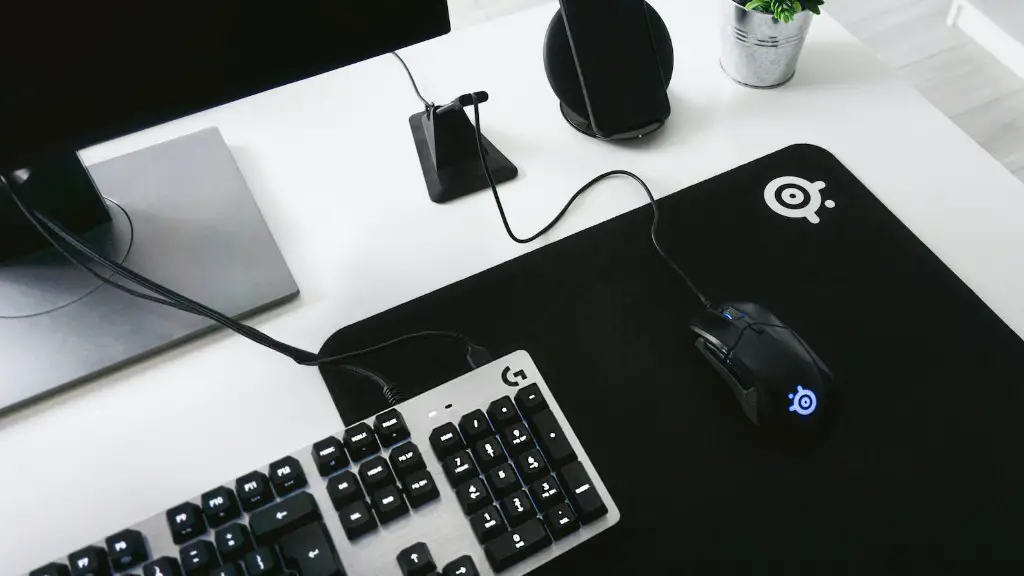
Other components, such as a gaming chair, are not essential but are worth considering. They can provide an extra level of comfort and can help to reduce neck and back pain caused by long gaming sessions. Additionally, having the right cables, such as HDMI and DisplayPort cables, ensures that the PC will be fully compatible with the associated equipment.
Finally, it is important to have a good surge protector to protect all the components from unexpected surges. This can be a lifesaver, especially if you live in an area with frequent power outages. Additionally, a UPS can be used to ensure there is no loss of power and data during an outage.
RAM
RAM is a crucial component when selecting a gaming PC. Generally, 8GB is the recommended minimum RAM for gaming purposes. However, some modern titles require more RAM as they become more graphically detailed. Of course, having more RAM will always benefit the user since it increases the speed of the PC and eases multitasking.
When selecting RAM for the PC, the user must consider its use and the type of games they will be playing. For instance, those playing lighter games such as CS:GO or popular MOBA titles usually require less RAM compared to games such as Far Cry 5. Additionally, the type of RAM must also be taken into account, with DDR4 being the current standard.
Another important factor when considering RAM is its speed. The ideal RAM for a gaming PC is usually rated at 3200MHz or higher, though 2400MHz should suffice for gaming purposes. However, it is important that the RAM is compatible with the motherboard before purchasing it.
Storage
Storage is another key component of a gaming PC. The type of storage will vary depending on the user’s needs. For example, those who mainly play online games may opt for a smaller hard drive with more space devoted to RAM and faster processors instead. On the other hand, those who play single-player offline games may need a larger hard drive with slower processors and more RAM.
The two main types of storage are solid-state drives (SSDs) and hard disk drives (HDDs). SSDs offer superior speed and performance, making them ideal for gaming. However, their cost per GB is usually higher than that of an HDD, making them less suitable for those who need more storage space but are on a tight budget.
HDDs, on the other hand, provide more space for less cost. However, they are slower and less reliable than SSDs, making them less suitable for gaming. In any case, it is important to have a reliable storage device, as this is the part of the PC that will store all the games and other important data.
Monitor
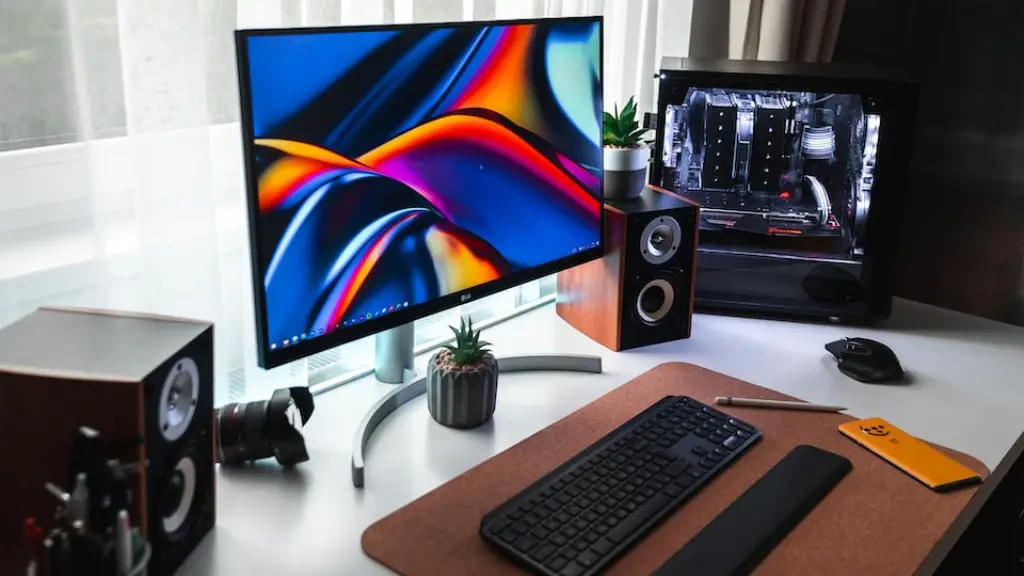
A proper gaming monitor is essential if you want to get the most out of the gaming experience. Monitors come in several types, with LED backlight monitors being the current standard. Additionally, the monitor’s refresh rate is important, as this will determine how smoothly games will run and how detailed they will be.
The ideal refresh rate is at least 144Hz, as this will allow gamers to experience smoother gameplay and less input lag. Additionally, the response time should be 1ms or less, as this reduces ghosting and blurring. Resolution is also important, as this will determine the sharpness and clarity of the images and hence the overall gaming experience.
Curved monitors are popular among gamers, as they have increased immersion and can reduce eyestrain. However, they tend to be more expensive than flat screens and usually have a lower resolution. In any case, it is important to choose the right monitor for your gaming PC, as this will determine the quality of your visual experience.
Input Devices
Having the right input devices is essential for a gaming PC. The most important device is a mouse, as this will give gamers precise control over the games they are playing. It is important to choose a mouse with a comfortable grip and enough programmable buttons to suit the users needs. Additionally, a gaming mouse should have adjustable sensitivity settings and a good sensor.
A good gaming keyboard is also important, as this is the main way of controlling the game. When choosing a keyboard, it is important to pick one with a comfortable layout and sufficient programmable keys. Furthermore, having a mechanical keyboard can provide a much more tactile and responsive experience.
Finally, a headset is essential for gaming. Good headsets will provide a maximized sound experience, allowing gamers to hear sounds more accurately and identify their sources. Additionally, headsets can significantly reduce the amount of outside noise, allowing gamers to focus more on their game and less on their surroundings.
Cooling
Cooling is an important factor when building a gaming PC. Components can overheat if they are not cooled properly, leading to reduced performance and even component failure. Therefore, it is essential to have adequate cooling if you want to get the most out of your gaming PC.
There are two main types of cooling solutions: liquid cooling and air cooling. Liquid cooling is usually preferred for overclocking and provides better cooling performance overall, but it tends to be more expensive. Air cooling is a cheaper but less effective alternative and is usually used for non-overclocked computers.
Fans and heatsinks are also important when cooling a gaming PC. Fans help to dissipate heat from components and can be used to create better air circulation inside the PC. Additionally, heatsinks can be installed on components to draw heat away from them, thus further reducing the chance of overheating.
Cables
The cables are also important when building a gaming PC. It is essential to make sure all the cables are compatible with the hardware and are properly secured. Additionally, it is important to use the right cables for the right connections. For example, HDMI should be used for monitors, while DisplayPort should be used for GPUs.
Furthermore, the cables must be of the right length. It is recommended that cables are as short as possible, as this reduces the chances of cable clutter and makes cable management much easier. Additionally, using shorter cables reduces the amount of power lost due to voltage drop, thus ensuring higher transfer speeds.
It is also important to have the right converters, such as DisplayPort adapters or HDMI to VGA adapters. This ensures that the gaming PC is compatible with a wide range of devices and that all the available ports can be used to the fullest.
Power Supply
Having a good power supply is essential for any gaming PC. It ensures that all components are supplied with adequate power and that no damage is caused due to voltage surges. When selecting a power supply, it is important that it is rated at least as high as the total wattage of the system.
Additionally, it is important to make sure that the PSU can handle multiple components. Newer GPUs, for example, can require up to three 8-pin connectors, so it is important to make sure the PSU has the required number of connectors. Furthermore, it is important to make sure the PSU has sufficient wattage for more powerful components such as multiple GPUs.
Finally, it is important to ensure that the PSU is of good quality. Poor quality PSUs can cause accidents, such as sparks and even fires, and are not as reliable as their more high-end counterparts. Therefore, it is essential to purchase a reliable, high-quality PSU if you want a safe and reliable gaming PC.
