Building a VR gaming PC is no longer an out-of-reach prospect. With the right components, you can build a rig that will deliver a smooth, immersive experience. Here’s how to do it.
First, decide on your budget. This will determine the type of components you’ll need and will help you decide if you should opt for an off-the-shelf solution. Once you’ve set your budget, it’s time to start selecting components.
Next, you’ll need to select a motherboard and processor for your VR gaming PC. When selecting these components, keep in mind that you’ll need a powerful CPU and plenty of USB ports for all of your peripherals. The motherboard should support modern technologies such as overclocking, PCIe 4.0, and USB 3.2, to ensure your system can handle the demands of VR gaming.

Now, you’ll need to choose a GPU. Your GPU is responsible for rendering the images and processing the game data. Select a GPU that is powerful enough to handle the demanding games you’ll be playing in VR. When choosing a GPU for VR gaming, look for cards with 3GB or more of VRAM.
It is important to select the right memory for your setup. Ensure you have enough RAM to meet the demands of your games and consider opting for fast DDR4 RAM. Consider opting for 16GB of RAM to ensure you have enough for your games.
For storage, you’ll need to select an SSD. An SSD is essential for fast loading times and will ensure your VR gaming experience is as smooth as possible. You can opt for an NVMe SSD for improved speeds, but a traditional SSD will suffice.
Finally, when selecting your case, consider how much space your components will require. Consider opting for an ATX tower case, as these offer the most space, allowing you to install multiple hard drives and a large graphics card.
Which VR Headsets are Compatible?
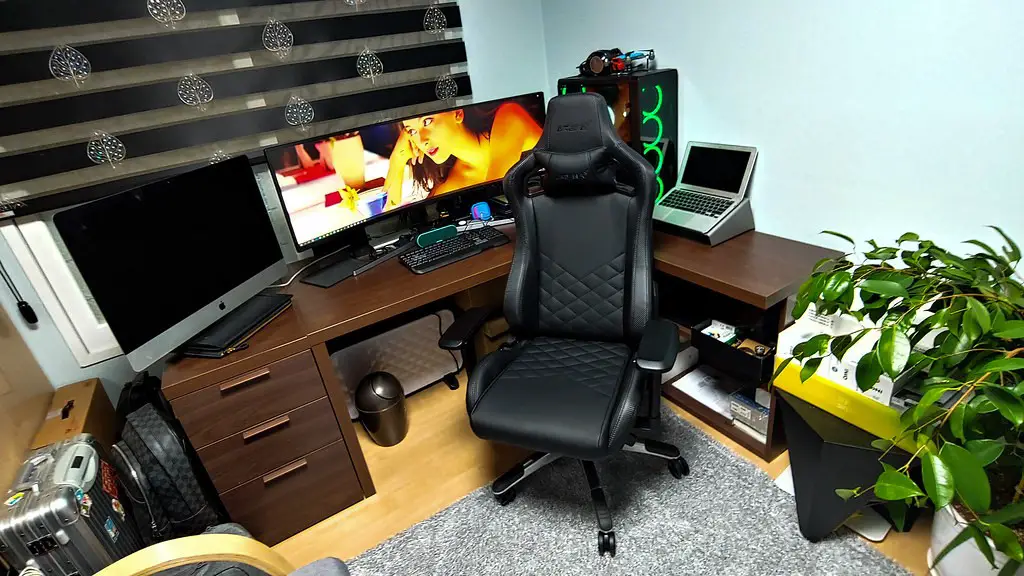
Once your rig is built, the next step is to select the right VR headset. As there are many headsets on the market, it can be difficult to decide which one to go for. Popular headsets such as the HTC Vive, Oculus Rift, and Valve Index are all compatible with PCs, thanks to the modern technologies available in modern rigs.
When selecting a headset, be sure to check for compatibility with your rig as some headsets require specific components to be installed. Additionally, consider the tracking technology each headset offers, as different headsets use different technologies for tracking motion.
Once you’ve selected the right headset, you’ll need to connect the necessary cables to your PC. Each headset will have its own set of cables that need to be connected to the motherboard, GPU and other components.
Once everything is connected, you’ll need to set up the headset. With headsets such as the Oculus Rift, this can be done quickly using the Oculus app. This will involve installing the drivers, setting up the controller and calibrating the headset.
Which VR Games Should I Play?
With your rig and headset ready, it’s time to start exploring the world of VR gaming. Popular titles such as Half-Life: Alyx, Boneworks, and Beat Saber offer a truly immersive gaming experience and are a great place to start.
The range of available games is constantly increasing, with new and exciting titles released regularly. If you’re looking for some inspiration, there are many websites that feature reviews and tips for VR gaming. You can also check out YouTube for gameplay videos to get a feel for the game.
Many games are also available for free on Steam, so it’s worth checking for demos before deciding to purchase a title. This will give you a taste of what the game has to offer before committing to it.
Finally, always check the requirements of each game to ensure your PC will be able to run it. Some more demanding titles may require a more powerful rig than yours to provide an optimal experience.
Using Reverb Technology For VR Gameplay
Reverb technology is a popular option for gamers looking to get the most out of their VR experience. This allows gamers to experience realistic dealing, with realistic textures and sounds. Reverb technology makes the experience more immersive by simulating the wind, the sound of footsteps, and other environmental sounds.
Reverb technology requires specific components to be installed in your PC and compatible headsets. Once everything is in place, you’ll need to download the required software to enable these features.
Though it is not essential, Reverb technology is a great way to enhance your VR gaming experience. Many headsets now offer this option, so if you’re looking for the most realistic experience, this is the way to go.
Using Other Peripherals
You may also want to consider investing in some additional peripherals to enhance your VR gaming experience. Haptic controllers such as the Oculus Touch or Vive wands allow you to further immerse yourself in the game. Consider also investing in a haptic suit or a treadmill to give you that extra level of control.

Another great way of enhancing your experience is to purchase a special gaming chair. These chairs can provide motion feedback and increase immersion by simulating movement in the game. They are an expensive investment but can greatly improve your gaming experience.
Finally, consider investing in a good set of headphones. This will ensure you hear all the subtle environmental effects and will make the games sound more realistic.
Optimizing Your VR Setup
Finally, it is important to optimize your setup and make sure all the components are properly configured. Make sure your GPU and CPU are running at the correct speeds and that the headset is configured correctly. This will help ensure your games are running smoothly and without glitches.
Additionally, make sure to keep your system up to date with the latest drivers and software. This can be done by using Windows Update or manually downloading the necessary updates. This will help keep your system running smoothly and help prevent any issues.
It is also important to keep your software and games up to date with the latest patches and updates. This will help ensure the games are running as smoothly as possible and enable you to enjoy the games with minimal issues.
Finally, remember to back up your data regularly. This will protect your system from any unexpected errors or crashes and ensure you don’t lose any valuable data.
