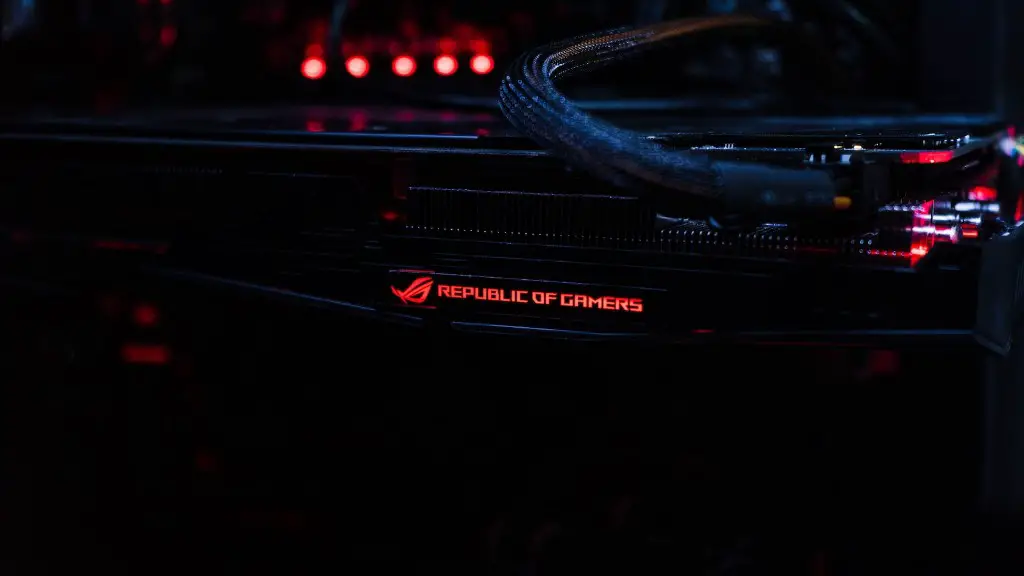
Good gaming performance demands a PC that can keep up with the demands of recent and upcoming games. Since many PC gamers upgrade their hardware on a regular basis, this can be a costly endeavor. However, with a few tweaks and a few new parts, it’s possible to convert a regular PC into a gaming PC without shelling out too much money.
The first step towards transforming a normal PC into a gaming PC is to upgrade its components. You should begin by upgrading the graphics card, CPU processor and RAM. A dedicated graphic card such as NVIDIA or AMD Radeon R9 290X is perfect for fast-paced games, and a powerful processor such as Intel Core i7-6700K is ideal. Additionally, 8GB or more of RAM is recommended.
Another important component that needs to be upgraded is the storage device. A solid state drive (SSD) is far faster than traditional hard disks and it can greatly improve the loading speed of games. It’s also wise to invest in a monitor with a high refresh rate, and a controller with buttons and analog sticks that one is comfortable with. A gaming-style mouse and keyboard, with additional macro keys and a gaming mouse pad can also add to the gaming experience.

It is also important to manage the cooling system, as PCs tend to overheat during intense gaming sessions. You should clean out any dust and other debris from your system’s fans, or replace them if necessary. Investing in an aftermarket CPU cooler can also help to keep the system temperature down, as well as additional case fans. Water cooling is an increasingly popular option that can help keep temperatures low, and it can be easily set up using radiators and liquid cooling solutions.
Lastly, it is also important to have a reliable internet connection and to invest in a gaming headset for optimal gaming experience. Gaming require minimum latency when playing online and a stable internet connection is thus essential. A gaming headset will ensure that communication is clear and can also help immerse one into the game.
Choosing The Right Games
Once the hardware of the PC is up to par, it’s important to find the right games to play. Not all games require the same level of hardware and it’s important to research each title before purchasing. To make the most of the hardware, pick games that are good-looking, highly detailed and relatively up to date.
High-end games such as Last of Us and the Witcher 3, require powerful hardware to run at peak performance. On the other hand, there are also many games that are relatively easy on the hardware, such as the Grand Theft Auto series. Whether one is looking for intense action or casual gaming experience, researching each game can help create an optimal gaming experience.

It is also important to consider the gaming platform one is using. Some games may run better on Windows, while others may be exclusive to Xbox or PlayStation. Many games nowadays have support for cross-platform play, allowing one to continue the same game across different devices. Depending on the games one wants to play, investing in a console might be the better option.
Finally, taking advantage of free to play games can also help save money and make the most of the hardware. It’s always best to check out a game before purchasing It. Free trials are commonly available and can help determine if a game meets the user’s preferences.
Putting Together The Components
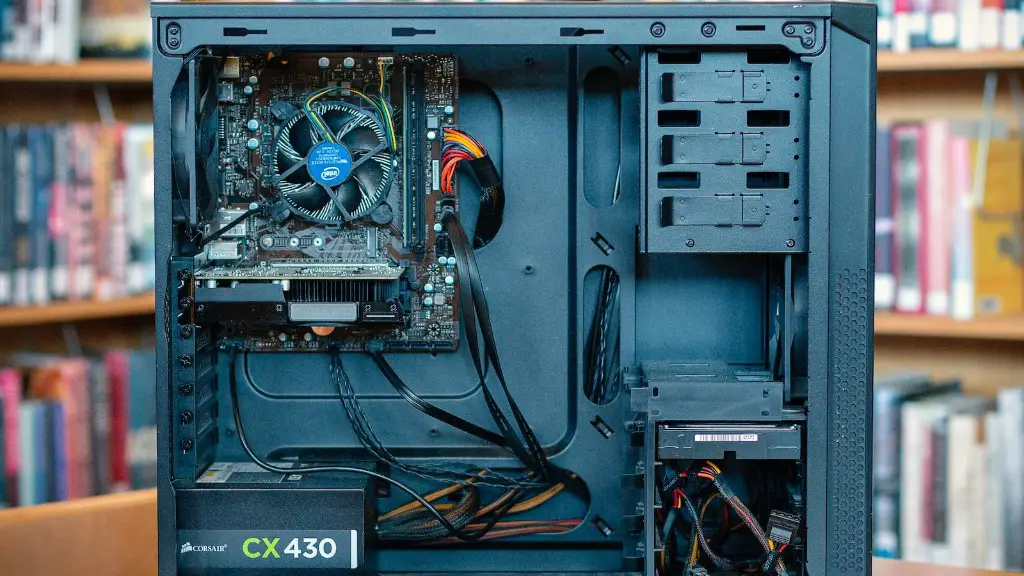
After the components have been purchased and shipped, the next step is to put them all together. To reduce confusion, it is recommended to start by installing the essential components such as the motherboard, RAM, processor and power supply. When connecting the components, it is a good idea to refer to the manufacturer’s instructions and to refer to a tutorial, in case of confusion.
Once the essential components are in, it is time to install the SSD and the graphics card. Before inserting the graphics card, it is important to check the type of PCIe slot it requires, as well as the power requirements. It is also important to double check every connection before booting up the system for the first time. If everything is in order, the system should boot up without any issues.
After the system has booted successfully, it is important to run the latest drivers and software updates. Depending on the operating system, updates are installed automatically or one can manually install them from the OEM website. Keeping the system up to date will ensure maximum performance and stability.
Finally, before booting up any games, it is important to check the temperatures and performance of the system. The best way to do this would be to use the benchmarking tools provided by major vendors. Doing this will give a feel for how the system performs and will help to identify any possible issues.
Tuning The System
Once the system has been set up, the next step is to fine tune the PC for optimal gaming experience. The most important setting that needs to be configured is the in-game graphics settings. Some games may not allow users to adjust the graphics settings, while others might. Depending on the system, the graphics settings can greatly affect the game’s performance.
Another factor that can greatly improve the gaming experience is the game’s resolution. While most games are designed for a 1080p resolution, it is possible to set a higher resolution. However, one needs to make sure that the system’s hardware is up to the requirements before attempting it, as it can cause a performance drop.
It is also a good idea to enable VSYNC or Adaptive VSYNC for smoother gaming experience. However, it is important to note that it can greatly reduce the GPU’s performance. If VSYNC is not enabled, tearing might occur when the frame rates dip below the monitor’s refresh rate.
Finally, it is also important to configure the game’s audio settings. This can depend on the type of external speaker or headphone one is using. Generally, it is best to pick a setting that offers the most immersive experience, while still being comfortable to listen to.
Making Use Of Modifications
Finally, it is also possible to make use of modifications to improve the game’s experience. Mods are generally pieces of user-created content that modify the base game in some way. While these mods can be risky and potentially malicious, some of them might add gameplay value such as better textures or new features.
It is important to note that certain games may not be as moddable or have official modding tools. However, many popular games such as Skyrim have well-established modding communities, offering hundreds of user-generated content for the game. Mods can often make the game look stunning and may even breathe life into an older game.
While user-created mods can sometimes cause problems, official Game Workshop mods offer the same benefits without the risk of causing issues. These mods generally require an additional download and might be sold at a price. In some cases, they can even grant access to premium content or additional levels.
Furthermore, official mods may even be offered as part of the game’s Season Pass. These official expansions grant access to a variety of different content, ranging from cosmetic items to additional levels or game modes. These expansion packs can greatly increase the longevity of a game and add to the gaming experience.
Managing Expectations
While it is possible to transform a regular PC into a gaming PC with the right components, it is important to manage one’s expectations. It is unreasonable to expect a regular PC to handle the latest games at maximum settings, and one should adjust the settings accordingly.
It’s also important to keep in mind that gaming PCs come with an additional overhead. This is mainly caused by the extra components in the system, such as extra fans or water cooling systems. Additionally, gaming PCs also tend to use more power, resulting in higher electricity bills.
Lastly, it is important to remember that the components used in the system have a limited lifetime. Depending on manufacturer and usage, components such as graphic cards and CPU processors can begin to degrade after a few years of use. This can be easily prevented by following the manufacturer’s updates, as well as good PC maintenance.
In conclusion, it is possible to transform a regular PC into a powerful gaming machine by upgrading the components and making use of mods. However, it is important to do proper research and to manage one’s expectations, as the latest games still require very powerful systems to run at peak performance.
