
Keeping a gaming PC running at its best requires careful setup and regular maintenance. From the operating system to hardware and software, optimising a system for gaming requires a few specific steps. To maintain a gaming PC efficiently, here are some tips to help get the most out of it.
First, check the settings of any games you’re running. Many games come with preloaded settings which can adversely impact the performance of your gaming PC. These settings can be modified to optimise the performance of the game and the system in general. To improve loading times, lower the amount of RAM used by the game and turn off any animations, textures and sounds that may be taking up too much processing power.
Second, keep the system clean. Dust can accumulate in the ventilation system and cause the components to overheat. Make sure to keep the system free of dust, and consider investing in a dust filter to prevent dust from accumulating too quickly. Additionally, keep an eye on the temperature of the components, as overheated components can cause the system to run slower.

Third, stay up to date with the latest updates. Operating systems and drivers must be kept up to date to ensure maximum performance of the system. Likewise, games should be updated to the latest version whenever possible. Along with the latest updates, make sure to scan for malware and threats. Regularly scanning for malware and keeping the system secure goes a long way towards keeping the system running at its optimum speed.
Fourth, keep the hard drive clean and defragmented. Regularly emptying out the temp folder and clearing out your browser cache is essential. Also, keep the hard drive defragmented, as fragmented files can cause the system to run slower. Additionally, backups must be made regularly to protect all the important data stored on the device.
Fifth, invest in the right hardware. Investing in the right hardware and components is essential in keeping a gaming PC running at its best. Invest in quality components and hardware, as inadequate hardware can cause the system to run slower. Also, investing in an SSD can greatly reduce loading times, as well as improve the overall performance.
Finally, optimise the system settings. To get the most out of the system, manually adjust the settings to get the most performance out of the system. Consider adjusting the power settings of the operating system, lowering the graphics settings of the game, and disabling any processes that may be taking up too much processing power. Additionally, disable any programs running in the background that are not needed.
Improving Games Performance
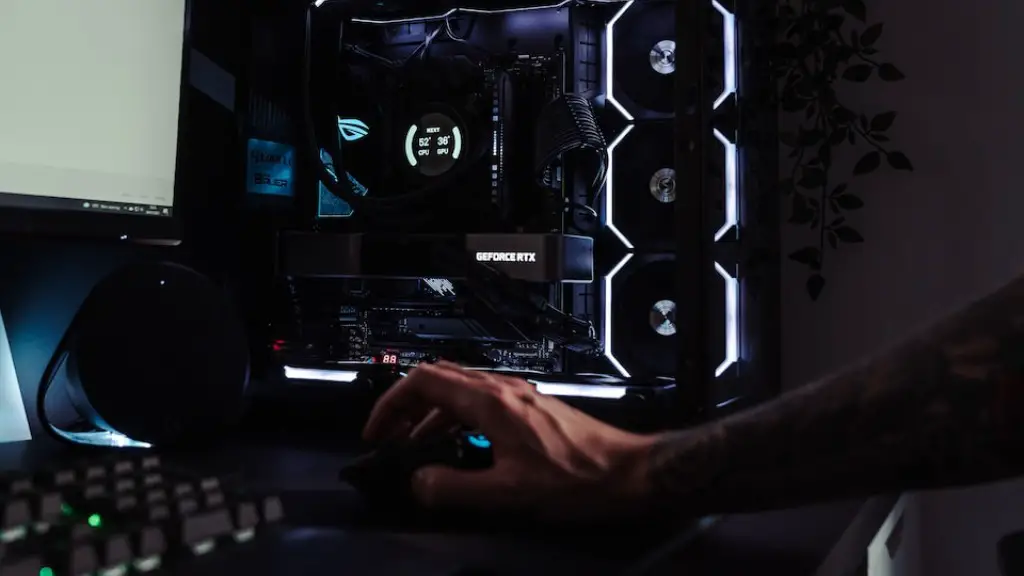
Game performance can be greatly improved by tweaking the graphics settings and optimising the system. For example, lowering the resolution of the game can significantly improve the performance. Additionally, disabling any features or animations that are not needed can help reduce the system’s load and improve the game’s performance. Furthermore, disabling unnecessary processes or applications that are running in the background can also improve the game’s performance.
Upgrading the hardware can also have a huge impact on the game’s performance. Investing in a quality graphics card can help improve the performance of the game. Additionally, adding more RAM can help reduce loading times and improve the overall performance of the game. Lastly, investing in an SSD can also significantly reduce the loading times.
Finding The Right Updates
Maintaining the system and keeping it up to date is essential in order to get the most out of the system. To find the latest updates, search for the update for the game or the operating system. Updates for other applications and programs should also be checked and updated if necessary. Along with this, the drivers should also be regularly checked for updates. When looking for driver updates, make sure to check the manufacturer’s website or use a trusted third party source.
It is also important to check for any new updates that may have been released as they can help to improve the performance significantly. New updates may contain bug fixes, improved graphics, better performance and more. Additionally, new updates that are released may also bring support for new technologies, enabling the user to use the latest features of the game.
Optimising Settings
Many settings can be tweaked to improve the performance of the system. This can include disabling any unnecessary processes or programs running in the background, as well as adjusting the Power Settings of the device. Additionally, the graphics settings of a game can be manually adjusted to optimise the system for the game. Other settings such as the anti-aliasing and vertical sync can also be tweaked to improve the performance of the game.
Furthermore, overclocking the processor and GPU can also have an impact on the performance of the system. However, it is important to be careful when overclocking as it can have an adverse effect on the system. Additionally, overclocking the GPU can also increase the temperature of the GPU, so it is important to make sure to keep the system cool.
Conducting Regular Maintenance
Regular maintenance is the key to keeping the system running at its best. This includes clearing out any unnecessary data, scanning for malware and threats, checking for updates, and cleaning out the hardware. Additionally, cleaning the dust out of the system should be done regularly to prevent the system from overheating. Above all, it is important to take regular backups of important data to ensure it is safe from any potential issues.
It is also important to make sure that any redundant data is removed from the system. Redundant data can take up a lot of unnecessary space and can slow the system down. It is also important to check the system for any errors or corrupted files and fix them accordingly. Additionally, tools such as the Windows Disk Defragmenter can be used to help optimize the system performance.

Lastly, monitoring the system performance is essential. This can be done by monitoring the temperature of the components and ensuring that the system is running at its optimum temperature. Additionally, monitoring the CPU, RAM and GPU can help identify any possible issues and help to optimise the performance of the system.
